1.Vivint

4.4/5(39,263 reviews)
Customers Say
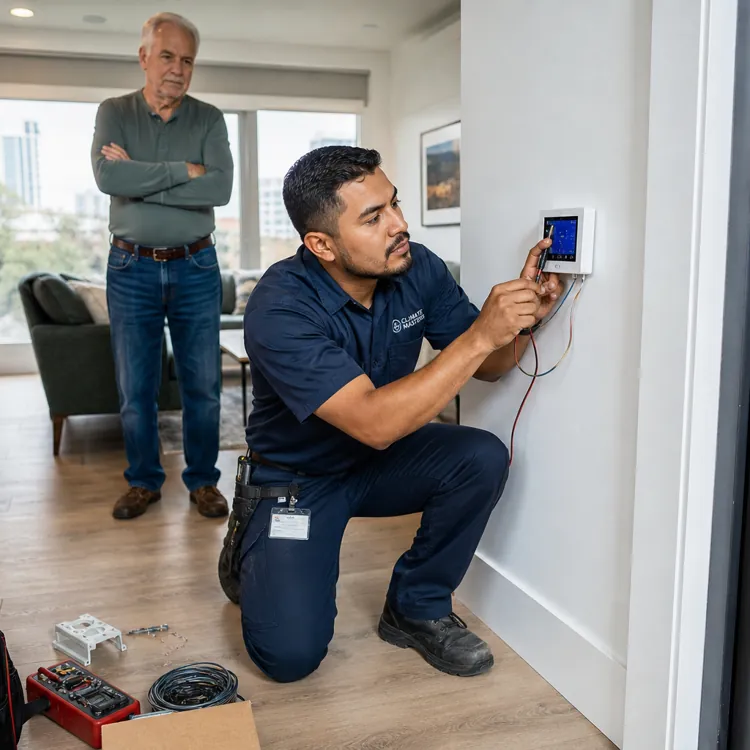
Vivint reviewers describe installers as patient, knowledgeable and respectful, praising how clearly they explain the system and answer questions.
How ConsumerAffairs uses cookies
This website utilizes technologies such as cookies to enable essential site functionality, as well as for analytics, personalization, and targeted advertising. To learn more, view the following link:
Partner Disclosure
Theft Protection Guarantee: Customer may receive reimbursement of up to five hundred dollars ($500) of Customer’s homeowner’s insurance deductible (if any) if, and only if, ALL requirements for Theft Protection Guarantee are met to ADT’s reasonable satisfaction. Requires purchase and continual monthly payment of professional monitoring from the time of original activation to be eligible. Customer must request reimbursement within 60 days of property loss. Request must be mailed to ADT and include: Theft Protection Guarantee certificate signed by Customer, a letter from Customer requesting reimbursement, a copy of the police report, and a copy of the accepted insurance claim. ADT reserves the right to reject any application for reimbursement that does not comply with all of the requirements.
ADT Money-Back Guarantee: Money-back guarantee only applies after ADT has made attempts to resolve a system-related issue and has not been able to resolve that issue within the first six (6) months of your original activation. Requires purchase and continual monthly payment of both QSP (Quality Service Plan, ADT’s extended limited warranty) and professional monitoring from the time of original activation. ADT Money-Back Guarantee is not transferable. Equipment must be returned before a refund will be processed. Conditions preventing normal system operation cannot be caused by the customer.





Our overall pick for the best home security system is Vivint for its integrated smart-home security experience, professional installation and 24/7 monitoring. We also selected ADT for its value, which includes flexible setup options and transparent pricing, and Vector Security for its customer service, especially for homeowners who prefer local branch support.
Why trust ConsumerAffairs?
Our editors, fact-checkers and moderators work to uphold standards for accuracy, transparency and trust.
Our editorial standards
Our review standards
Check out our top picks for home security systems, summarized from thousands of verified customer reviews, so you can compare them at a glance.
Vivint reviewers describe installers as patient, knowledgeable and respectful, praising how clearly they explain the system and answer questions.

Customers say ADT is dependable and reasonably priced, calling it a good value given its quick technician response and longtime, trusted reputation.

Vector Security reviewers praise technicians for quick, professional installations and clear explanations of the equipment and mobile app.
Customers Say summaries are AI generated by analyzing verified customer reviews over the last year.
The ConsumerAffairs Research Team compared 32 popular home security companies on recent customer reviews, available features, costs and other factors. Our top picks may be Authorized Partners that compensate us, but this does not affect our recommendations or evaluations. Read our full methodology for more details on how we make home security recommendations for this guide.
Compare our picks for the best home security companies:
| Company | Customer rating | Our pick for | Starting equipment costs | Monitoring fee | Smart home compatibility | Camera options | Installation | Contract term | System type | Financing | |
|---|---|---|---|---|---|---|---|---|---|---|---|
 Vivint | Get a Quote | 4.4
39,263 reviews
39,263 reviews
| Best overall | $199 or $599 | $24.99 to $59.99 per month | Google Home, Google Nest | Indoor, outdoor and doorbell | Professional | 1 to 60 months | Wireless |  |
 ADT | Get a Quote | 4.1
21,578 reviews
21,578 reviews
| Best value | $199 | $24.99 to $59.99 per month | Alexa, Amazon Echo, Google Home | Indoor, outdoor, doorbell and floodlight | Professional or DIY | 1 to 36 months | Wireless | |
 Vector Security | Learn More | 3.7
15,780 reviews
15,780 reviews
| Best customer service | About $680 | $44.95 to $69.95 per month | Google Home, Siri, Alexa, Amazon Echo | Indoor, outdoor and doorbell | Professional | 36 months | Wired and wireless | |
Partner Disclosure
Theft Protection Guarantee: Customer may receive reimbursement of up to five hundred dollars ($500) of Customer’s homeowner’s insurance deductible (if any) if, and only if, ALL requirements for Theft Protection Guarantee are met to ADT’s reasonable satisfaction. Requires purchase and continual monthly payment of professional monitoring from the time of original activation to be eligible. Customer must request reimbursement within 60 days of property loss. Request must be mailed to ADT and include: Theft Protection Guarantee certificate signed by Customer, a letter from Customer requesting reimbursement, a copy of the police report, and a copy of the accepted insurance claim. ADT reserves the right to reject any application for reimbursement that does not comply with all of the requirements.
ADT Money-Back Guarantee: Money-back guarantee only applies after ADT has made attempts to resolve a system-related issue and has not been able to resolve that issue within the first six (6) months of your original activation. Requires purchase and continual monthly payment of both QSP (Quality Service Plan, ADT’s extended limited warranty) and professional monitoring from the time of original activation. ADT Money-Back Guarantee is not transferable. Equipment must be returned before a refund will be processed. Conditions preventing normal system operation cannot be caused by the customer.

Jump into our guides and start learning
A home security system can cost far less than the average burglary loss, and visible signs of a security system may help deter some intruders. You can typically choose equipment like video doorbells, indoor and outdoor cameras, glass-break sensors and motion detectors, and many companies also include yard signs and window stickers.
When comparing systems, consider the potential financial impact of replacing stolen property alongside the added peace of mind. But know that even some of the top-rated home security companies get negative customer feedback regarding their cancellation policies, so it can help to look for companies that offer a free trial period or a money-back guarantee.
Basic systems cost $300 to $600 upfront, and monitoring fees range from $10 to $65 per month.
Jump to insightDecide if you want professional monitoring before you pick a home security system.
Jump to insightHome security systems deter burglars, alert authorities and provide peace of mind.
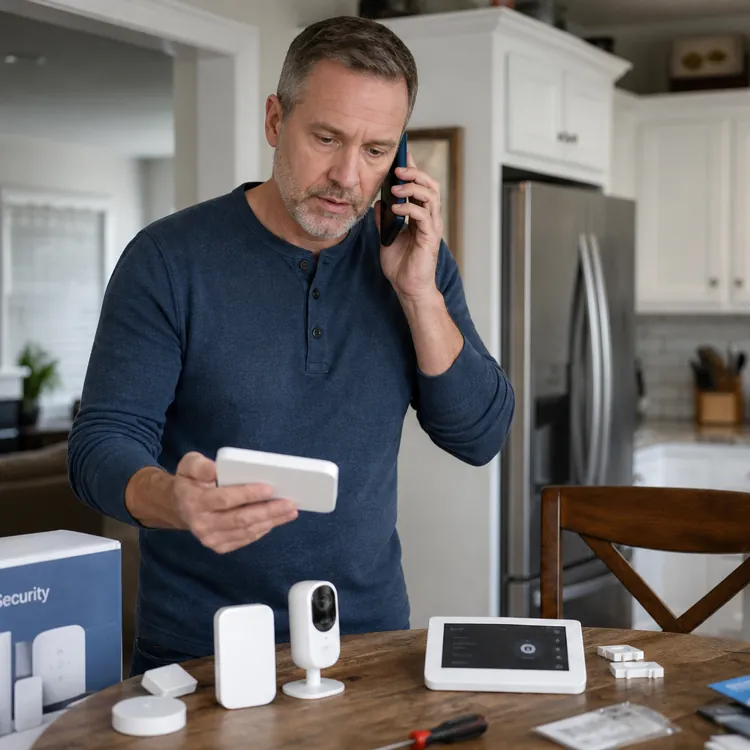
Jump to insightHome security systems work by allowing you to monitor your home with equipment such as cameras, window and door sensors, smart locks and motion detectors. If you buy all of your equipment from one company, it’ll typically be connected to a base station and controllable via a wall-mounted control panel and a mobile app.
Monitoring through a mobile app
Many security companies’ monitoring packages also come with a mobile app that integrates smart-home automation features. You can use the app to self-monitor for emergencies and control household items like smart lights and smart locks.
Some of the types of home security systems available include wired and wireless systems, professional and DIY systems, and monitored and unmonitored systems.
You can generally choose from DIY or professionally installed home security systems, though not every company may offer both. The best choice for you depends on your budget, home size and how much setup you're comfortable with.
| DIY installation | Professional installation | |
|---|---|---|
| Installation fee | No fee | Typically $100 to $600 |
| Setup | Faster setup, but requires some technical work | Minimal effort with expert installation and support |
| System design and flexibility | Easy to expand a system or move it to a new home | Customized system design and placement |
| Monitoring | Self-monitoring or professional monitoring | Professionally monitored |
| Best for | Apartments and smaller homes | Larger or multistory homes |
Home security system costs can include upfront equipment and setup charges plus monthly fees if you want monitoring services. A basic security system usually costs between $300 and $600 to set up, though costs may exceed $1,000 for a top-of-the-line system with many devices. Some of the cheapest home security systems start at under $100 ($0 if you finance your equipment costs), with monthly fees of around $10. Monitoring costs typically range between $10 and $65 per month.
Note that monthly fees can vary based on the type of system you have. For example, monitoring for a system with smart video capabilities costs more than monitoring for one without a camera. Some companies offer free or discounted equipment as long as you commit to paying monitoring fees for the long term.
Some additional cost factors to consider include installation, activation, local alarm permit and termination fees.

To choose a home security system, think about your home and what it will take to protect it from intruders. For example, someone who lives in an apartment building will have different equipment needs than someone who lives in a large house.
If you have a large house, make sure your Wi-Fi is strong enough to reach devices in every room. If it’s not, consider getting a wired system or installing Wi-Fi boosters to strengthen your signal.
Choosing a system
To help you choose a system, consider:
- If you want a professionally monitored system or an unmonitored system
- What current customers say about a company online
- If you want professional or DIY installation
- If you want a wired or wireless connection
- If you’re willing to sign a long-term contract
Professionally monitored home security systems connect to response centers that dispatch emergency responders when an alarm is triggered. With an unmonitored system or a self-monitored system, there’s no monitoring center watching for an alert from your security system. Your alarm will still make a noise when triggered, but it’ll be up to you to contact first responders.
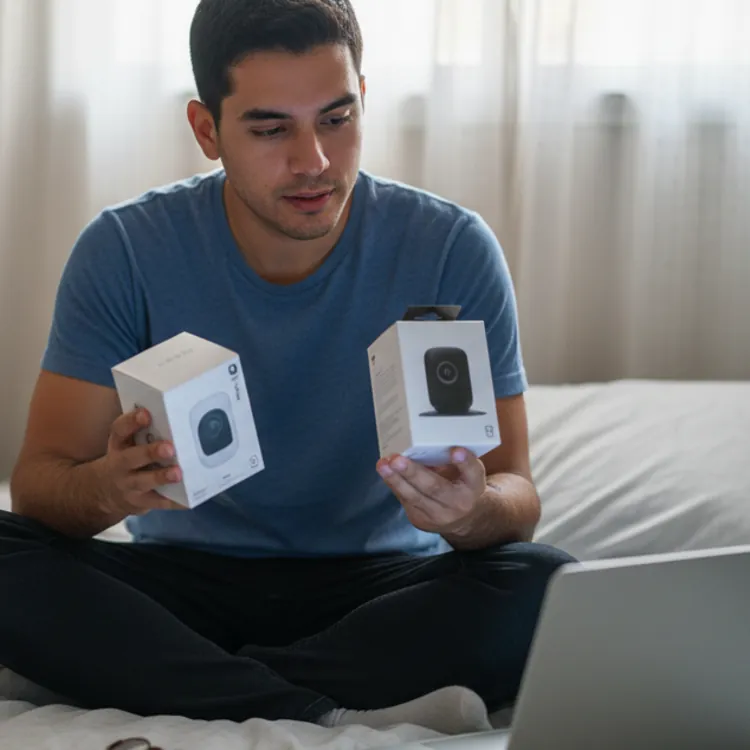
Reading customer reviews is the best way to find out what to expect from a company before you sign up for service. By reading home security service reviews, you can learn more about a company’s monitoring operators, installation technicians and customer service representatives.
While occasional issues with equipment or connectivity are normal, look out for patterns of complaints about unexpected charges, hard-to-cancel contracts, equipment issues and poor customer support.
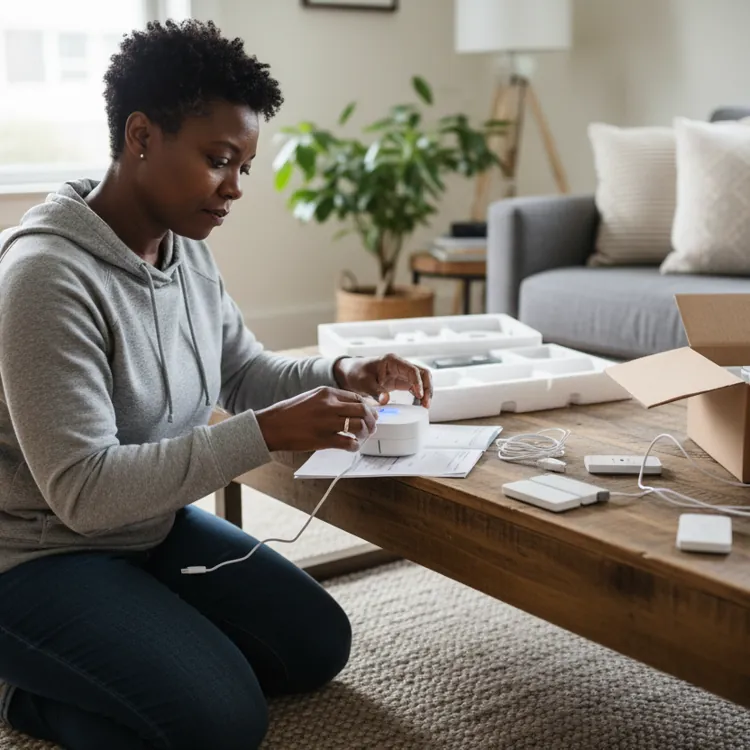
Home security systems generally come with professional or DIY installation, though not every company offers both. If you purchase a wireless home security system, you usually have the option to set it up yourself. Most hard-wired systems require professional installation.
Key features to look for
Some key features to look for in a home security system include 24/7 professional monitoring, mobile app access, two-way communication, automatic emergency dispatch, smart home integration and contract flexibility.
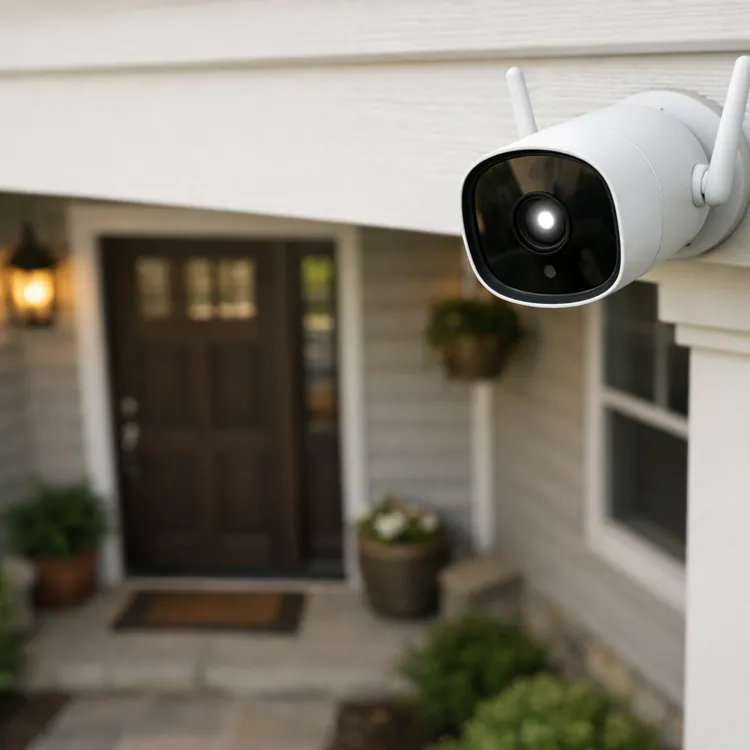
Some security cameras run on a cellular network connection, making them useful for remote locations without Wi-Fi access. Hard-wired cameras require cables for power and video transmission, but they provide reliable high-definition video that’s less susceptible to interference.
Choosing between a contract and a no-contract home security system is an important step because contracts often outline the length of service, costs and included services. A typical home security contract may run for one to three years and specify monthly monitoring fees, early termination penalties and any equipment discounts provided.
Match your security system to your home
Renters typically need wireless and no-drill equipment, while larger homes and vacation properties typically need more sensors, more cameras and professional monitoring services.
How much home security systems save on insurance depends on the insurance provider, but home security systems can sometimes save up to 20% on home insurance. Many home insurance providers offer discounts for monitored alarm systems, though there may also be other ways you can save on homeowners insurance.
Yes, you can typically install a home security system if you rent, though you may be limited to wireless home security systems so you don’t damage the walls. You can also attach sensors to windows and door frames using double-sided tape.
How much a home security system costs per month depends on the provider, equipment and monitoring services you choose, though you’ll typically pay around $300 to $600 for equipment and around $10 to $65 per month for monitoring. If you get a system professionally installed, fees typically start at around $100.
The best security system for a residential home depends on the homeowner’s needs, budget and preferences. Generally, it’s usually recommended to get a system with door and window sensors, motion detectors and at least one security camera. For more peace of mind, it’s best to get a monitored system with professional response services.
The difference between self-monitored and professionally monitored home security systems is that self-monitored systems alert you directly (typically through an app) when sensors are triggered, while professionally monitored systems connect to a 24/7 response center that can dispatch emergency services on your behalf. Professional monitoring is recommended for households where someone may not always be available to respond to alerts.
Our pick for the best self-monitored security system is SimpliSafe thanks to its easy setup and low starting costs.
Home security systems can be worth it if you’re looking to deter potential burglars, get a discount on home insurance costs or if you want peace of mind.
“I think security systems are worth it, but the sad truth is most people don’t realize that until after something bad has happened,” said Rebecca Edwards, former lead safety expert at SafeWise.com, a security education website.
Although burglaries in the U.S. are trending downward, the average loss per burglary is $2,661, according to the FBI. When you compare the $120 to $780 a year you’d spend on security monitoring with the average loss of a burglary at over $2,600, security systems tend to be worth it.
“When you look at the cost of not having a home security system, it’s definitely worth it,” Edwards said. “The average loss from a burglary in the US is around $2,600, and that’s just the monetary cost. That doesn’t even touch the emotional cost and losing your sense of safety in your home, which should be your sanctuary.”
When you look at the cost of not having a home security system, it’s definitely worth it.
Even if a security system doesn’t deter a burglar, the alarm can alert neighbors to trouble and the monitoring center can call the authorities. This is particularly useful if you’re not at home or you can’t get to your phone to call for help.
Also, having a security system can sometimes get you anywhere from 5% to 20% off home insurance costs. Discounts and qualifications vary by provider, but many providers offer discounts just for having burglar and fire alarms, home security systems or cameras installed.
In addition, continuous smart camera monitoring and home automation services can offer peace of mind. You can typically check live video feeds and control smart locks or lights through a mobile app from wherever you are.
Information in this guide is general in nature and is intended for informational purposes only; it is not legal, health, investment or tax advice. ConsumerAffairs.com makes no representation as to the accuracy of the information provided and assumes no liability for any damages or loss arising from its use.
To update our top picks, the ConsumerAffairs Research Team used a weighted scoring system that took into account both reviews from ConsumerAffairs users and specific company features we researched.
We conducted sentence-by-sentence sentiment analysis of thousands of reviews on our site from June 1, 2023, to May 31, 2026, to identify the home security aspects people care about most — and which companies reviewers are happiest with.
For home security, these included:
We then selected the most important features consumers should consider before choosing a home security company and researched the following at each provider:
The company with the highest score in each category’s uniquely weighted formula was given the “Our pick for” designation.
In some cases where a single company received the top score across multiple categories, the company with the next-highest score was named the winner.
ConsumerAffairs writers primarily rely on government data, industry experts and original research from other reputable publications to inform their work. Specific sources for this guide include:
Thanks for subscribing.
You have successfully subscribed to our newsletter! Enjoy reading our tips and recommendations.
| Company | Customer rating | About | Learn More |
|---|---|---|---|
|
Vivint
| 4.4
39,263 reviews
| Customizable home security systems. Offers smart cameras, sensors, safety alarms and smart devices. Professional installation and professional monitoring required. Contract required for lower prices. Available in all states. | Get a Quote |
|
ADT
| 4.1
21,578 reviews
| Established home security provider offering security devices, prebuilt security systems and customizable systems. Choose from professional installation or DIY installation. Offers 24/7 monitoring services nationwide. | Get a Quote |
|
Vector Security
| 3.7
15,780 reviews
| Professional monitoring costs $44.95 to $69.95 per month. Upfront costs start between $0 and $149, including installation. Specializes in security cameras, smart-home devices and alarm systems. One-year warranty on equipment. | Read Reviews |
 Link Interactive
| 4.6
2,030 reviews
| Monthly monitoring fees range from $30.99 to $47.99 per month. Upfront costs vary. Free DIY installation. Contracts run between 12 and 36 months. 30-day money-back guarantee. | Read Reviews |
 Guardian Protection
| 4.4
2,508 reviews
| Rates start at $45.99 per month. Requires $149 equipment purchase. Professional installation included in all packages. Contracts are typically 60 months with financing. Month-to-month options available. | Read Reviews |
 Brinks Home Security
| 4.3
7,045 reviews
| Customized security systems with security cameras, smart devices, sensors and life safety devices. Offers 24/7 professional monitoring services for a fee and free professional installation. Three-year contract required. | Get a Quote |
 Abode
Abode
| 4.3
21 reviews
| Offers flexible monitoring plans without long-term contracts. Self-monitor through the app or choose professional monitoring for about $7 per month. Get discounts for paying yearly. Equipment costs vary. Financing options. | Read Reviews |
 SafeStreetsUSA
| 3.7
1,117 reviews
| Authorized ADT provider offering professional alarm monitoring nationwide. Monthly fees start at $36.99. Most contracts run 36 months. Charges $99 to $199 for installation services. Same-day installation available in most states. | Read Reviews |
 SimpliSafe
| 2.9
637 reviews
| Self-monitoring option for no monthly fee. Professional monitoring costs $9.99 to $29.99 per month. Packages start at $134.73 to $384.94. DIY or professional installation. Month-to-month commitment for monitoring. | Get Started |
 Xfinity Home
| 2.2
91 reviews
| Offers security solutions with professional or DIY monitoring. Monthly fees range from $10 to $40. Equipment costs $360 to $600. Financing available with a 24-month contract. Professional installation available. | Read Reviews |
 A3 Smart Home
| 2.0
119 reviews
| Professional monitoring packages cost $29.99 to $39.99 per month. Designs its systems for DIY installation. Offers three levels of Self-Install Kits. Not available in all states. | Read Reviews |
 Cox Homelife
| 2.0
83 reviews
| Offers security packages with smart-home features and professional monitoring. Monthly costs start around $15 to $40. Discounts available for bundling packages and services. Not available in all areas. | Read Reviews |
 CPI Security Systems
| 1.8
403 reviews
| Minimum cost is around $500. Financing available with credit approval and a contract agreement. Requires professional installation. Video monitoring supports up to four cameras. Not available in all states. | Read Reviews |
 Cove
Cove
| 1.7
156 reviews
| Pro monitoring costs $17.99 to $27.99 per month. Upfront costs vary. Free DIY installation. 60-day money-back guarantee. No long-term contract required. Military, first responder and teacher discounts available. | Read Reviews |
 Alert 360
| 1.4
214 reviews
| Choose a preconfigured package or customize a system to fit your needs. Equipment includes smart lights, wireless doorbell cameras and video doorbells. Requires professional installation. | Read Reviews |
 Frontpoint
| 1.4
8,088 reviews
| Pro monitoring costs $49.99 per month. DIY installation only. Equipment packages are regularly priced $402.96 to $790.91 and come with a three-year limited warranty. Financing available. Risk-free trial for 30 days. | Read Reviews |
 Ring
Ring
| 1.3
386 reviews
| Self-monitoring starts at $4.99 per month. Professional monitoring starts at $19.99 per month. Equipment packages range from $199.99 to $499.95. Includes a one-year limited warranty. Compatible with Alexa-enabled devices. | Read Reviews |
 Safe Home Security, Inc.
| 1.1
521 reviews
| Offers home alarm and fire monitoring systems with smart automation features. Professional and DIY installation options. Comes with a mobile app. Provides yearly on-site checkups. | Read Reviews |
 Slomin's Alarm Systems
| 1.1
818 reviews
| Monthly rates start at $39.95. Systems are customizable via additional purchases. Offers security cameras with smart-home integrations. Requires a professional installation appointment and monitoring agreement. | Read Reviews |
 Wyze
Wyze
| 1.1
61 reviews
| Smart-home tech company offering alarm systems and other devices. Core security system package is about $80. DIY monitoring can be free, but professional monitoring starts at $9.99 per month. | Read Reviews |
 Canary
| 1.0
48 reviews
| Offers home security systems that consist of a single device. Three camera options available. Professional monitoring plans start around $8 per month. Provides free shipping and a 60-day refund policy. | Read Reviews |
 Alder Security
| 1.0
96 reviews
| Professional monitoring starts at $39.99 per month. DIY installation with $100 activation fee. Equipment costs vary. Contracts range from three to five years. Comes with mobile access through the Alder app. | Read Reviews |
 ADT Blu
| No reviews | DIY home security offering from ADT. Optional 24/7 live monitoring or self-monitoring. Prebuilt kits can be customized with stand-alone cameras and sensors. Entire system can be run from the ADT+ app. | |
 Arlo Home Security
| No reviews | High-resolution 4K cameras with 180-degree views. All-in-one sensors with eight detection modes. Professional monitoring plan available. Wireless floodlights and solar panel charging options. | |
 Eufy Security
| No reviews | Offers indoor and outdoor security systems. Cameras and video doorbells with advanced features, like autotracking and nighttime color. AI agents recognize familiar faces. Connects with other intelligent home devices. | |
 Reolink
| No reviews | Cameras with panoramic vision and high-resolution video. Multiple charging options: outlet, Ethernet and battery. Option for 24-hour recording with AI search and appearance frequency statistics. | |
 Deep Sentinel
| No reviews | Offers security systems for homes and businesses. Cameras and smart hub with remote monitoring. Staff monitors live video feeds 24/7. Equipment starts at $499. Service plan starts at $100/month. | |
 ecobee
| No reviews | Offers doorbell and indoor cameras, door and window sensors, and smart thermostats. Interconnected devices with app-based real-time alerts. Choice of a la carte devices or home security bundles. | |
 Kangaroo Security
| No reviews | Indoor and outdoor cameras with 1080p resolution. Video doorbells with chimes. Sensors for entry, motion and water detection. Manual or cloud-based storage. Optional subscription for professional monitoring. | |
 Ooma Home Security
| No reviews | Offers door and window sensors, water detectors, alarms, motion sensors and keypads. Choose from bundles or a la carte products to build your own system. Monitor devices and receive alerts through the mobile app. | |
 Scout
Scout
| No reviews | Offers monitored and unmonitored options. Designed for DIY installation. Charges $229 to $549 for packages, with monitoring starting at $9.99 per month. Includes a 60-day money-back guarantee and a three-year warranty. | |
 Protection 1
| 1.0
951 reviews
| Monitored security packages come with a 36-month contract. Charges $99 for professional installation. Includes touch-screen control panel, door and window sensors, and a motion sensor with standard equipment. | Read Reviews |