
If you're thinking about setting up a security system for your home, one of the first choices to make is how you want to handle installation. Do you want to do it yourself or have your system professionally installed? Your choice will impact the cost, the tech you end up with and how long it takes to get everything up and running.
Key insights
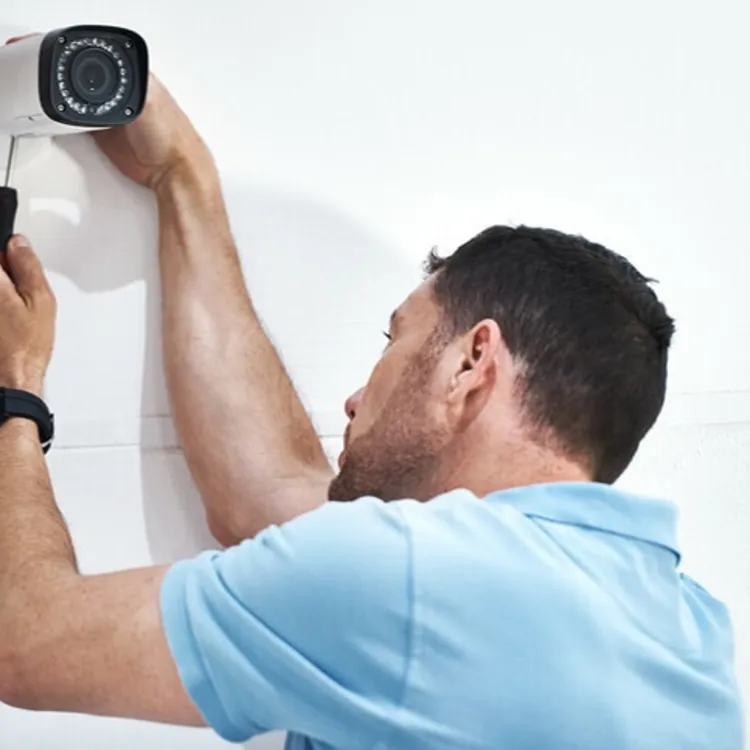
Professional home security installation typically costs between $100 and $600. If you go the DIY installation route, you don’t need to pay an installation fee.
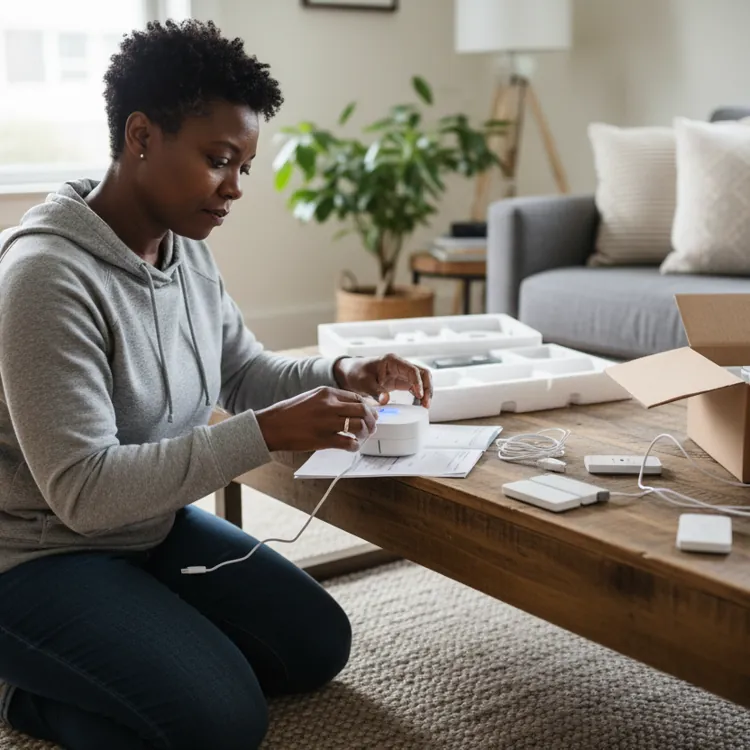
Jump to insightDIY installation can take 30 minutes to a full afternoon, depending on the system and the number of devices you get.
Jump to insightProfessional monitoring and self-monitoring may be available for both professionally installed and DIY-installed systems.
Jump to insightHow much does security system installation cost?
Professional installation of a security system usually costs between $100 and $600, depending on the home security company and the complexity of the system. This estimate only includes installation, not the cost of the equipment or monitoring.
Some companies don't require upfront payment for equipment and instead spread out the cost over the life of the contract. Installation costs are typically paid upfront. However, if you opt for a monitored system, the company may waive the cost of installation because it expects to earn a profit through monitoring fees instead.
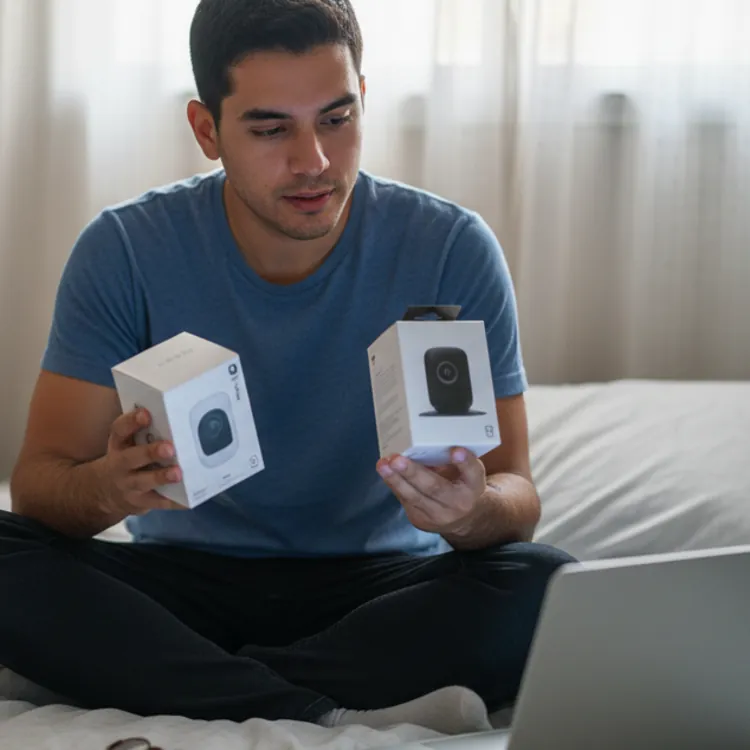
While DIY installation is free, most companies that offer this installation model require you to purchase equipment upfront. The full cost of a security system may range from around $100 to more than $2,000, depending on the type and number of devices you opt for. Financing options are also available, so you can break up the cost into affordable monthly payments.
How long does it take to install a security system?
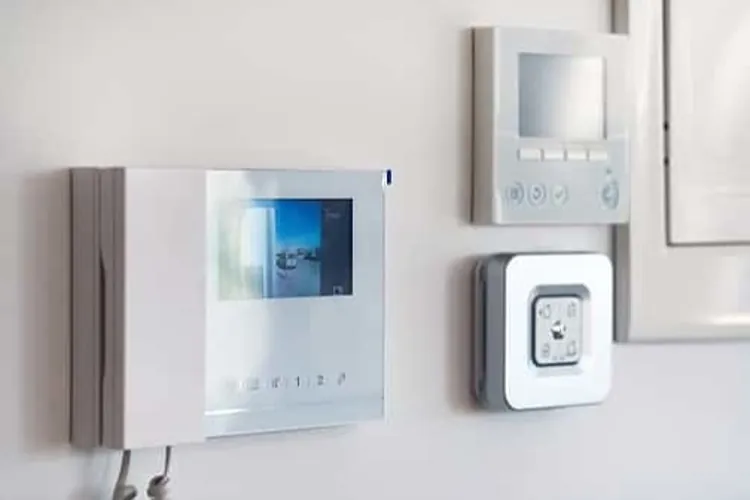
Both DIY and professional installation can take as little as 30 minutes or as long as a few hours. Longer installations typically include complicated equipment, such as wall-mounted control panels, thermostats, locks or security cameras. Meanwhile, systems that are designed for self-installation are typically simpler and wireless for your convenience.
Installing a single security device (window sensor, camera, etc.) may take about 10 minutes.
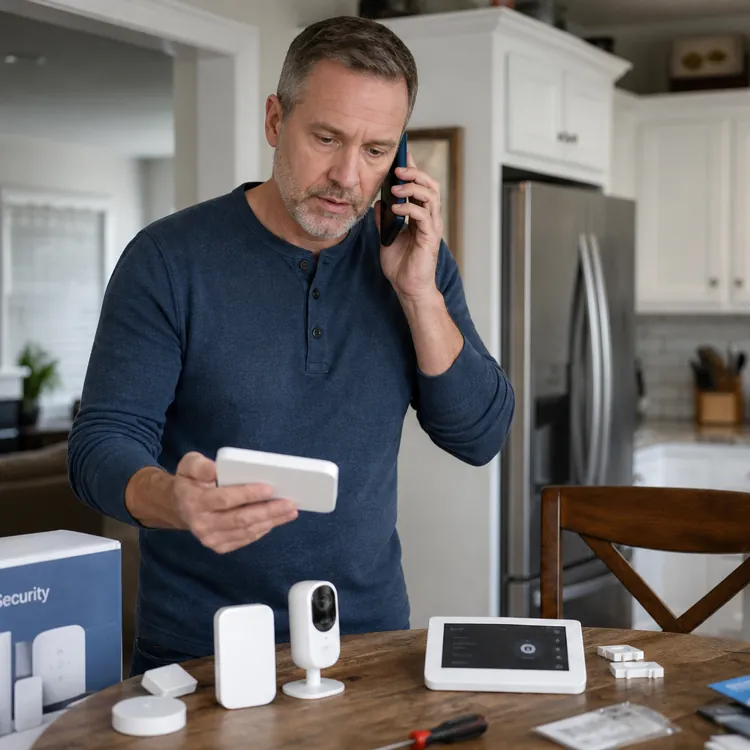
If you’re thinking about a system with DIY installation, consider how long it would take you to install each component and how much that time is worth to you. If you don't mind sacrificing a weekend afternoon, DIY installation may be right for you. However, those with busy schedules may find professional installation a better option.
If you do the installation yourself, you aren’t on your own. Home security companies provide helpful installation guides, troubleshooting tips and tech support if you're stuck on any part of the process. If you try to self-install and find it isn't for you, you usually still have the option to pay for professional setup.
Monitoring your home security system
Whether you install a security system yourself or pay for professional installation, you can sign up for professional monitoring services. These monitoring services rely on Wi-Fi, cellular networks or landlines to transmit data to the monitoring company in the event of an emergency. Most wireless systems have backup batteries or networks in case your primary service is disconnected.
With DIY systems, you may also have the option to self-monitor your home instead of paying a monthly monitoring fee. With this option, the company won't actively monitor your home or contact emergency services on your behalf. Instead, you'll receive alerts on your phone if anything triggers your sensors, cameras or other devices.
This is ideal if you want to spend less and be in complete control, though some companies still charge a fee for self-monitoring, especially if you want to record video.
Compliance and permits for home security systems
Before you install your security system, make sure you’ll be in compliance with local regulations. Monitored home security systems are typically regulated on the city or county level, so if you plan to self-install one of these systems, research your local codes first — you might have to pay a fine if emergency services respond to an alarm at your house and you don’t have a permit.
In addition to a police permit (and a fire permit if your system has a smoke detection component), you may need an electrical permit if you are having a hard-wired security system installed. One advantage of working with a professional installer is that they can help you navigate the permitting process.
Companies that install security systems must usually be licensed at the state level, though specifics vary by jurisdiction. If you choose to have your system professionally installed, ensure that the company you choose holds the appropriate credentials.
Pros and cons of DIY security system installation
There are, of course, upsides and downsides to DIY home security installation.
Benefits of DIY installation
DIY installation is typically more affordable — and more flexible — than professional installation.
- Ability to upscale: DIY systems let you start small and add components according to your needs. This is a good choice if you’re unsure what kind of system you want and don’t want to spend a lot of money on something you won’t use.
- Best for small homes: DIY installation is best for smaller homes or apartments because there’s less area to cover and less equipment needed. Most newer systems are also wireless, and in a smaller space, you’re less likely to lose a signal.
- Ease of transfer: DIY systems are much easier to transfer from one home to another. If you rent or move frequently, you should opt for a DIY system.
- Lower cost: DIY systems are almost always cheaper than ones that are professionally installed.
» MORE: Best security system for renters
Drawbacks of DIY installation
The main drawback to installing a home security system yourself: more work and responsibility.
- Requires some technical knowledge: If you’re not tech-inclined, DIY systems may be more trouble than they’re worth. The initial installation and connection should be fairly straightforward but may require tinkering and maintenance down the road.
SafeWise.com reporter Rebecca Edwards told us: “While most of these systems are super simple, I’ve run into enough problems with programming equipment, setting the right language and putting things in the right places. You can run into a lot of trial and error, especially if you’re trying to avoid pets setting off alerts every time they move or have interference from things like tree branches in front of motion-sensor cameras.”
- Self-monitoring: Some DIY systems require a fee for self-monitoring, even though you’re doing all the work.
- Responsibility for repairs, replacement and compliance: While some DIY companies provide online or telephone help, you usually aren’t able to call a technician to fix equipment on-site, and you may be on your own when it comes to determining what permits are required in your area.
Pros and cons of professional security system installation
Now let’s look at the advantages and drawbacks of professional installation.
Benefits of professional installation
The main perk of professional installation is the technicians’ know-how — and less hassle for you.
- Customization for large spaces: Professionals can design a system specifically for your home and ensure all areas are properly covered. These systems are better for larger homes that require many interconnected components over multiple floors.
- 24/7 monitoring: Most professional systems offer monitoring services for a monthly fee, while not every DIY company does. Professional monitoring includes 24/7 response in case an alarm is triggered in your home.
- Low hassle: With a professionally installed system, all you have to do is choose the level of protection you want, and the company takes care of setting it up. If you have future problems with equipment, a technician can visit your home to fix the problem.
- Integration with existing systems: Professionals can help integrate your new security system with your existing smart devices, like smoke and carbon dioxide detectors and thermostats.
Drawbacks of professional installation
The main drawback to having your system professionally installed is the cost, although some companies may offer free professional installation when you purchase equipment or sign up for monitoring services.
- Higher price: Professionally installed systems are almost always more expensive than DIY systems, so if you’re on a budget, consider DIY.
- Harder to transfer: Since many professionally installed systems are designed especially for the home you’re in, they can be hard to transfer to another house.
- May require a long contract: Although companies are starting to move away from lengthy contracts, there are still some that want you to sign a several-year service contract.
- Waiting: With pro installation, you have the inconvenience of waiting for an installation technician to get to your home and complete the job. You might have to miss a day of work while your system is installed.
Is having a professional install your home security system worth the cost?
This depends on how big your home is and the level of coverage you want. If you live in a smaller home or apartment, a DIY system may be a good choice. If you live in a large, multistory house, it’s likely worth the extra cost to have a professional customize your installation for your property.
“Anyone who doesn’t dig DIY, and those who are really concerned about getting their system set up to best cover all security vulnerabilities in their home” should go with professional installation, Edwards said. “Pro installation can save backache, headache and worry. Pro installers test everything right there with you, explain how it all works, and leave you feeling really confident — not just in the system, but in your ability to use it.”
FAQ
Can you get professional monitoring for a DIY security system?
Yes, but not all companies provide this option. Most DIY companies offer self-monitoring for a small yearly fee. Professional monitoring will cost you more.
Can I monitor my own home security system?
Yes, most DIY home security systems come with the option for self-monitoring, but you may still have to pay a regular fee. Most professionally installed systems feature professional monitoring.
Can you install a home security system yourself?
Yes, if a system is advertised as DIY, then it’s designed to be installed by the consumer. While you don’t necessarily need to have technical knowledge to do this, it will help.
Are all DIY home security systems wireless?
Yes, DIY home security systems feature components like sensors, monitors and cameras that connect to a control hub wirelessly and communicate through Wi-Fi and radio signals.
What do you do if your DIY home security system breaks?
Home security companies offering DIY systems offer online resources and customer service over the phone for help with troubleshooting. Security equipment also comes with a warranty that covers defective equipment for a specified time.
Article sources
ConsumerAffairs writers primarily rely on government data, industry experts and original research from other reputable publications to inform their work. Specific sources for this article include:
- American Alarm Corporation, “The Real Average Cost of a Home Security System.” Accessed April 9, 2026.
- National System Contractors Association (NCSA), “NSCA’S Guide to State Licensing.” Accessed April 9, 2026.