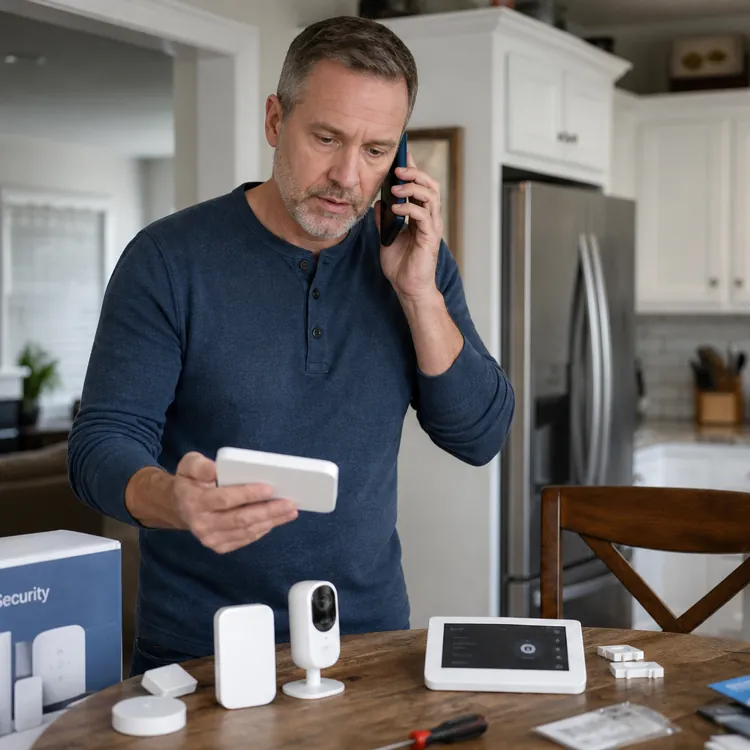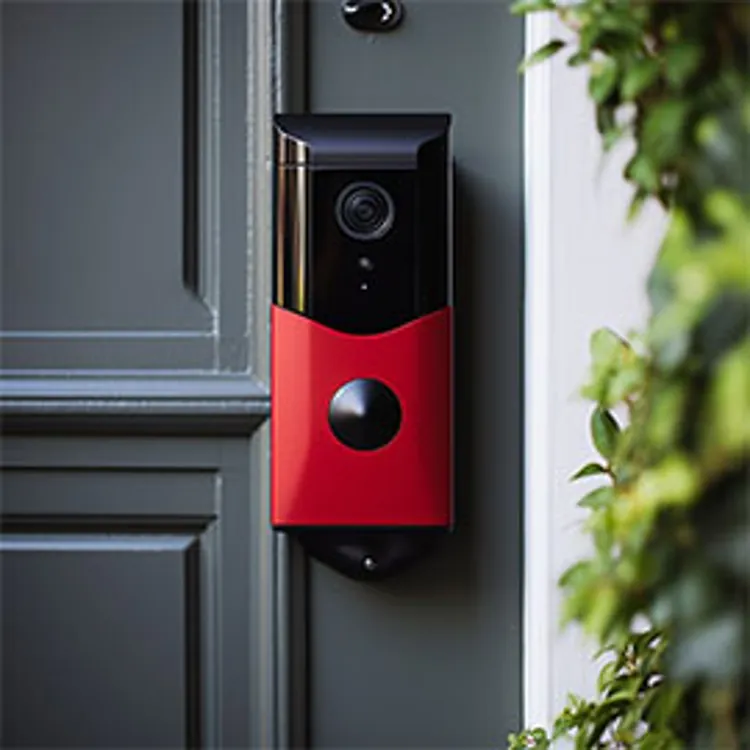



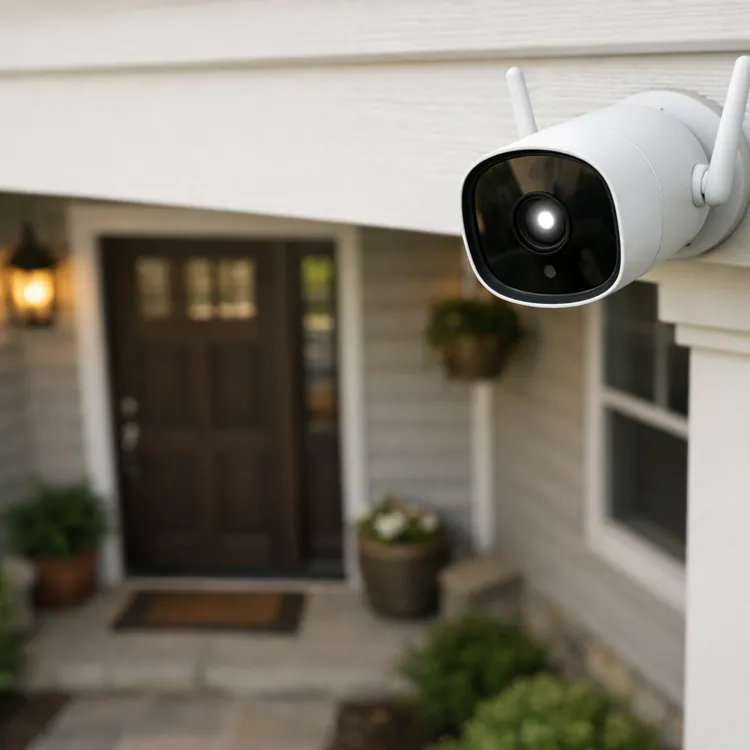
A security camera is a smart investment if you want to monitor your property while you're at work or on an extended vacation. It can also help you keep an eye on pets or children while they play in the yard and even let you talk to visitors at your door when you aren’t home.
With so many security camera options, it can be hard to know what to look for. Consider our top picks for the best home security camera below.
Compare our top picks for the best home security cameras
The ConsumerAffairs Research Team researched more than 20 popular home security cameras. To select our top picks, we considered factors like picture quality, smart integrations and storage capabilities, among other features. We also considered verified customer reviews on our site as well as reviews and ratings from across the internet.
Our top picks for the best home security cameras are:
All product information and pricing is accurate as of April 20, 2026.
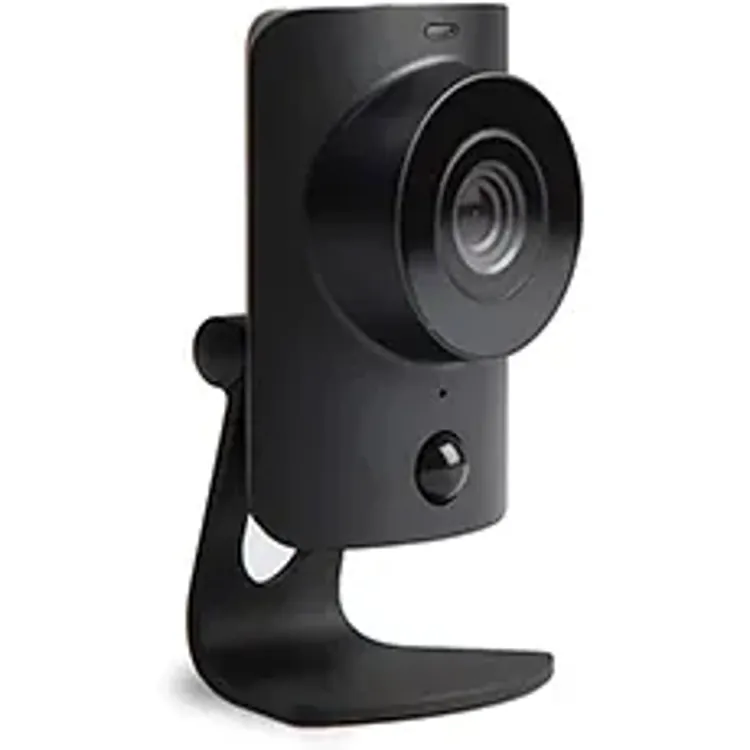
SimpliSafe SimpliCam
Arlo Pro 4 Spotlight Camera
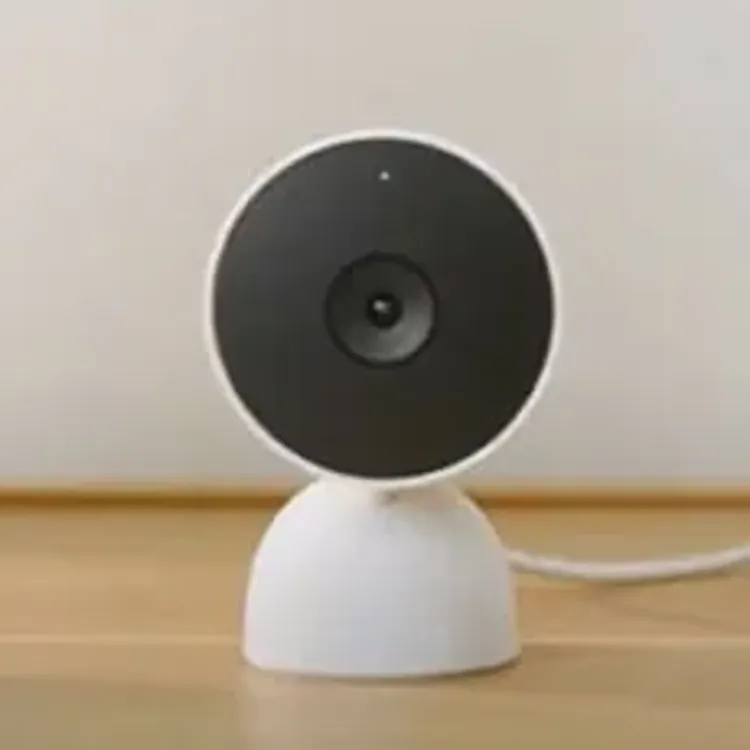
Google Nest Cam (wired)
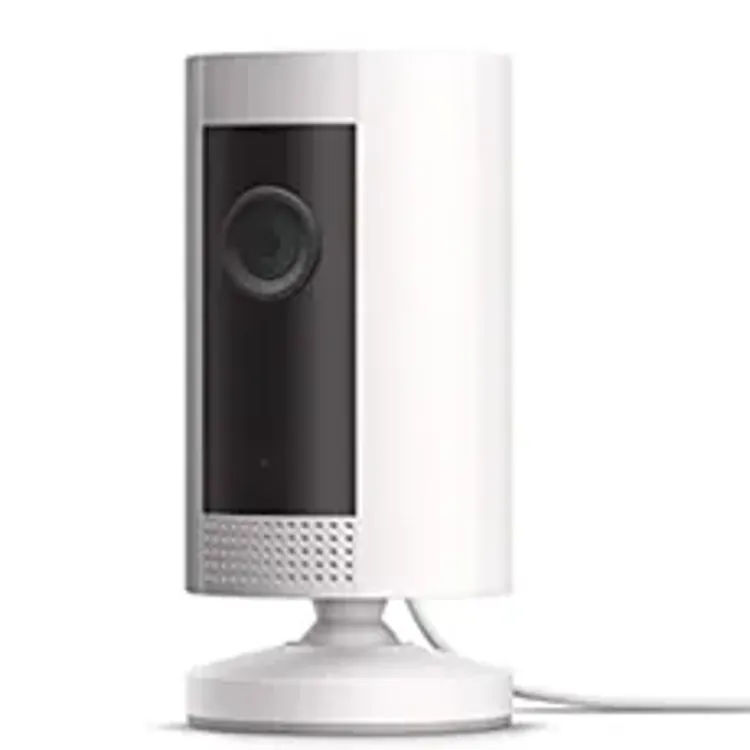
Ring Outdoor Cam (Stick Up Cam)
What to look for in a home security camera system
When you’re ready to start looking into home security camera systems, there are many different factors to consider.
Wireless vs. wired cameras
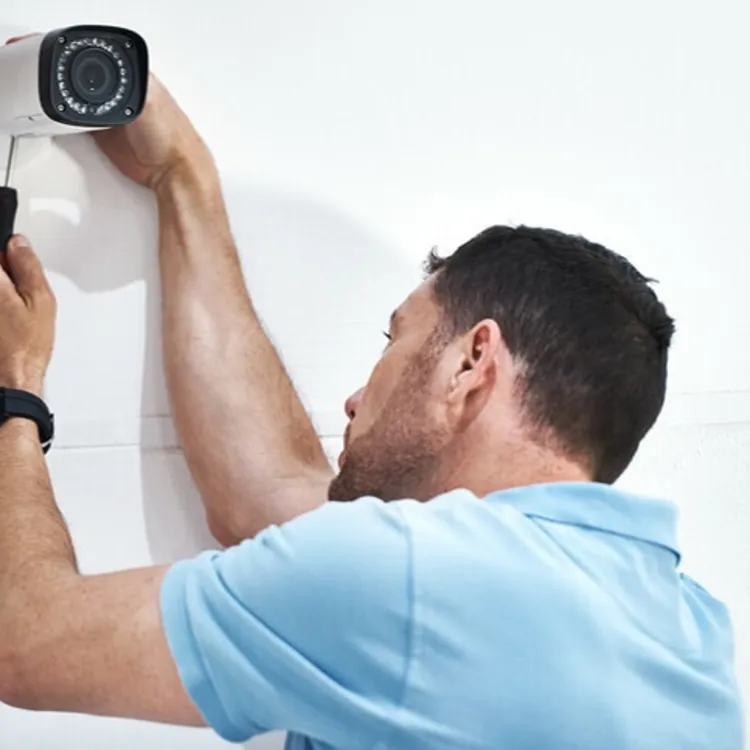
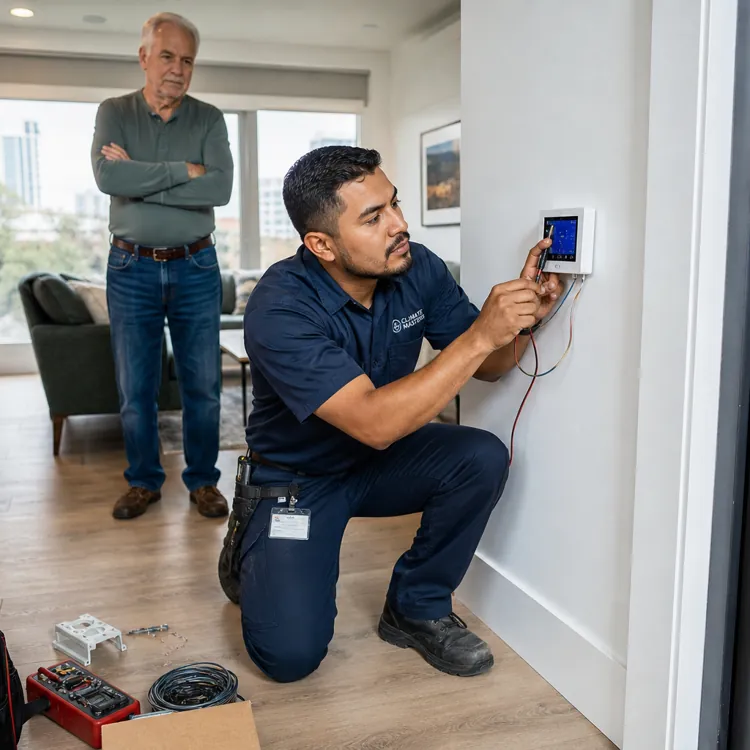
Wireless cameras have battery packs and are easier to install and move, which often makes them ideal for renters or others who plan to move soon. Wired cameras are less vulnerable to interference and aren’t dependent on a wireless signal, making them more dependable. However, wired cameras typically need to be installed by a professional.
» MORE: Wired vs. wireless cameras
Stand-alone cameras vs. security systems
Some security cameras can be used alone, while others can only be used as part of a security system. The benefit of purchasing a camera that comes with a security system is you get full-home coverage, including alerts when your doors or windows are open.
With stand-alone cameras, you’ll get motion alerts on your phone for just the areas the camera can see. This can leave your home with some security vulnerabilities.
Picture resolution and night vision
Higher-resolution cameras will produce clearer, sharper images. This can be particularly helpful at night or in low-light situations. Night vision can give you extra comfort in knowing your home is protected through the night. Look for cameras with color night vision for the best footage.
» MORE: Best home security systems for rural homes
Mounting system
The mounting system may affect where and how you can install the cameras. Indoor cameras typically benefit from simple mounting systems that let you place the camera in a high location for maximum visibility.
Video display, panning and tilting
A camera’s field of view is the maximum area the camera can see. Cameras have different maximum fields of view, so choose one that can keep an eye on the right amount of space. Pan-and-tilt functionality is important for indoor cameras because you can remotely reposition the camera’s lens to look around a room.
Audio quality
Audio is now a standard feature for most home security cameras. If you can hear someone through the camera and can talk to them, that feature is commonly called two-way talk. Two-way talk is common on many video doorbells.
Smart features and app integration
Many home security cameras can be integrated with other smart features. These include motion detection, glass break sensors, smart locks and doorbell cameras.
Most home security cameras are also linked to a mobile app. This helps when you’re on the go but need access to video of your home. These apps can send you notifications if your camera detects motion.
Storage options
Home security cameras have different storage capacities that affect how much footage you can keep available for viewing. Storage is important if something happens at your home and you need video evidence. If you don’t want to pay a cloud storage fee, look for cameras with local storage.
Privacy features
It’s critical that any camera you use is encrypted and not vulnerable to hacking. Be sure to check out a camera’s privacy and security features before purchasing.
» MORE: Home security statistics
FAQ
How much do home security cameras cost?
Home security camera costs typically range from around $29.99 to $299 per camera. There are several factors that can affect camera price, including the technology, features and number of cameras you purchase. Some companies offer bundling discounts for buying more than one camera.
How many home security cameras do you need?
How many security cameras you’ll need depends on how much coverage you need. You may only want outdoor cameras, or you may want a combination of indoor and outdoor devices. The nice thing is many home security camera companies offer customizable options that let you choose exactly what you want based on your home.
How do wireless cameras work?
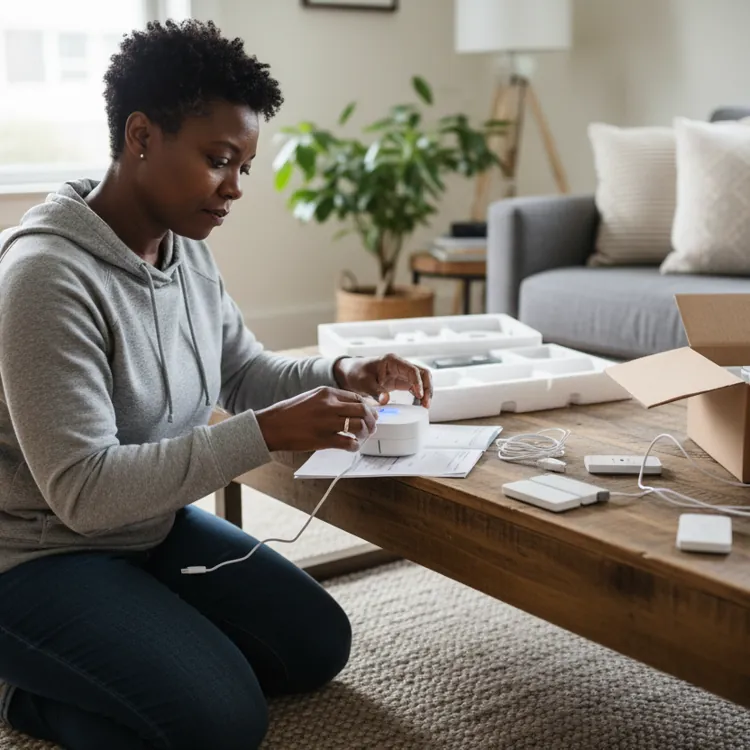
Wireless cameras transmit over the internet by connecting to your router. You’ll need a strong wireless connection. Wireless cameras are typically easier to install than wired cameras and are often considered do-it-yourself (DIY) security cameras.
Can a security camera be hacked?
It’s possible for a security camera to be hacked, like any technology. Before purchasing a security camera, do an internet search to see if the company has had any privacy breaches and what measures it has in place to protect your privacy.
Where should I place an indoor security camera?
You might consider placing an indoor security camera to face entry points, such as doors or windows, or in a baby’s room for monitoring. Consider placing the camera high up on the wall so it provides a better view and is more difficult to interfere with.
» RELATED: How to secure your home
Can you use an indoor security camera outdoors?
Some cameras are made for both indoor and outdoor use. Outdoor cameras must be weatherproof, so make sure you’re using a camera labeled for outdoor use.
Article sources
ConsumerAffairs writers primarily rely on government data, industry experts and original research from other reputable publications to inform their work. Specific sources for this article include:
- Federal Trade Commission, “How To Avoid Scams When You Shop for a Home Security System.” Accessed April 20, 2026.