

Compare our top indoor security camera picks
| Company | Customer rating | Best for | Video resolution | Night vision | Local storage | |
|---|---|---|---|---|---|---|
 Vivint | Get a Quote | 4.5 | Overall | 1080p HD w/ 2x HDR |  | |
 ADT | Get a Quote | 4.2 | Indoor camera features | Up to 2K at 30 FPS, HDR | | |
 Vector Security | Learn More | 3.7 | Professional Monitoring | 1920x1080 or 2688 x 1520 | |  |

- Starting equipment costs
- $199 or $599
- Monitoring price range
- $24.99 to $59.99 per month
- Monitoring options
- Professional
- Contract terms
- 1 to 60 months

- Starting equipment costs
- $199
- Monitoring price range
- $24.99 to $59.99 per month
- Monitoring options
- Professional or DIY
- Contract terms
- 1 to 36 months
Partner Disclosure
ADT disclosure
Theft Protection Guarantee: Customer may receive reimbursement of up to five hundred dollars ($500) of Customer’s homeowner’s insurance deductible (if any) if, and only if, ALL requirements for Theft Protection Guarantee are met to ADT’s reasonable satisfaction. Requires purchase and continual monthly payment of professional monitoring from the time of original activation to be eligible. Customer must request reimbursement within 60 days of property loss. Request must be mailed to ADT and include: Theft Protection Guarantee certificate signed by Customer, a letter from Customer requesting reimbursement, a copy of the police report, and a copy of the accepted insurance claim. ADT reserves the right to reject any application for reimbursement that does not comply with all of the requirements.
ADT Money-Back Guarantee: Money-back guarantee only applies after ADT has made attempts to resolve a system-related issue and has not been able to resolve that issue within the first six (6) months of your original activation. Requires purchase and continual monthly payment of both QSP (Quality Service Plan, ADT’s extended limited warranty) and professional monitoring from the time of original activation. ADT Money-Back Guarantee is not transferable. Equipment must be returned before a refund will be processed. Conditions preventing normal system operation cannot be caused by the customer.

- Starting equipment costs
- Approximately $680
- Monitoring price range
- $44.95 to $69.95 per month
- Monitoring options
- Professional
- Contract terms
- 36 months
Methodology: How we chose the best indoor security cameras
The ConsumerAffairs Research Team compared home security companies that offer indoor cameras using verified customer reviews, product details and company policies. To qualify, companies needed verified reviews submitted between Aug. 1, 2023, and July 31, 2026. We scored each brand in three areas:
- Customer experience: Satisfaction with installation, technicians, staff, customer service, punctuality and price
- Indoor camera and app features: Indoor camera capabilities and mobile app functionality
- Price and policies: Starting monitoring cost and equipment return window
Each company received a score from zero to 10 for every metric. The top performer earned a 10, and the other companies were scored relative to it. We used different weightings for each award. For example, the indoor camera features award focused more on camera and app capabilities, while the professional monitoring award emphasized customer service, punctuality and monitoring cost.
Indoor security cameras buyers guide
Shopping for indoor security cameras is more than looking for the cheapest wireless camera. Video quality, connectivity, security and privacy, monitoring options and power options are just some of the factors that play into choosing the best indoor security camera for you.
Key insights
Matching indoor security camera features to your needs is the first step in picking the right camera for your home.
Jump to insightIndoor security cameras typically cost $20 to $100 or more. Monitoring subscriptions may cost extra.
Jump to insightData privacy is a primary concern with indoor security cameras.
Jump to insightWhat to look for in indoor security cameras
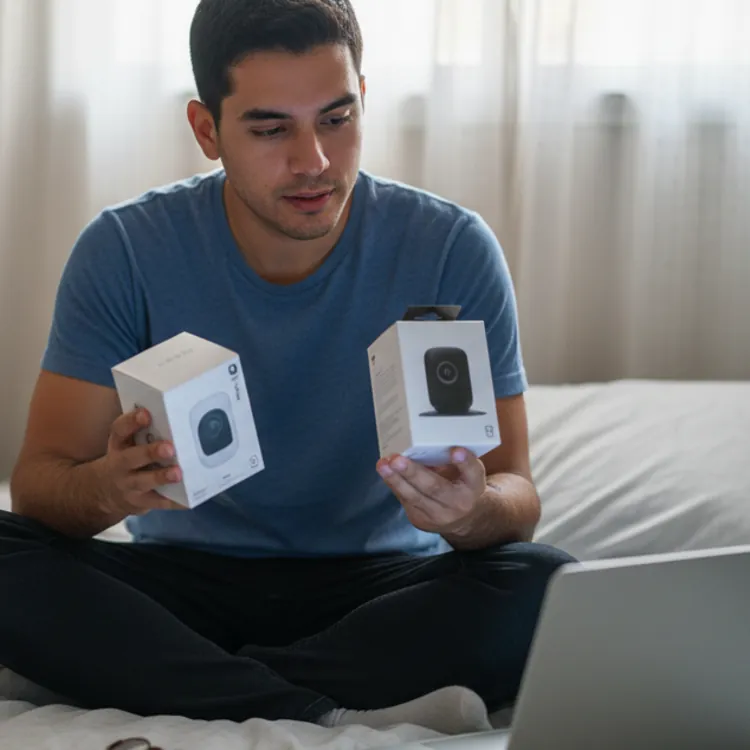
Not every security camera fits every need. When looking for the best indoor security camera, you’ll need to balance how the camera works with the rest of your home security system and make sure the features serve your specific needs. For example, do you need live remote viewing through an app to check on pets at home, or is feed security the most important to you?
Features and specs
Before deciding which features matter most, it’s a good idea to plan how many security cameras you need and where to place them. Those answers will help you identify the features and specs you need in each camera.
| Indoor security camera feature | Useful for | Downsides |
|---|---|---|
| Wi-Fi connectivity | Temporary installation without drilling | Susceptible to hacking and jamming |
| Wired connectivity | Stronger data security | Installation requires electrical work and may not be possible for renters |
| Cellular connectivity | Areas without reliable Wi-Fi | Requires additional cellular data plan |
| High resolution | Clearer video with more details for identification of intruders | Typically requires more bandwidth and high-speed internet connections |
| Night vision | Clearer recording for incidents occurring at night | Not all night vision cameras offer enough range to be effective |
| Motion detection | Alerts you or your monitoring service as events happen | Fines from false alarms add to your costs |
| Smart subject detection with AI | Reduces false alarms from motion detection | AI improves information on what sets off motion detection, but errors still happen |
| Pan-tilt-zoom (PTZ) | Allows homeowners to use fewer cameras to cover larger areas | Barriers to field of view can reduce effectiveness |
| Wide field of view | Allows a wider coverage area at lower cost than PTZ cameras | Captures fewer details and is less useful for identifying individuals |
| Two-way audio | Provides a way to communicate with pets and family at home or interrupt intruders | Recording audio without permission may violate state or federal laws, such as the Wiretap Act |
Ease of use
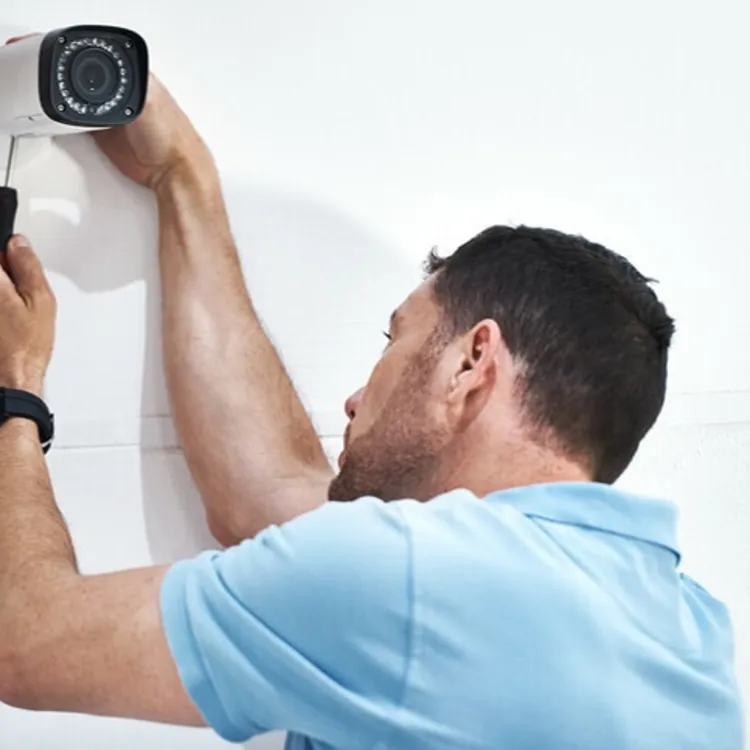
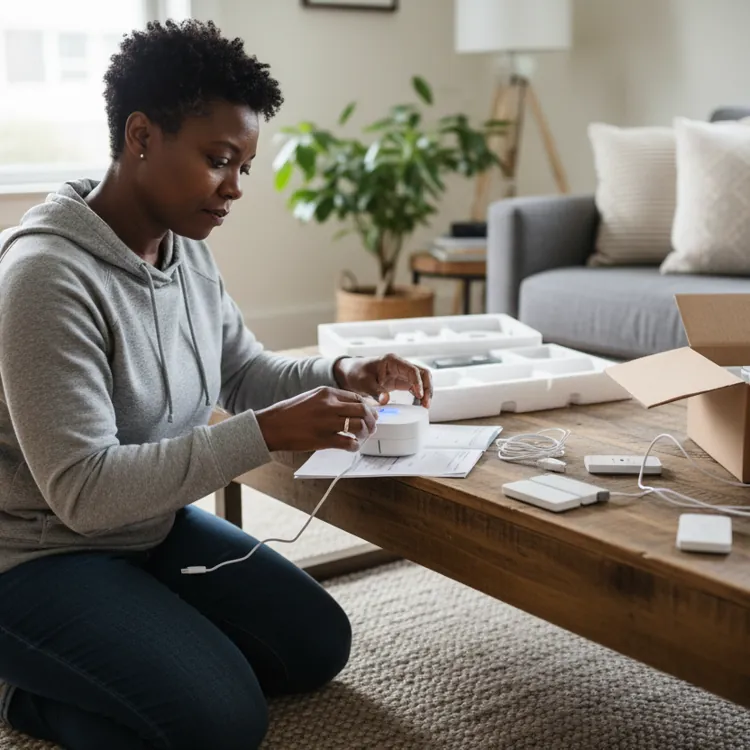
Whether you choose DIY installation or professional installation, security cameras must have straightforward installation and setup instructions. Cameras should be simple to connect to apps, your smart home system or your home security base station. DIY security camera systems shouldn’t require specialized knowledge to install.
Likewise, updates, alerts and two-way communication should have easy-to-use controls. Batteries should be easy to access for changes when needed, and low-battery alerts should be included. The best home security systems will include detailed information or personalized training at installation.
Limitations and risks
While it may be tempting to put indoor security cameras in every room, maintaining privacy is important. Don’t place cameras in areas where people expect privacy, such as bathrooms or bedrooms. Cameras also shouldn’t view your neighbor’s property through windows, as it might be considered an invasion of their privacy depending on your location.
Other risks include hacking, where someone accesses your video feed without permission. Video stored in the Cloud is particularly at risk, although criminals have hacked into security cameras to spy on families and children.
Dan Pierson, Senior Director of Product Management at SimpliSafe, encourages “people to research the maker of the indoor camera. Take a look at its privacy and security track record, including how it treats customers’ videos and whether or not the company has experienced any security incidents or data breaches.”
Maintaining good security hygiene by keeping firmware and software updated, maintaining two-factor authentication and considering local storage instead of cloud storage helps to reduce risks. The best home security cameras offer strong security controls to help you keep your data safe.
Indoor security camera cost
Indoor security cameras typically start around $20 and can go well over $100, depending on features and whether they're part of a larger security package.
Wi-Fi security cameras tend to be the cheapest, with advanced cellular cameras, such as pan-zoom-tilt (PZT) cameras, costing the most. Discounts are often available when you buy cameras as part of a home security package.
Annie Potter, head of marketing at Reolink, noted that her “top tip is to think carefully about where your footage is going to live before you buy. A lot of cameras look affordable upfront but require a monthly subscription to unlock the features that actually make them useful, things like smart detection, recorded playback, or even basic alerts.”
The cheapest indoor security cameras are usually standalone models purchased through retailers such as Amazon. However, these often require monthly subscriptions starting around $10 per month per camera to use the app, even when self-monitoring.
Pros and cons of indoor security cameras
While indoor security cameras are powerful tools, they aren’t right for every household. Privacy concerns and costs may lead some to limit indoor cameras to entryways or rely on exterior security cameras as part of their overall home security system.
Pros
- Evidence gathering in case of accidents and intruder identification
- Remote safety monitoring of pets and family members with special needs
- Visible cameras deter up to 60% of burglars
- Cost savings compared to average burglary costs of $2,661
Cons
- Privacy concerns for cameras in sensitive areas
- Ongoing monitoring costs
- Initial equipment costs
- Hacking risks
FAQ
Is it illegal for a neighbor to point a camera at my house?
It might be illegal for a neighbor to point a camera at your house. Areas of your house and property that are publicly visible are typically not protected from recording. However, cameras aimed at private areas, such as through windows to see into your home or a fenced backyard, may be protected.
Do indoor security cameras require Wi-Fi?
Some security cameras work without Wi-Fi. However, most indoor security cameras require Wi-Fi.
What privacy risks come with indoor security cameras?
Indoor security cameras risk your private activities being viewed by hackers and data breaches affecting your security company.
How many indoor security cameras does a home need?
One camera per shared public space and one per each entrance is typically recommended.
Where should indoor security cameras be placed for best coverage?
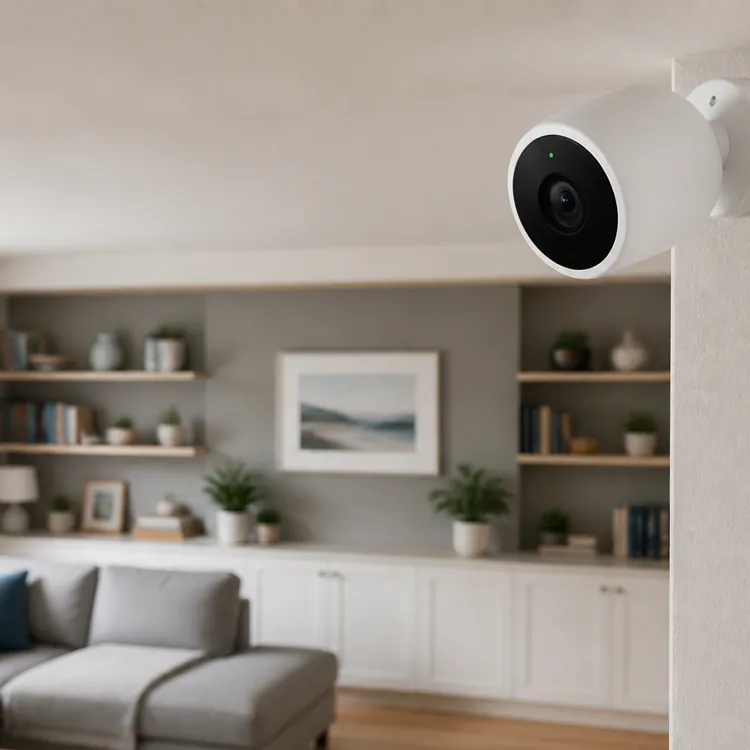
Most indoor security cameras are typically placed in room corners where the ceiling and wall meet.
Article sources
ConsumerAffairs writers primarily rely on government data, industry experts and original research from other reputable publications to inform their work. Specific sources for this article include:
- University of Chicago Office of Communications, "How hackers could use Wi-Fi to track you inside your home." Accessed Aug. 28, 2026.
- Bureau of Justice Assistance, "Title III of The Omnibus Crime Control and Safe Streets Act of 1968 (Wiretap Act)." Accessed Aug. 19, 2026.
- Journal of High Technology Law at Suffolk University Law School, "Securing Our Homes, Surrendering Our Privacy: The Legal Risks of Smart Surveillance." Accessed Aug. 26, 2026.
- NBC News, "Man hacks Ring camera in 8-year-old girl's bedroom, taunts her: 'I'm Santa Claus'." Accessed Aug. 20, 2026.
- ResearchGate GmbH, "Understanding Decisions to Burglarize from the Offender's Perspective." Accessed Aug. 22, 2026.
- Federal Bureau of Investigation, "Burglary." Accessed Aug. 22, 2026.