

How to choose a home security system in six steps
Sorting through the thousands of home security system offers online can seem daunting. But the process is actually quite clear: Answer questions about your needs, then match these answers to system features and your budget. Choosing a home security system is more involved than just ordering a Ring doorbell, but there are simple steps you can take.
1. Set a budget
Set both a preferred and maximum budget. Knowing your limits helps when shopping for equipment or turnkey systems and informs whether a security system is worth your investment.
2. Assess your home and risks
Think critically about your security needs and the property itself. Walk your property. Note possible entrances, obstructions that provide cover for would-be thieves, and places where installing a camera is difficult, such as areas lacking power or Wi-Fi. This assessment will help you determine how many cameras you need.
Also, count accessible windows for window sensors and note any windows that need glass-break sensors rather than contact sensors.
3. Choose monitoring needs
Some security cameras only store footage without sending alerts or showing live footage. This may be enough if you live in a low-risk area. However, you probably want some alert capability. Does your schedule allow for self-monitoring, or would professional monitoring be better?
Consider what kind of alerts and remote access you want for your system, and decide whether you’ll have environmental hazard devices, such as temperature, fire and flood sensors included. Note that these devices may require monitoring as part of your smart home package.
4. Pick an installation type
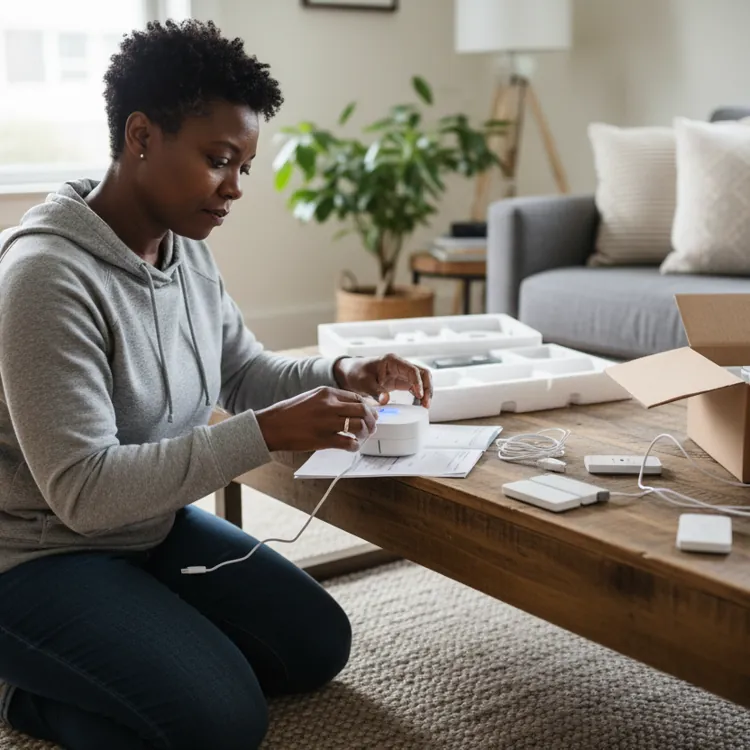
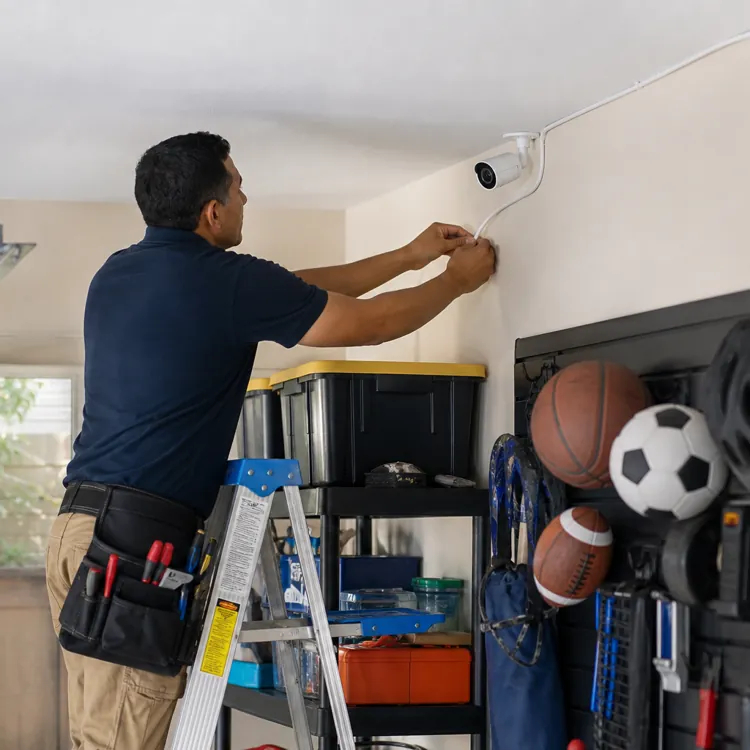
Consider your skills for installing home security systems. Do you know how to install a security system, or are you willing to research it? Are you comfortable installing a wired system, or will you need professional help? Should you go with the ease of wireless installation?
5. Compare products and companies
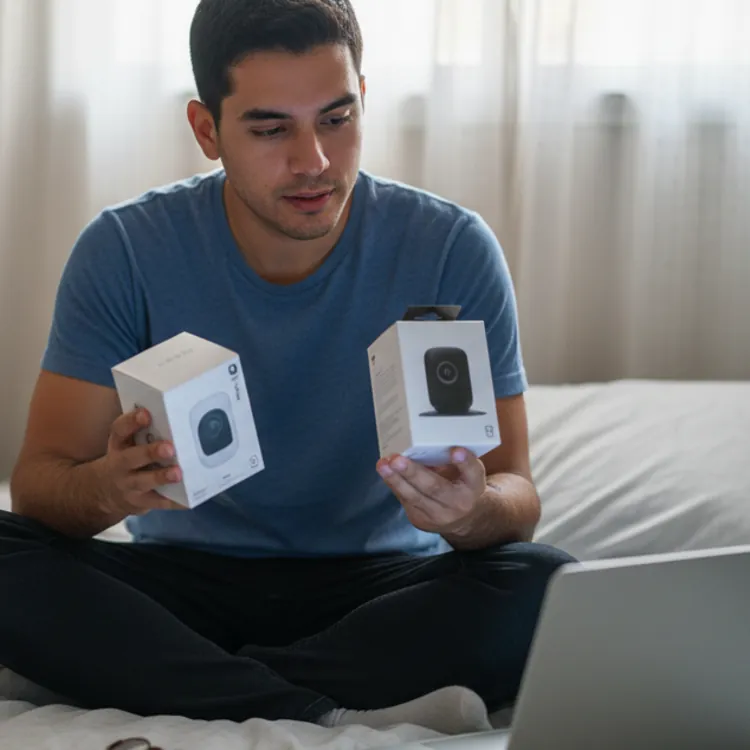
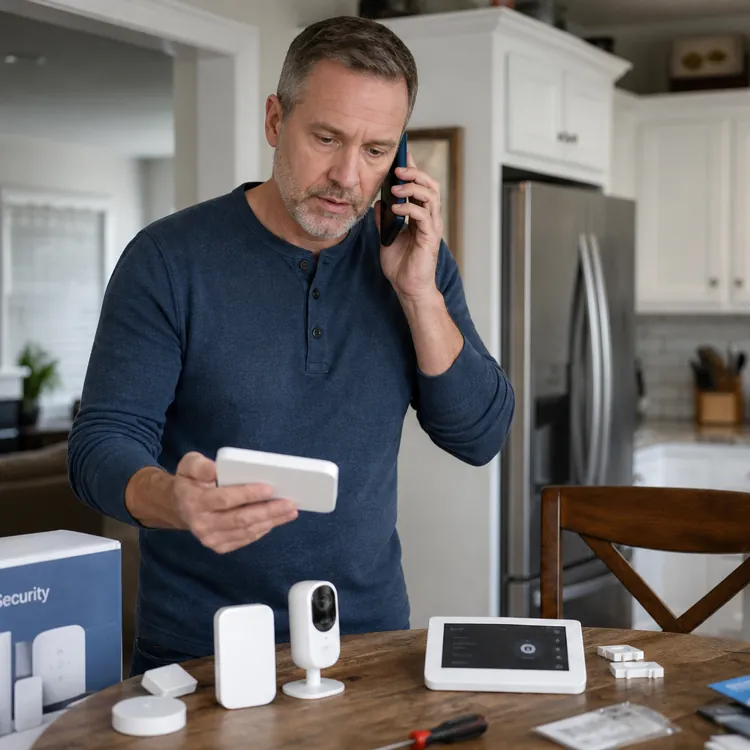
With your budget and requirements defined, compare products and companies. Prepare a list of questions to ask security companies so you don’t forget key concerns during your conversations with sales reps.
Major home security brands, like ADT and Brinks Home Security, offer turnkey and DIY systems, while others, like Arlo, offer only DIY systems. Take your time and shop around to find what works best for you.
| Company | Customer rating | Installation | Monitoring | |
|---|---|---|---|---|
 Abode | Learn More | 4.2 | DIY | Optional |
 ADT | Get a Quote | 4.2 | Professional or DIY | Professional or DIY |
 Arlo Home Security | Learn More | No ratingView profile | DIY | Professional and self-monitoring plans |
 Brinks Home Security | Get a Quote | 4.2 | Professional | Professional |
 Cove | Learn More | 1.6 | DIY | Professional |
 Frontpoint | Learn More | 1.4 | DIY | Professional and self-monitoring plans |
 Ring | Learn More | 1.3 | Professional or DIY | Optional |
 SimpliSafe | Learn More | 3.0 | DIY or professional | Professional |
 Vivint | Get a Quote | 4.5 | Professional | Professional |
6. Purchase and install
After selecting a company or DIY setup, sign the contract or purchase your security system. Stay on the lookout for long-term costs buried in your contract, such as a time commitment, and buy any tools you might need for a DIY installation.
Home security system components
As you build the best security system for your home, compare essential and optional components.
Core system components
From a single doorbell camera to full smart home systems with smart locks and environmental sensors, home security systems are customizable, with many parts working together to create the overall system.
| Component | What it does | Best for |
|---|---|---|
| Base station/hub | Connects and controls your security devices | Managing a full security system |
| Keypad | Lets you arm, disarm and enter access codes | Easy arming and disarming |
| Entry sensors | Alerts you when a door or window opens | Doors and windows |
| Motion sensors | Detects movement in a room or entry area | Rooms and entry areas |
| Glass break sensors | Detects the sound or vibration of breaking glass | Fixed windows and glass doors |
| Indoor camera | Records video inside your home | Watching main indoor areas |
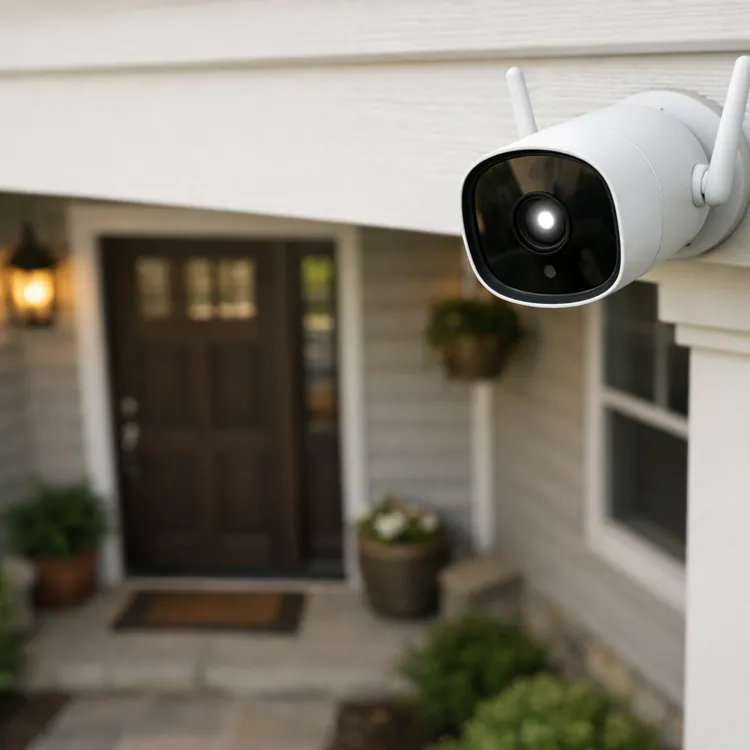
| Outdoor camera | Records video outside your home | Watching yards, driveways and entrances |
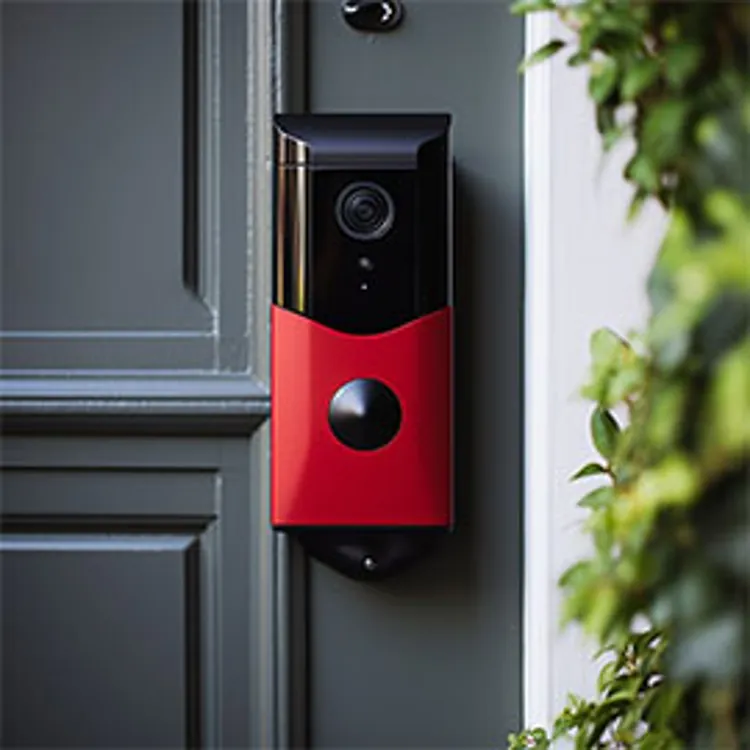
| Video doorbell | Shows who is at the door and lets you talk to visitors | Front doors and package areas |
| Smoke and CO sensors | Detects smoke or carbon monoxide | Fire and carbon monoxide alerts |
| Smart locks | Lets you lock, unlock and manage access remotely | Remote access and guest entry |
Security vs. safety components
Security components warn of intruders, while safety components address hazards like fire, floods or falls. Safety components are often sold as a part of, or made compatible with, home security systems.
Common safety components include: senior fall sensors and emergency calls, wearable components (i.e., jewelry), smoke and carbon monoxide alarms, leak sensors and temperature alerts. Door and window open sensors are also sometimes used in homes with small children, disabled family members or seniors to alert to wandering risks.
Wired vs. wireless systems
Choosing between a wired and wireless home security system affects more than just ease of installation. Each system solves different problems — and creates a few of its own.
Wireless security devices
- Offer easy installation
- Can be moved to a new home
- Are economical to purchase
- Increase in costs with data plans
- Are more vulnerable to hacking
Wired security devices
- Offer better privacy and data security
- Provide Internet-free options
- Tend to cost more upfront, but less over time
- Usually require professional installation
- May not be allowed in rental properties
» RELATED: How to deter burglars
Home security system installation and reliability
Even the best home security equipment fails if installed poorly. Good placement and proper connections or wiring are a must to ensure accurate alerts and proper operation.
Sensor and camera placement
While each security system has specific needs, there are some best practices for camera and sensor placement. These practices include:
While each security system has specific needs, there are some best practices for camera and sensor placement.
- Place doorbell cameras between 36” and 48” from the ground
- Add indoor security cameras to wall corners and ceiling junctions
- Avoid facing cameras directly toward strong lighting
- Place glass break acoustic sensors above head level and within a direct line of sight to monitored windows
- Add glass break vibration sensors to the corner of the monitored glass pane
- Align contact sensors so that both halves match
Reliability and backup power
When shopping for a home security system, also consider a system’s reliability under varying conditions. Signal interference reduces footage quality or causes false alarms. Wi-Fi cameras risk jamming or hacking.
For wireless components, power outages are generally not an issue. However, you must replace batteries or recharge packs frequently. For systems that need the Internet, battery backup for routers is required. Keep all system components powered as well.
Wired systems need power backups, either internal or external, to work during outages.
Connection and signal strength
Connection types and signal strength are important for security devices. Wi-Fi devices must be near routers. Even then, walls can reduce signal quality. Cellular devices suffer if towers are unavailable. Wired systems may also lose signal strength over long cables.
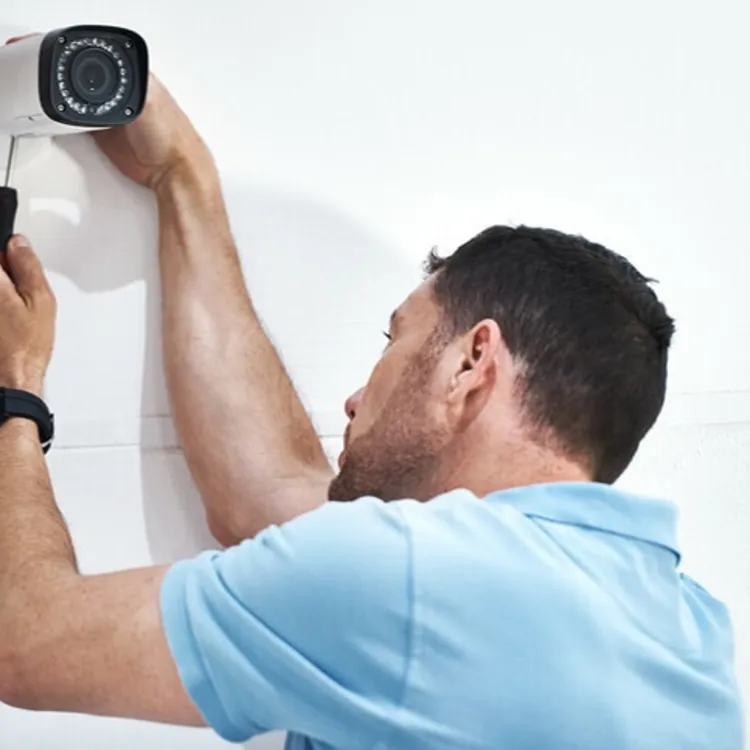
Professional installation vs. DIY
Budget, equipment type, whether you rent or own and your own skills will dictate your installation approach.
| Best for | Budget | |
|---|---|---|
| DIY installation | Simple wirelss systems | Lower upfront cost |
| Professional installation | Complex wired systems | Higher upfront cost |
Home security system costs and contracts
Security system costs include more than the initial price of buying and installing the equipment. You may also pay for system monitoring, data plans, even contract and permit fees. Some companies, like Safe Home Security, provide custom quotes instead of listing prices online.
Set aside several days to compare home security system costs.
Monitoring costs and data plans
Check whether the equipment includes monthly service fees. Even self-monitored cloud systems have ongoing fees, in addition to your standard home Internet charges. For example, fees might be charged for storing data and sending alerts, including for cellular cameras and cellular backups for wired systems.
Long-term contracts
Some security systems require initial long-term contracts. Similar to your cell phone, the equipment might be offered at a discount if you sign a multi-year monitoring and service contract. Even the cheapest home security systems might require at least a 12-month data contract.
That said, most home security systems are proprietary. So, unlike cell phones, you usually aren’t allowed to switch providers for better deals.
Fines and permits
About 98% of the alarms police respond to are unnecessary calls. These false alarms drain city resources. As a result, cities typically charge annual permit fees for monitored systems in addition to fines for false alarms. These fees help fund false-alarm reduction programs and increased resource needs.
FAQ
Is professional monitoring worth the cost?
Many people find that professional security monitoring is worth the cost because it adds peace of mind and frees them from constantly monitoring their own system.
What is the difference between wired and wireless security systems?
Wired security systems rely on cables for data and power, while wireless systems run on battery power and transmit data wirelessly.
Are DIY security systems as reliable as professionally installed systems?
DIY security systems can be very reliable, but they often don’t provide the depth of coverage that professionally installed systems do.
Do I need cameras if I have door and window sensors?
Security cameras often include motion detection, which can alert you to an intruder before a break-in. Security cameras also help gather evidence and identify burglars
Article sources
ConsumerAffairs writers primarily rely on government data, industry experts and original research from other reputable publications to inform their work. Specific sources for this article include:
- Office of Justice Programs, U.S. Department of Justice, "False Alarms: Cause for Alarm." Accessed May 7, 2026.
- Dallas Police Department, "Online Security Alarm Permit Registrations." Accessed May 7, 2026.