

How many home security cameras do I need?
The exact number of security cameras you need depends on your goals, whether you rent or own, the home size and layout. Underestimating the number of cameras needed is a common mistake among homeowners.
Number of security cameras needed per area
While every location needs individualized security camera placement, here are typical numbers of security cameras used by location and room.
| Location | Number of cameras | Tips |
|---|---|---|
| Front door and porch | 1 to 2 | One doorbell camera works well for smaller properties, but blind spots or larger spaces may require additional cameras. |
| Back door and patio | 1 to 2 | Watch for blind spots that may require additional cameras. |
| Side yards and gates | 1 | Plan angles to capture the entire side yard and ground-floor windows. Avoid pointing cameras at neighboring property. |
| Driveway and garage exterior | 1 | Garage exteriors are good locations for visible cameras that capture approaches. These cameras also often capture the main front yard. |
| Backyard and alley entrance | 1 to 4 | Backyards are tricky to estimate as size, fencing and surrounding areas affect the number of cameras needed. |
| Outbuilding | 1 to 4 | Small outbuildings or sheds may only require one camera, but large barns or detached workshops may require four or more cameras. |
| Living room or main living areas | 1 | Avoid placing the camera where backlit windows and glare interfere with clear footage. |
| Kitchen, mudroom and connecting garage door | 1 to 2 | May require additional cameras depending on the home floor plan. |
| Interior entrances | 1 per entrance | Interior cameras covering entrances provide backup if an intruder bypasses the exterior entrance cameras. |
| Garage interior | 1 | Garage doors are vulnerable and often overlooked. |
| Interior hallway or stairs | 1 each | These help track movement through your home. |
| Upstairs landing | 1 | Many second floors consist primarily of bedrooms, so the landing provides coverage without invading privacy. |
Security camera count by home size
The general industry rule of thumb for roughly calculating home security camera needs is one per 500 square feet. However, it’s much more of a starting point than a rule, and there are plenty of exceptions. It’s primarily meant for indoor calculations, not outside security cameras. Even inside, it doesn’t account for the number of entryways, private areas, how many stories the home has or obstacles.
Security cameras needed by home size and type
Every home needs a detailed plan for security camera placement, but you can get a rough baseline based on your home’s type and size.
| Home type | Average square footage | Suggested outdoor cameras | Suggested indoor cameras |
|---|---|---|---|
| Apartment or condo | 500 to 1,200 sq ft | 1 to 2 | 1 to 2 |
| Duplex | 1,300 to 1,600 sq ft | 2 to 4 | 1 to 3 |
| Tiny homes and small houses | Under 1,200 sq ft | 2 to 4 | 1 to 3 |
| Medium house | 1,200 to 2,400 sq ft | 4 to 6 | 3 to 6 |
| Large property | Over 2,400 sq ft | 6 or more | 6 or more |
Minimum security cameras needed
The bare minimum number of security cameras varies depending on whether your goal is basic monitoring or comprehensive coverage. If your goal is purely basic front-door coverage to watch for porch pirates or communicate with delivery people and repair workers, then a single doorbell camera may serve your needs.
However, basic coverage usually requires a camera for each exterior door and the ground-floor windows. Comprehensive coverage requires adding indoor cameras and covering approaches to your home as well.
Questions to ask yourself
- Do I need face identification or just motion alerts? Motion alerts notify you of activity on your property; facial recognition uses AI to distinguish between authorized and unauthorized individuals.
- Do I need license plate captures? Street-facing cameras with license plate capture help identify vehicles involved in suspicious activity.
- Do I need night vision or low-light recording? Night provides extra coverage for burglars. Night vision, infrared lighting (IR) and low-light video help improve nighttime video quality.
- Do I have high-value items that need extra monitoring? If you have artwork, collectibles or high-value jewelry, your insurance may require extra monitoring.
- Is my home in a higher crime area? Homes in higher-crime areas are at higher risk and often gain the most benefit from home security cameras.
- Will I be adding cameras over time? If you plan on adding more cameras later, focus on high-priority areas first.
- Where would a visible camera be a good deterrent? Cameras visible from the road, such as over the garage, are prime spots to deter casual thieves.
- How often are you away for long periods? If you work long hours or travel frequently, your home may be at a higher risk of a burglary.
- Which cameras would need extra security to prevent hacking? Cameras in sensitive areas need extra security, such as two-factor authentication (2FA).
- What is my budget? Be realistic about budget constraints, including both upfront and ongoing costs, to ensure the best system match for your needs.
Pro tip
Home security system costs vary widely, and the number of cameras is a big factor in those costs. Figuring out how many cameras you need is a starting point for budgeting your security system. While every home will have specific needs, there are some basic rules of thumb you can use to help estimate starting points.
» RELATED: Questions to ask home security companies
How to figure out how many cameras you need
A security audit checklist is a great first step to determine how many security cameras your home needs. Walk around your home and outside property, focusing on high-risk areas and making notes on the checklist as you go, so you have a guide when shopping for systems.
- Walk your property, counting doors, including front door, garages, side doors and back doors.
- Note any blind spots, especially ground-floor windows hidden from wide views of that side of the home.
- Count property entrances such as side gates, alley gates or river access.
- Include outbuildings that need security coverage.
- Check lighting conditions at different times of day and night to determine glare or potential additional lighting needed.
- Consider privacy concerns for neighboring property.
- Note obstacles such as trees, shrubs or building angles.
- Count the number of interior common spaces, including the garage interior.
- Count the interior traffic areas, such as hallways and stairs.
- Consider mounting restrictions, such as weather conditions, the need to run power cables, access to charge batteries and any landlord-mandated restrictions.
Planning security expansions
Budget constraints often mean planning your home security camera purchases in stages. When you need to start with fewer cameras and expand later, plan ahead for future cameras. Phased installations generally focus on starting with high-priority areas such as front and back doors, and gradually adding more cameras over time.
Different camera types, such as wide-angle, multi-lens or pan-tilt-zoom (PTZ) cameras, may also help cover more areas with fewer cameras.
Security camera placement by key areas
Planning where to place home security cameras isn’t about covering every square inch; it’s about covering the right locations. The best security camera can’t help if it’s pointed the wrong way.
High-priority security zones
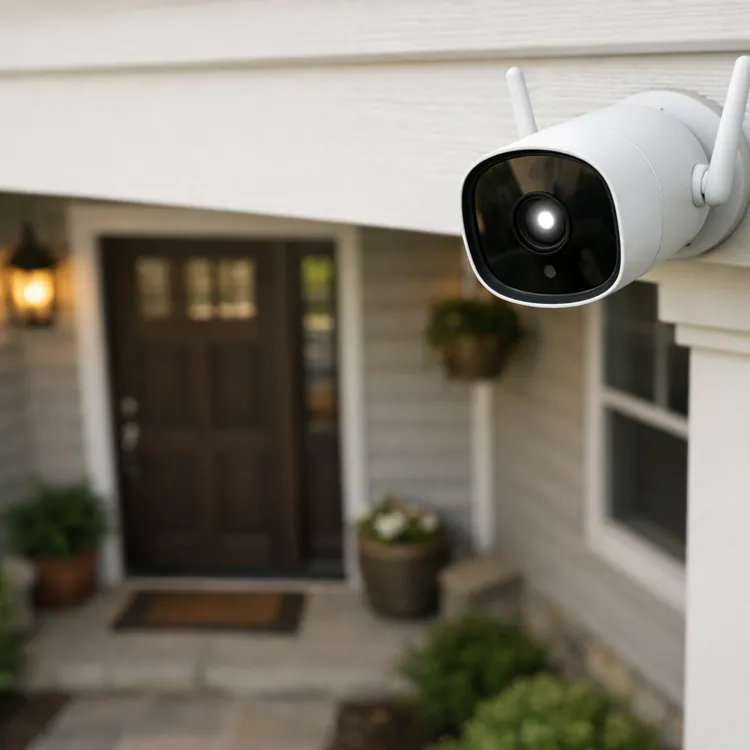
High-priority areas for home surveillance include entryways, property approaches, high-value property and common areas inside the home. Placement in each varies by need, camera type and available mounting locations. For example, at least one visible external camera is recommended, as over 60% of burglars look for a different target if security is visible.
For interior cameras, consider placement in a corner where the wall and ceiling meet to provide maximum coverage per camera.
For exterior entry cameras, most doorbell cameras are placed about 48 inches (four feet) high to provide face ID, porch package coverage and approach views. Wider-angle approach cameras, such as those for garages and driveways, are often mounted around eight to 10 feet high to avoid tampering.
Areas to avoid placing cameras
Due to the sensitive nature of bedrooms and bathrooms and concerns over hacked footage, bedroom and bathroom cameras are discouraged. Federal and state voyeurism and invasive recording laws also apply to private areas. This can include your neighbor’s fenced yard and inside their home as seen through windows.
Cameras directly facing the sun, facing backlit windows and blocked by obstacles are also discouraged for video quality reasons.
Most overlooked security camera placements
Burglars are good at finding blind spots in your security camera layout. These are some of the most commonly overlooked areas:
- Interior door from the garage to the home
- Basement windows and doors
- Basements
- High-value item coverage, such as home safes or jewelry boxes
- Side of the house
- Accessible upper-floor windows
Security camera restrictions for renters
Whether you own or rent your home is another consideration for the number, type and placement of security cameras. Finding the best renters’ security system means working with restrictions. With rented property, your landlord may have restrictions on the types of mounting you can use for cameras.
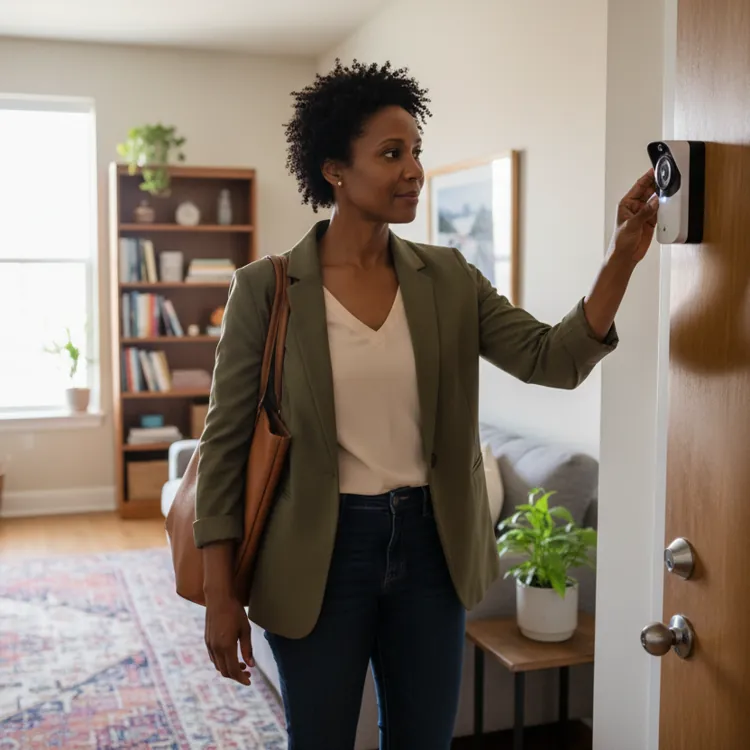
Neighbors may also be closer, limiting where you can place cameras without invading their privacy in rentals such as apartments or condos. For example, many apartment dwellers find themselves limited to a single doorbell camera outside and only using non-permanent camera mounts inside.
Security camera types that reduce cameras needed
More advanced security cameras offer capabilities that can cut the number of cameras needed. While advanced cameras may cost a bit more, many find savings in the reduction in monthly fees, mounting needs, bandwidth strain on your home internet and need for maintenance.
Camera features
Home security camera features cover a huge range of functions. From fixed wide-angle lenses to moveable and zoomable models, each camera type offers different benefits. While most cost a bit more than basic cameras, they often let you reduce the number of security cameras needed for your home.
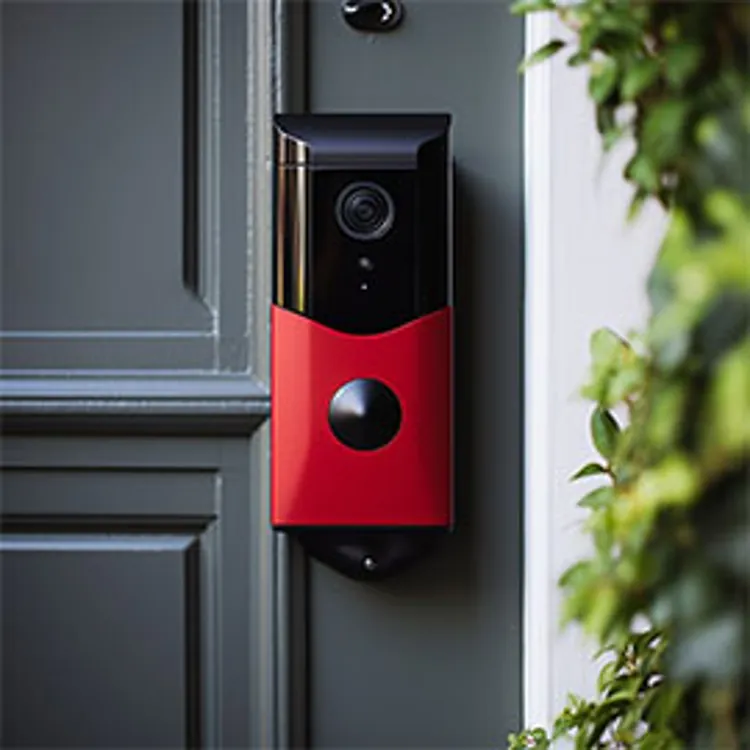
- Doorbell: Video doorbells can generally cover your porch and sometimes the approach from the street. They often offer two-way communication, motion alerts and sometimes integrate with smart home features like door locks.
- Wide-angle: Security cameras with a 130° or larger field of view (FOV) so you can cover a larger area with fewer cameras. Cameras of this type often feature 180°, 270° or full 360° views.
- Pan-tilt-zoom (PTZ): PTZ security cameras help work around some potential blind spots and cover multiple zones from one position. Some PTZ cameras require manual control, but others automatically track moving targets across an area.
- Fixed bullet: Named for their cylindrical shape, fixed bullet cameras have a single point of view but work well for long, narrow approaches such as alleys, hallways or stairwells.
- Multi-lens: Multi-lens, or multisensor, security cameras are basically two or more cameras in a single housing. These offer benefits such as covering two sides of your home with one corner-mounted unit.
- Floodlight: Floodlight security cameras combine lighting and video recording. Most use motion-activated lighting to both deter intruders and capture high-quality video.
- Wireless: Using a wireless security camera system offers more location choices than wired systems, so you can plan more efficient placement.
Advanced camera downsides
The tradeoff between basic and advanced cameras is often money and hassle. Advanced camera types often require more power, more precise installation and more maintenance than basic cameras. Finding the right mix of basic and advanced camera types is a balancing act between resources and know-how.
FAQ
How many security cameras does the average home need?
On average, most homes will need at least four security cameras.
Are four cameras enough for home security?
Four home security cameras are enough in many cases, but camera types, property size and layout can raise or lower that number.
Do I need security cameras inside and outside?
Inside and outside home security cameras are recommended in most cases.
Can I start with fewer cameras and add more later?
It is very common to start with a few security cameras and add more over time. When adding cameras over time, it is recommended to start with high-priority areas first.
Article sources
ConsumerAffairs writers primarily rely on government data, industry experts and original research from other reputable publications to inform their work. Specific sources for this article include:
- Oakland Police Department, "Surveillance Systems Toolkit." Accessed April 20, 2026.
- South Carolina Department of Insurance, "Home Security Tips for When You’re Away." Accessed April 20, 2026.
- Federal Trade Commission, "How To Secure Your Home Security Cameras." Accessed April 20, 2026.
- Bureau of Planning and Sustainability, "New study shows promising housing production results from the Residential Infill Project (RIP)." Accessed April 20, 2026.
- U.S. Census Bureau and U.S. Department of Housing and Urban Development, "Quarterly Starts and Completions by Purpose and Design." Accessed April 20, 2026.