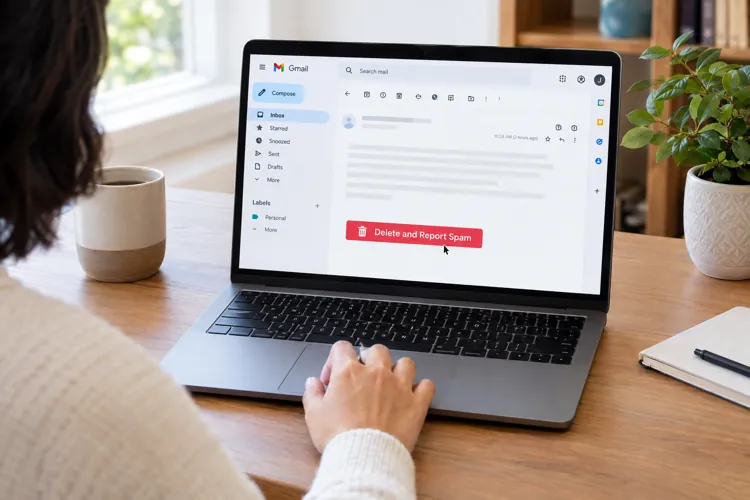

Reporting spam does more than delete an unwanted email. It provides Google with information that can help identify scammers and improve Gmail's spam filters.
The sender isn't notified. Google may use reports from multiple users to identify suspicious activity, but a single complaint doesn't necessarily trigger an investigation.
Reporting spam doesn't automatically block the sender or result in legal action. Gmail users have additional options for dealing with phishing attempts and persistent scammers.
Almost everyone with an email account has done it. A suspicious message arrives, perhaps claiming you've won a prize, missed a package delivery, or need to verify your bank account. You recognize it as spam and click the button to delete and report it.
The message disappears, and you move on.
But what actually happens next? Does Google investigate the sender? Does anyone get punished? And does reporting spam really make a difference?
The answer is that reporting spam can help protect both you and other email users, although the process is largely automated and doesn't necessarily result in action against an individual spammer.
Your report becomes part of Google's detection system
When a Gmail user reports an email as spam, Google receives information that helps its systems recognize unwanted or potentially dangerous messages.
That information can include the sender's address, the message's content, and technical details about how the email was delivered.
Google uses machine learning and other automated systems to identify patterns associated with spam, phishing, and malicious emails.
For example, suppose a scammer sends thousands of messages falsely claiming to be from a major bank. If numerous Gmail users report those messages, Google's systems may become better at recognizing similar emails and directing them to spam folders before other recipients ever see them.
In that sense, reporting spam is more than a housekeeping chore. It contributes to a larger effort to identify and filter unwanted messages. Google says its Gmail protections block more than 99.9% of spam, phishing attempts, and malware from reaching users.
Does anyone investigate the sender?
Not necessarily, at least not in the way consumers might imagine. Clicking the spam-reporting button doesn't automatically open a case file or send a Google employee to investigate the person who sent the message.
Instead, the report becomes part of the information Google's automated security systems use to identify suspicious activity. When those systems detect widespread abuse, Google may take additional action.
For example, if the spam originates from a Gmail account that violates Google's policies, the company may restrict or disable that account. However, many scammers use compromised accounts, forged sender addresses, or email services operated outside Google's control. In those cases, Google may be able to block or filter the messages without being able to shut down the source.
And there's another important point: The sender generally isn't notified that you've reported the message.
Reporting spam doesn't necessarily stop future messages
Consumers sometimes assume that clicking “Report spam” means they'll never hear from that sender again. Unfortunately, that's not guaranteed.
Gmail uses spam reports as signals when deciding how to classify future messages. But reporting a message doesn't automatically block the sender.
If unwanted emails continue arriving from the same address, users can take an additional step by selecting Gmail's “Block” option.
Future messages from a blocked sender will generally be directed to the Spam folder rather than the inbox.
Even that may not completely solve the problem. Professional spammers frequently change email addresses and domains, making it difficult to block every message individually.
What if the email is an outright scam?
There's an important distinction between ordinary spam and phishing. Spam may be an unwanted advertisement or promotional message. Phishing is an attempt to trick recipients into revealing passwords, financial information, or other sensitive details.
A phishing message might claim that your Amazon account has been suspended, that your bank has detected suspicious activity, or that you must immediately verify your identity.
These messages often contain links to fraudulent websites designed to steal information.
For suspicious messages of this type, Gmail offers a separate “Report phishing” option.
That option more specifically identifies the email as a potential attempt to steal information rather than simply an unwanted message.
Consumers should avoid clicking links, opening unexpected attachments, or responding to suspicious requests for personal information.
If a message appears to come from a bank, retailer, or government agency, the safest approach is to contact the organization through its official website or a phone number obtained independently.