

Key insights
Home security cameras capture images on digital sensors that are processed in-camera and then sent to storage or viewers.
Jump to insightSecurity footage can be stored on-site or in the cloud, but encryption is important to protect privacy.
Jump to insightResolution, night vision, field of view and weather ratings are all important security camera features.
Jump to insightHow security cameras work
Security cameras are complex devices that blend digital video capture with compression to reduce file size while delivering on-demand video and smart features such as AI-assisted subject recognition. But how does that all work?
How cameras capture video
In simple terms, security cameras capture video when light passes through a lens and hits a digital sensor that records it. On-board processors then translate that light into images and color and transmit the video to storage.
Check a camera’s low-light features if you need clear footage after dark.
Modern video camera sensors typically use CMOS (complementary metal-oxide-semiconductor) sensors because they are faster, take less power and often deliver better color and dynamic contrast than earlier CCD (charge-coupled device) sensors.
For cameras with infrared (IR) or low-light capabilities, manufacturers may add a sensor, but a single sensor with IR capabilities or a mechanical IR-cut filter is more common.
How video is processed and compressed
Once the sensor captures data, a CPU (central processing unit) starts analyzing the image. The CPU is basically a tiny computer inside the camera. Modern cameras often use a specialized neural processing unit (NPU) or combine processing power in a system-on-a-chip (SoC) setup that blends NPU, CPU and image processing in one piece of hardware.
Images are then scanned for subject recognition and compressed for transmission and storage using compression standards such as H.264 and H.265 to preserve quality while limiting file sizes and bandwidth used.
How video is transmitted
If the camera has on-board storage, the files may stay local. Otherwise, they are transmitted to storage via the internet, cellular, coax, Ethernet or peer-to-peer connections.
How footage is stored and viewed
Most home security live video (on-demand) is viewed via passthrough from your camera to you over the internet using your security system provider’s app. Recorded video is served from cloud-based storage.
However, some wired systems use local video recorders and transmit data via cables. Those recorders then need to be connected to a computer or other playback device.
Video is typically stored:
- On local memory in the camera
- On a network video recorder (NVR) after transmission via Ethernet
- On a digital video recorder (DVR) after transmission via coax cables
- On cloud-based storage
» RELATED: Where to place security cameras
Security camera connectivity and footage management
Now that we have the basics of how cameras work, let’s cover how you get the footage and how data is transmitted. It breaks down into wired vs. wireless connections and remote vs. local storage.
Wired vs. wireless connections
In general, wired cameras are less susceptible to hacking or jamming, but wireless systems make remote data access easier. Wireless systems need strong encryption protocols and passwords to reduce security risks.
Check a security company’s encryption practices before trusting it with your home footage.
Especially for wireless systems, where data moves offsite, vet security companies' track records with encryption and other security measures before signing up. Some companies have failed to secure data properly, leaving home footage vulnerable.
Wired cameras typically cost more upfront to install, while wireless cameras are cheaper upfront but may cost more over time through data subscriptions. Your choice between wired and wireless cameras depends on your needs and budget.
Wired data transmission includes:
- Power over Ethernet (PoE): Supplies power and data connection via an Ethernet cable. Stores footage on an NVR.
- Analog: Uses coaxial cables for data and separate wiring for power. Stores footage on a DVR.
Wireless data transmission includes:
- Wi-Fi: Uses your home’s Wi-Fi to transmit data, typically to cloud-based storage or over the internet to your security app for live viewing. These cameras are usually battery-powered or plugged into a wall outlet.
- Peer-to-peer (P2P): Uses a central server and a unique ID to connect your device directly to the camera over the internet. This allows for easy remote viewing from anywhere without requiring complex router setups. These cameras are often powered by batteries.
- Cellular: Uses cellular data rather than Wi-Fi to transmit data to the internet. Good for remote areas, but may require a separate data plan for each camera. Many trail cams use cellular data. Often powered by solar or batteries.
Comparing security camera connection types
Security cameras differ in security, upfront costs, signal transmission and power requirements. Use this table to compare wired and wireless options.
| Security | Cost | Signal transmission | Power | |
|---|---|---|---|---|
| Wired | More secure | More expensive upfront | Ethernet or coaxial cables | Power over Ethernet (PoE) or electrical wiring |
| Wireless | More susceptible to hacking and jamming | Less expensive upfront, but may have ongoing subscription costs | Wi-Fi, peer-to-peer (P2P) and cellular | Batteries, solar or plug-in |
Footage management
Receiving, storing and viewing security camera footage depends on the camera type.
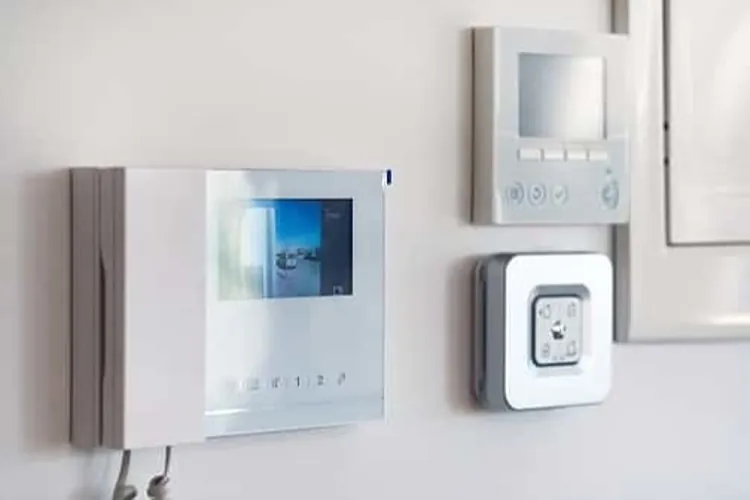
Analog and digital video cameras can deliver video for live viewing and storage, depending on how the system is set up. With Internet Protocol (IP) cameras, you can use an app to view live feeds on demand; without them, you need a monitor and viewing station set up for live feeds.
IP (Internet Protocol) cameras and IoT (Internet of Things) systems
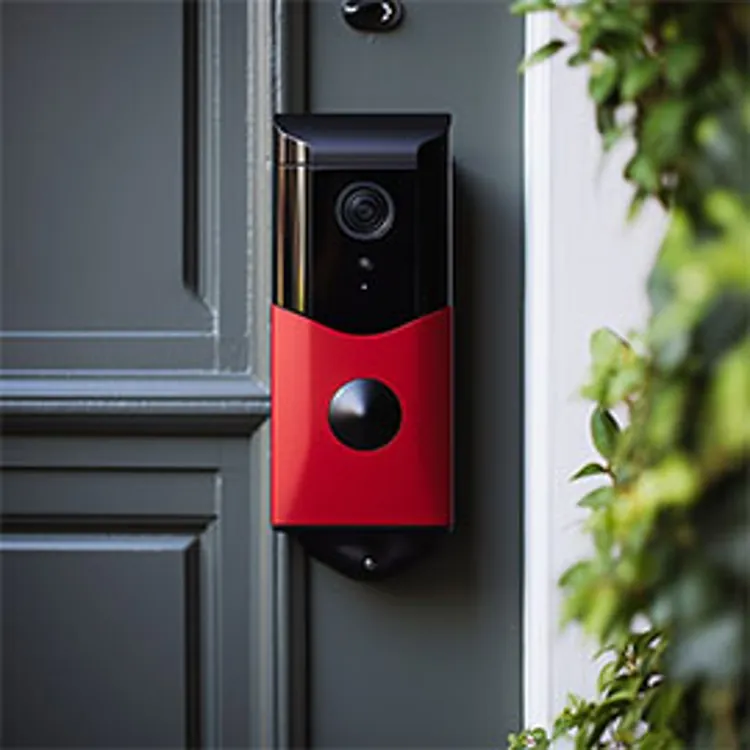
These types of security systems use the internet to deliver data. However, while IoT cameras (such as video doorbells) are a type of IP camera, some less-connected cameras also use IP. Some store data on the camera, but most transmit it to cloud or on-site storage devices.
CCTV systems with DVR
CCTV (closed-circuit television) cameras are meant to provide continuous 24/7 recording, and may be analog or digital. CCTV sends data to local storage devices rather than to cloud-based systems, typically to a DVR or an NVR.
NVR systems with PoE
Used with digital cameras, data is sent via an Ethernet cable to an NVR. Many cameras may feed into a single NVR, but they typically use on-site storage rather than sending data via the internet.
» LEARN: How many security cameras do I need?
Security camera features
While all cameras capture light and process it similarly, security cameras offer a wide range of features and capabilities designed to meet specific security needs.
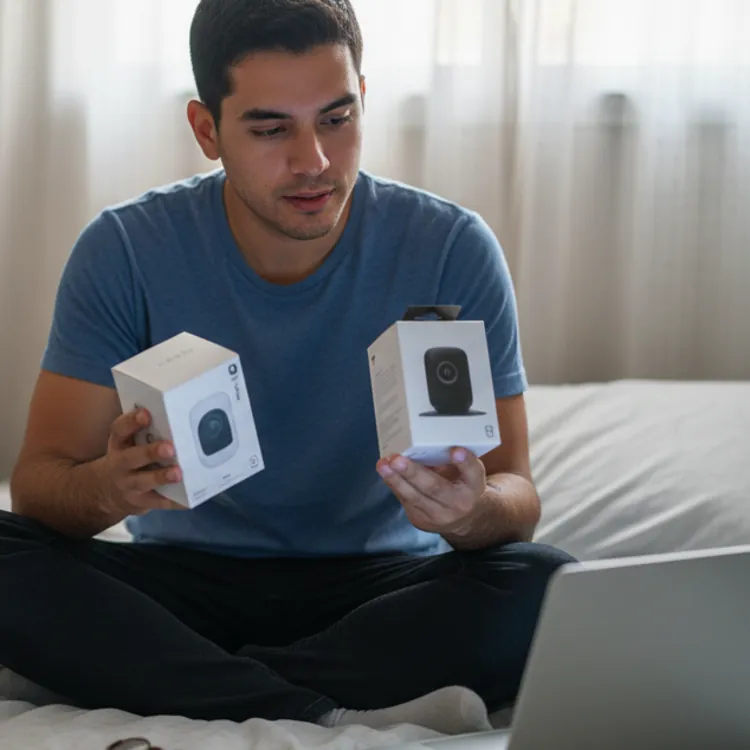
When shopping for the best security camera, be sure to consider:
Choose a high-resolution security camera to capture clearer images that may help identify suspects.
- Resolution: The amount of image detail a camera captures, usually measured in megapixels (MP). Higher resolution generally produces clearer images and lets you zoom in on details, such as an intruder’s face.
- Field of view: How much of an area a camera sees at one time. This is expressed in degrees and may also be listed as wide-angle (typically over 120 degrees) or narrow view (typically up to 90 degrees).
- Night vision: May refer to the sensor's low-light sensitivity or IR capability. Night vision is typically grayscale and may look grainy on entry-level cameras.
- Motion detection: Combines a video camera and motion-detection sensor to trigger the security camera only when motion is detected, rather than recording continuously.
- Person alerts: Uses AI-assisted algorithms to identify images in video as people or irrelevant objects (such as trees swaying in the wind or birds).
- Two-way audio: Lets you send and receive audio through the camera. Common with video doorbells. May run into issues with wiretapping and eavesdropping laws depending on your location.
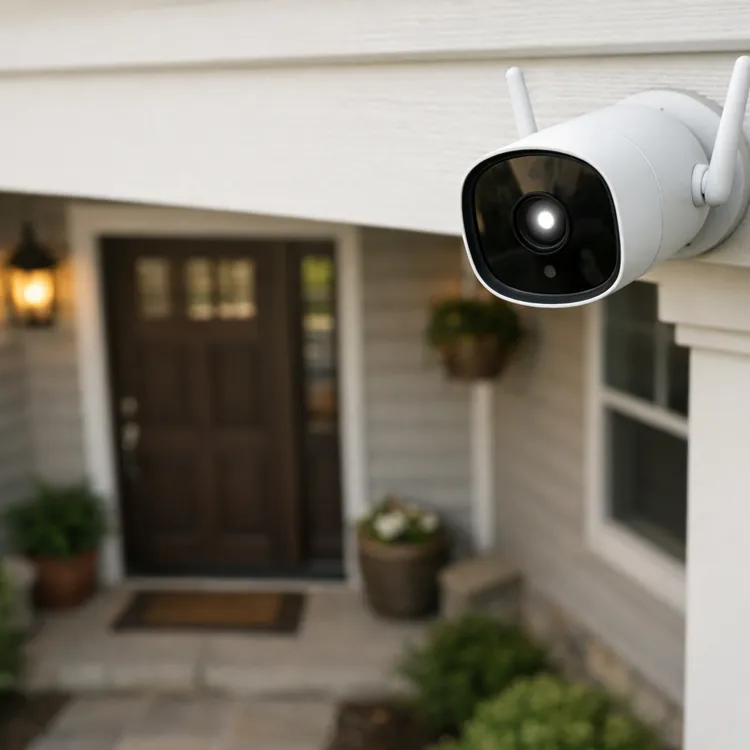
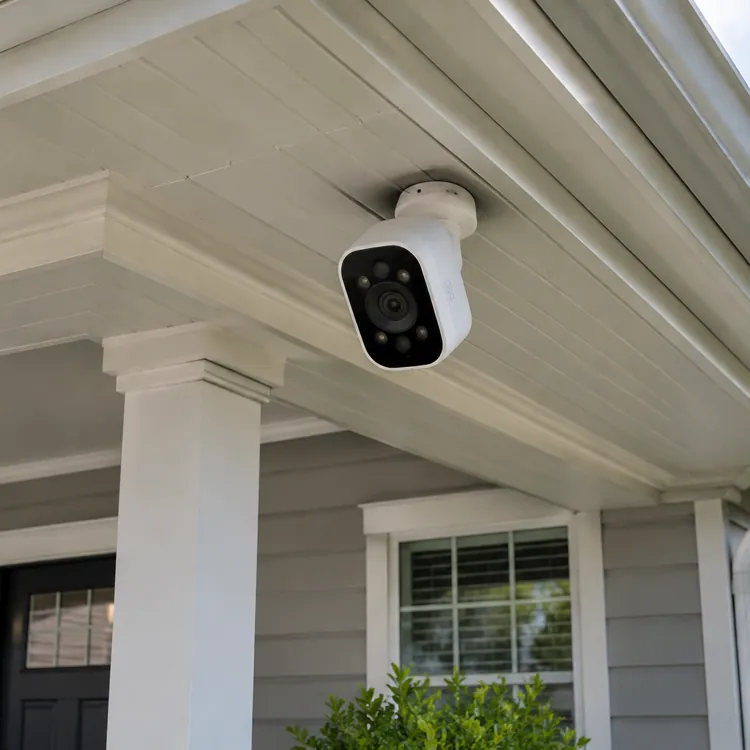
- Weather rating: Security cameras may have an ingress protection (IP) rating defined by the International Electrotechnical Commission (IEC). The first digit indicates protection against solids like dust and dirt, while the second indicates protection against liquids. Cameras may also list operating temperature ranges.
- Encryption/password protection: Especially for wireless cameras, encryption and strong passwords help prevent data interception and hacking. Common security features include end-to-end encryption for data in transit, AES-128/AES-256 for stored data, TLS/HTTPS for in-transit encryption and Wi-Fi security such as WPA2.
- Pan-tilt-zoom (PTZ) functionality: PTZ cameras let you move the camera side to side and up and down, plus zoom in or out to cover larger areas with a single camera.
The best home security companies will offer a variety of camera types and features to help meet your specific needs.
FAQ
Do security cameras record all the time?
Some security cameras, such as CCTV, record constantly. However, most home security cameras activate only when they detect motion.
Do all security cameras have a monthly fee?
No, not all security cameras charge a monthly fee. However, many charge a monthly fee for cloud storage or features such as live viewing.
Do security cameras need Wi-Fi to work?
No. While many security cameras need Wi-Fi, others work without it.
How do wireless security cameras get power?
Most wireless security cameras run on batteries. Some use replaceable batteries, while others use rechargeable internal batteries. Others may plug into an outlet or use solar power.
Article sources
ConsumerAffairs writers primarily rely on government data, industry experts and original research from other reputable publications to inform their work. Specific sources for this guide include:
- Federal Bureau of Investigation, Criminal Justice Information Services Division, "First Look 2025 Crime Data." Accessed Oct. 28, 2026.
- Congresswoman Elise Stefanik, "Significant Security Vulnerabilities': Stefanik, Scott Sound Alarm on China-Backed Company for Misleading Customers, Targeting Military Consumers." Accessed Oct. 28, 2026.
- Benton County Sheriff's Office, "Crime prevention message - Security systems." Accessed Oct. 28, 2026.
- Richmond Journal of Law and Technology, "Smart Doorbells and the Legality of the Audio Recording Feature." Accessed Oct. 28, 2026.
- International Electrotechnical Commission, "IP ratings." Accessed Oct. 28, 2026.