

Wired and wireless security cameras basics
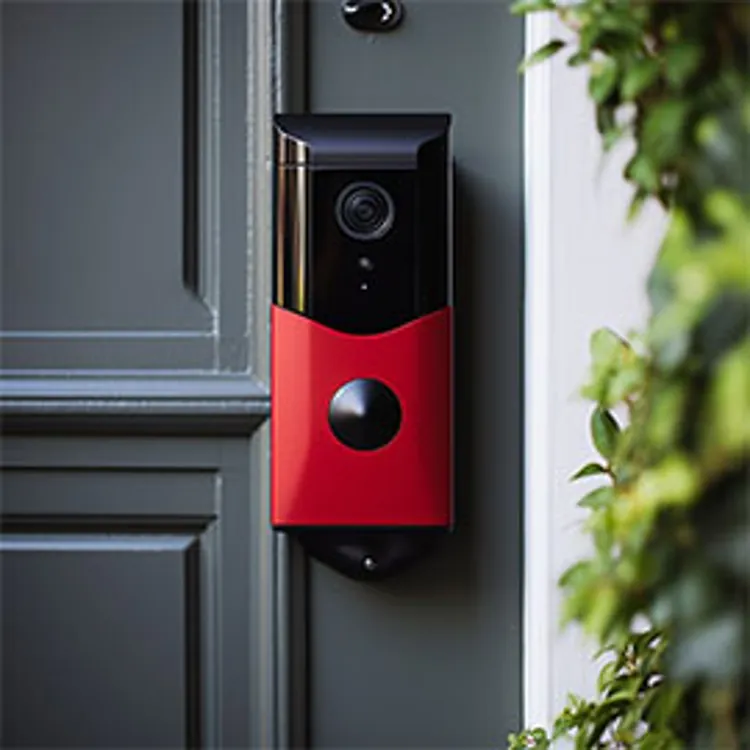
About 60% of criminals said they’d find a different target if they saw a security camera on-site. They don’t care if it's wired or wireless; that choice is yours. Smart doorbells, such as Ring and other wireless cameras, offer basic protection with minimum investment. Wired systems, like those from Swann or Verkada, typically offer more benefits and greater privacy.
How wired security cameras work
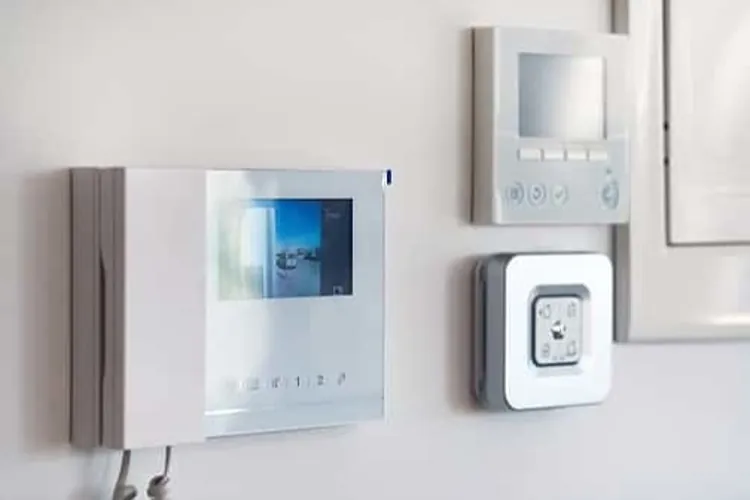
Wired security cameras need physical wires for power, video transmission or both.
Think of wired security cameras like cable TV. One wire supplies power and another wire carries the video signal. Both connect to monitoring and recording devices, such as network video recorders (NVRs) and digital video recorders (DVRs).
Older systems, like coaxial, often require separate power and signal wires. Most modern home security systems use combined signal and power wires (or bundles) to streamline installation.
How wireless security cameras work
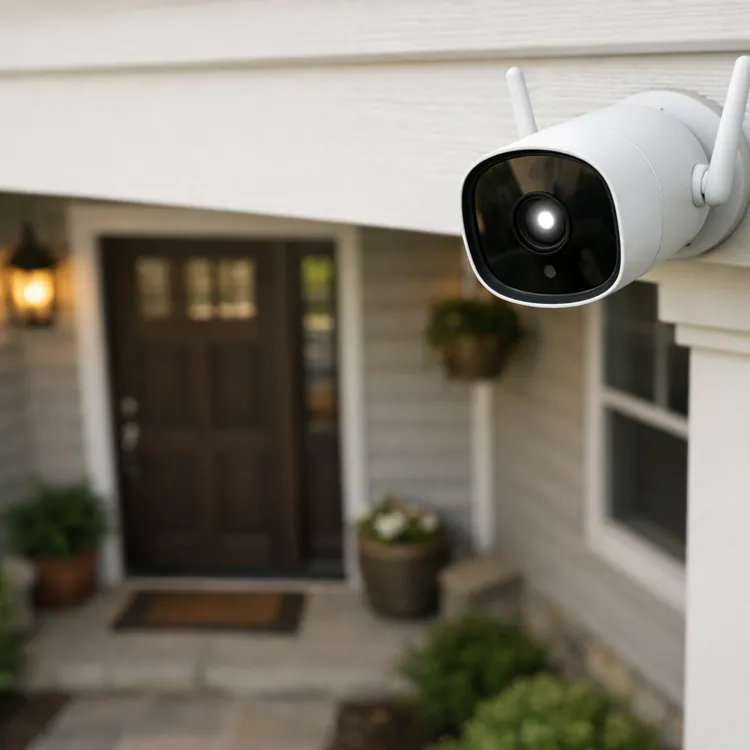
Wireless security cameras use internal power sources, such as batteries, and transmit footage to a local device or the cloud via internet connection.
If wired cameras are much like cable TV, then wireless cameras are like cell phones — they connect to external monitoring and recording devices without the use of wires. (Although wireless cameras transmit data without cables, they may still require connections for power.)
Wi-Fi is the most common connection, but cellular and direct wireless are alternatives when Wi-Fi isn’t available. It is important to note that direct wireless cameras may not offer all the features of other wireless cameras, such as live viewing and remote alerts.
» RELATED: Can security cameras work without Wi-Fi?
Power options: wired vs. wireless cameras
Power options for security cameras include batteries, Ethernet cables or smart home wiring.
Wireless cameras
Wireless cameras generally either plug into a home power outlet, require a rechargeable battery pack or use batteries, such as AA or 9-volt (9V). Internal battery packs sometimes offer solar recharging for outdoor cameras in remote locations.
Wired cameras
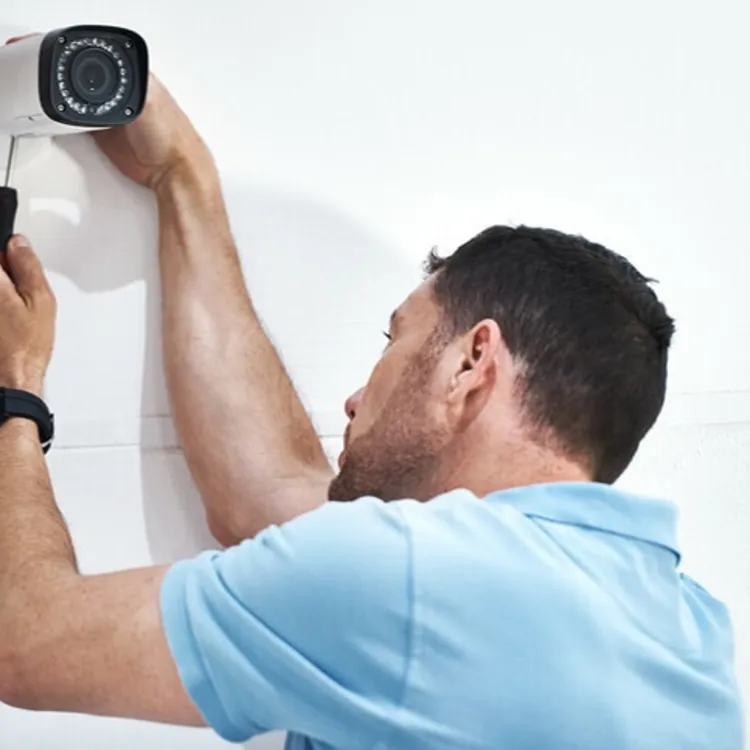
Wired cameras generally use PoE (power over Ethernet) or a dual-cable (Siamese) configuration, where power and data are encased in a single larger tube to simplify wiring runs. While wired systems often require professional installation and higher initial costs, you don’t have to change or recharge batteries.
» MORE: Home security system costs
Wired vs. wireless security cameras comparison
It can be challenging to compare wired against wireless security cameras because both have benefits and drawbacks. Many companies, like ADT, eufy and Reolink, offer both types. The trick is matching the camera type to your home security needs.
Cost and installation complexity
Wireless security cameras are generally easy to install, whereas wired systems are often more complex. However, certain factors contribute to an installation’s complexity, including:
- Number of cameras
- Camera location
- Your property size
For example, some outdoor wired cameras can be easily wired into the existing lighting at your driveway’s entrance. In contrast, cameras in the home may have to be drilled into the wall and the attached wires pulled through multiple rooms.
Wi-Fi do-it-yourself cameras are everywhere and skew perceptions of costs. While off-brand wireless cameras start at around $20, higher-quality cameras start at around $50 each.
Wired, solar and cellular cameras add more pricing complexity. Wired systems also require equipment beyond a camera and smartphone.
| Camera type | Typical starting price | Additional equipment required | Ongoing costs related to camera type | DIY or professional installation |
|---|---|---|---|---|
| Wi-Fi wireless camera | $120 | Smartphone or computer to access footage/alerts | Batteries, internet connection | DIY |
| Solar wireless camera | $200 | Solar panel if not included. Smartphone or computer to access footage/alerts. | Replacement solar panels, internet connection | Both |
| Cellular wireless camera | $200 | Smartphone or computer to access footage/alerts | Cellular data plan | DIY |
| PoE wired camera | $75 | Cables, data storage unit (NVR or DVR), monitor or smartphone | Electricity, equipment upkeep | Professional |
| Coax wired camera | $120 | Cables, data storage unit (NVR or DVR), monitor or smartphone | Electricity, equipment upkeep | Professional |
Video quality and reliability
Home security camera video quality varies widely across connection and power types.
Standard definition, ultra-high definition (UHD) and more are available in wireless and wired versions. Video definition capabilities increase with cost, but actual quality depends heavily on where you place your cameras and how well they are installed.
Wired systems often have an advantage in reliability because they are less susceptible to interference or internet problems.
» LEARN: How to install a security system
Footage security and privacy
Indoor security camera footage may raise privacy concerns. Though uncommon, reports of hackers spying on children and speaking to them through security cameras have broken the news in recent years. They have also been known to livestream the activities of homeowners to an audience without their consent.
Wireless cameras, particularly Wi-Fi models, are generally considered the easiest to hack, so experts recommend switching to wired cameras for better protection indoors. If you prefer Wi-Fi cameras, change your passwords frequently and use encryption.
Power outages and internet reliance
Movies and TV shows often feature scenes of intruders cutting the power just before break-ins. Though dramatized, these scenes highlight a legitimate security system problem: What happens to your security cameras when the lights or the internet go out?
Cellular cameras and direct-connect wireless devices aren’t typically affected by internet interruptions.
Wired cameras don’t rely on the internet, but they do need battery backup during outages. Battery-powered wireless cameras require internet access, but don’t rely on external power.
A backup uninterruptible power supply (UPS) can keep your internet up and running, but internet- and cloud-reliant cameras also need sufficient bandwidth to broadcast timely alerts and footage. Individual cameras may not need much bandwidth or speed, but the combined use of all cameras, home computers and streaming services adds up — and can slow things down.
| Camera definition | Minimum internet speed suggested per camera |
|---|---|
| SD (standard definition) | 0.5 Mbps |
| HD (high definition - 720p) | 1 to 2 Mbps |
| Full HD (1080p) | 2 to 4 Mbps |
| 2K | 3 to 5 Mbps |
| 4K or UHD | 5 to 10 Mbps |
Wired security cameras pros and cons
Wireless cameras are common in small homes and apartments, but wired options are better suited for large properties and high-risk areas. Overall, wired security systems offer distinct advantages in reliability and lower ongoing costs in systems with many cameras.
System differences: PoE vs. PoC
Standard coax systems require two cables: one for power and one for data. However, the following system types only require a single cable:
- Power over Ethernet (PoE) systems: These use a single Ethernet cable to supply power and transmit data to the camera at the same time.
- Power over cable (PoC) systems: These combine power and data into a single cable and are available in some coax systems (however, they are generally proprietary and not standardized).
Pros: Wired security cameras
The biggest advantages of wired security cameras include:
- Security: Wired systems are harder to hack than wireless cameras and are immune to Wi-Fi jammers.
- Reliability: Generally, signals are more reliable and are not dependent on variable internet speeds.
- Power: Wired power with battery backup ensures continuity during power outages.
- No data plans: Locally stored footage doesn’t require a monthly data plan subscription.
- Maintenance: Generally less maintenance is required than wireless cameras.
Cons: Wired security cameras
Wired security camera weaknesses include:
- Initial costs: Initial equipment and installation costs are typically higher.
- Complexity: Generally more complex than most wireless home security systems.
- Wiring: Running wires throughout your property is required.
- Site-specific setup: Systems cannot be easily moved to a new property.
» RELATED: Top home security systems
Wireless security cameras pros and cons
If you’re a renter, wireless security cameras offer home security options that landlords are likely to allow. Plus, visible security systems have a cumulative effect, so that entire neighborhoods can become safer when more homes and apartments have security cameras. Still, not every home benefits from a wireless camera.
System differences: Wi-Fi vs. cellular vs. direct wireless
Almost all wireless security cameras operate as standalone units that transmit data wirelessly. How data is transmitted, and the level of remote access, often differs.
Wi-Fi wireless
Wi-Fi wireless cameras transmit footage and alerts via Wi-Fi and your home internet, and often require a cloud storage subscription.
Cellular wireless
Cellular wireless cameras use mobile data to transmit footage and alerts and require a cellular service plan.
Direct wireless
Direct wireless cameras use a built-in, self-contained Wi-Fi hotspot to connect with specific devices, such as a hub or your cell phone. A few use Bluetooth technology. Direct wireless cameras rarely offer live viewing, and alerts are limited.
Power for all wireless cameras usually comes from batteries, built-in rechargeable battery packs or solar power.
Pros: Wireless security cameras
Wireless security cameras are often the only choice for rental units, but they offer a few benefits, including:
- Easy installation: Most wireless cameras offer easy DIY installation.
- No wires: No wiring needs to be run for wireless cameras.
- Placement flexibility: Placement is only limited by signal strength and access to chargers.
- Impermanence: Wireless cameras often feature peel-and-stick installation, making them suitable for rentals. These systems are generally easy to take with you when you move.
- Low initial costs: Wireless camera systems offer low equipment costs and the freedom to add more units over time.
Cons: Wireless security cameras
Wireless security cameras are popular and important parts of how many people secure their homes. However, wireless security cameras have some big downsides too:
- Signal dependence: Wireless cameras suffer from Wi-Fi, cellular and internet service drops.
- Battery maintenance: Wireless cameras (other than solar) require battery replacement or removal of the entire unit to charge an internal battery pack.
- Ongoing costs: Cloud storage and cellular data plans are required.
- Low security: Wireless cameras, especially Wi-Fi-based ones, are notoriously susceptible to signal jamming and hacking. However, the best wireless home security systems often offer cameras with encryption or peer-to-peer connections.
| Initial cost | Ongoing costs | Installation | Best for | |
|---|---|---|---|---|
| Wireless | Lower | Higher | DIY or professional | Apartments and small homes |
| Wired | Higher | Lower | Mostly professional | Large properties or high-risk locations |
FAQ
Will wireless cameras work if my Wi-Fi goes out?
Some wireless cameras work if Wi-Fi goes out, such as cellular-connected and local-storage cameras.
Which CCTV camera is best for the home, wired or wireless?
Most small homes and apartments use wireless systems, while large properties and high-risk areas trend towards wired systems.
Do wired security cameras need the internet?
Most wired systems do not need the internet to function. However, some newer systems use cloud storage and do need the internet.
Are wireless security cameras safe from hacking?
Wireless security cameras are vulnerable to hacking, but strong passwords, encryption and peer-to-peer connections can reduce the risk.
Article sources
ConsumerAffairs writers primarily rely on government data, industry experts and original research from other reputable publications to inform their work. Specific sources for this article include:
- ResearchGate, "Understanding Decisions to Burglarize from the Offender's Perspective." Accessed May 5, 2026.
- KENS 5 San Antonio, "Stranger hacks into Ring Camera inside bedroom of 5-year-old Killeen boy." Accessed May 5, 2026.
- ABC News, "Hackers tap into home security cameras and livestream to hundreds." Accessed May 5, 2026.
- Safemo, "What Internet Speed Do Your Home Security Cameras Need?" Accessed May 5, 2026.
- CIE Group, "What is PoE (Power over Ethernet) and PoC (Power over Cable)?" Accessed May 5, 2026.
- Rutgers, The State University of New Jersey, "Rutgers Study Finds Alarm Systems Are Valuable Crime Fighting Tool." Accessed May 5, 2026.