

Compare our top smart door lock picks
| Company | Customer rating | Best for | Smart home integration | Smart lights | Smart thermostat | |
|---|---|---|---|---|---|---|
 Vivint | Get a Quote | 4.4 | Best overall | Google Home, Google Nest |  | |
 ADT | Get a Quote | 4.1 | Best for smart lock features | Alexa, Amazon Echo, Google Home | | |
 Vector Security | Learn More | 3.7 | Best for pro monitoring | Google Home, Siri, Alexa, Amazon Echo | | |
Vivint

- Contract terms
- 1 to 60 months
- Starting equipment cost
- $199 or $599
- Availability
- Nationwide
- Device compatibility
- Android, iOS
ADT

- Contract terms
- 1 to 36 months
- Starting equipment cost
- $199
- Availability
- Nationwide
- Device compatibility
- Android, iOS
Partner Disclosure
ADT disclosure
Theft Protection Guarantee: Customer may receive reimbursement of up to five hundred dollars ($500) of Customer’s homeowner’s insurance deductible (if any) if, and only if, ALL requirements for Theft Protection Guarantee are met to ADT’s reasonable satisfaction. Requires purchase and continual monthly payment of professional monitoring from the time of original activation to be eligible. Customer must request reimbursement within 60 days of property loss. Request must be mailed to ADT and include: Theft Protection Guarantee certificate signed by Customer, a letter from Customer requesting reimbursement, a copy of the police report, and a copy of the accepted insurance claim. ADT reserves the right to reject any application for reimbursement that does not comply with all of the requirements.
ADT Money-Back Guarantee: Money-back guarantee only applies after ADT has made attempts to resolve a system-related issue and has not been able to resolve that issue within the first six (6) months of your original activation. Requires purchase and continual monthly payment of both QSP (Quality Service Plan, ADT’s extended limited warranty) and professional monitoring from the time of original activation. ADT Money-Back Guarantee is not transferable. Equipment must be returned before a refund will be processed. Conditions preventing normal system operation cannot be caused by the customer.
Vector Security

- Contract terms
- 36 months
- Starting equipment cost
- About $680
- Availability
- 17 states
- Device compatibility
- Android, iOS
Methodology: How we chose the best smart door locks
The ConsumerAffairs Research Team compared home security companies that offer smart locks by using verified customer reviews, product details and company policies. To qualify, companies needed verified reviews submitted between Aug. 1, 2023, and July 31, 2026. We scored each brand in three areas:
Customer experience: Satisfaction with installation, technicians, staff, customer service, punctuality and price
Smart lock and app features: Smart door lock capabilities and mobile app functionality
Price and policies: Starting monitoring cost and equipment return window
Each company received a score from zero to 10 for every metric. The top performer earned a 10, and the other companies were scored relative to it. We used different weightings for each award. For example, the smart lock features award focused more on door lock and app capabilities, while the professional monitoring award emphasized customer service, punctuality and monitoring cost.
Smart door locks buyers guide
Choose a smart lock that connects with your other smart home devices, ideally letting you monitor everything from one app. Consider your lock’s wireless connectivity options and remote control for convenient home security.
Key insights
Prioritize interoperability and wireless protocols.
Jump to insightConsider activity monitoring and logs.
Jump to insightLook for one-app control of everything.
Jump to insightHow to choose a smart door lock
When choosing a smart lock, consider the wireless protocols each option uses, and choose one that syncs with your lights and home hub. Make sure you can monitor everything, including any video cameras, from one app.
Wireless protocol
Smart door locks communicate with other devices, including your phone, using wireless protocols such as Wi-Fi, Bluetooth and Z-Wave. Each protocol has advantages and disadvantages depending on your home setup, and some door locks use multiple protocols.
Here’s a quick rundown of the various protocols used by smart door locks:
- Wi-Fi: Wi-Fi-based locks are easy to set up and connect to your home’s router and mobile app. The downside is that they can easily get congested when competing for network bandwidth alongside other devices like TVs, phones and gaming consoles.
- Bluetooth: Bluetooth-based locks enable quick interaction with your phone for automatic locking and unlocking when you approach the door, such as in geo-fencing. However, Bluetooth connectivity is limited to local connections only, so it can’t transmit data when you’re away from home.
- Z-Wave: Z-Wave locks are battery-efficient and designed to sync reliably with local smart devices like lights and thermostats. They function great as part of a synced home security system that includes lights and thermostats, though Z-Wave-based systems usually require a hardware home hub, such as the Google Nest, Amazon Echo or a hub provided by the smart lock vendor.
Generally, the best option is a smart lock that combines multiple wireless connectivity protocols, so you get mobile notifications and local device interoperability.
Standalone vs. bundled connectivity
When choosing a home security system and smart door lock, you must consider the interoperability of your other smart devices and home hub.
A standalone smart lock, while easy and quick to install independently, may not communicate easily with the rest of your smart home security system. These a la carte devices often use Wi-Fi only, transmitting data through your router, which can get congested and may not sync properly with your lights or home hub.
Alternatively, bundled door locks, like the ones on our list, utilize Wi-Fi for remote data transmission but are also Z-Wave compatible. This means they can do it all, from remote-app communication to local device syncing. These bundled locks sync with thermostats, lights and home hubs, sending all that data to you through a unified mobile app, such as Google Home, ADT, Vector or Vivint. It’s a more reliable, interlinked security system.
Features and specs
When choosing a smart door lock, consider not only its connectivity but the features, specs and mobile app it offers to take advantage of this connectivity. For best security, choose a lock and app that provide detailed data about doorway activity, with mobile-based control for reliable, automated locking and unlocking:
Here are the main features to consider in a smart door lock:
- Keyless access: Nearly all smart locks include numerical keypads that allow you to type in an access code, so you don’t need to worry about keeping a key. Some smart locks also let you lock and unlock the door through your mobile app, enabling remote control. Some locks even support fingerprint or facial recognition for added security.
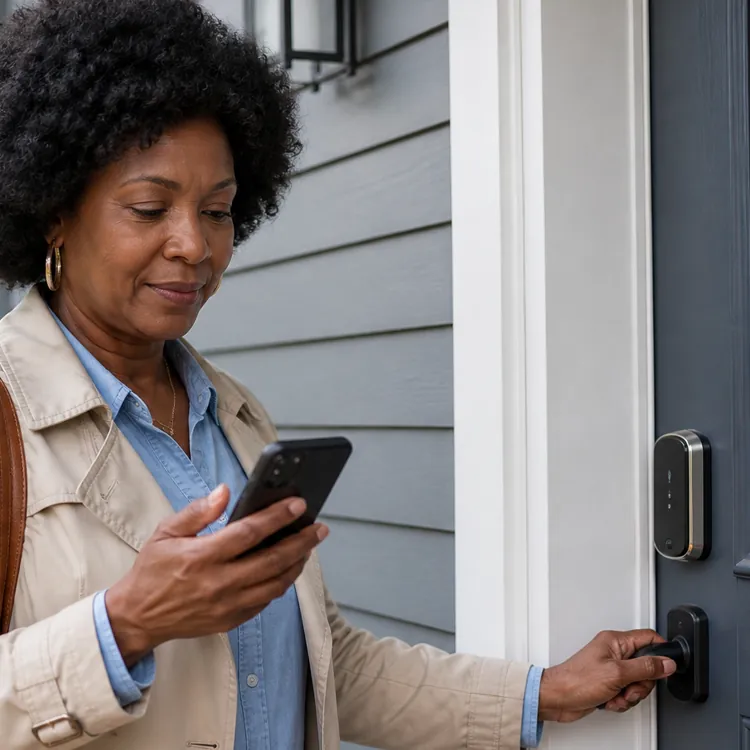
- Mobile control: Most smart locks connect to a mobile app, which you can use to lock and unlock the door, view door-opening activity and, if you have an interconnected system, even monitor other devices in your home.
- Notifications and data tracking: Your smart lock’s mobile app can track when people open your door and send alert notifications for noteworthy activity based on your settings.
- Custom access code generation: Smart door locks typically let you generate dozens of user access codes, which you can manage and share with individuals to track their activity.
- Geofencing: Geofencing lets you create a virtual boundary around your property. Your phone tracks your location and automatically locks and unlocks your door based on when you come and go. This helps prevent you from accidentally leaving your door unlocked.
- Activity and data tracking: Many smart door locks track activity data in real time, providing logs and records in your app so you can see who entered and exited your front door at any time.
Ease of use
When you factor in installation, interconnectivity with a home security system and management via a mobile app, smart locks can vary considerably in ease of use. Look for a smart door lock that connects with your other smart home equipment, ideally allowing you to manage it all remotely.
Here’s what to keep in mind for a smooth experience with your smart door lock:
- Connectivity with your other devices: Consider the other intelligent devices you currently use, such as smart lights, thermostats and home hubs. If you already use Google Home or an Amazon Echo, look for a smart door lock that syncs with these systems, such as ADT’s Yale Lock or Vivint.
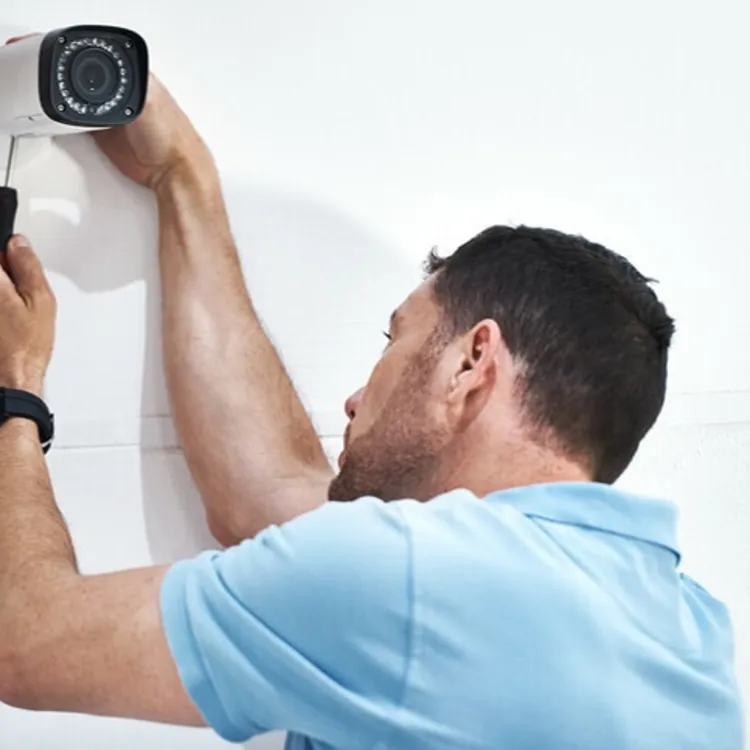
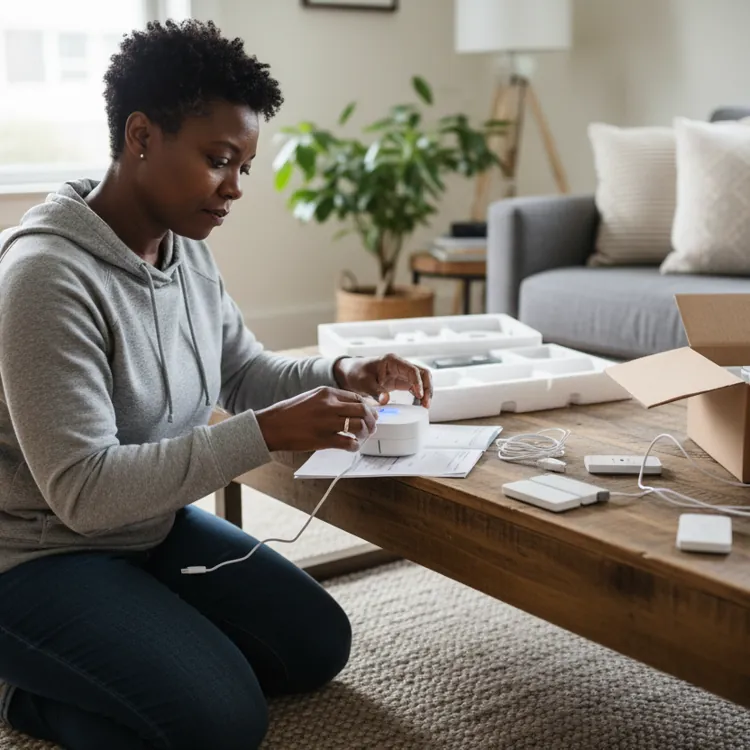
- Installation: Depending on the model and brand, smart locks vary in setup difficulty. Some smart locks require professional installation, while others allow independent installation with just a screwdriver or other basic tools.
- App connectivity: The fewer apps you have to use, the better. Many smart lock companies, and all three on our list, offer their own apps to track and control your door lock’s activity and the activity of other linked devices, such as thermostats and lights.
Smart door lock cost
Smart door locks typically cost $80 to $350, depending on features, access methods and app accessibility. Installation can add another $100 to $400. This is just for the door lock alone, excluding other smart devices you might want if you’re installing a complete home security system.
Lower-cost options tend to be standalone units with a simple keypad and keyhole, enabling quick, independent setup and Wi-Fi connectivity that can link them to smart home devices like Amazon Alexa. On the more expensive end, you'll find devices with advanced wireless entry options, excellent mobile control and Z-Wave compatibility for an interoperable home security system.
Pros and cons of smart door locks
If you want to bolster your front door’s security and monitor it better, a smart door lock makes sense and is worth the cost and installation. Similarly, if you already have a system of smart devices at home, such as a doorbell camera, smart thermostat or indoor cameras, a smart door lock makes sense.
However, if your home has no other smart devices and you don’t feel at risk of a security threat, it may not be worth swapping your front door lock and deadbolt for a battery-dependent smart version.
Pros
- Remote control of your door lock
- Connectivity with other security devices
- Live monitoring and activity tracking
Cons
- Can be costly
- Requires a battery, which can die
- Installation can be a headache
FAQ
Is a smart door lock worth it?
A smart door lock is worth it if your home already uses other smart devices, if you want to upgrade your security or if you want better monitoring of particular doors.
What are the disadvantages of a smart door lock?
The main disadvantages of a smart lock are its price tag, the inconvenience of removing your old lock and installing a new one, managing battery life and the hassle of syncing the smart lock with your other smart devices and phone.
How much does it cost to install a smart door lock?
Smart door locks generally cost anywhere from $80 to over $300, plus $100 to $400 for installation, though some locks allow independent installation. Generally, the total installation cost ranges from $150 to $450.
How do smart door locks work without Wi-Fi?
Some smart door locks utilize Z-Wave or Bluetooth technology, or a physical keyhole, which allows them to function without Wi-Fi. However, many smart locks still require Wi-Fi.
Are smart door locks compatible with existing deadbolts?
Some smart locks, such as retrofit locks, use your current door lock and deadbolt. However, many smart door locks require you to replace your deadbolt with a new one, which is included with the smart lock.
Article sources
ConsumerAffairs writers primarily rely on government data, industry experts, and original research from other reputable publications to inform their work. Specific sources for this article include:
- ADT, "What Is a Smart Lock and How Does It Work?" Accessed Aug. 30, 2026.
- Eufy, "Smart Lock Installation Cost [Comprehensive Guide]." Accessed Aug. 30, 2026.
- RemoteLock, "Everything you need to know about Z-Wave smart locks." Accessed Aug. 30, 2026.
- Vivint Smart Home, Inc., "What Is Biometric Authentication?" Accessed Aug. 30, 2026.
- Wicked Smart Homes, "Why Integrated Smart Locks Are More Secure Than Standalone Devices." Accessed Aug. 30, 2026.
- Z-Wave Alliance, "Understanding Different Types of Yale Smart Locks: Wi-Fi, Z-Wave, Matter, Bluetooth, and Non-Connected." Accessed Aug. 30, 2026.