

Upgrading vs. replacing your home security system
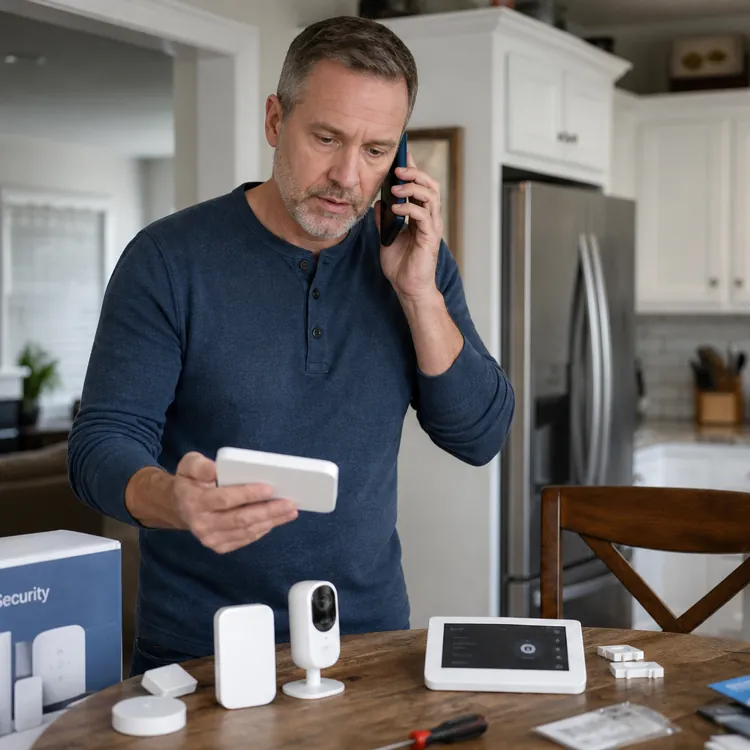
Deciding whether to upgrade or fully replace your home security system depends on the age and condition of your existing setup. Upgrading is often the most cost-effective option if your system is under 15 years old. You may even be able to reuse some parts of your existing system, such as functional wiring. Full replacement, on the other hand, is usually best for older equipment or homes undergoing major remodeling.
When upgrading makes sense
If your current alarm still works reliably and covers main entry points, a targeted upgrade usually costs less than starting from scratch. Many providers can add a modern control panel, LTE or Wi-Fi monitoring and a handful of new sensors on top of your existing wiring and devices, which keeps labor and equipment costs in check.
Homeowners often see the best value when the system is under 10 to 15 years old, the wiring is intact and there are no persistent false alarms or outages. In that situation, upgrading the panel and monitoring while reusing wired door contacts, motion sensors and sirens gives you in-app control and better detection without paying for a full rip-and-replace project.
An alarm takeover is another way to modernize without starting over. In a takeover, a new monitoring company connects to your existing panel and field devices instead of replacing everything, sometimes swapping only the communicator so signals go over cellular or internet instead of a landline. This option appeals to people who like their current hardware but want better service, lower monthly fees or different contract terms.
When replacement is better
If your home security system is older than 10 to 15 years, replacement parts are hard to find or you’re still dealing with analog cameras and a panel that can’t support more devices, replacement might make sense. In these cases, upgrading piece by piece can cost nearly as much as installing a modern package that includes high-definition cameras, encrypted wireless sensors and a new hub designed for smart-home integrations.
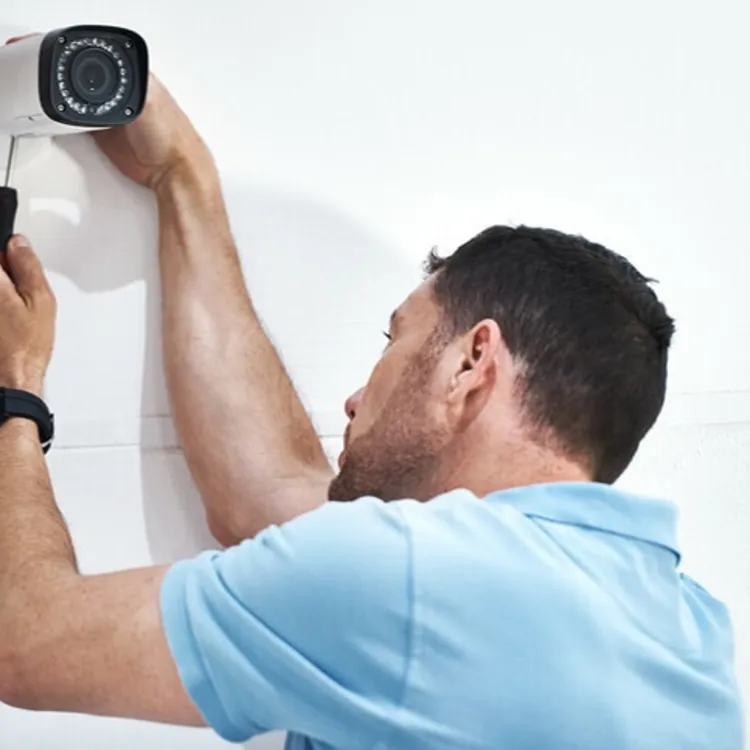
You might also lean toward full replacement if you’re remodeling, opening up walls or building an addition, since it’s easier for an installer to rerun wiring, reposition sensors and design coverage for how you use the house now. A new system can solve chronic false alarms, fix gaps where rooms or doors were never covered and remove dependence on an old landline that is expensive to keep just for the alarm.
Contract terms can also push you one way or the other. If your current provider charges high cancellation fees or requires auto-renewing contracts, it might be cheaper to wait until the end of the term, then switch to a new system and monitoring package that better matches your budget and tolerance for long commitments. Before signing anything, ask about early termination penalties, equipment ownership and whether your existing devices will still work if you change monitoring companies in the future.
What you can reuse
In many homes, installers can reuse low-voltage wiring, hardwired door and window contacts, hardwired motion detectors, interior sirens and sometimes even keypads as part of an upgrade. This is really common with older hardwired panels from large brands, which are designed to work with drop-in replacement boards and modern communicators.
By contrast, older proprietary wireless sensors, very old analog cameras and out-of-support control boards are less likely to be worth keeping. If a technician has to add specialty translators or adapters just to keep a few aging devices online, it may be more practical to replace those components so you’re not as stuck paying to maintain equipment the manufacturer no longer actively supports.
Options and costs for upgrading vs. replacing
You have various options when it comes to deciding whether to upgrade or overhaul your home security system.
| Option | Best for | Pros | Cons | Typical cost range | Installation difficulty |
|---|---|---|---|---|---|
| Upgrade existing system | Homes with working wired alarms younger than 15 years old | Keeps wiring and devices; lower labor costs; adds modern features like app control and LTE monitoring | May still be limited by older hardware; not all devices are compatible with new features | Roughly $130 to $2,000 for new panel, communicator and a few devices, plus monitoring fees | Moderate, usually professional installation |
| Alarm takeover | Homes with reliable equipment but unsatisfying monitoring | Minimal hardware changes; often lower monthly fees; short visit to reprogram panel and communicator | Still tied to capabilities of older panel; some brands lock programming or charge fees to unlock equipment | Often low upfront cost (sometimes only activation fee), with monitoring starting around $30 to $60 per month | Low to moderate, often quick visit |
| Partial add-ons | Homes that want more coverage or smart features without replacing the panel | Adds cameras, smart locks or extra sensors in stages; spreads costs over time | Panel or hub may hit device limits; older systems may not support all new accessories | Roughly $15 to $300 per added device, plus any hub or bridge needed | Low to moderate, some DIY-friendly |
| Full replacement | Homes with very old, unreliable or limited systems | New panel, encrypted sensors, modern cameras and app integration; often better warranties | Highest upfront cost; more disruptive installation; may require new contracts and permits | Commonly $130 to $2,000 or more for equipment and installation, plus monitoring where applicable | Moderate to high, usually professional installation |
Ways to upgrade
Typical ways to upgrade your home security system include new control panels, better monitoring or better hardware like cameras and smart locks.
Upgrade home security system control panel
You can upgrade your home security system control panel by installing a touchscreen, for example.
Touchscreen and app control
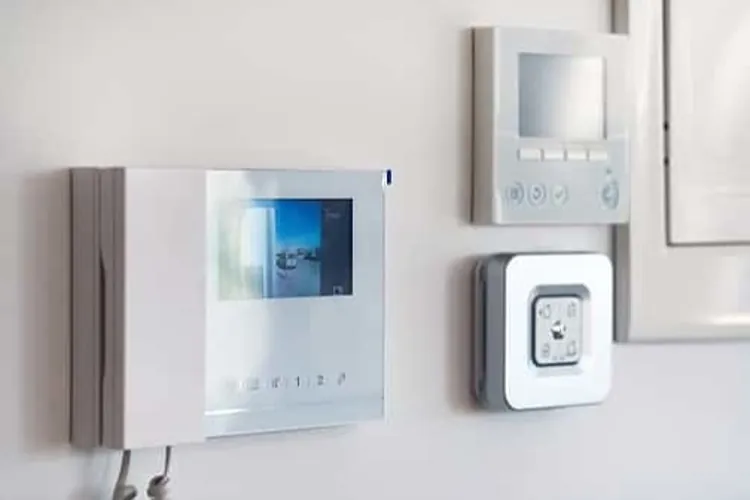
New control panels act more like small tablets than keypads, with color touchscreens, clear zone labels and quick access to arming modes, camera feeds and smart locks. Many pair with smartphone apps that let you arm or disarm from the driveway, check live alerts, review event history and control lights or thermostats from almost anywhere with a data connection. With this combination, it’s easier to catch an open garage door at night or confirm your kids arrived home without walking over to a wall console.
Wired sensor compatibility
Many modern home security system hubs can connect to older wired door contacts and motion sensors, either through built-in terminals or add-on wired-to-wireless converters. This lets installers keep the existing loops in the walls while upgrading the brain of the system, which can cut down on drilling and hardware costs.
Hub and device limits
Older panels often top out at a few dozen zones and usually were never designed for dozens of smart plugs, locks and cameras, so they hit their limits once you start adding devices. Newer hubs often support 60 to 100 or more sensors and Z-Wave or Zigbee devices, so you may need a panel upgrade for whole-home coverage instead of just perimeter alarms.
Upgrade monitoring to LTE and Wi-Fi
Move away from landline monitoring to LTE- or Wi-Fi-powered monitoring.
Replace landline monitoring
Traditional landline monitoring can fail if someone cuts the phone line outside your house, so alarms never reach the monitoring center even though sirens sound indoors. Moving to LTE or Wi-Fi monitoring routes signals over cellular networks or your internet connection, avoiding that single point of failure and letting alerts reach the central station even if the old copper line goes down. Dropping a dedicated home phone line can also trim a recurring bill, since many alarm companies now include cellular or broadband communicators in their monitoring plans instead of requiring a separate landline account.
Backup power and signal paths
Modern panels typically include rechargeable batteries that keep cellular or Wi-Fi communicators powered for hours during grid outages. Some systems combine Wi-Fi and LTE, automatically switching to cellular when internet service fails so alarms can still reach the monitoring center.
Self-monitoring vs professional monitoring
Self-monitoring sends alerts to your phone and leaves it up to you to call emergency services, which reduces monthly fees but depends on you seeing every notification. Professional monitoring costs more but gives you 24/7 operators who contact police or fire when alarms trigger, even if you’re asleep or out of cell range.
» MORE: How alarm monitoring works
Upgrade sensors, cameras and smart locks
When you upgrade an older security system, start with door and window sensors, motion detectors and glass break sensors to cover the most common entry points. Modern versions use better algorithms and tamper protection to reduce false alarms while catching more real movement and impact events than older hardware.
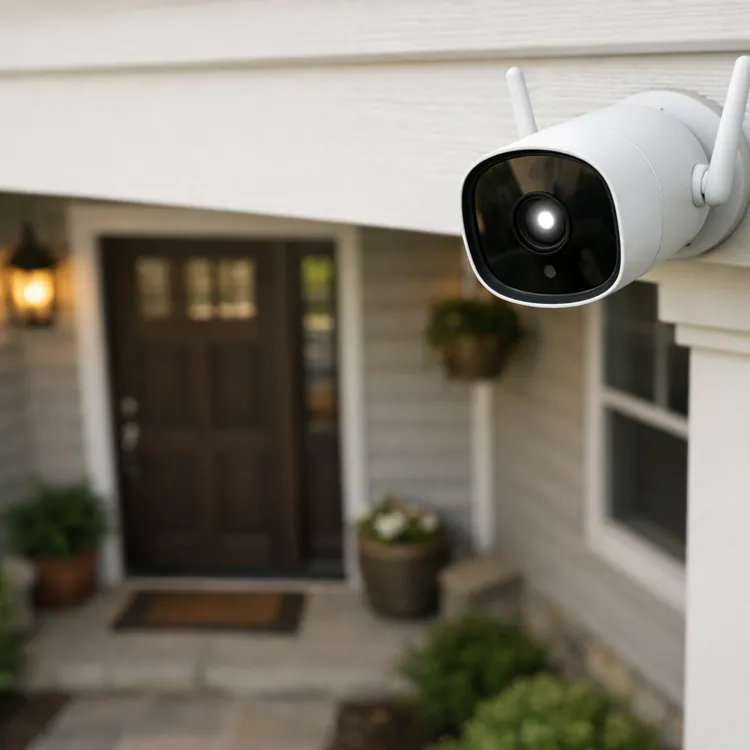
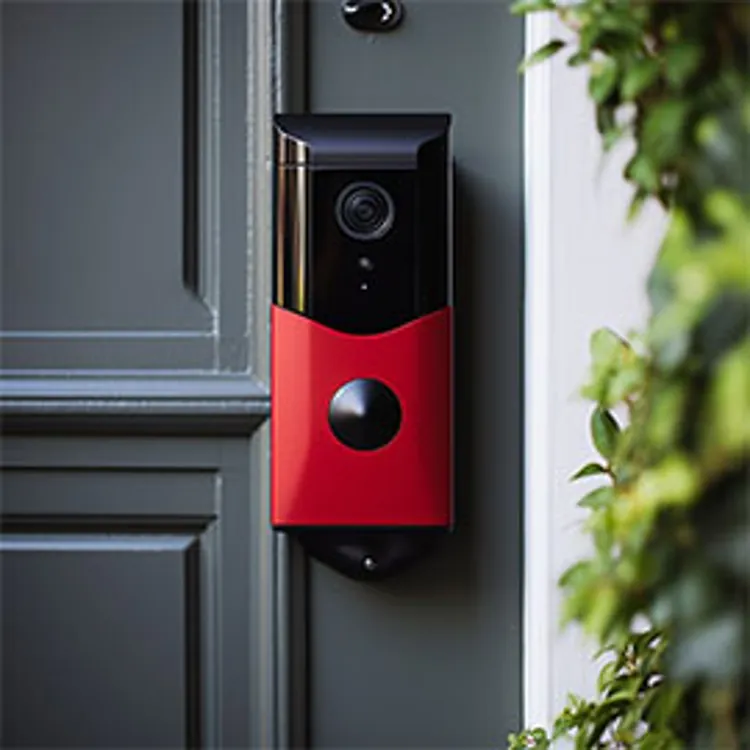
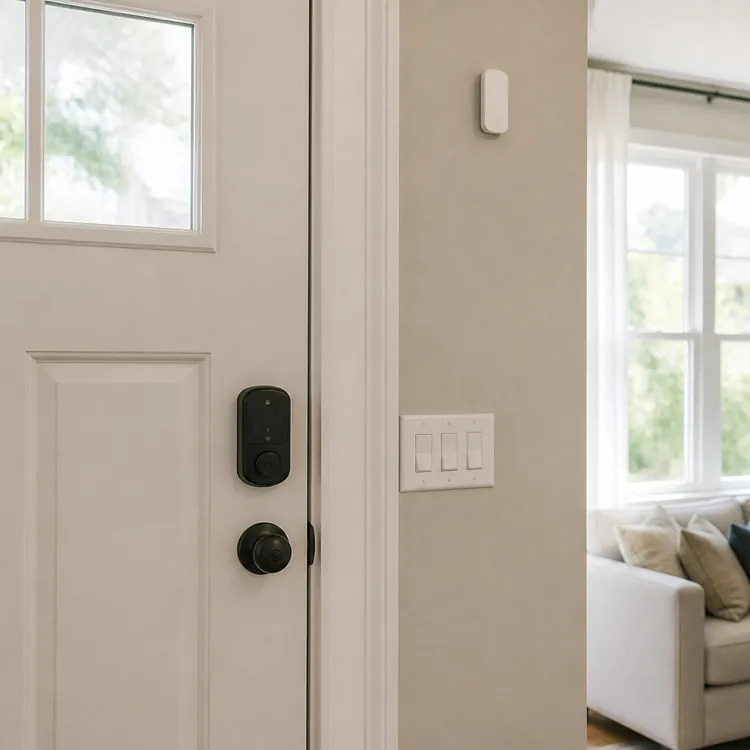
High-priority add-ons like video doorbells and outdoor cameras can record in 1080p or 4K, use color night vision and spotlights and tag people or packages so you’re not flooded with generic motion alerts. Smart locks that tie into the same system let you issue guest codes, lock or unlock entry points remotely and confirm whether the door is latched in the same app you use for alarms. Environmental sensors for smoke, carbon monoxide and water leaks extend protection beyond intruders, especially when they’re linked to your security hub’s alerts and monitoring.
Typical hardware upgrades include:
- Door and window sensors
- Glass break sensors
- Motion detectors
- Video doorbell
- Outdoor security cameras
- Smart locks
- Smoke and carbon monoxide detectors
- Water leak sensors
FAQ
How to upgrade an existing security system?
To upgrade an existing security system, it’ll depend on whether your current equipment still works reliably and can support newer features like app control, smart sensors and updated monitoring. Many homeowners start by replacing the control panel and communicator, reusing wired sensors and then adding devices like cameras or smart locks as their budget allows.
Can you upgrade an old alarm system?
You can upgrade an old alarm system in some circumstances, depending on its condition, age and whether the manufacturer still supports parts and firmware updates. In many cases, installers can attach a modern hub or communicator to existing wiring and sensors, but very old or unsupported panels may be cheaper to replace than to keep repairing.
What are the three signs you must upgrade your home's alarm system?
Three signs it’s time to upgrade your home’s alarm system often include frequent false alarms, outdated or grainy cameras and reliance on a landline or a very old control panel. If your system is more than 10 or 15 years old, those are clear signals to talk with a pro about upgrading.
Is it worth upgrading to a smart home security system?
Upgrading your smart home security system is worth it if you want app-based control, better video quality and easier expansion compared with a basic older alarm. For many homeowners, smart systems add value by combining remote arming, smarter detection and integration with locks, lights and thermostats, though you still need to weigh monthly monitoring costs and privacy concerns.
Article sources
ConsumerAffairs writers primarily rely on government data, industry experts and original research from other reputable publications to inform their work. Specific sources for this article include:
- Group One Safety and Security, "Security System Upgrade Takeover." Accessed Oct. 7, 2026.
- Garrison Alarms, "Signs Your Alarm System Needs Replacing vs Repairing." Accessed Oct. 7, 2026.
- American Alarm, "The Real Cost of an Average Home Security System." Accessed Oct. 7, 2026.
- Vivint, "How Much Does Alarm Monitoring Cost?" Accessed Oct. 7, 2026.
- Vivint Smart Home, Inc., "Components of a Home Security System." Accessed Oct. 7, 2026.
- EMC Security, "Why Your Security System Should Use Cellular Communication." Accessed Oct. 7, 2026.
- The Monitoring Center, "Do I Need a Phone Line for Alarm Monitoring?" Accessed Oct. 7, 2026.
- Brinks Home, "Wi-Fi Vs. Cellular Security System Monitoring." Accessed Oct. 7, 2026.