

How alarm monitoring works step by step
While the alarm monitoring process varies slightly depending on your provider and security equipment, it generally works by following a similar sequence, beginning with the alarm triggering and ending with the dispatch of first responders.
Here’s a more detailed look at the six general steps of alarm monitoring:
- The sensor triggers in your home.
- The alarm goes off and is routed to the monitoring center.
- An agent receives the alert and relevant details.
- The verification process begins.
- The agent dispatches the appropriate service.
- The monitoring center follows up with you.
Alarm event and processing
The alarm monitoring process begins when something triggers a sensor in your home, such as someone opening a door that’s armed with an entrance contact sensor. This event can also be a duress alert triggered by a button you push, or a smoke or carbon monoxide alarm.
Once triggered, the system begins a silent countdown. This often falls between 30 and 60 seconds, depending on your settings. During this countdown, you should be able to disarm the emergency system by punching in a code or using your app.
Signal transmission
If the countdown reaches zero and no one has disengaged it, your home alarm sounds, and the system forwards the alert to your monitoring service.
In most cases, your home alarm’s central console sends this information via both cellular data network and broadband — by Wi-Fi, Ethernet, cellular or a combination. This dual path ensures that even if the power is out at your home, the emergency signal still reaches your monitoring service.
An agent at the monitoring center receives relevant information about your account, including your name, phone number, contact list, which sensor was triggered, where in your home it was triggered and which alarm type it was. As a means of emergency verification, the agent also gains access to security cameras in your home.
Monitoring center verification and dispatch
Upon receiving the alert, your monitoring center agent begins the verification protocol. The protocol varies depending on the alarm type: burglary, fire or carbon monoxide, or duress (personal emergency) alarms.
The agent checks which alarms have gone off in your home, reviews video feeds and connects to your home through your central panel. They should try to connect with you through your central panel or the phone numbers listed on your account. Ultimately, if agents are unable to reach anyone or confirm a false alarm, they dispatch the appropriate agency immediately.
This process often begins within 10 seconds of an alert being triggered in your home. The total time from alarm to dispatch can vary depending on the alarm type and whether the agent notices suspicious activity. But it often falls between two and three minutes in total, including a delay for the initial silent alarm.
Alarm monitoring equipment and connections
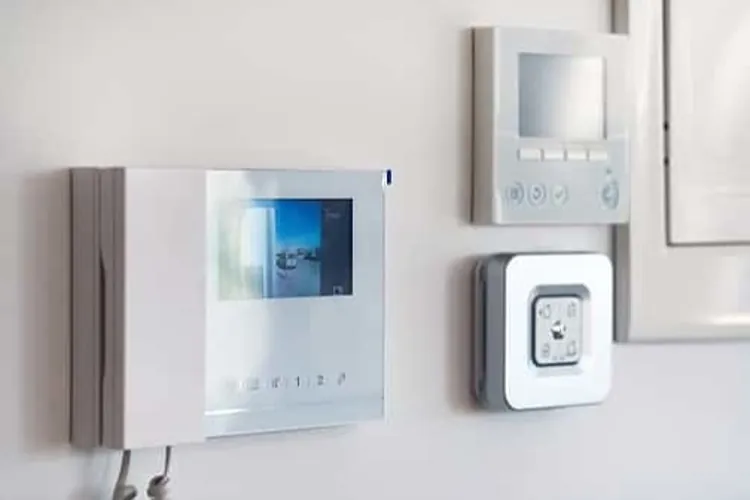
The way you connect your home security system to your monitoring service depends on whether you have a traditional hardwired sensor-based alarm system or a video-based security system.
- Traditional setup: With a traditional monitoring setup, your home security system is based on sensors and a central panel, which are hardwired to your home. The control panel features a communicator, which links to your monitoring service center through landline or Ethernet.
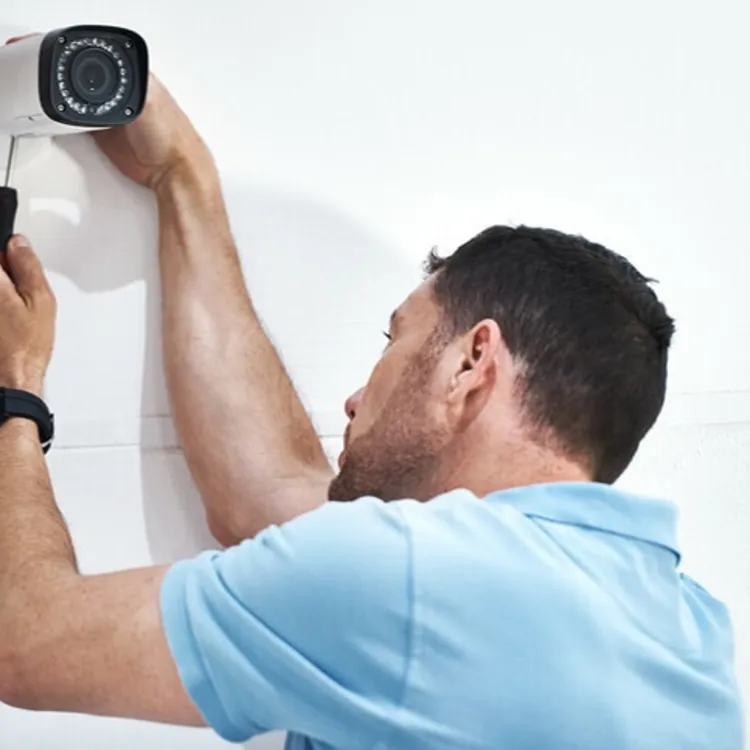
- Video or app-based setup: Many modern home security systems utilize a combination of video cameras, doorbell cameras and sensors, which are not hardwired to your home. These systems still often feature a central unit and communicate with your mobile device and your monitoring center via cellular data transmission, Wi-Fi or Ethernet.
Traditional sensor-based setup
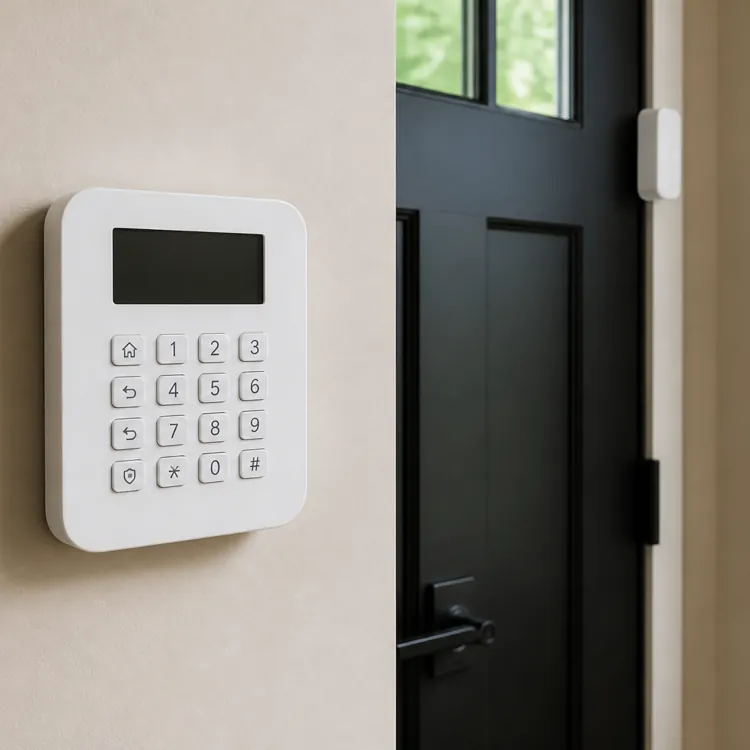
Some homes use a traditional security system and monitoring service based on door sensors and a central panel, typically near the front door. You can place sensors on any entryway and set up your central panel with a passcode that disarms the alarm, which triggers silently when someone opens one of the monitored doors.
In addition to a keypad for password entry, the central panel includes a communicator, which can dial your monitoring service or emergency services. You can set your communicator to connect with your landline or a cellular network for communication even when the power is down.
Landline communicators can plug directly into your phone jack, while cellular communicators must be purchased separately and can replace your landline communicator if you choose. Depending on your security system, you may be able to swap out communicators — from landline to cellular — while keeping the same panel.
Video camera or app-based setup
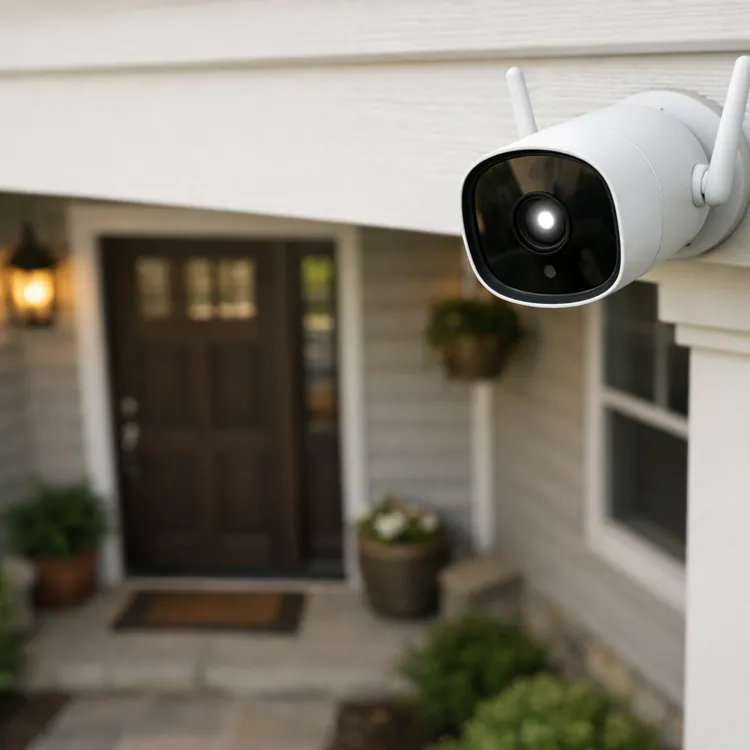
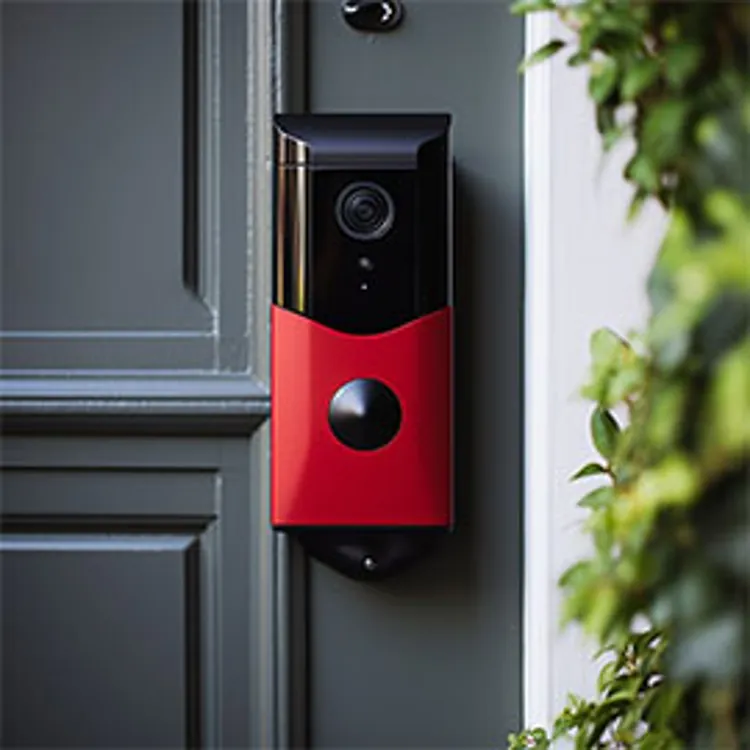
Many home security systems have moved to a wireless, internet-based setup that combines sensors with video cameras for home monitoring. Providers such as Ring and Ecobee offer indoor and outdoor cameras, video doorbells, and sensors capable of transmitting live streams and alerts to you or your monitoring center via Wi-Fi or Ethernet (with cellular as a backup).
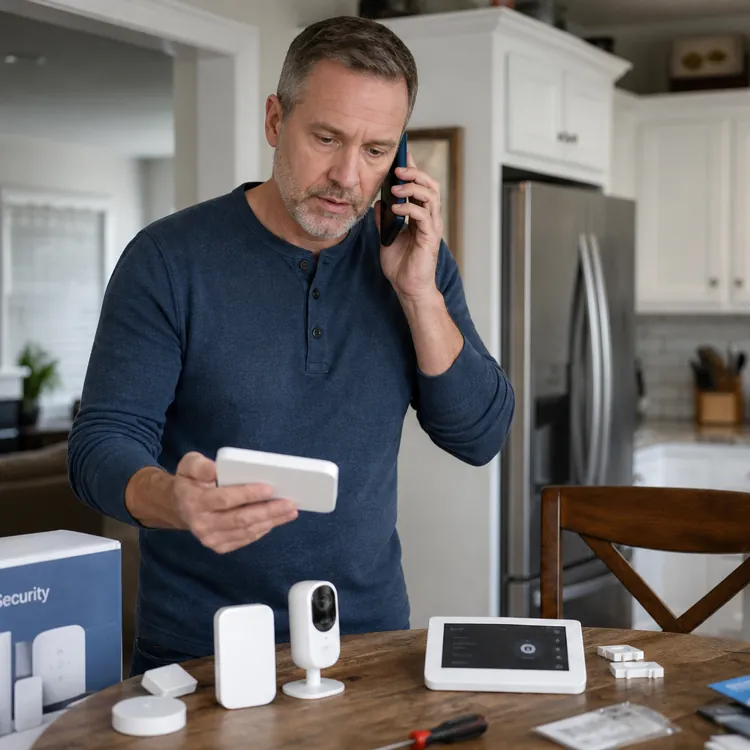
These security systems center around a base station, which acts as your central panel and communicator. You can place door and window sensors wherever you like, with the option to sync video cameras as well.
This more modern setup type has several advantages over more traditional modes:
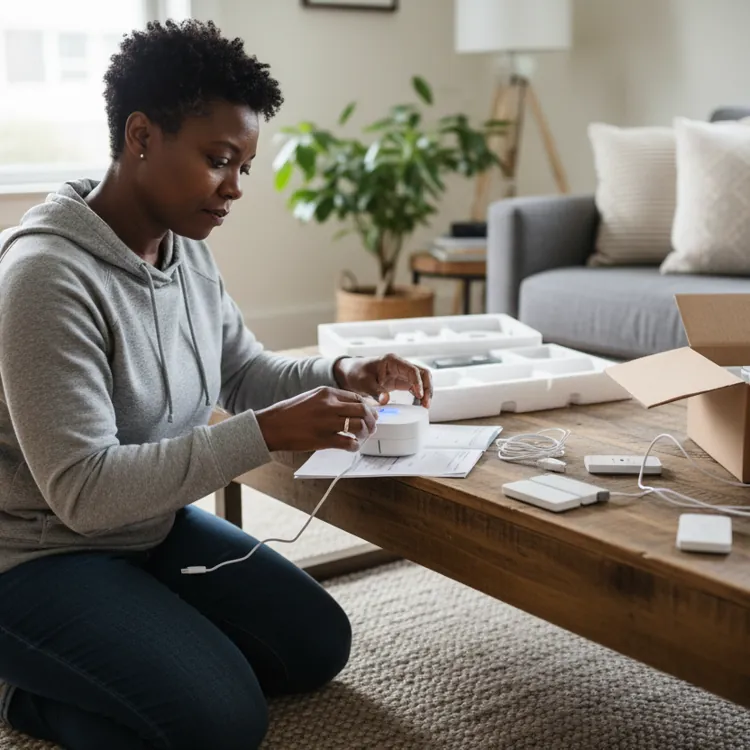
- Easier setup: Setup is much quicker, since you don’t have to hardwire your security system or connect it to your landline.
- More tools for verification: Video doorbells and cameras provide agents with more methods to verify emergencies when an alarm goes off.
- Live streaming and app communication: Since you receive instant notifications and can stream video live on your app, you can keep a closer eye on what happens in your home.
» RELATED: How much does a home security system cost?
Alarm verification and false alarm reduction
One primary benefit of a professional alarm monitoring system is alarm verification — that agents at the monitoring center can quickly and reliably differentiate between a real emergency and a false alarm.
Although the exact alarm verification process varies depending on the alarm type, monitoring center agents use all the tools at their disposal to act quickly. They check video feeds to see if a recognized or unrecognized person is home, or if a pet may have tripped a motion detector. They look at sensor activity history and reach out to you through your home panel or contact number.
Sequential communication, which requires that multiple sensors emit an alert before it reaches emergency status, provides an additional layer of confirmation. These multistep protocols balance cautious response and false alarm reduction. When choosing a home monitoring system, it's worth asking about your provider’s false alarm verification process.
How alarm dispatch works
The final step of professional alarm response is dispatch. This is when the monitoring center calls the appropriate agency, such as the police or fire department, and sends them to your home. Unlike with a self-monitored system, dispatch happens without you needing to place any calls yourself.
As mentioned above, the verification process varies depending on the type of alarm:
- Burglary alarm: If no one disarms your entryway alarm, the agent will try to reach you through your central alarm panel or your primary phone number, asking for the passcode you’ve set. The agent will also view available video streams, looking for suspicious activity. If you don’t respond or if the agent sees suspicious activity, they will dispatch the police.
- Fire or carbon monoxide alarm: The agent will likely attempt to reach you once through your security system panel and once through your account’s primary phone number. Since these alarms have greater risk to property and human lives, if this initial outreach doesn’t connect, or if video reveals a fire, the agent will dispatch the fire department.
- Duress alarm: The agent will listen closely through your central panel and examine your video streams for suspicious activity. If the agent is unable to connect with you or spots suspicious activity, they will dispatch law enforcement.
In total, from the initial alarm to dispatch, the process typically takes two or three minutes.
» FIND OUT: Self-monitoring or professional monitoring?
FAQ
How do I know if my alarm is monitored?
Your alarm system is likely monitored if you pay a monthly professional monitoring fee and connect your security system’s central panel to the internet or a cellular network. To confirm, you can call your professional monitoring service and schedule a test. Some providers also offer a training period, with messages confirming that your service is in effect.
Will my alarm system work without monitoring?
Yes, your home’s alarm system will work even if you don’t sign up for professional monitoring. The sensors and video will still detect movement and communicate with your home base, your alarm will still sound, and you can still receive notifications and live streams through your app.
Does Ring monitoring call the police?
Yes. If you are signed up for Ring’s professional monitoring service, Ring will call the police after verifying an emergency.
Article sources
ConsumerAffairs writers primarily rely on government data, industry experts and original research from other reputable publications to inform their work. Specific sources for this article include:
- SuretyCAM, "Professional Alarm Monitoring Explained." Accessed July 15, 2026.
- Alarm.com, "What Communication Options Are Available With Dual-Path?" Accessed July 15, 2026.
- Vivint, "What to Expect in an Alarm Situation." Accessed July 15, 2026.
- Vanguard Security Corporation, "Can I Use My Existing Alarm System With a Different Monitoring Company like SafeHomeCentral.com?" Accessed July 15, 2026.
- Ecobee, "Ecobee Smart Security and 24/7 Professional Monitoring FAQs." Accessed July 15, 2026.
- Alarm Grid, "How Do I Convert my Landline Security System to Work w/ Cellular?" Accessed July 15, 2026.
- Ring, "Professional Monitoring." Accessed July 15, 2026.