
Xfinity vs. Alert 360: Quick comparison
 |  | |
| Coverage |  |  |
|---|---|---|
| Plan | ||
| Starting equipment cost | $150 | $315 |
| Starting monitoring fee | $10/month | About $42/month |
| Contract terms | 24 months | 36 to 48 months |
| Trial period | Not stated | None |
| Installation | Professional | Professional |
| Camera options | Indoor, outdoor and doorbell | Indoor, outdoor, doorbell, floodlight and CCTV |
| Home automation | | |
| Monitoring options | Professional | Professional |
| Availability | 39 states | 9 states |
| iOS rating | 4.3 | 4.1 |
| Android rating | 4 | 3.9 |
Xfinity vs. Alert 360: What's the difference?
Xfinity Home is Comcast's security and smart home offering, built to work alongside its internet and cable services. It's aimed at existing Comcast subscribers who want a single bill covering their home services and a professionally installed security system.
Alert 360 has operated in the professional security space for more than 50 years. It prioritizes local installation teams and U.S.-based monitoring centers, though it's not a good fit for shoppers who want to compare prices without speaking to a representative.
What we like about Xfinity
- Service integration: Managing your home services gets simpler when security, internet and cable all appear on one bill — a clear advantage for current Xfinity customers.
- Widespread availability: Because Xfinity operates across nearly all Comcast service territories, millions of households can access it without switching providers.
What to consider: Xfinity Home is essentially unavailable to non-Comcast customers, since security service requires an active Xfinity Internet subscription. You'll need to maintain at least a minimum internet plan to keep the system running.
What we like about Alert 360
- Five Diamond certification: The Monitoring Association (TMA) awards this designation only to monitoring centers that meet its highest standards for response times and operational redundancy — and Alert 360 holds it.
- Smart home integration: The Alert 360 app lets you control lights, locks and thermostats from one place.
What to consider: Alert 360 does not publish equipment or monitoring prices online, which makes it harder to comparison shop. Its service is also limited to ten states: Arizona, California, Florida, Georgia, Kansas, Missouri, Oklahoma, Pennsylvania, Texas and Virginia.
Xfinity vs. Alert 360: System and installation
Both Xfinity and Alert 360 require a professional to install the system. Here is a breakdown of what each company's setup process looks like.
Xfinity system and installation
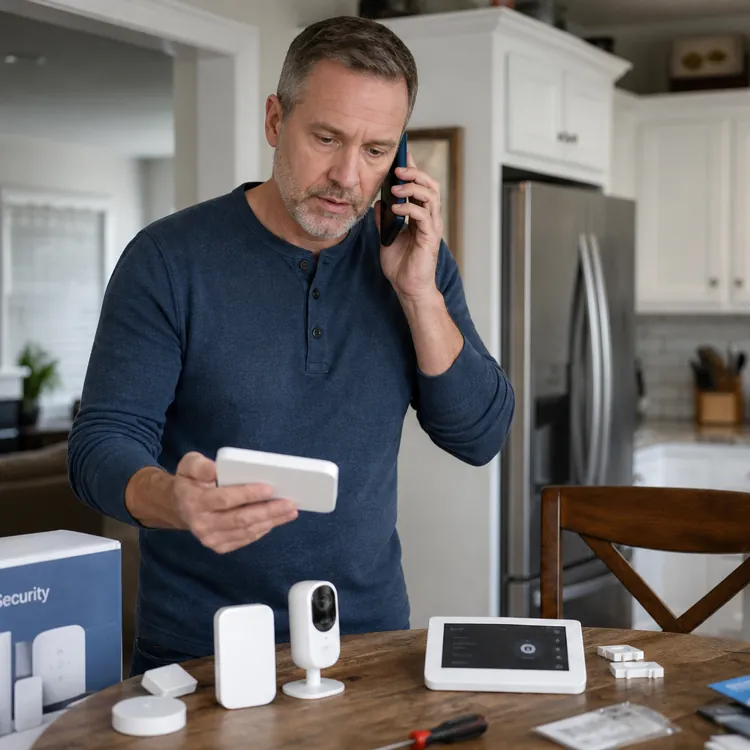
- System type: Xfinity Home runs on a wireless platform with cellular backup built in. Lights, locks and thermostats connect through the Xfinity Home app, and automation is handled via the Xfinity xFi Gateway and a touchscreen control panel.
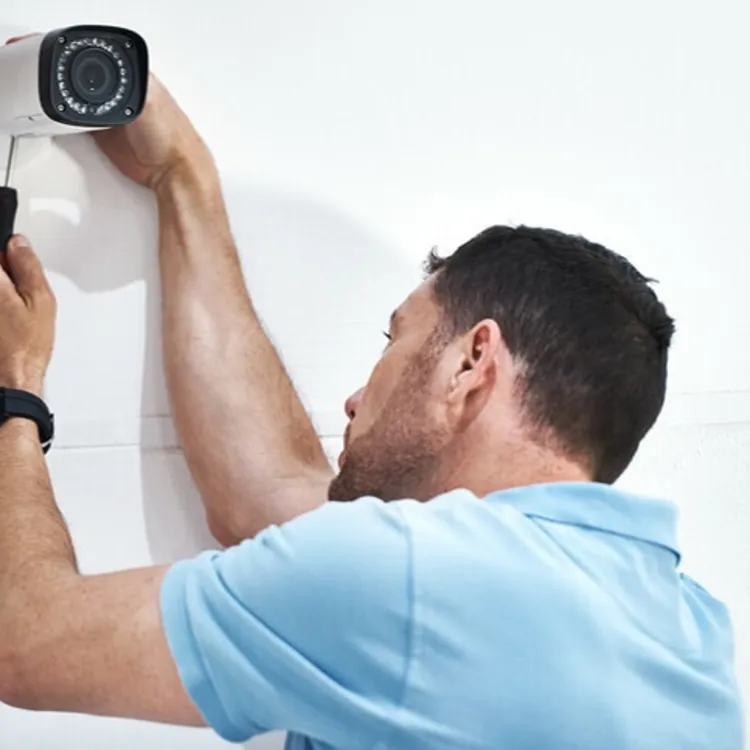
- Installation options: Only professional installation by an Xfinity technician is available. Installation fees apply but are frequently waived or discounted through promotional offers.
Xfinity equipment costs
Starter packages run between $150 and $300 upfront. Equipment is typically sold as a bundle and may require a down payment if you choose to finance it.
Alert 360 system and installation
- System type: Alert 360 uses wireless equipment that connects to its smart home platform. You can control the system through the Alert 360 app or voice devices like Amazon Echo. Each system includes a security panel, sensors and life-safety devices covering fire, flood and carbon monoxide.
- Installation options: Professional installation by a local service team is the only available option. Technicians test the system directly with the monitoring center to confirm everything is working before they leave.
Alert 360 equipment costs
Alert 360 equipment starts at $315. The highest-tier package, which includes three additional smart devices, costs $790. All equipment can be financed with $0 down and $0 interest over 48 months.
Xfinity vs. Alert 360: Monitoring plan costs
Xfinity folds its monitoring into a broader service bundle, while Alert 360 operates on a more traditional professional monitoring contract model.
| | |
| Coverage | | |
|---|---|---|
| Plan | ||
| Monitoring price range | $10 to $65/month | Starts at about $42/month |
| Monitoring options | Professional | Professional |
| Self-monitoring | | |
| Upgraded self-monitoring | Not offered | Not offered |
| 24/7 professional monitoring | $65/month | $42.99/month |
| Upgraded professional monitoring | $65/month | $52.99/month |
Xfinity monitoring plans
- Xfinity Smart Home: $10 per month. With 24/7 continuous video recording for up to six cameras but does not include police dispatch.
- Xfinity Home Security: $65 per month. Includes professional monitoring and cellular backup.
Contract commitment: The Home Security plan generally requires a 24-month contract. The Smart Home plan at $10 per month is typically month-to-month with no long-term commitment.
Alert 360 monitoring plans
- Basic Package: About $42.99 per month. Includes wireless motion detector, three wireless door/window sensors and 24/7 professional monitoring.
- Advanced Package: About $46.99 per month. Adds an additional smart device.
- Pro Package: About $49.99 per month. Adds two more smart devices.
- Premium Package: About $52.99 per month. Adds three additional smart devices.
Contract commitment: A 36-month to 48-month contract is standard, particularly when equipment costs are rolled into the monthly payment. A month-to-month arrangement is available only if you purchase all equipment outright.
» COMPARE: Xfinity vs. Frontpoint
Xfinity vs. Alert 360: Equipment and technology
Xfinity relies on its own proprietary home ecosystem, while Alert 360 brings established hardware and an open smart home platform to the table.
| | |
| Coverage | | |
|---|---|---|
| Plan | ||
| Wired or wireless? | Wireless | Wireless |
| Camera options | Indoor, outdoor and doorbell | Indoor, outdoor, doorbell, floodlight and CCTV |
| Video doorbell | | |
| Control panel | | |
| Motion sensor | | |
| Entry sensor | | |
| Glass break sensor | | |
| Keychain remote | | |
| Siren | | |
| Panic button | | |
| Yard sign | | |
| Smart locks | | |
| Smart lights | | |
| Smart thermostat | | |
| Garage door control | | |
| Temperature sensor | | |
| Water sensor | | |
| Smoke detector | | |
| CO detector | | |
| Mobile app | | |
| Mobile app monitoring | | |
| iOS rating | 4.3 | 4.1 |
| Android rating | 4 | 3.9 |
| Notification/alert options | Email, text and push | Email, text and push |
| Home automation capabilities | | |
| Voice integration | | |
| Amazon Alexa | | |
| Google Home | | |
Reputation on ConsumerAffairs

What Xfinity customers say
Xfinity customers leave mixed reviews on ConsumerAffairs. Customers who like the service call it a good value and say they particularly enjoy being able to control their system through Xfinity's mobile app. Other customers describe some general issues dealing with the customer service team and problems resolving issues and canceling contracts.
"I was supplied alarm pads, door sensors and a camera. I especially like checking on my home while I'm out for the day. I've had no problems with false alarms. The one time my alarm went off the police were there in 5 minutes."
What Alert 360 customers say
Alert 360 has mixed reviews on ConsumerAffairs. Common themes from happy customers revolve around professional service and effective resolutions to customer issues. Those who experienced problems mentioned malfunctioning equipment and difficulty canceling their service.
"Their service is excellent and customer service is above par, but their cancellation clause which I found out when I was thinking about getting a better deal is unfair."
Bottom line: Xfinity or Alert 360
Choose Xfinity Home if you're already a Comcast subscriber and want the simplicity of a single bill covering internet and security — just know that smart home features come with a mandatory Xfinity Internet subscription, and non-Comcast customers won't have access to the service.
Choose Alert 360 if you're in one of its ten covered states and want dedicated professional monitoring with full smart home integration — but if transparent upfront pricing or DIY installation options are important to you, other providers will be a better fit.
» MORE: ADT vs. Alert 360