
Key insights
Xfinity Home is best for existing Xfinity customers who want the convenience of bundled services and single billing.
Jump to insightFrontpoint is best for tech-comfortable homeowners who want professional-grade Alarm.com features without professional installation costs.
Jump to insightXfinity vs. Frontpoint: Quick comparison
 |  | |
| Coverage |  |  |
|---|---|---|
| Plan | ||
| Starting equipment cost | $150 | $69 |
| Starting monitoring fee | $10/month | $15/month |
| Contract terms | 24 months | 12 to 36 months |
| Trial period | Not stated | 30 days |
| Installation | Professional | DIY |
| Camera options | Indoor, outdoor and doorbell | Indoor, outdoor and doorbell |
| Home automation | | |
| Monitoring options | Professional | Professional |
| Availability | 39 states | Nationwide |
| iOS rating | 4.3 | 4.3 |
| Android rating | 4 | 3.7 |
Xfinity vs. Frontpoint: What's the difference?
Xfinity Home is Comcast's security and smart home offering, built to work alongside its internet and cable services. It's aimed at existing Comcast subscribers who want a single bill and a professionally installed system managed through one ecosystem.
Frontpoint is a dedicated DIY security provider that uses the Alarm.com platform to deliver professional-grade features without the need for a technician. It pairs high-quality hardware with strong customer support, making it a capable option for homeowners comfortable setting up their own systems.
What we like about Xfinity
- Service integration: Xfinity Home rolls security into your existing Comcast account, so you manage everything under one bill rather than juggling separate providers.
- Widespread availability: Because it operates wherever Comcast provides service, Xfinity Home is accessible to millions of households across the country.
What to consider: Xfinity Home only works if you're already a Comcast internet customer — the security service isn't available as a standalone product. You'll also need to keep an active internet subscription at a minimum tier to maintain your security service.
What we like about Frontpoint
- Alarm.com technology: Frontpoint runs on the same platform used by many professional installers, giving DIY customers access to features typically reserved for higher-end installed systems.
- Preconfigured equipment: Every sensor and hub ships already programmed to your account, so setup is fast and doesn't require technical know-how.
- Price lock guarantee: Your monthly monitoring rate won't increase during your agreement term, which removes a common source of billing surprises.
- Cellular backup included: Every professional monitoring tier includes cellular backup, so your system stays connected even if your internet or power goes out.
What to consider: Monthly monitoring fees run higher than budget DIY competitors like Ring and SimpliSafe. Frontpoint doesn't offer professional installation, so you handle setup entirely on your own — though the preconfigured equipment makes the process manageable.
Xfinity vs. Frontpoint: System and installation
Xfinity requires a technician to set up your system, while Frontpoint ships equipment that's ready to install yourself right out of the box. Here's how the two approaches compare.
Xfinity system and installation
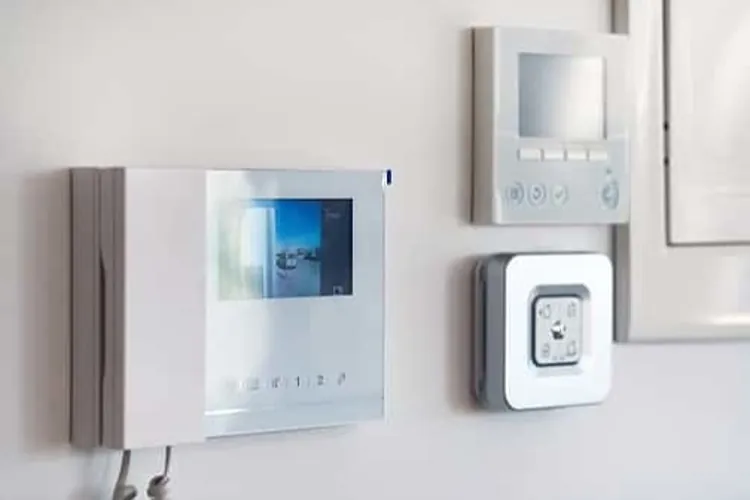
- System type: Xfinity Home uses a fully wireless setup with cellular backup built in. Smart devices such as lights, locks and thermostats connect through the Xfinity Home app, with automation handled via the xFi Gateway and a touchscreen panel.
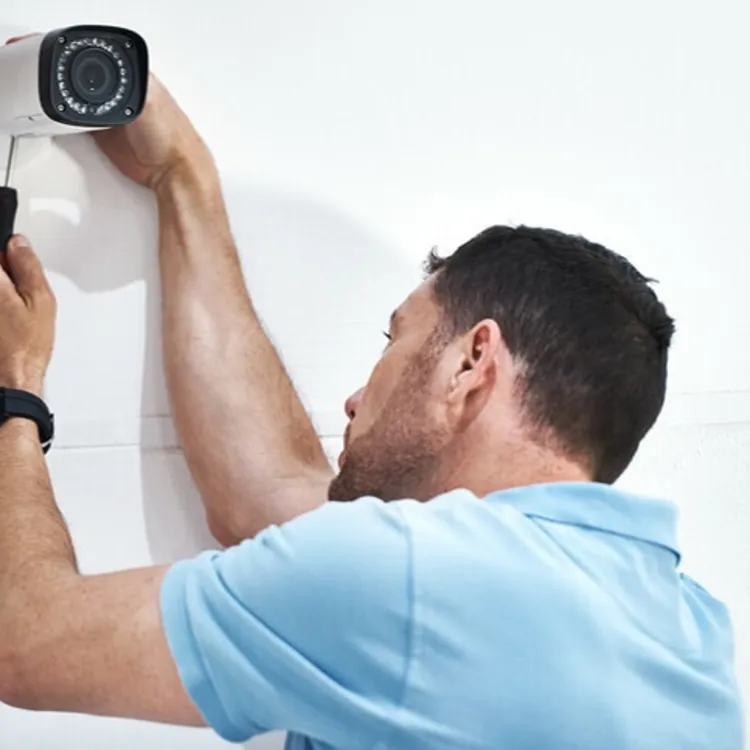
- Installation options: A professional Xfinity technician handles all installation — there's no self-install option. Installation fees apply but are frequently waived or discounted as part of promotional packages.
Xfinity equipment costs
Starter kits run between $150 and $300 upfront. Equipment is sold in bundled packages and may require a down payment if you choose to finance.
Frontpoint system and installation
- System type: Frontpoint's wireless system centers on a hub and keypad running on the Alarm.com platform. It includes crash-and-smash protection and geo-services for added reliability.
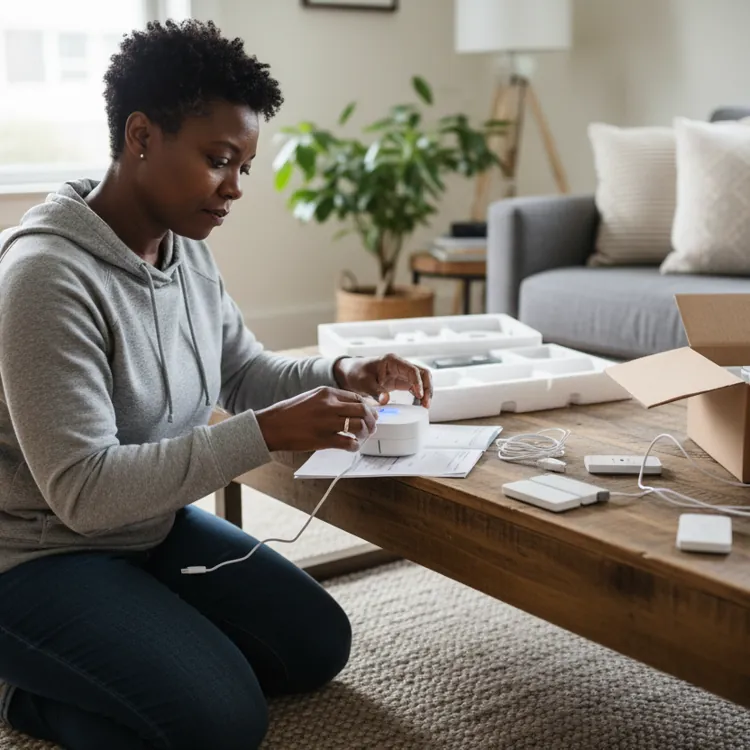
- Installation options: DIY only. Equipment arrives preconfigured for your specific account, and the Frontpoint app walks you through placement and activation. Professional installation is not offered.
Frontpoint equipment costs
Starter packages range from $69 to $419 depending on current promotions and whether cameras are included. All equipment is purchased outright, with additional sensors available individually at competitive prices. Frontpoint runs frequent sales that can bring costs down significantly.
Xfinity vs. Frontpoint: Monitoring plan costs
Xfinity ties its monitoring options to its broader home services ecosystem, while Frontpoint offers a more direct set of professional monitoring plans with transparent pricing.
| | |
| Coverage | | |
|---|---|---|
| Plan | ||
| Monitoring price range | $10 to $65/month | $15 to $49.99/month |
| Monitoring options | Professional | Professional |
| Self-monitoring | | |
| Upgraded self-monitoring | Not offered | Not offered |
| 24/7 professional monitoring | $65/month | $44.99/month |
| Upgraded professional monitoring | $65/month | $49.99/month |
Xfinity monitoring plans
- Monitoring type: Xfinity offers two tiers — a camera-only self-monitoring plan and a full professional monitoring plan.
- Smart Home: $10 per month for camera coverage with 24/7 continuous video recording for up to six cameras. No professional dispatch is included.
- Home Security: $65 per month. Covers 24/7 professional monitoring and cellular backup.
Contract commitment: The Home Security plan generally requires a 24-month agreement. The Smart Home plan at $10 per month is typically month-to-month with no long-term commitment required.
Frontpoint monitoring plans
- Monitoring type: Frontpoint offers a professional monitoring plan with full smart home integration and a video-only self-monitoring option.
- Ultimate Monitoring: Around $50 per month. Includes 24/7 professional monitoring, cellular backup, crash-and-smash protection, full mobile app access for video streaming and home automation, environmental monitoring for fire and flood, and smart home control.
- Video-Only (self-monitoring): Around $15 per month. Gives you video recording and remote viewing without professional dispatch.
Contract commitment: A 36-month agreement is standard when you take the lowest upfront equipment pricing or use financing. A month-to-month option is available if you purchase the hub and sensors outright.
» COMPARE: Vivint vs. Xfinity
Xfinity vs. Frontpoint: Equipment and technology
Xfinity relies on proprietary hardware tied to the Comcast ecosystem, while Frontpoint uses the widely supported Alarm.com platform with equipment sold outright. Here's how their hardware lineups compare.
| | |
| Coverage | | |
|---|---|---|
| Plan | ||
| Wired or wireless? | Wireless | Wireless |
| Camera options | Indoor, outdoor and doorbell | Indoor, outdoor and doorbell |
| Video doorbell | | |
| Control panel | | |
| Motion sensor | | |
| Entry sensor | | |
| Glass break sensor | | |
| Keychain remote | | |
| Siren | | |
| Panic button | | |
| Yard sign | | |
| Smart locks | | |
| Smart lights | | |
| Smart thermostat | | |
| Garage door control | | |
| Temperature sensor | | |
| Water sensor | | |
| Smoke detector | | |
| CO detector | | |
| Mobile app | | |
| Mobile app monitoring | | |
| iOS rating | 4.3 | 4.3 |
| Android rating | 4 | 3.7 |
| Notification/alert options | Email, text and push | Email, text and push |
| Home automation capabilities | | |
| Voice integration | | |
| Amazon Alexa | | |
| Google Home | | |
Reputation on ConsumerAffairs


What Xfinity customers say
Xfinity receives mixed reviews on our site. Customers who rate it positively point to the HD cameras and the app experience. Feedback on customer service is divided, and a recurring complaint involves battery-powered sensors that some users say fail in under a year.
“Very safe and reliable system. Never had any problems. Easy to use and to understand. Customer service is friendly and always willing to help. The setup and installation of the product was quick and easy enough to understand for even someone who doesn't have much experience.”
What Frontpoint customers say
Frontpoint earns a high volume of 4- and 5-star reviews on our site. Customers frequently highlight how straightforward self-installation is and appreciate that the company offers hands-on help for those who need it. Some reviewers ran into hardware issues with doorbell cameras or sensors, and while most were resolved quickly, a small number of customers felt their concerns weren't addressed and disputed billing practices.
“[...] I like the fact that everything can be done through the app on the smartphone. This is very convenient, especially for all the family members, because we are all connected to the app. Everybody can put the alarm on and off. Also, I like the history in the app where we can see what happened in the house, which door was open, closed, things like that. I feel good in my house now.”
Bottom line: Xfinity or Frontpoint
Choose Xfinity if you're an existing Comcast subscriber looking to consolidate your home services under one bill — just keep in mind that bundling with Xfinity Internet is required, and the system isn't available to non-Comcast customers.
Choose Frontpoint if you want DIY-installed security backed by professional-grade Alarm.com technology and a rate that won't increase during your agreement term — though expect to pay more per month than budget DIY alternatives like Ring or SimpliSafe.
» MORE: Frontpoint vs. ADT