

Key insights
Most modern security systems include an onboard battery backup or run on battery power.
Jump to insightTo keep connectivity, routers, modems and gateways need backup power.
Jump to insightUPS battery backups, generators and cellular systems are common backups during power outages.
Jump to insightHow security systems work when power goes out
Security systems vary in functionality when the power is out. Beyond the device and sensor’s actual power, Internet and cloud connections can be severed during outages. That means while security components such as cameras may run on a battery, they may not be able to send alerts or let you view footage.
Backups should be factored into security system cost comparisons when shopping for home security.
What stays on during power outages
What stays online during power outages depends on your security system. While wireless systems, like the cameras offered by Arlo and Wyze or wireless Ring doorbells, are often less likely to fail, connections to monitoring services may still be vulnerable. Knowing what protection you have during an outage is vital.
Security system types and features that stay on during power outages include:
- Wired PoE (power over Ethernet) systems with battery backup
- Wireless system recording
- Wireless connections to the Internet when routers have UPS battery backups
- Cellular connections
- Battery-powered door and window sensors (alerts may not be sent)
- Storage devices with battery backups
What systems fail when power fails
Security systems are most vulnerable to power outages when battery backup is not available.
Systems and features likely to fail during a power outage include:
- Internet-enabled alerts for systems without an Internet router battery backup
- Live video viewing for systems without an Internet router battery backup
- Power-over-Ethernet (PoE) wired systems without an Internet router battery backup
- Wired systems without battery backups
- Alerts relying on Wi-Fi or Ethernet
- Storage devices such as network video recorders (NVRs) and digital video recorders (DVRs) without battery backup
The type of power failure matters as well. For systems with cellular backup, widespread power outages from hurricanes or tornadoes may also affect cellular towers; towers can also be overwhelmed with emergency traffic. As a result, your alerts may not go through.
Professionally installed whole-house security systems, such as those from ADT and Brinks Home Security, are more likely to have integrated power and signal backups. While more expensive up front, these systems add peace of mind and reduce extra steps needed to ensure home alarms work when the power goes out.
How long battery backups work
Battery backups vary widely, and how long they last depends on the load, alert frequency, active time (such as active recording time), number of devices served, environmental conditions (cold or heat extremes) and battery age.
Onboard battery backups serving a single device may be rated for between four and 24 hours, while UPS batteries connected to an Internet router may only last two hours or less. For example, the SimpliSafe home base station has a 24-hour battery backup in case of a power outage.
A UPS, or uninterruptible power supply, keeps devices running during power loss, allowing safe shutdowns and no interruptions.
When shopping for battery backups, review your needs and battery capacity. Security system components should list average backup times, and external UPS batteries should list expected runtimes based on different scenarios. Many UPS systems also serve as surge protectors.
It’s recommended to prepare for events that may cause power outages, such as storms, by ensuring backups are working properly and by charging extra batteries. Many home alert systems help you keep track of backup status with low-power indicators, such as the Vivint Go!Control.
Power outage impact on system connection
Even if your security cameras and sensors technically work during power outages, they may not be able to send signals to storage devices or to your monitoring service. Systems with multiple communication channels, such as landlines or cellular backup, offer more resilience during outages.
Why Wi-Fi fails when the power goes out
Wi-Fi security devices typically fail when the power goes out — not because the devices lose power, but because the Wi-Fi routers in the home do. Without that connection, alerts can’t be sent and footage can’t be viewed.
The easiest backup to keep Wi-Fi and the Internet up during power outages is to add a battery-powered UPS to your home Wi-Fi router and Internet modem, or to a combined gateway device. However, most of these devices are limited to a few hours of operation, so a home generator may be needed during longer outages.
»RELATED: Best self-monitored home security systems
Cellular backup keeps you connected
Cellular signal, an alternative to Wi-Fi, provides continuity of service when power fails. Most common in wired systems using the cloud or network video recorders (NVR), cellular backup helps keep more complex systems connected to the monitoring center.
However, for cellular backup signals to work, you may need a cellular data plan. Many systems with built-in cellular backups include a limited amount of data in your monthly monitoring plans, but longer-term use may incur extra charges. Devices that only work with cellular generally require separate cellular data plans to function.
Landlines vs. VoIP
Most alarm systems with professional monitoring use telephone lines to transmit alarms for signal reliability. Traditional landline telephones generally work through power outages; however, newer VoIP lines require the Internet and power to function. VoIP works over the Internet, so it is vulnerable to routers, modems and gateway failures when the power drops.
For security wired directly into alert systems or professional monitoring connected via phone, that could be an issue. As with Wi-Fi, UPS backups for modems and routers, or the combined gateway, are advised.
Security system backup options for outages
There are multiple options for power and signal backups during power outages. Some are built-in failsafes, and others require additional equipment. The best home security systems usually include varying backups for at least some components.
Types of backup
The best power backup for your alarm system depends on the system component and how long you need power. In many cases, a combination of power backup types is used to serve different needs.
Common power and signal backups for home security equipment include:
| Backup type | What it powers | Typical runtime | Pros | Cons |
|---|---|---|---|---|
| Panel backup battery | Control panel or hub | At least 24 hours in standby | Automatically kicks in and is included in most wired systems | Runtime (non-standby) can be severely limited |
| UPS | Internet equipment, cameras, monitors, DVRs | 45 minutes to 4 hours | Keeps Wi-Fi, VoIP, and PoE active | Short runtime and UPS are large |
| Cellular backup | Communications | Generally 24 hours | Works regardless of Internet service | Susceptible to overloaded cell towers during emergencies |
| Generator | Varies between specific systems and the entire house | Up to several days or more | Provides long-term power | Can be dangerous if installed incorrectly |
| Solar plus battery | Small units power specific security components, and whole-home solar powers entire homes | Generally 12 hours or more, depending on weather conditions | Quiet | High initial cost |
Making your system power outage-proof
Outage-proofing your home security devices means addressing both power to the device and keeping data connections running. To make your security power-outage-proof, understand your system’s built-in capabilities, keep up with maintenance and add additional backups or a generator.
Common steps to power outage-proof your system include:
- Choosing a security system with a battery and cellular backup
- Choosing a system with automatic swapover to backup systems
- Adding UPS power batteries to modems, routers and gateways
- Regularly testing and replacing batteries in devices and backups
- Adding a home generator backup for wired security systems
- Regularly testing and keeping fuel for backup generators
- Ensuring back-up power sources can run your security systems and Internet for at least four hours
FAQ
Do security systems go down when power is out?
Security systems without Wi-Fi, Internet or sensor battery backup generally go down when the power is out. Security cameras with onboard storage can record during Wi-Fi outages, but not send alerts or footage.
Will a Ring doorbell work if Wi-Fi goes out?
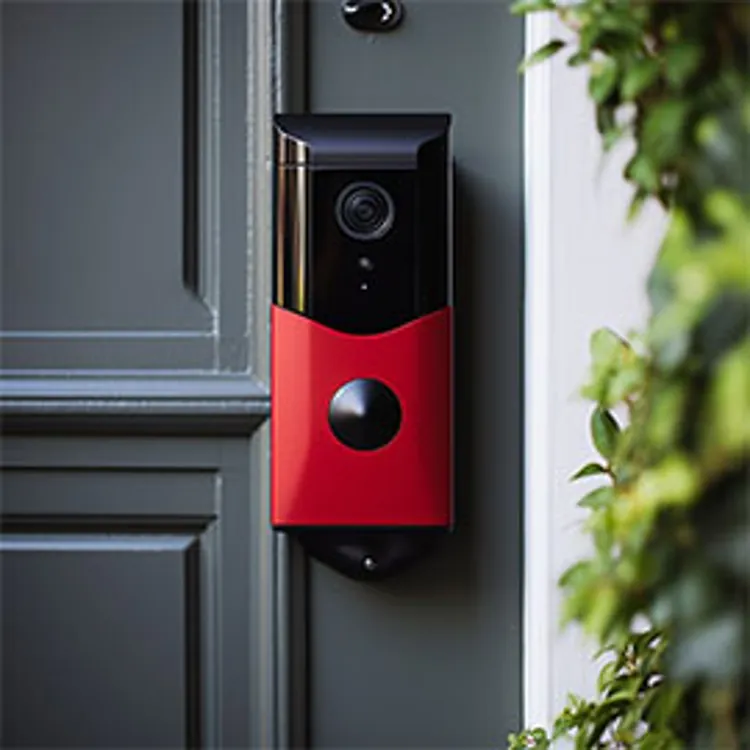
Wireless and wired Ring doorbells require Wi-Fi to send alerts and video to you or your monitoring company.
Can burglars cut power to disable security systems?
Burglars can cut power, use Wi-Fi jammers and cut phone lines to disable many security systems. However, most modern systems include some form of power backup to avoid this problem.
Do cellular security systems work without electricity?
Cellular security systems are designed to operate in areas without wired electricity or Internet access. They generally run on battery power, either from replaceable batteries or a rechargeable battery pack.