


Key insights
Pressing the help button triggers a signal to a monitoring center where operators establish communication.
Jump to insightLandline systems are for in-home use, and cellular network systems are for in-home or on-the-go safety.
Jump to insightConsider systems with added features like automatic fall detection or smart home equipment integration.
Jump to insightHow medical alert systems work
Here’s a breakdown of what happens when you run into a problem while wearing a medical alert device.
1. An emergency occurs
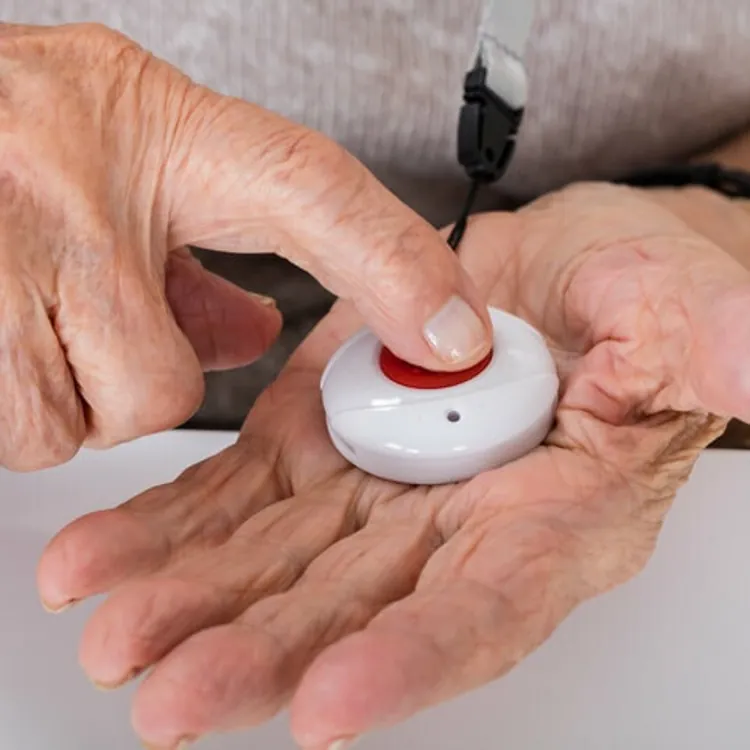
When you experience some kind of distress and need to call for help, you can press the call button on your wearable device to alert the call center or dial 911. In some cases, your device can contact the call center or emergency services automatically in the case of a fall. Ask your medical alert system company for details on which type of system you’re buying before you purchase.
2. The system places a call for help
The device either uses its SIM card to place an emergency call for help, or it uses a radio frequency to trigger a home base system to make the call. This step depends on whether you have a landline home system, a cellular network home system or a mobile/GPS alert system.
3. A monitoring center answers the call
If you have a monitored system, a representative will speak with you either directly through your device or through the home base. They will assess your situation and determine what kind of help you need.
4. Emergency services are dispatched
The representative can dispatch the appropriate emergency services based on your situation. If you’re unable to respond, they can still send emergency response teams. If you have an unmonitored system, your device will dial 911 automatically.
5. Caregivers and emergency contacts are notified
If you have caregivers authorized on your account, they may receive alerts from your medical alert company notifying them that there was an issue. Alerts typically come through accessibility apps or via text, email or phone call, depending on your settings.
Types of medical alert systems
There are three primary types of systems that differ in how they keep you connected to a call center or emergency services. Make sure you understand the pros and cons of each before you choose a medical alert system.
Landline-connected home systems
Landline-connected home systems use a home base that’s connected to a traditional telephone line, so they don’t require an internet connection. These are generally the most reliable because they function during power outages, and there’s very low risk of losing your connection, especially if your area has buried utility lines.
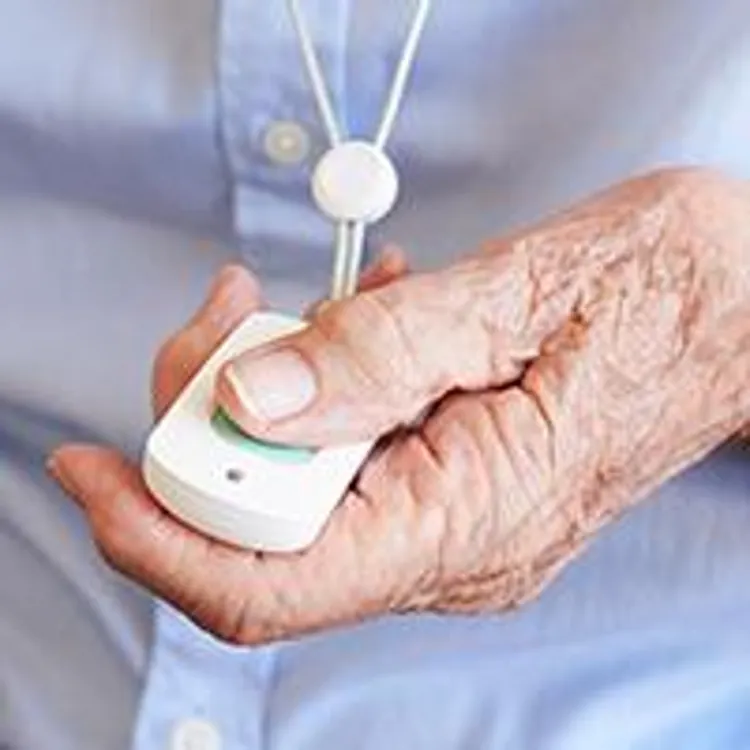
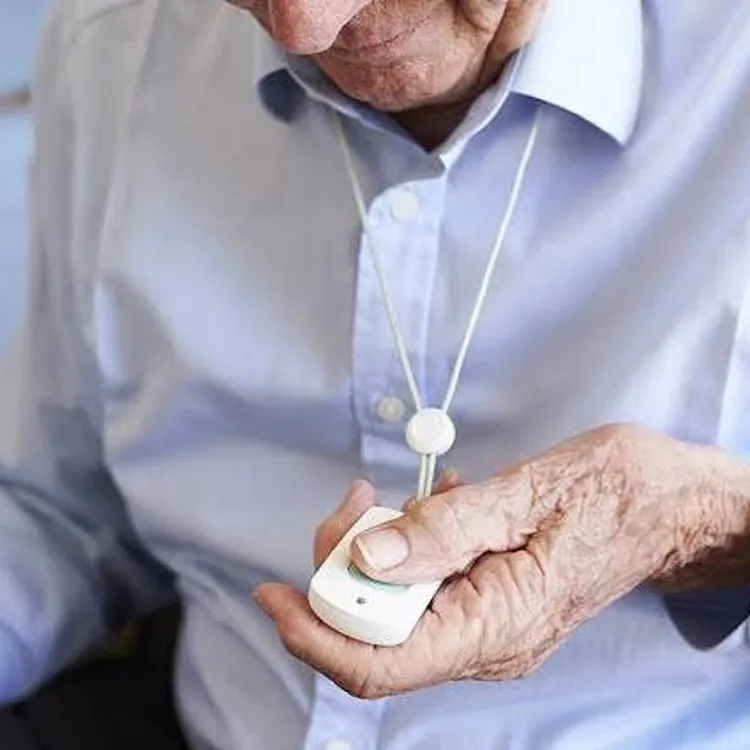
Landline-connected home systems require a home base for managing calls to call centers or emergency services. Most also include a wearable device with a button you can press to send a call for help. The device usually connects with your home system using radio frequencies, and some let you speak to your call center or 911 representative directly through the device.
Pros
- Most dependable
- Most affordable subscription
Cons
- Requires landline access
- Small coverage area
Cellular network systems
Cellular network systems work similarly, but they have a SIM card and connect you to a cellular network instead of using a landline. These usually don’t work during power outages, so they’re a bit less dependable than landline systems.
However, you have more flexibility with cellular network systems because you can choose from two types:
- Cellular network home systems: These include a home base that has a SIM card as well as a wearable device that interfaces with the base using radio frequencies. You initiate a call for help using your wearable device, but the base actually contacts the call center or local authorities. You don’t have to worry about downed utility lines interrupting the connection, but cell towers can go out, especially during power outages.
- Mobile/GPS systems: Mobile/GPS systems don’t use a home base and instead let you connect to a call center or 911 directly from your wearable device. These are great if you travel a lot, live in multiple homes throughout the year or if you are frequently outside of your home.
Pros
- Peace of mind even when you’re out or traveling
- No landline required
Cons
- More expensive monthly costs than landline plans
- Sometimes lose connection during power outages
Internet-dependent systems
Internet-dependent systems require an internet connection at all times to keep you protected. These are the least dependable options because you can’t make calls during power outages or if you lose internet for any reason.
For those reasons, most medical alert companies don’t offer these kinds of systems. Instead, you can use smart home systems like the Amazon Echo or wearable smartwatches like the Apple Watch to give you some peace of mind. These connect to your home Wi-Fi system or use cellular data through a connected smartphone to make calls in emergency situations.
Internet-dependent systems rarely have subscription costs themselves, but you’ll either need a home internet connection or a mobile phone plan to use them as medical alert systems.
Pros
- Often no subscription needed
- Some come with added features, like health tracking capabilities
Cons
- Least dependable
- Usually not made specifically for medical alerts
Medical alert system features to know
Connectivity is the most important function your medical alert system needs to have, as it’s what provides safety and peace of mind. The type of connection you choose is the most important decision you’ll make about your system.
The best medical alert systems also include 24/7 call monitoring and two-way communication. This means a representative from the company contacts you if you press the button for help, and then you can speak back to them. They can then assess your situation and dispatch either a trusted family member or the appropriate emergency response team.
Choosing the right medical alert system for your lifestyle comes down to more than connection type, though, and there are other features and things to consider to make sure you or your loved one remains as safe and comfortable as possible.
- Fall detection: Some wearable devices can detect falls using accelerometers and automatically send a call for help. This is useful if you fall and can’t press the button on your device. Some systems are more reliable than others, and some are known for false triggers.
- GPS capability: Mobile devices usually have GPS capability so they can send your exact location to authorities. This makes them useful even when you’re outside of your home.
- Adequate connection range: For home base systems, pay close attention to the range for communication between the base and your wearable device. Make sure it covers the area of your property that you frequent.
- Caregiver apps and alerts: Some modern systems can send non-emergency alerts to your loved ones about device battery levels and software updates. They can also send alerts if you do run into a medical emergency, along with contacting local authorities.
- Battery life: For mobile systems and home base systems with wearable devices, check the battery life before committing to a system. Longer battery life is more convenient and leaves you less vulnerable to your device dying unexpectedly.
- Waterproof design: Most wearable devices like pendants and medical alert bracelets are waterproof so you can wear them in the shower, where many falls occur. Make sure yours is waterproof, or purchase a standalone call button to mount in your shower.
- Voice activation: Some medical alert systems allow voice activation for convenience and added safety in case you can’t move to press your alert button, but these may require an internet connection to function.
- Health monitoring: Some wearable devices, like watches, can also monitor heart rate and blood pressure, which can potentially help avoid emergencies before they occur.
- Syncing with smart home devices: Some internet-independent and most internet-dependent systems can use Wi-Fi for added functionality, like automatically providing access to emergency response teams by unlocking doors or medical alert lockboxes.
Medical alert system setup and testing
The setup process for your medical alert system really depends on the type of system you choose and the connection type:
- Landline system: These may require a professional to complete the setup for you, especially if they need to run a dedicated landline for your home base. Others will require that you plug in your unit and will include instructions on setup and testing in writing or via video. In either case, the tech should also test the communication between the components.
- Cellular network system: Most cellular network systems don’t require professional installation, as they don’t require landlines. When you receive your system, you’ll set the base in the best spot for whole-home coverage, test communication and read or view information on how to use everything.
- Internet-dependent system: These devices aren’t made specifically for medical alerts, so you can always purchase and set them up yourself. They can be as easy as plugging in the device and connecting to the internet using a phone, computer or tablet, or they may require pairing with a smartphone.
Activation and setup
For landline and cellular network systems that have monitoring systems, you’ll usually plug your equipment in and initiate a test sequence from your home base and then from any wearable devices. The process varies from product to product, so make sure to read the instructions before getting started.
The included instructions and the tech you speak with for testing will walk you through setting everything up, testing the connection and getting accustomed to using the equipment.
Some systems also connect to the internet and let you interface with the system using a smartphone, computer or tablet. These medical alert systems cost more in most cases, but you or a family member can use that functionality to:
- Set up medical profiles to help guide call centers on emergencies that are more likely to occur
- Add emergency contacts who can get notifications and alerts alongside the call team
- Connect your system to smart home devices for added functionality
Wearing and placement tips
Your system may include instructions or tips on placing your home base system and wearing different alert devices. You should always follow the provided instructions, but you can use the following general tips for proper functionality, too:
- Place the home base close to the center of your home to get the largest range possible.
- Avoid placing the base near common sources of noise, like TVs or stereo systems, that could interfere with your communication if you need help.
- If your device requires power, make sure you plug it into an outlet that isn’t tied to a wall switch to avoid accidentally turning it off.
- Avoid using extension cords and surge protectors to provide power to your home base, as these can create issues with proper functionality.
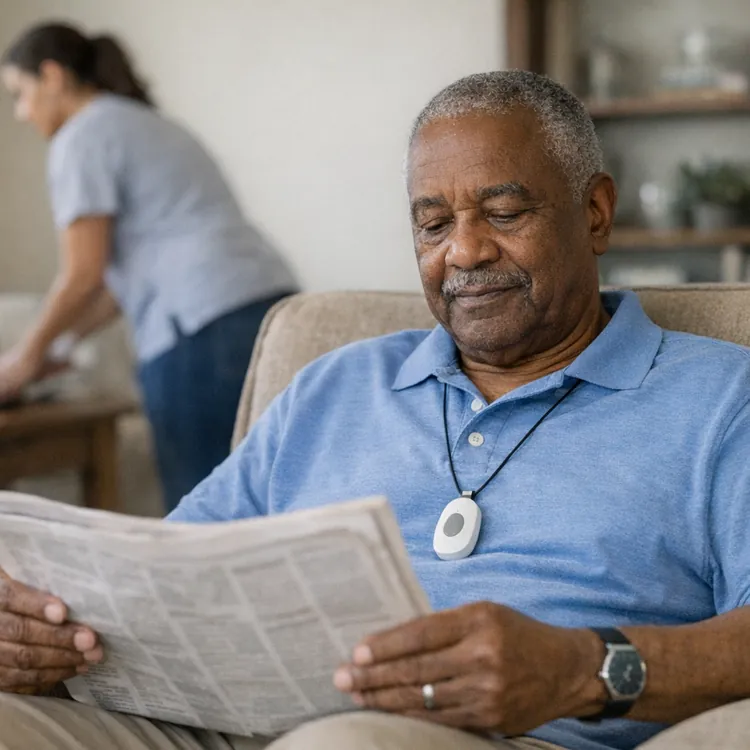
- Get in the habit of wearing your device at all times. Medical alert systems are worth it, but only if you wear the device consistently.
- Consider installing a standalone help button in your shower area, where many falls occur, just in case you forget your wearable device.
- Set reminders to charge your wearable device regularly.
- If you have an internet connection in your home, consider adding a Wi-Fi-enabled door lock or lockbox to your system setup, as these can give emergency access to response teams if you can’t get to the door.
Range and call testing
The last part of your setup should be testing the range and call quality. Again, you should follow the instructions included with your system, but you can also use the following tips:
- Test the communication between your wearable device and the home base throughout your home, including the yard, basement and any rooms or areas you frequent.
- If you find that coverage is spotty or the connection is poor in specific areas, consider upgrading to a unit with a wider range or purchasing additional units to extend coverage.
- Most systems have a test feature that allows you to make a non-emergency call to the call center. Always run through this process from the home base and each additional device to ensure you’re comfortable with how they work.
- Set reminders to re-test the connection and functionality every month.
FAQ
What is the monthly cost of a medical alert system?
The monthly cost of a medical alert system ranges between $20 and $70, with an average of $40 per month. The monthly fee depends mostly on the type of system you purchase. Landline home systems are usually the most affordable, followed by cellular network home systems and then cellular network mobile systems.
How does a medical alert system know where you are?
Medical alert systems that work solely in your home are simply connected with your property address during setup. For mobile alert systems that work outside of your home, the wearable devices use a SIM card to connect to cellular networks just like a cell phone. These can also transmit GPS coordinates to your call center or local authorities.
Will Medicare pay for a medical alert system?
In most cases, original Medicare plans won’t pay for a medical alert system, as they aren’t considered durable medical equipment (DME). If you have a plan with Part C benefits, you might be able to get coverage, but you should review your plan to find out if you’re covered.
Do you need Wi-Fi for medical alert systems?
Most medical alert systems don’t require Wi-Fi for basic functionality and instead use either a landline connection or a SIM card to connect to a wireless cellular network. Some devices use Wi-Fi for added functionality, though, like syncing with smart home devices and sending alerts and notifications to family members during an incident.
Article sources
ConsumerAffairs writers primarily rely on government data, industry experts and original research from other reputable publications to inform their work. Specific sources for this article include:
- LegalClarity, "Does Medicare Pay for Medical Alert Devices? Exceptions." Accessed April 20, 2026.
- Centers for Medicare & Medicaid Services, "Medicare Coverage of Durable Medical Equipment & Other Devices." Accessed April 20, 2026.
- U.S. Centers for Medicare and Medicaid Services, "Durable Medical Equipment (DME) Coverage." Accessed April 20, 2026.