

Ring vs. Xfinity: Quick comparison
 |  | |
| Coverage |  |  |
|---|---|---|
| Plan | ||
| Starting equipment cost | $200 | $150 |
| Starting monitoring fee | $4.99/month | $10/month |
| Contract terms | No contract required | 24 months |
| Trial period | 30 days | Not stated |
| Installation | Professional or DIY | Professional |
| Camera options | Indoor, outdoor and doorbell | Indoor, outdoor and doorbell |
| Home automation | | |
| Monitoring options | Professional or self-monitored | Professional |
| Availability | Nationwide | 39 states |
| iOS rating | 4.7 | 4.3 |
| Android rating | 4.6 | 4 |
Ring vs. Xfinity Home: What's the difference?
Ring built its reputation on the smart video doorbell and carried that same philosophy into its alarm system: keep it affordable and make it easy to set up yourself. Its product lineup integrates natively with Amazon Alexa and covers a wide range of video security options.
Xfinity Home is Comcast's security offering, built to work alongside its internet and cable services. It's aimed at existing Comcast subscribers who want a single bill for their home services and prefer to have a technician handle the setup.
What we like about Ring
Affordable professional monitoring: At $19.99 per month, Ring's Ring Pro monitoring tier is among the lowest-priced professional monitoring options available for a full-featured system.
Video product ecosystem: Ring offers one of the widest selections of video doorbells and security cameras, all of which connect directly with the Ring Alarm system.
Maximum flexibility: With no long-term contracts and a straightforward setup process, Ring works well for renters and frequent movers.
What to consider: Ring uses third-party partners for professional installation, which means the experience won't match the white-glove service of traditional providers. It also offers fewer advanced automation and monitoring capabilities compared to higher-priced systems.
What we like about Xfinity Home
Service integration: Xfinity customers can manage security alongside their other services on a single bill, simplifying account management.
Widespread availability: Because Xfinity Home is available across most of Comcast's service footprint, the system is accessible to millions of households nationwide.
What to consider: Xfinity Home requires bundling with an Xfinity Internet subscription, making it unavailable to non-Comcast customers. You'll need to keep a minimum internet package active to maintain security service.
Ring vs. Xfinity Home: System and installation
Ring is built for self-installation from the ground up, while Xfinity Home requires a technician visit for installation. Here's how the two approaches differ.
Ring system and installation
System type: Ring runs on a wireless, modular setup anchored by a base station and keypad. It supports a broad range of add-ons including security cameras, video doorbells and smart lighting, and it's compatible with Z-Wave devices for expanded smart home control.
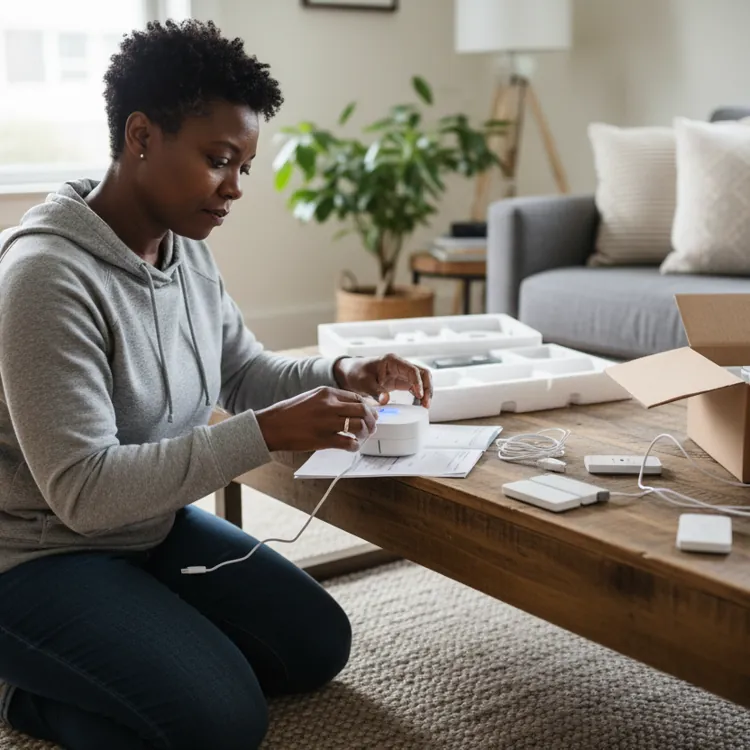
Installation options: The system is designed for DIY setup. Sensors attach with double-sided tape or basic screw mounts, and most installations are complete in under 30 minutes. If you'd prefer help, professional installation is available through third-party partners like OnTech for an additional fee.
Ring equipment costs
Base kits start at around $199.99 for a five-piece package, which is generally more affordable than what you'd pay upfront with a professionally installed system.
Xfinity Home system and installation
System type: Xfinity Home uses a wireless system with built-in cellular backup. Smart devices including lights, locks and thermostats are managed through the Xfinity Home app, while automation runs through the Xfinity xFi Gateway and a touchscreen control panel.
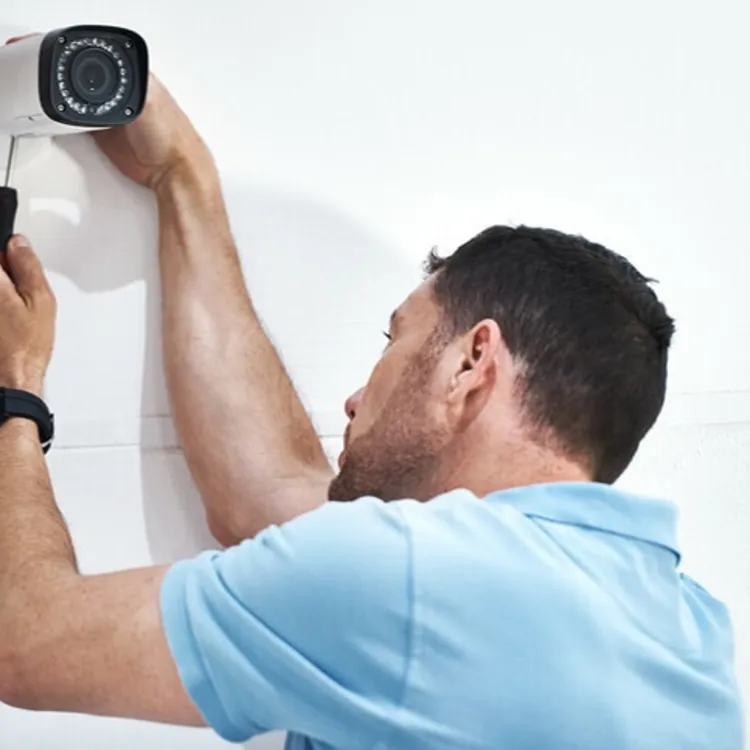
Installation options: A professional Xfinity technician handles all installation — self-setup is not an option. Installation fees apply but are frequently waived or discounted through promotional packages.
Xfinity Home equipment costs
Xfinity Home currently lists three system packages that can be paid in full or financed over 24 months. Its lowest Base Home System package costs $360 upfront. Equipment is typically sold in bundles and may require a down payment if financed.
Ring vs. Xfinity Home: Monitoring plan costs
Ring keeps costs low with tiered plans starting at $4.99 per month for self-monitoring, while Xfinity Home bundles monitoring into packages tied to its broader service offerings.
| | |
| Coverage | | |
|---|---|---|
| Plan | ||
| Monitoring price range | $4.99 to $99.99/month | $10 to $65/month |
| Monitoring options | Professional or self-monitored | Professional |
| Self-monitoring | | |
| Upgraded self-monitoring | Offered | Not offered |
| 24/7 professional monitoring | $19.99/month | $65/month |
| Upgraded professional monitoring | $99.99/month | $65/month |
Ring monitoring plans
Ring currently offers four main Ring Protect plan tiers, ranging from self-monitoring to enhanced professional monitoring.
Ring Solo: $4.99 per month (or $49.99 per year); covers video recording for one doorbell or camera
Ring Multi: $9.99 per month (or $99.99 per year); extends video recording to all cameras at a single home
Ring Pro: $19.99 per month (or $199.99 per year); adds 24/7 professional monitoring, cellular backup for Ring Alarm and advanced alarm features
Virtual Security Guard: $99 per month; adds Live Video Monitoring and other threat deterrence features
Contract commitment: Ring operates without contracts. Every plan runs month-to-month or annually at a discounted rate, and cancellation incurs no fees.
Xfinity Home monitoring plans
Xfinity Home offers two monitoring tiers: a camera-only self-monitoring plan and a full professional monitoring package.
Self Protection: $10 per month; includes 24/7 continuous video recording for up to six cameras but does not include police dispatch
Pro Protection Plus: $55 per month; adds 24/7 professional monitoring and dispatch, outage protection and enhanced support
Contract commitment: Professional monitoring plans generally require a 24-month contract.
» COMPARE: Ring vs. SimpliSafe
Ring vs. Xfinity Home: Equipment and technology
Ring brings a broad smart home ecosystem built around its video products, while Xfinity relies on proprietary hardware tied to its xFi platform. Here's how their equipment and tech features stack up.
| | |
| Coverage | | |
|---|---|---|
| Plan | ||
| Wired or wireless? | Wireless | Wireless |
| Camera options | Indoor, outdoor and doorbell | Indoor, outdoor and doorbell |
| Video doorbell | | |
| Control panel | | |
| Motion sensor | | |
| Entry sensor | | |
| Glass break sensor | | |
| Keychain remote | | |
| Siren | | |
| Panic button | | |
| Yard sign | | |
| Smart locks | | |
| Smart lights | | |
| Smart thermostat | | |
| Garage door control | | |
| Temperature sensor | | |
| Water sensor | | |
| Smoke detector | | |
| CO detector | | |
| Mobile app | | |
| Mobile app monitoring | | |
| iOS rating | 4.7 | 4.3 |
| Android rating | 4.6 | 4 |
| Notification/alert options | Email, text and push | Email, text and push |
| Home automation capabilities | | |
| Voice integration | | |
| Amazon Alexa | | |
| Google Home | | |
Reputation on ConsumerAffairs


What Ring customers say
Reviews on ConsumerAffairs show that Ring customers appreciate the video quality and frequently mention how straightforward the installation process is. Users value remote access through the app and the clarity of recorded footage, often using both to keep an eye out for porch pirates and other suspicious activity. Some customers report occasional issues with devices going offline.
“Ring is incredibly easy to set-up and use. I can check my system at all hours of the day. I can also customize the specific hours I get alerts so that I'm not alerted every time I receive an Amazon package.”
What Xfinity customers say
Xfinity customers who are satisfied with the service say they appreciate the ability to manage their system through the mobile app and feel the equipment offers good value for the price. Some reviewers express frustration with the customer service experience when trying to resolve problems.
“Easy monitoring remotely from any mobile devices, such as smartphones or laptops. Never had any outages or interruptions in service since installation. Greater price than competitors and 24/7 monitoring for all services. Gives me peace of mind when I am away from home as I can see what is going on.”
Bottom line: Ring or Xfinity Home
Choose Ring if you want low-cost professional monitoring with no contracts and a wide range of video options — it undercuts nearly every competitor on price, though it trades away some advanced features and white-glove installation.
Choose Xfinity Home if you're already a Comcast subscriber and want the simplicity of one bill covering your home services — just be aware that the system requires an active Xfinity Internet subscription and locks you into a 24-month contract on its professional monitoring plan.
» MORE: Xfinity vs. Frontpoint