

How home security systems work
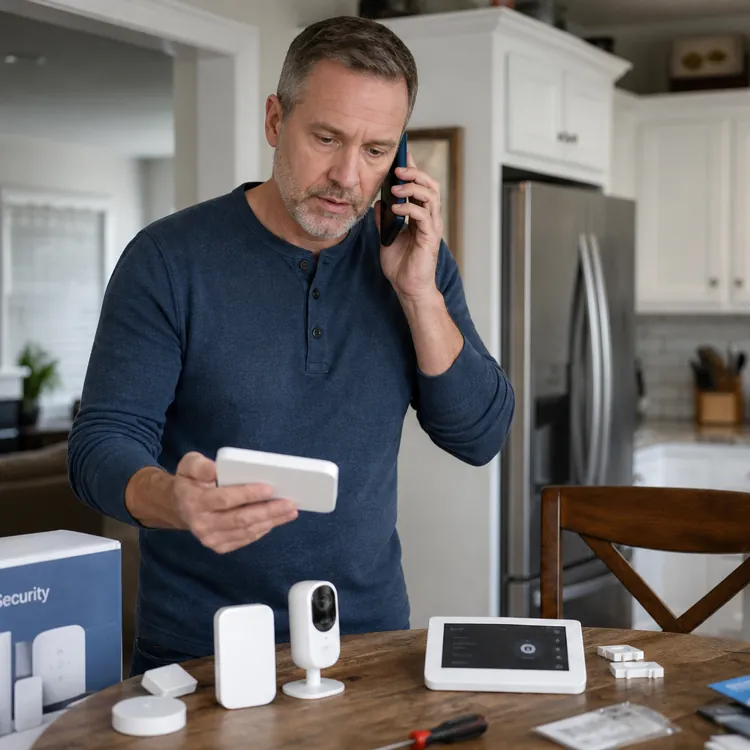
Home security systems work by connecting devices, such as door sensors, motion detectors and cameras, to a control panel. When a device trips, the control panel checks the system’s status, then starts the response you set up: a siren, app alert, monitoring center signal or all three.
Most systems also treat safety sensors differently from burglary sensors. A smoke alarm, carbon monoxide detector or water leak sensor may send an alert even when the system is disarmed, because those hazards don’t care whether you’re home.
What happens when a sensor triggers?
Here’s the usual path from sensor activity to alert:
- A sensor detects activity. A door or window opens, glass breaks or motion appears in a protected area.
- The sensor sends a signal. Wireless sensors send a radio signal to the control panel. Wired sensors send that signal through the home’s installed wiring.
- The panel checks the system’s status. If the system is disarmed, it may log the event or send an app notice.
- The panel checks the sensor type. A front door sensor might start an entry delay, while a smoke or carbon monoxide alert may trigger right away.
- The siren sounds when needed. If the system is armed and the sensor trips under alarm rules, the siren starts.
- The system sends an alert. The panel sends data through Wi-Fi, cellular service or landline, depending on the setup.
- Your phone or monitoring center receives the notice. Self-monitored systems alert you. Professionally monitored systems also contact a monitoring center.
- The response begins. You might check the app, call a neighbor, cancel a false alarm or wait for the monitoring center’s next step.
How alerts reach your phone
Smartphone alerts come through the system’s app. The control panel or base station sends the event through your internet connection, cellular backup or both. If your Wi-Fi goes down but your system has cellular backup, the system may still send alarm signals through the cellular network.
Professional monitoring adds another step. If an alarm trips, the system sends event details to a monitoring center, which may try to contact you, verify the alarm and request emergency help based on your account settings and local rules. Older systems may use a landline, while newer systems often rely on broadband or cellular connections.
When alarms sound or stay silent
Arming mode changes the home security system’s behavior. “Stay” mode may arm doors and windows while leaving indoor motion detectors off, which lets you walk around at night without tripping the alarm. “Away” mode usually arms entry sensors and indoor motion detectors because the system expects the home to be empty.
Disarmed systems still may send notices for certain events. For example, you might get a phone alert when a child opens a back door, even though no siren sounds. Environmental sensors can also keep working in disarmed mode, since a smoke alarm or leak detector protects the property whether you planned to arm the house or not.
Home security system components, explained
A home security system usually starts with a control panel, sensors and a way to alert someone when the system detects a problem. From there, equipment choices depend on what you want covered: doors, windows, rooms, glass, smoke, carbon monoxide, leaks or camera footage.
Entry sensors and glass-break sensors
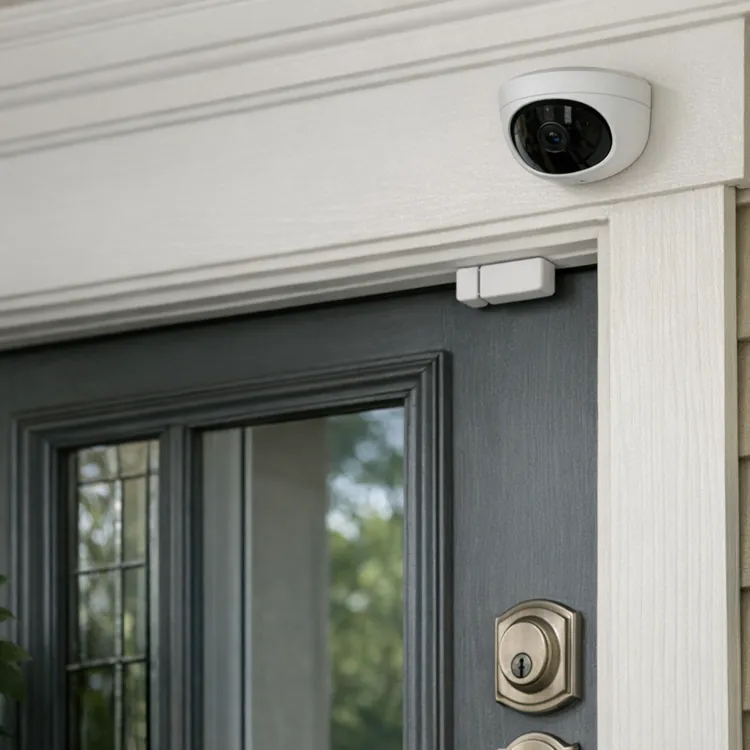
Entry sensors protect the perimeter. Door and window contacts detect opening or closing, while glass-break detectors listen for the sound pattern of shattering glass and send a signal to the alarm panel.
Think of entry sensors as the first layer for doors and operable windows. Glass-break sensors cover a different problem: someone breaking a window without opening it. That makes them more useful near large panes, sliding doors or rooms with several windows.
Motion sensors and pet settings
Motion sensors watch interior spaces after someone has crossed the perimeter. Passive infrared motion sensors detect movement by sensing changes in thermal energy, while other motion technologies detect movement through different physical changes in the monitored area.
Pets can trigger motion detectors and cause false alarms. Several local false-alarm guides recommend pet-friendly or pet-immune motion sensors for homes where pets move around while the system is armed.
Cameras, doorbells and sirens
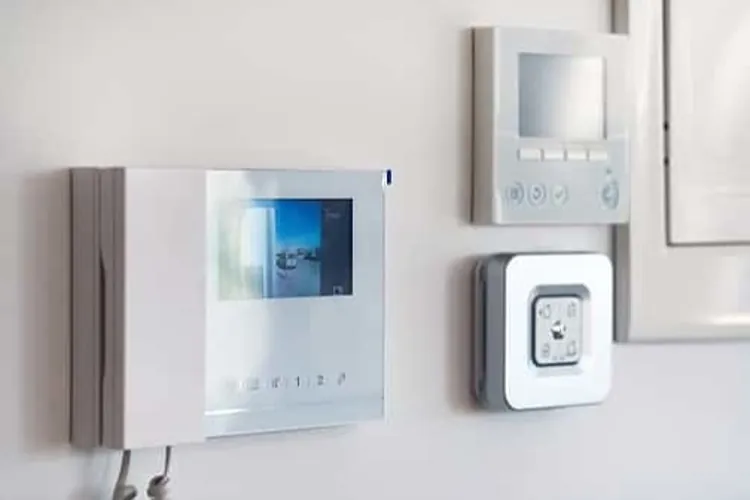
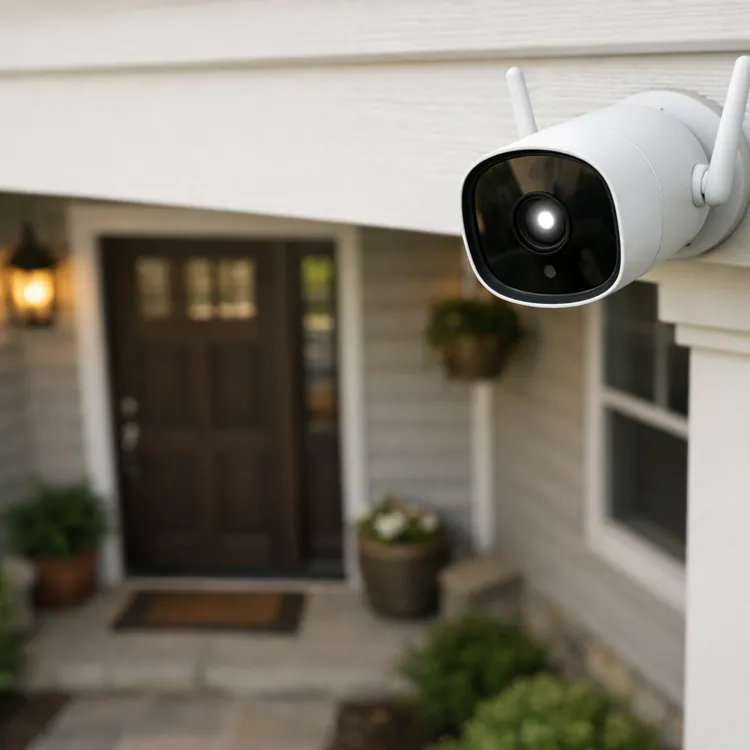
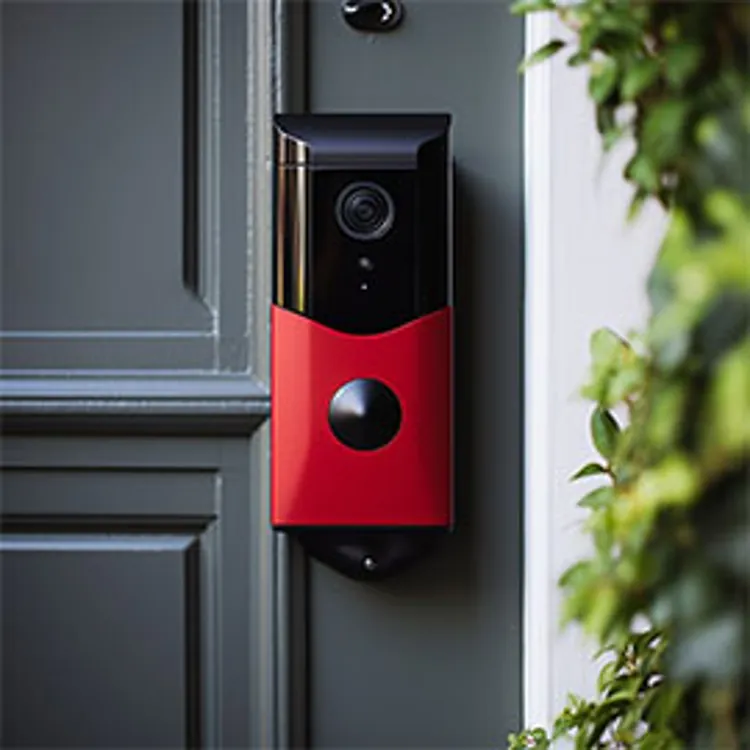
Cameras can add visual context to an alarm event, while doorbell cameras focus on activity near the entry where they’re installed. Sirens provide the audible warning when an alarm triggers, while keypads let you arm or disarm the system.
Environmental sensors for hazards
Environmental sensors cover risks that don’t depend on a break-in. Smoke alarms belong inside each bedroom, outside sleeping areas and on every level of the home, while carbon monoxide alarms belong on each level and outside sleeping areas, according to the Consumer Product Safety Commission.
Water leak devices can also alert homeowners to unexpected dampness or irregular water use. Leak detection and flow-monitoring devices can help identify leaks and reduce water waste or damage.
Wireless vs. wired security system operation
Wireless security systems send signals between sensors and the control panel without running signal wires through the house. Wired systems connect sensors to the panel through installed wiring, which can make installation harder in finished homes but reduces the number of sensor batteries you have to check.
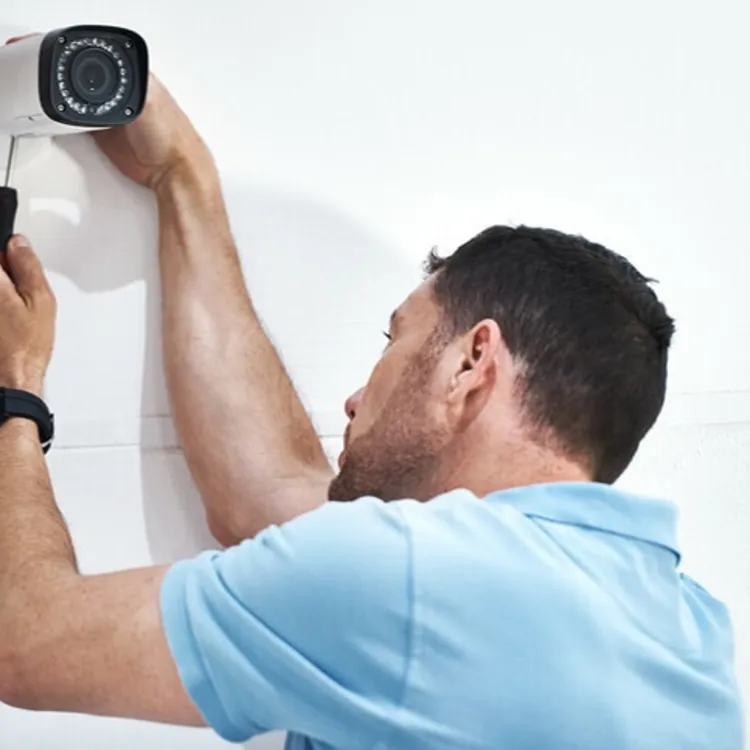
Wireless equipment can make sense for renters, DIY installs or homes where opening walls would drive up home security system costs. Wired equipment may make more sense during construction, major remodeling or a professional install where the wiring can be planned from the start. Many DIY home security systems use wireless sensors because they’re easier to place without running cables.
| Feature | Wireless systems | Wired systems |
|---|---|---|
| Installation | Usually easier to place because wireless sensors don’t need a signal cable back to the panel | More planning because sensors need cable paths, installed wiring or connection to building wiring |
| Connectivity | Uses wireless communication, including radio-frequency transmission | Uses cable or building wiring to move signals between sensors, controllers and related equipment |
| Power backup | Wireless sensors often rely on batteries, so battery checks are important | Wired systems still need backup power for outages |
| Tamper risk | Wireless devices can face signal interference | Wired systems can use line supervision to detect cut or bypassed circuits |
| Maintenance | Battery replacement is the main chore for wireless sensors | Maintenance centers on wiring, panel equipment, backup power and testing |
Monitoring and emergency response options
Self-monitoring means alerts go to you, so you decide whether to check the app, call 911 or ignore the alert. Professional monitoring sends alarm signals to a monitoring center, where staff may contact you before requesting police, fire or medical help. Dispatch steps vary by company, contract terms and local rules, so ask how the company verifies alarms before you sign up.
Professional monitoring usually costs more because it adds an ongoing service contract. Self-monitoring can cost less month to month, but it puts the response burden on you. Before choosing either setup, compare the monitoring terms, cancellation rules and total home security system cost.
| Option | Who gets alerts | Dispatch process | Best for |
|---|---|---|---|
| Self-monitoring | You, usually through the system’s app | You review the alert and call 911 if needed | Homeowners who want lower monthly costs and can respond to alerts |
| Professional monitoring | A monitoring center receives alarm signals | Staff may contact you, verify the alarm and request emergency help under the plan’s terms and local rules | Homeowners who want someone else watching for alarms when they’re asleep, busy or away |
FAQ
Do you have to pay monthly for a home security system?
No. You can buy security equipment without paying for professional monitoring, but monthly fees usually apply if you want a monitoring center, cloud video storage or advanced app features.
How long do house alarms go off before they stop?
It depends on the system and local rules. Many local ordinances require audible burglar alarms to shut off within 15 minutes, but homeowners should check their city’s alarm rules and system settings.
Do you need Wi-Fi for a home security system?
Not always. Wired systems can send signals through installed wiring, while wireless sensors can use radio-frequency communications rather than Wi-Fi alone.
How do alarm systems work?
Alarm systems use sensors to detect activity, then send a signal to a control panel. If the system registers an alarm event, the panel can trigger an audible alarm or send a signal to a monitoring center or device.
Article sources
ConsumerAffairs writers primarily rely on government data, industry experts and original research from other reputable publications to inform their work. Specific sources for this article include:
- United States Fire Administration, "Smoke Alarms." Accessed Apr. 24, 2026.
- Federal Communications Commission, "Wireless Devices and Health Concerns." Accessed Apr. 24, 2026.
- Federal Communications Commission, "Radio Frequency Safety." Accessed Apr. 24, 2026.
- National Fire Protection Association, "Smoke Alarm Information." Accessed Apr. 24, 2026.
- The Monitoring Association, "How Alarm Systems Work." Accessed Apr. 24, 2026.
- Naval Facilities Engineering Systems Command, "UFC 4-021-02 Electronic Security Systems." Accessed Apr. 24, 2026.
- Federal Communications Commission, "Equipment Authorization – RF Device." Accessed Apr. 24, 2026.
- Federal Communications Commission, "47 CFR Part 15 -- Radio Frequency Devices." Accessed Apr. 24, 2026.
- Defense Advanced Research Projects Agency, Joint Program Steering Group, "Perimeter Security Sensor Technologies Handbook." Accessed Apr. 24, 2026.
- United States Department of Commerce, National Bureau of Standards, "Catalog of Security Equipment." Accessed Apr. 24, 2026.
- The Johns Hopkins University Applied Physics Laboratory, "A Comprehensive Report on School Safety Technology." Accessed Apr. 24, 2026.
- U.S. Consumer Product Safety Commission, "CO Alarms." Accessed Apr. 24, 2026.
- Pacific Northwest National Laboratory, "Sensor Characteristics Reference Guide." Accessed Apr. 24, 2026.
- Federal Trade Commission, "How To Avoid Scams When You Shop for a Home Security System." Accessed Apr. 24, 2026.
- Better Buildings Solution Center, United States Department of Energy, "Wireless Sensors Guidance." Accessed Apr. 24, 2026.