


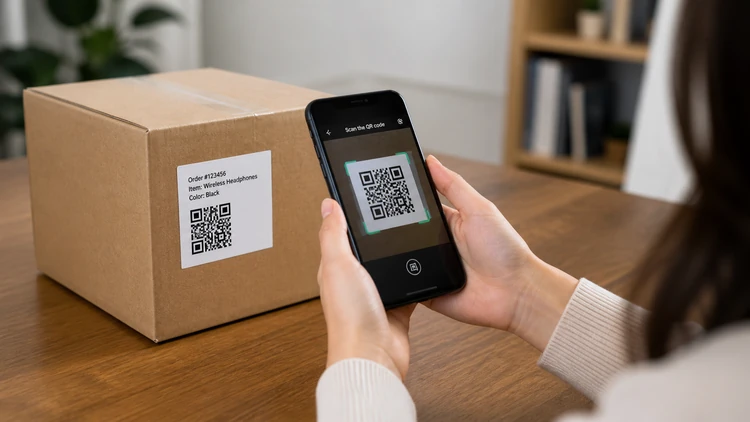

The USPS is warning about a rise in QR code scams, including “mystery” packages designed to trick people into scanning malicious codes.
Scammers are placing fake QR codes in everyday places—like parking meters, emails, and public signs—where people are used to scanning without thinking.
Experts say the best defense is to slow down: check where the code came from, preview the link, and never enter personal or payment information unless you’re sure it’s legitimate.
QR codes have quietly become part of everyday life — used for everything from restaurant menus to package tracking. But now, that convenience is being turned against consumers.
The U.S. Postal Service (USPS) is warning about a surge in “mystery” packages arriving at homes with QR codes inside, designed to lure people into scanning them. It’s just one example of how scammers are evolving, placing malicious codes on everything from parking meters to emails that look legitimate.
ConsumerAffairs spoke with Sharat Potharaju, CEO & Co-Founder, Uniqode, to break down why QR-based scams have become so widespread, how these scams are evolving, and outline exactly what consumers need to do to protect themselves before scanning.
What do these scams look like?
Potharaju explained that one of the biggest challenges with QR scams is that they usually look like normal QR experiences at first glance – which is also why they’re so effective.
“They can appear on a public parking meter with a prompt to pay, on a restaurant menu that looks like it came from the business, or on a missed package note with a message asking you to fix a vague problem,” he said. “But they’re also showing up in emails, text messages, public signage, event posters, and other places where people have grown used to scanning.”
Some warning signs to look for:
If a QR code is on a sticker placed over another code, that’s a clear risk.
If it comes in an unexpected text or email and tells you to act quickly, that’s another.
Any QR code that opens an unfamiliar URL or uses a misspelled domain is suspicious.
After the click-through, if you’re taken to a page that immediately asks for sensitive information, that’s a good moment to stop.
“Ultimately, the simplest rule is to pause before tapping through,” Potharaju said. “They should ask themselves: Where am I scanning? Where’s this supposed to take me? Would this company really need this information from me?”
Familiarity powers the scams
One of the reasons that these types of scams have become so popular is because they’re based around something that’s very familiar to consumers.
Potharaju said that a recent Uniqode report found that 70% of consumers now scan QR codes at least once a month, 71% describe them as genuinely helpful in daily life, and 83% are now willing to share data after a scan.
“That kind of adoption is great for legitimate businesses. But it creates a big opportunity for bad actors too,” he said. “The more common a behavior becomes, the easier it is for scammers to hide inside it.
“This isn’t a case of QR codes suddenly becoming unsafe. It’s more that scammers follow consumer behavior. Email, text messages, and social platforms have all gone through the same pattern. QR codes are now going through it too.”
Know how to protect yourself
With these scams gaining ground, knowing how to protect yourself is key.
Here are some of Potharaju’s best tips:
Before scanning, the first question to ask is where the code came from. If it’s on a sign, menu, meter, package, or flyer, double-check whether it looks original or if something was stuck on afterward. And if it came by text or email, don’t assume it’s safe just because the sender name looks familiar.
If you do scan, pause at the link preview. The domain should look familiar and match the company or service you thought you were scanning for. If it looks strange, is spelled slightly wrong, or doesn’t match the context, stop there.
Avoid entering payment details, passwords, or personal information from a QR landing page unless the source is clear. If you’re in doubt, use the company’s app or type the website in yourself.
“It’s usually not the act of scanning itself, but what comes next,” Potharaju said. “If someone shares a password, payment information, or even worse, a Social Security number, through the wrong page, that information is out there. Then the risk can become fraudulent charges, account access, identity theft, or more targeted scams later. This can go on for quite some time too.
“That’s why slowing down and checking where the page is taking you is so important.”