

Key insights
The cost for the device plus the first year of service came to $532.10, almost 6% cheaper than the testing series average.
Jump to insightThe device feels premium and is the only one with an LCD status screen.
Jump to insightThis device calls a number that you have to program in the app, so there’s no 24/7 call center monitoring for emergencies like you have with other options.
Jump to insightIs The Seculife Medical Alert System Worth It?
SecuLife SOS medical alert system overall score
Here’s a quick look at how I rate the SecuLife SOS medical alert device.
Based on 5 criteria from our hands-on test
- Cost
- Sales process
- Setup
- The product itself
- Calling for help
- A · Excellent
- B · Good
- C · Fair
- D · Poor
What I actually paid for SecuLife SOS
My total cost for the product and the first year of service was $532.10, which is almost 6% lower than the average across all 11 devices I tested. Here’s a quick breakdown of everything I got for that price:
- Base price: $34 per month/$408 per year
- One-time activation fee: $29
- One-time carrier fee: $1
- Device cost (including tax): $94.10
I also bought this device with month-to-month service. If you opt to pay monthly but sign up for a one-year contract, you’ll pay just $25 per month or $300 per year. If you pay annually, it’s $240 for the year, which comes out to $20 per month.
The sales process was easy enough. Order SecuLife SOS on Walmart.com, and it ships to you, so no phone call with a rep is necessary. It wasn’t stocked at any of my local Walmarts, and the activation and carrier fees only showed up at checkout.
How the cost compares to alternatives
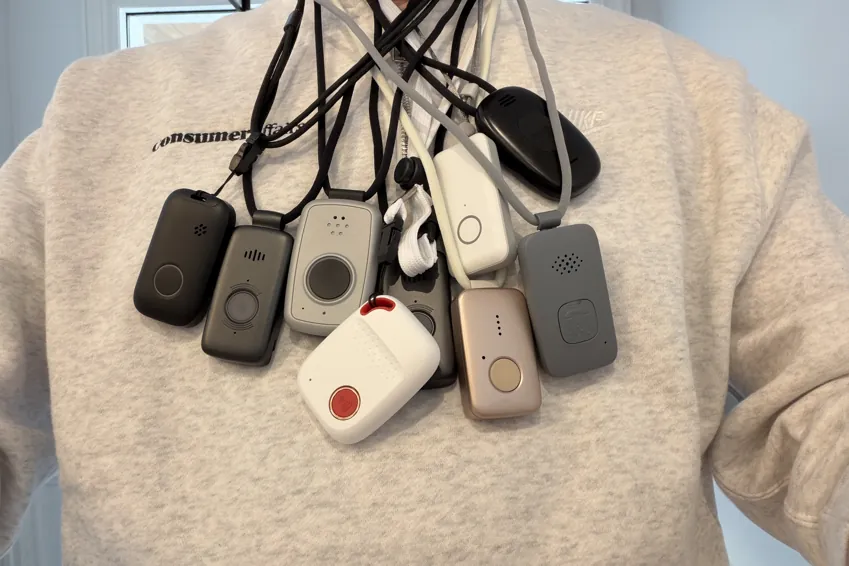
Medical alert devices can be expensive upfront and over time, but I recommend getting the best-performing device you can within your budget. The table below compares the 11 devices I tested to the SecuLife SOS device to help you find the best value for your money.
| Device | First-year cost | Year after | My rating |
|---|---|---|---|
| LifeStation Pearl | $723.25 | $610.80 | B+ |
| Life Protect 24/7 Belle X2 | $719.88 | $719.88 | F |
| ADT Medical Alert On-The-Go | $646.24 | $551.76 | A- |
| Lifeline On the Go Micron | $618.35 | $539.40 | B |
| Medical Guardian MGMini | $539.90 | $527.40 | B+ |
| Alert1 LifeBeacon | $539.88 | $539.88 | B |
| SecuLife SOS | $532.10 | $408.00 | F |
| LifeFone VIPx2 | $527.40 | $527.40 | A- |
| Bay Alarm Medical SOS All-In-One 2 | $523.95 | $419.40 | A |
| Lively Mobile2 | $413.46 | $299.88 | A+ |
| MobileHelp Elite | $407.90 | $395.40 | A |
What came in the box
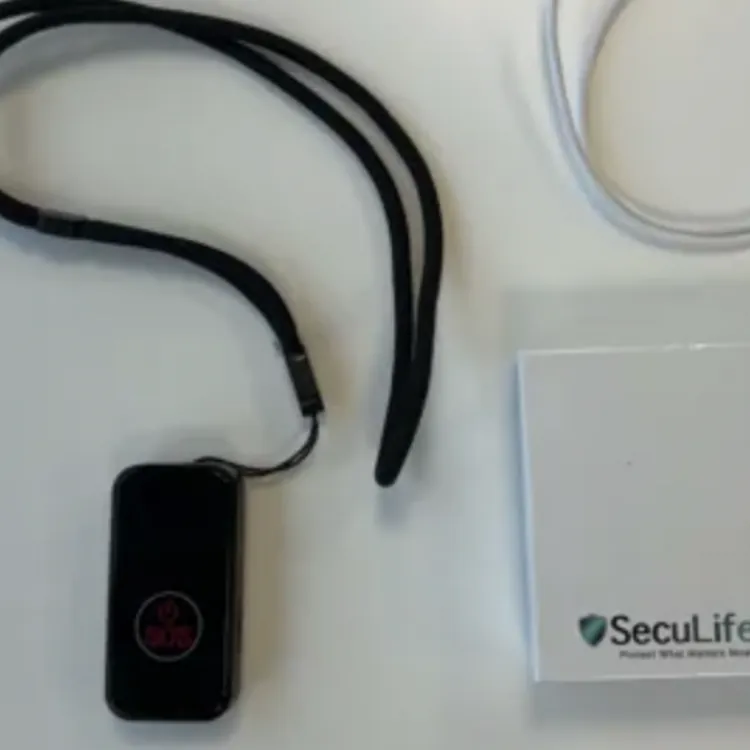
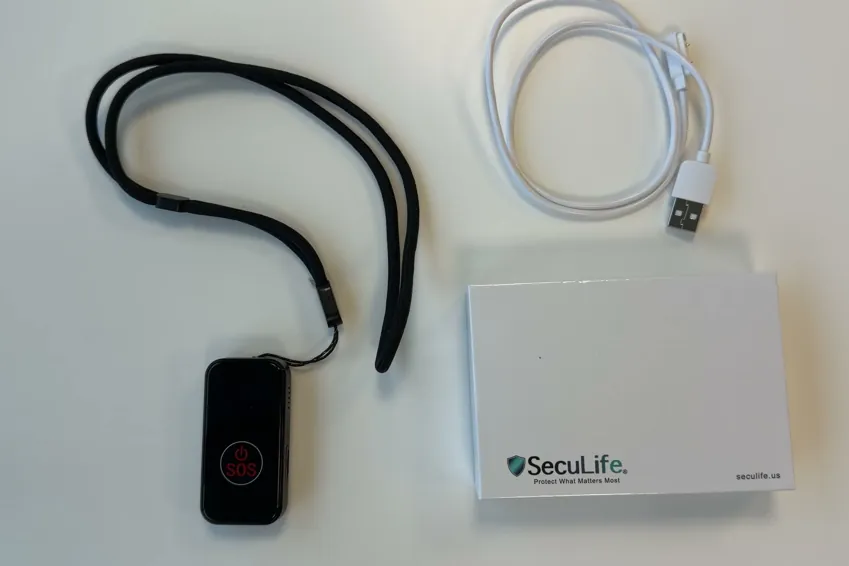
Here’s everything you get when you purchase a SecuLife SOS device:
- Alert pendant
- Lanyard
- Retractable belt/bag clip
- Magnetic charging cable
Overall, the device is really nice and feels high quality, and it’s the only one I tested that has an LCD display. Unfortunately, I don’t think any of that matters since it doesn’t make calls to a monitored call center.
Alert pendant
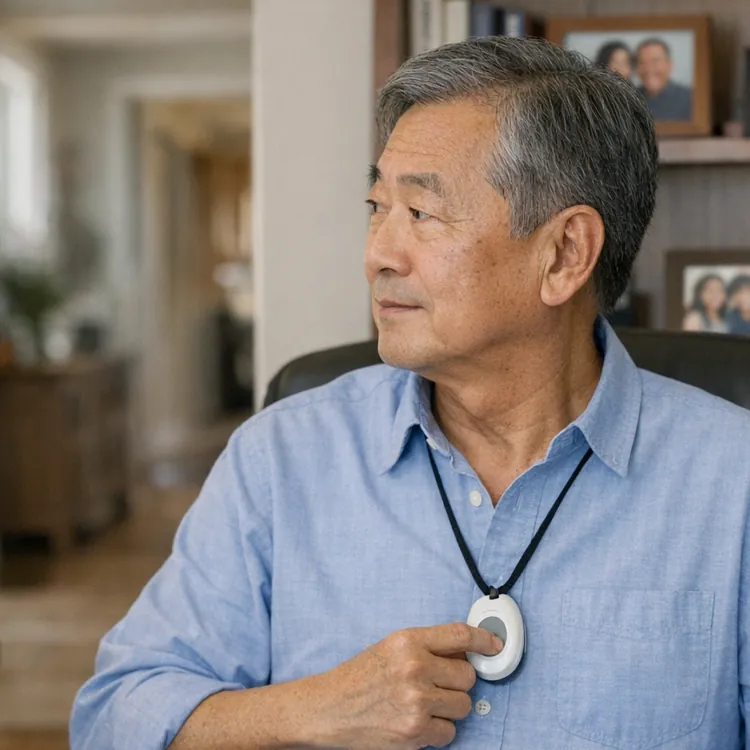
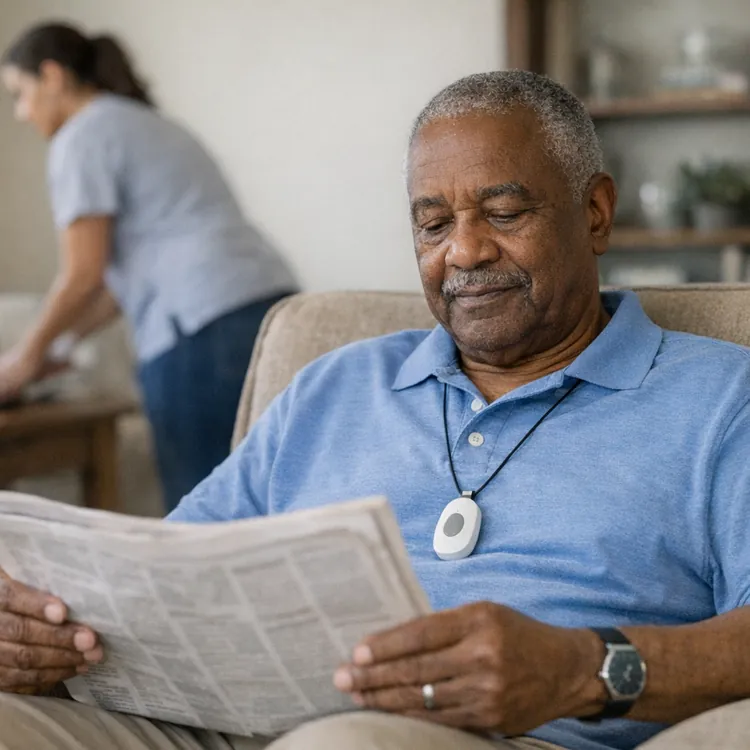
The pendant itself is really nice and seems premium. It’s made of plastic like all the others, but it has a metallic feel to it. It’s the only one that I tested that has a screen displaying the time, date and charge level.
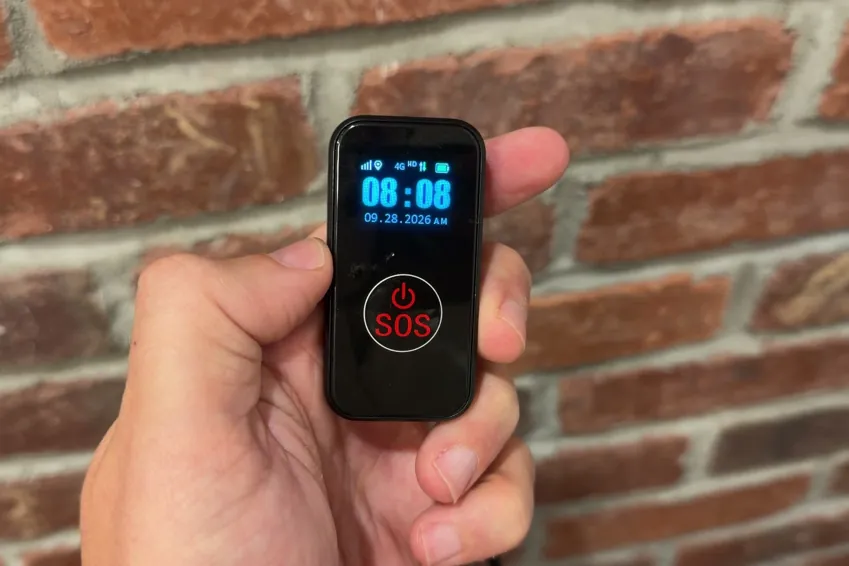
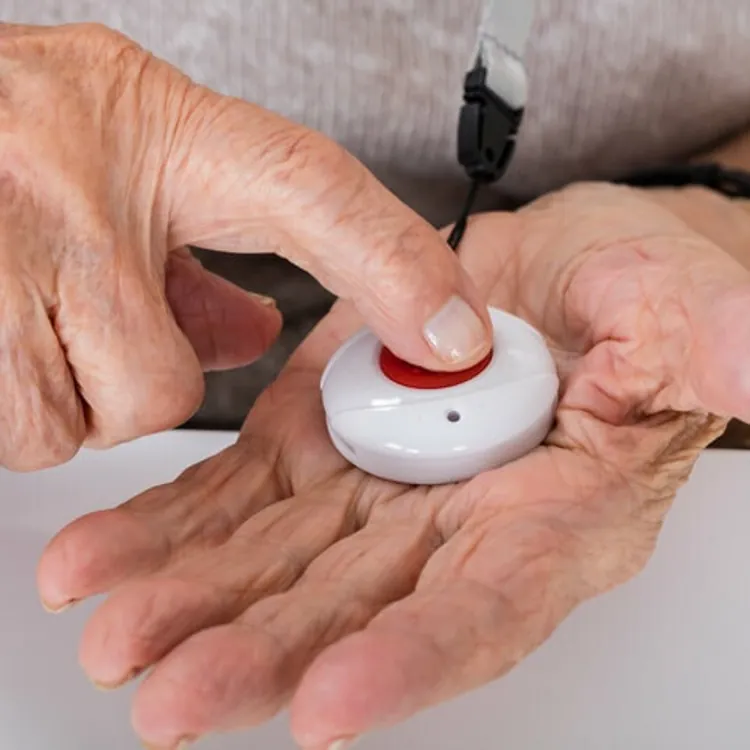
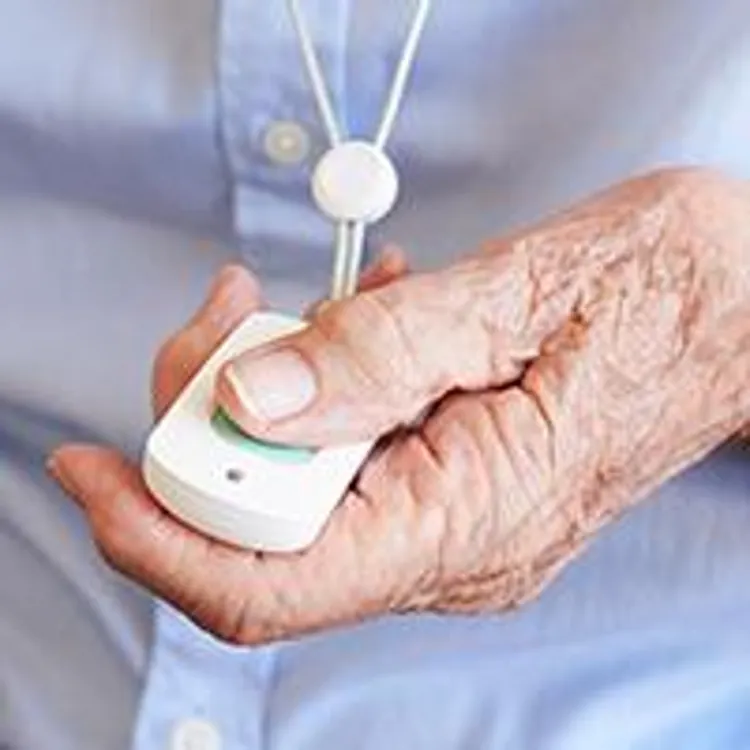
The main SOS button is large and easy to find, and it takes minimal effort to press, so I think even someone with weakness in their hands could use it without any issues.
The pendant is reasonably lightweight and didn’t feel too heavy when I wore it for testing. It also has an IP67 water-resistance rating, so you’ll have no issues wearing it in the shower.
Lanyard
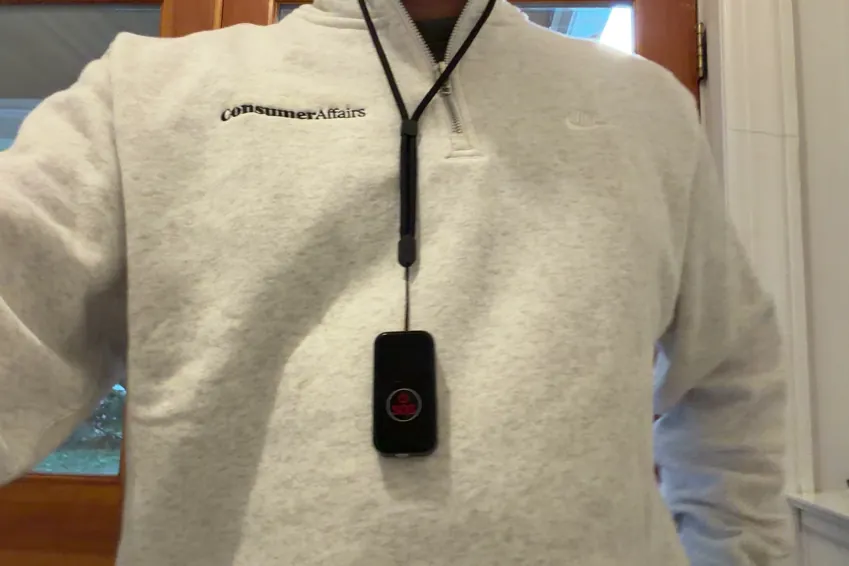
The lanyard feels durable, and it’s thin enough to be discreet under your shirt. It’s comfortable to wear, although it is significantly longer than the others I tested. It hung past my belly button, whereas most of the others hung between my sternum and belly button. Unfortunately, the lanyard also isn’t adjustable.

I also found that the lanyard was unusually difficult to thread onto the alert pendant.
Retractable belt/bag clip
Most other devices come with a rigid belt clip that clips onto the pendant, but the SecuLife SOS device came with a retractable clip that seems more like a keychain. It has a carabiner that attaches to a retractable cable that you can connect to your pendant to clip it on a belt or purse.

I typically don’t like belt clips for these medical alert devices, but I really wasn’t a fan of this one. It dangles while you’re wearing it, so I was always aware of it being there, unlike wearing the lanyard around my neck and forgetting it was there
Magnetic charging cable
The SecuLife SOS device comes with a magnetic charging cable that clips right to the back of the device itself.

It’s easy enough to use without a dock, but you can’t swap out your cable for a different one like you’d be able to do with one that had a standard USB connection. That means you’re stuck with a fixed cord length. The cable also has a USB-A connection on the other end and doesn’t come with a charging adapter, so make sure you have an old USB-A adapter before you buy.
Setup
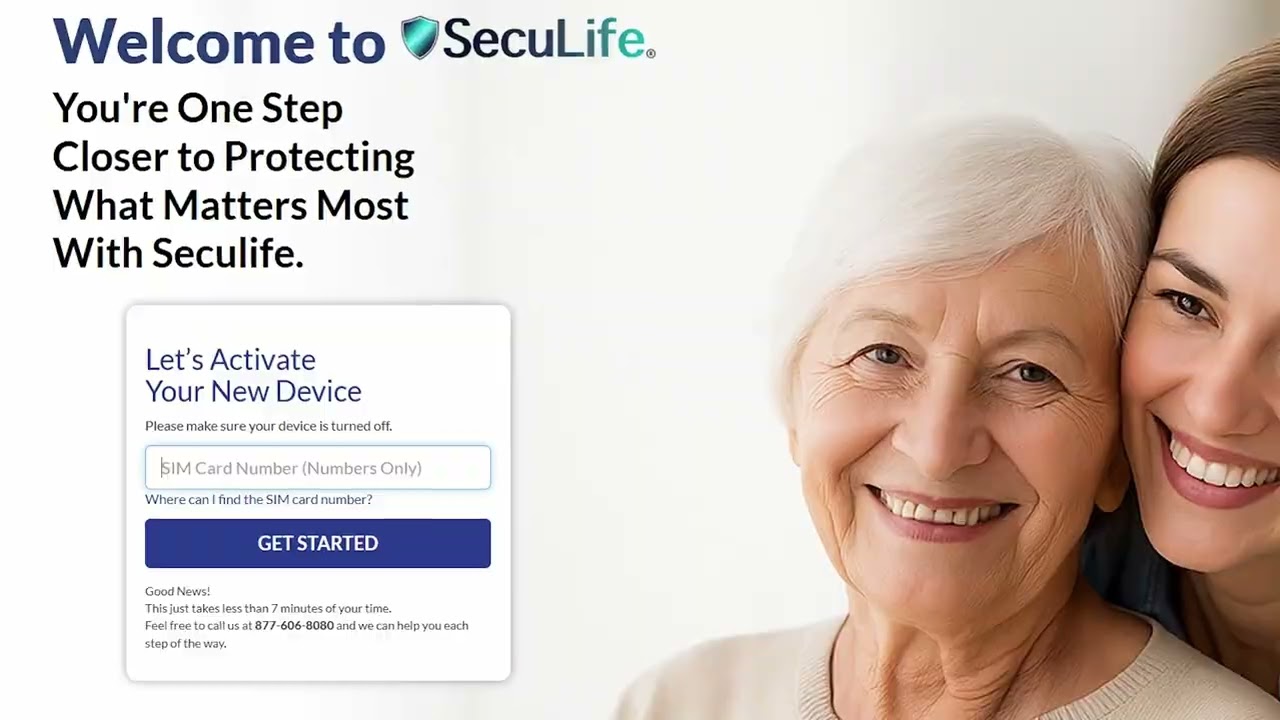
It took me about five minutes on the website to type in the SIM number from the box. Then the device didn’t turn on out of the box; it needed 20 minutes on the charger and had to be set up in a phone app before the button did anything. Overall, it was a pain to get it set up on my cell phone.
I pressed the emergency button, here's what happened
I can always overlook a less-than-ideal charging cable and a lanyard that’s too long if the product provides potentially lifesaving service and works reliably. Unfortunately, I just don’t think SecuLife does.

Here’s what you can expect when you press the emergency call button on the SecuLife SOS device:
- Press the button: It’s very easy to find and press the emergency call button on the device.
- Verification: The device gives you haptic, audible and visual feedback to let you know that you pressed the button and that a call is in progress. This means if you or a loved one really does need help, you’ll know right away that you’re being connected.
- Call cancellation: The SecuLife SOS gives you the option to cancel a call once you initiate it.
- Connected with a programmed number: SecuLife SOS calls a number you program on the app. It’s useful if you want to direct calls to a nearby loved one, but this also means there may not always be someone ready to pick up if you need help. This is a major drawback, and it’s the biggest reason why this device got an F in my ratings.
The most important thing to note here is that the SecuLife SOS calls a number you program into the app rather than a monitored call center that’s guaranteed to have someone available 24/7. It’s not really a medical alert device in the traditional sense, and I would not feel confident that the user would always get the help they needed.
How the calling process compares to my top picks
Nothing should influence your decision more than what happens when you press the button on a medical alert device. Here’s how the SecuLife SOS stacks up against some of my top picks, all of which do connect the user to a monitored call center.
| Average response time | Feedback while you wait | AI intermediary | Emergency call rating | Overall rating | |
|---|---|---|---|---|---|
| Lively Mobile2 | 26 seconds | Audible | None | A+ | A+ |
| Bay Alarm Medical | 74 seconds | Haptic, audible and visual | None | A- | A |
| MobileHelp Elite | 90 seconds | Haptic, audible and visual | Automated intermediary | B | A |
| SecuLife SOS | Never connects | Haptic, audible and visual | None | F | F |
My verdict: Is the SecuLife SOS worth it?
The SecuLife can be a useful device for making sure your loved one can contact you when they need to, but it’s not a substitute for a true medical alert device. It calls a number you program into the app rather than a monitored call center, so I wouldn’t trust it to provide potentially lifesaving service when you need it to.
In terms of the device, the lanyard was quite long, and I didn’t like that the magnetic charging cable doesn’t use a dock or connect via USB-C. I would be able to overlook all of that if it reliably connected you to a call center, but it doesn’t. I’d sooner recommend any other of the 10 devices I tested for safety and peace of mind.
I recommend you read through some of my other reviews to see how medical alert devices should function and get a better idea of which one will suit your needs and budget.
Methodology
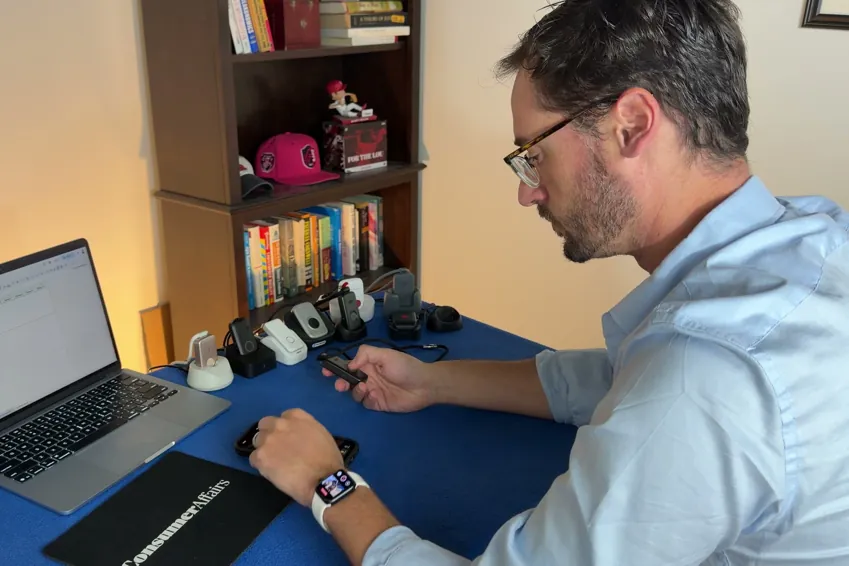
11 medical alert systems, each bought with my own money on a month-to-month plan, unboxed on camera and graded on the same five categories in the same order every time. Four of the five category grades are read aloud on the recording; calling for help is graded on 10 timed test calls per device. The overall grade is not a judgment call — it is the weighted average of those five, computed the same way for every device, then moved up a notch.
An F on calling for help or the sales process caps the overall grade at F, and the one-notch step doesn’t apply.
| Category | Weight | What it measures | Where the evidence comes from |
|---|---|---|---|
| Calling for help | 35% | Press the button and ask for help. Did it reach a person, how long did it take and what, if anything, blocked communication? | 10 timed test calls per device, spread across mornings and afternoons |
| Cost | 30% | First-year total on the base plan, fall detection excluded | Receipts, invoices and the signed agreement |
| The device | 25% | The hardware in your hand, scored against a fixed feature list | Unboxing footage, a scale and weeks of wear |
| Sales process | 5% | How the rep sold it to me, and whether I could buy without a phone call | The post-call report written the day of each call |
| Setup | 5% | Whether setup existed at all, and if so, how much time it took | Activation footage, timed |