

Lively Mobile2 overall score
Based on 5 criteria from our hands-on test
- Cost
- Sales process
- Setup
- The product itself
- Calling for help
- A · Excellent
- B · Good
- C · Fair
- D · Poor
What I actually paid for Lively Mobile2
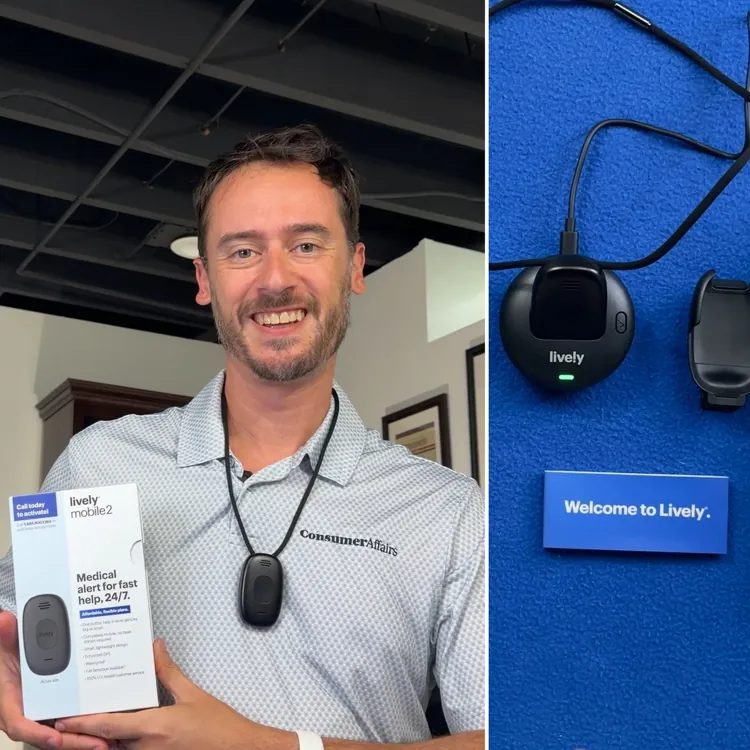
The Lively Mobile2 cost me $88.58 at Best Buy. I knew there would be an additional monthly charge for monitoring, but I wasn’t aware that there was an additional activation fee. In total, my year-one costs came to $533.46, which is about $30 cheaper than the average of products I reviewed. Considering the total cost includes fall detection, the base plan cost alone is even further below average. Here’s what I got for that price:
- Base price: $24.99 per month/$299.88 per year
- One-time device fee: $88.58
- One-time activation fee: $25.00
- Automatic fall detection: $10 per month/$120 per year
The cost of automatic fall detection is right in line with the average add-on price for this service. I didn’t know about the activation fee when I purchased the product, but Lively Mobile2 is still one of the most affordable options I tested.
Most medical alert companies offer some kind of discount if you pay for the year upfront, but it doesn’t seem like Lively does. You might get a lower price from another provider if you’re looking to pay annually.
Buying at Best Buy in person was a C experience; the online alternative was an A. I averaged the two to arrive at the score of B for the sales process. My advice: Order it online.
How the cost compares to alternatives
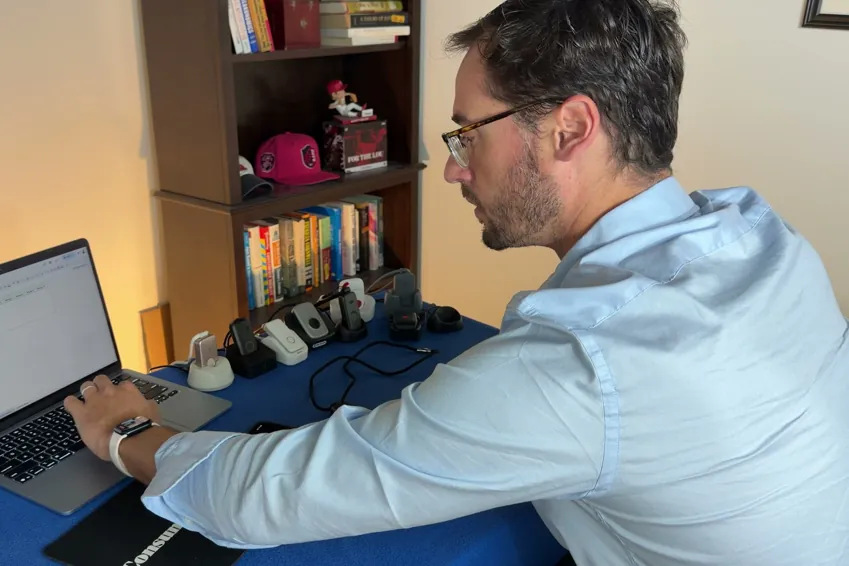
I think everyone would have a medical alert device for aging family members if it weren’t for the cost, so it’s useful to compare devices based on price and overall performance. You can use the table below to get a fair look at how these products compare. Make sure you consider the upfront cost, the annual cost and the overall value you get for the money. Note that the price comparison below is for month-to-month payments.
| Device | First-year cost | Year after | My rating |
|---|---|---|---|
| LifeStation Pearl | $723.25 | $610.80 | B+ |
| Life Protect 24/7 Belle X2 | $719.88 | $719.88 | F |
| ADT Medical Alert On-The-Go | $646.24 | $551.76 | A- |
| Lifeline On the Go | $618.35 | $539.40 | B |
| Medical Guardian MGMini | $539.90 | $527.40 | B+ |
| Alert1 LifeBeacon | $539.88 | $539.88 | B |
| SecuLife SOS | $532.10 | $408.00 | F |
| LifeFone VIPx2 | $527.40 | $527.40 | A- |
| Bay Alarm Medical SOS All-In-One 2 | $523.95 | $419.40 | A |
| Lively Mobile2 | $413.46 | $299.88 | A+ |
| MobileHelp Elite | $407.90 | $395.40 | A |
What came in the box
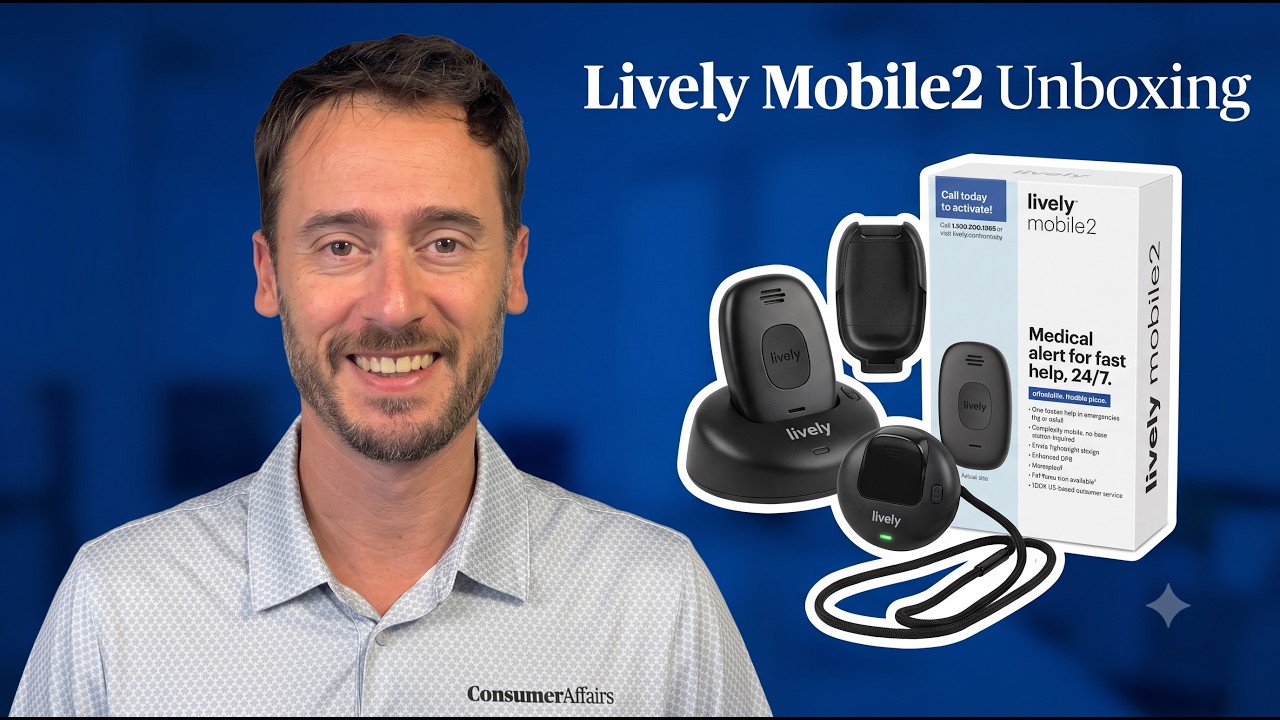
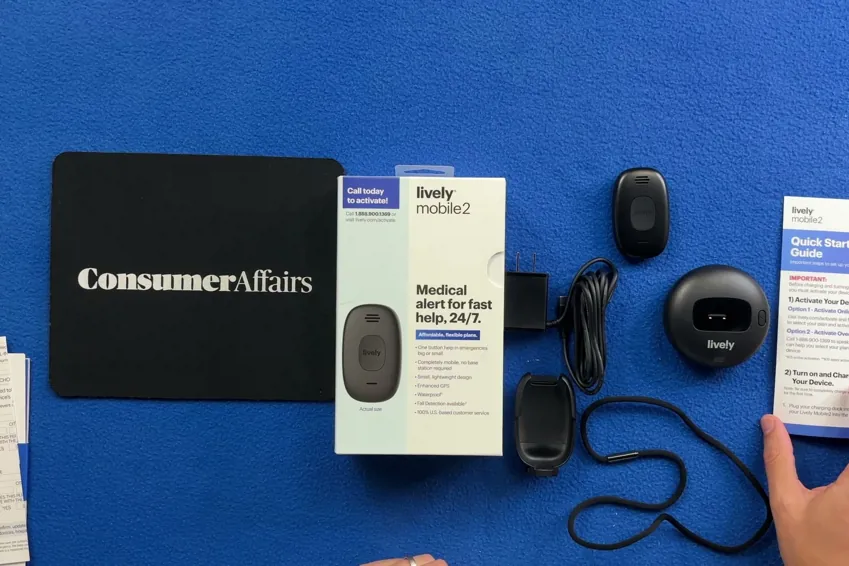
The Lively Mobile2 comes with all of the following equipment:
- Alert pendant
- Magnetic lanyard
- USB-C charging base, cable and adapter
- Belt clip
Overall, the device feels like it provides good quality for the money. I’m a big fan of the USB-C charging base, and the pendant itself is reasonably small and lightweight, but I do wish the lanyard was adjustable for comfort.
Setup only took about five minutes, but the $25 activation fee was in the fine print that I only found at checkout. I also had trouble finding the device number.
Alert pendant
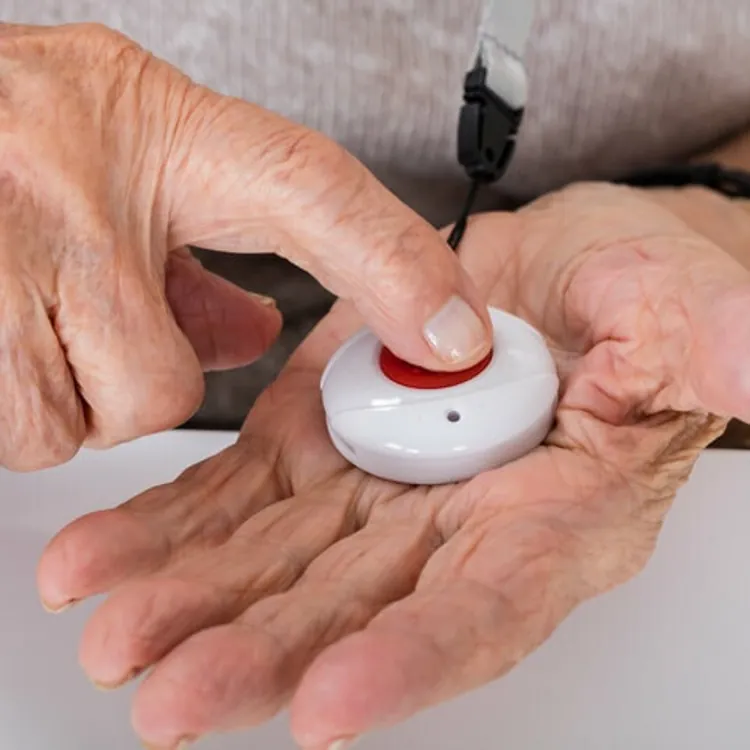
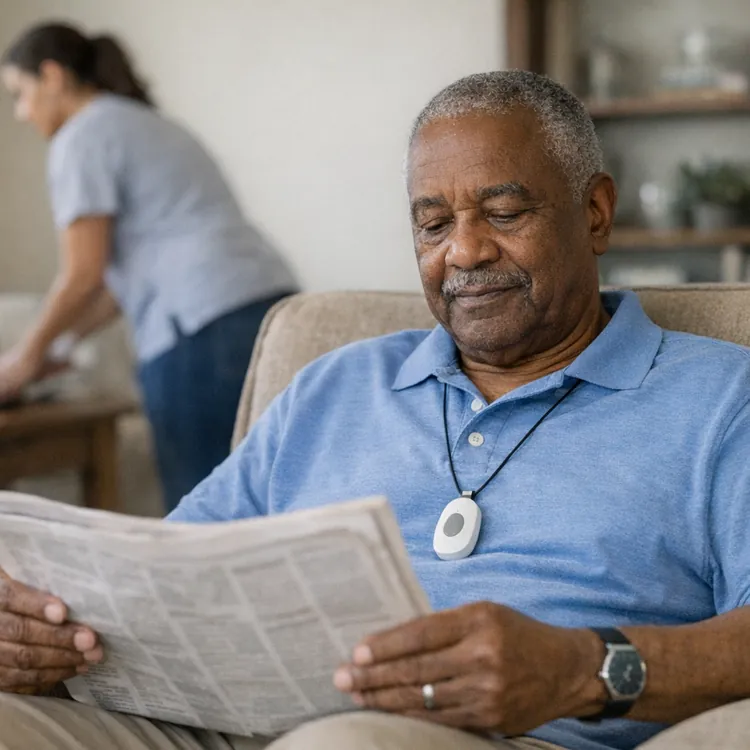
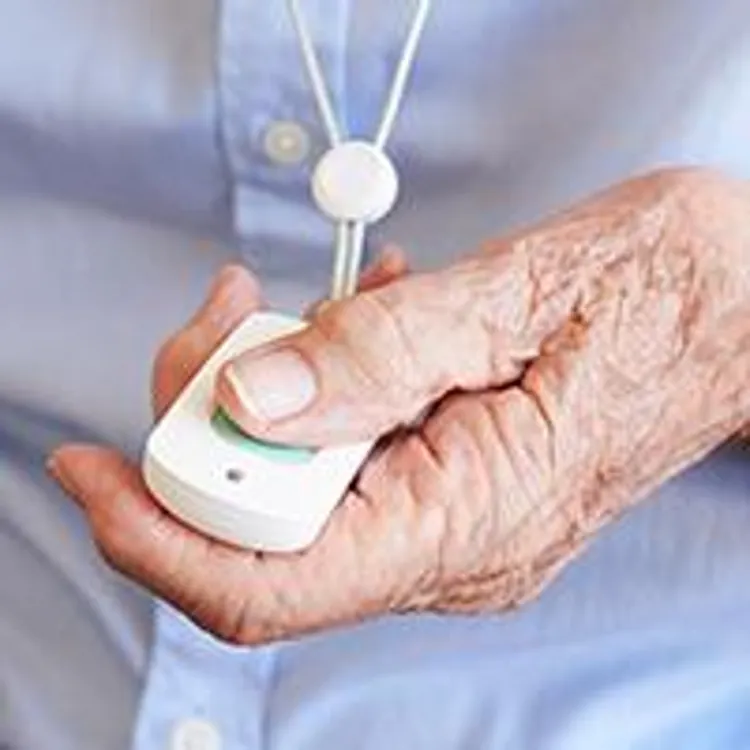
The Lively Mobile2 pendant weighs 1.6 ounces, putting it at about average, but it’s slim enough that it wasn’t obvious to anyone while I wore it during testing. It has a large call button that’s easy to find and press, which means just about anyone should be able to get the help they need, even if they have weakness in their hands.
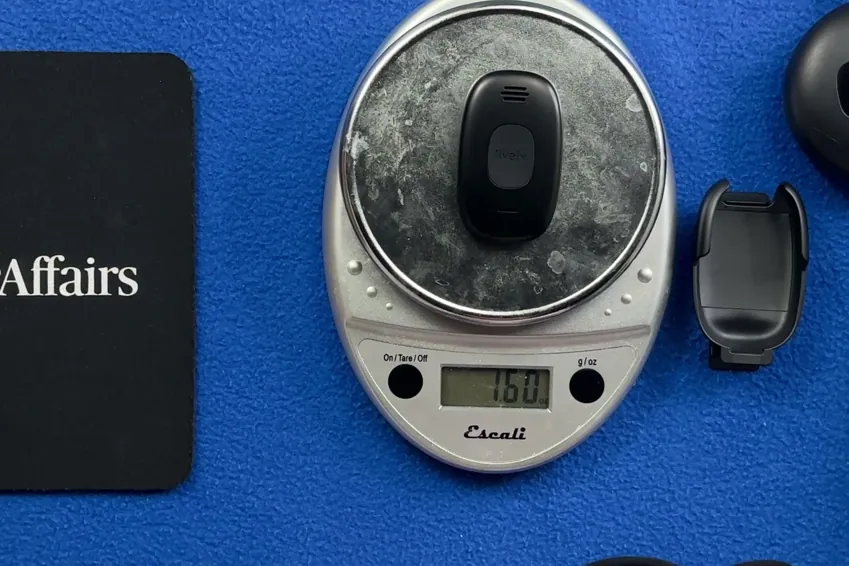
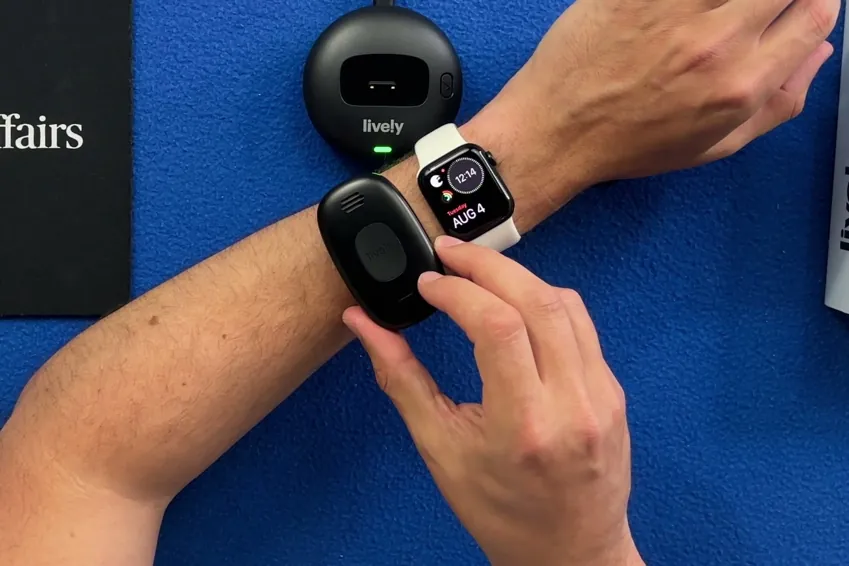
The pendant has an IPX7 water resistance rating, so you can wear it in the shower, and you can even submerge it in a pool or tub for short periods without damaging it.
The device also has lights on the rear that tell you the status of your battery and cellular connection. This is a nice touch that most other devices I tested didn’t have.
Lanyard
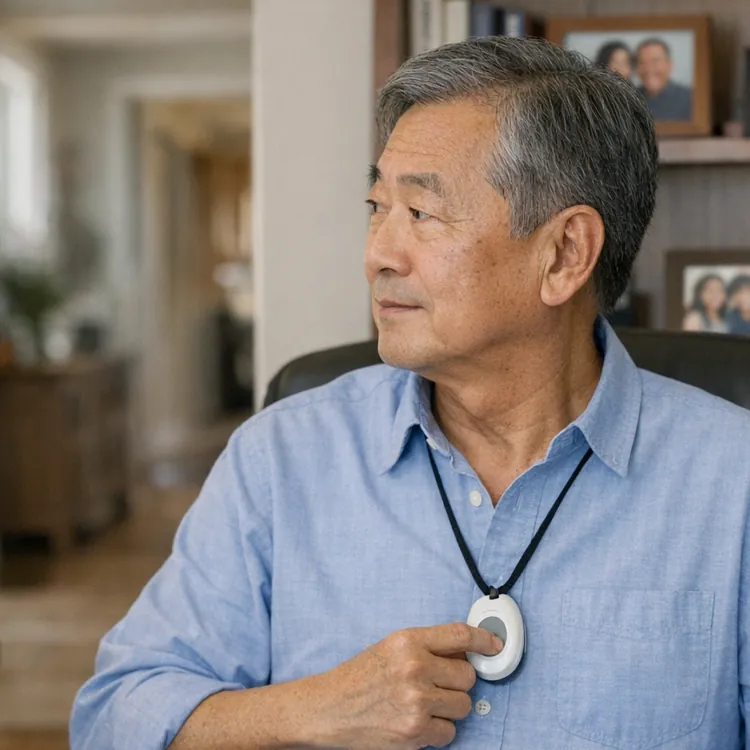
The lanyard that comes with the Lively Mobile2 has a magnetic clip, which makes it easy to put on and take off, and it reduces the risk of the clip breaking. The lanyard itself is high quality and reasonably thin, so it wears comfortably and doesn’t make it obvious that you’re wearing a device at all.
The only downside is that you can’t adjust the length of the lanyard. The reasoning Lively gives is that you need it at a certain height for fall detection to work. It sat at a comfortable place on my chest during testing, but I’d still like to see an adjustable lanyard.
Charging base, cable and wall plug adapter
Most charging bases that come with medical alert devices are hard-wired, which is a shame because you can’t swap out your cable if the stock one sustains damage, and you can’t change to a different cord length to reach where you want your base to sit. The Lively Mobile2 base has a USB-C port, which is ideal for compatibility across electronic devices.

The base also comes with a USB-C to USB-C cord, as well as a wall plug adapter. While you can use your own cables, it’s nice that you don’t need anything additional to start charging your device.
There’s an LED light on the base that tells you when the device is done charging, and you also get an audible announcement. This is a nice feature in most cases, but it can easily disturb your sleep if you charge overnight, as most people do.
Belt clip
The belt clip that comes with the Lively Mobile2 is easy to clip on and remove from the pendant. I prefer to wear these devices on a lanyard around my neck, but it is nice that you get another option. Most devices come with a belt clip, so this is nothing unique.
I pressed the emergency button, here's what happened
There are a lot of factors to consider to make sure you get the best medical alert system for your needs, but nothing is more important than what happens when you actually push the button for help. If that process isn’t dialed in, nothing else really matters. I’m happy to report that the Lively Mobile2 is the only device I tested that gets an A+ for the emergency calling process.
Here’s what happens when you hit the call button on this device:
- Press and hold the button. You have to press and hold the button for about two seconds to initiate the call, which is typical with these devices. The button is easy to press, so it should be doable for just about anyone, even a user with weak hands.
- Verification. The device speaks out loud and gives you audio cues to let you know that the call is in progress.
- Waiting period. The Lively Mobile2 was the fastest device by far to connect my test calls. Over 10 test calls, it took an average of just 26 seconds. This is over 30 seconds faster than the second-fastest device I tested. This is the most important thing a medical alert device needs to do, and the Lively Mobile2 gets it right.
- Call cancellation. Once you initiate a test call or an emergency call, you have about three seconds to press the button again to cancel. This can be either a pro or a con. On one hand, it reduces the risk of a false alarm. On the other, it means there’s a risk of canceling an actual emergency call by accident.
- Connected call with a human operator. Across my 10 test calls, the Lively Mobile2 went straight to a human every single time.
- Dropped calls. None of my test calls with Lively dropped.
The most important thing to note here is that Lively got me to a real human much faster than any other device I tested, and 48 seconds faster than the average. There was never an AI intermediary either, so this is absolutely the best device for getting help quickly when you need it.
How the calling process compares to my top picks
The Lively Mobile2 is the best of the best when it comes to delivering potentially lifesaving service when you or a loved one needs it most. Here’s a quick breakdown of how it stacks up with regard to the calling process and based on my overall opinion.
| Average response time | Feedback while you wait | AI intermediary | Emergency call rating | Overall rating | |
|---|---|---|---|---|---|
| Lively Mobile2 | 26 seconds | Audible | None | A+ | A+ |
| LifeFone VIPx2 | 60 seconds | Audible and visual | Automated intermediary | A- | A- |
| Bay Alarm Medical SOS All-In-One 2 | 74 seconds | Haptic, audible and visual | None | A- | A |
| MobileHelp Elite | 90 seconds | Haptic, audible and visual | Automated intermediary | B | A |
My verdict: Is the Lively Mobile2 worth it?
In my opinion, the Lively Mobile2 is the best medical alert system you can buy. It connects you to the help you need 32 seconds faster than any other device I tested and doesn’t screen its calls with an AI bot.
There are some minor downsides to consider, like the unadjustable lanyard, but for a device that’s the second cheapest of the popular options and the most reliable when you need it, there’s no contest in my opinion.
If you’re interested in seeing how other medical alert devices stack up, you can read through my other reviews. I’d particularly suggest checking out the MobileHelp Elite, which is the only device that’s more affordable than the Lively Mobile2.
Methodology
11 medical alert systems, each bought with my own money on a month-to-month plan, unboxed on camera and graded on the same five categories in the same order every time. Four of the five category grades are read aloud on the recording; calling for help is graded on 10 timed test calls per device. The overall grade is not a judgment call — it is the weighted average of those five, computed the same way for every device, then moved up one notch.
| Category | Weight | What it measures | Where the evidence comes from |
|---|---|---|---|
| Calling for help | 35% | Press the button and ask for help. Did it reach a person, how long did it take and what, if anything, blocked communication? | 10 timed test calls per device, spread across mornings and afternoons |
| Cost | 30% | First-year total on the base plan, fall detection excluded | Receipts, invoices and the signed agreement |
| The device | 25% | The hardware in your hand, scored against a fixed feature list | Unboxing footage, a scale and weeks of wear |
| Sales process | 5% | How the rep sold it to me, and whether I could buy without a phone call | The post-call report written the day of each call |
| Setup | 5% | Whether setup existed at all, and if so, how much time it took | Activation footage, timed |