

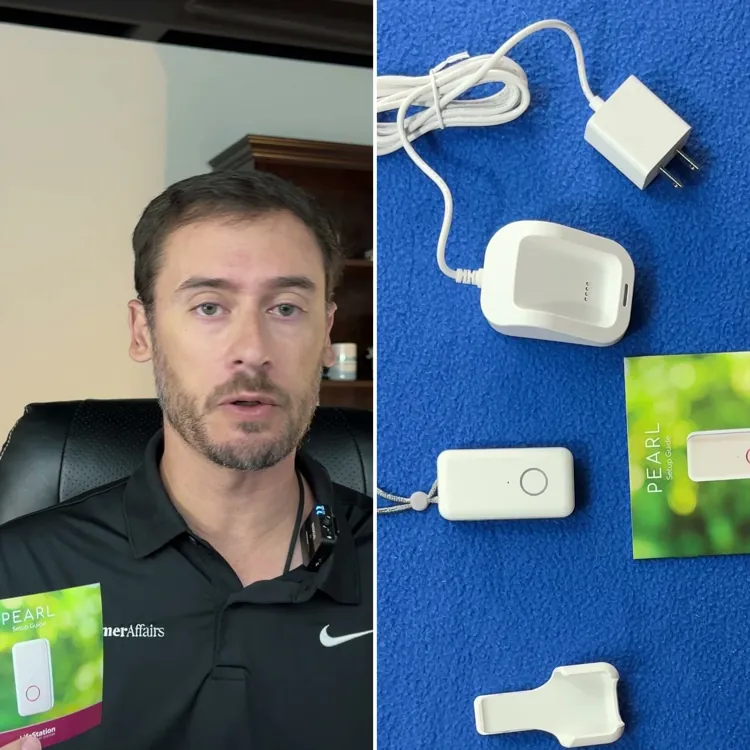

LifeStation Pearl overall score
Here’s the grade that LifeStation Pearl received across five categories that factored into the device’s overall score.
Based on 5 criteria from our hands-on test
- Cost
- Sales process
- Setup
- The product itself
- Calling for help
- A · Excellent
- B · Good
- C · Fair
- D · Poor
What I actually paid for LifeStation Pearl
I paid $163.35 on day one for the LifeStation Pearl, which got me the device and one month of service. My total for the first year was $723.25, which included the following.
- Base price: $50.90 per month/$610.80 per year
- One-time setup fee: $99.95
- One-time shipping fee: $12.50
I purchased the system on a month-to-month basis, which comes out to be more expensive than if you prepay for the quarter or the year. With LifeStation, you’ll save the $12.50 shipping fee if you pay for the quarter. If you pay for the entire year, you get free shipping and one month free, in which case you’d save a total of $63.40 on your first year.
You can also add on a lockbox for $2.95 per month, which provides easy access to the home for emergency personnel. Fall detection is also available at $7.95 per month or $95.40 per year.
The sales process was smooth and easy, and I didn’t feel any pressure to commit to the service or buy add-ons. However, a drawback is that a warranty automatically gets rolled in if you opt for the middle plan tier and higher.

How the cost compares to alternatives
LifeStation is expensive, but having the protection and the peace of mind you need can easily be worth a higher monthly price. Here’s how the LifeStation Pearl compares to its competitors.
| Device | First-year cost | Year after | My rating |
|---|---|---|---|
| LifeStation Pearl | $723.25 | $610.80 | B+ |
| Life Protect 24/7 Belle X2 | $719.88 | $719.88 | F |
| ADT Medical Alert On-The-Go | $646.24 | $551.76 | A- |
| Lifeline On the Go Micron | $618.35 | $539.40 | B |
| Medical Guardian MGMini | $539.90 | $527.40 | B+ |
| Alert1 LifeBeacon | $539.88 | $539.88 | B |
| SecuLife SOS | $532.10 | $408.00 | F |
| LifeFone VIPx2 | $527.40 | $527.40 | A- |
| Bay Alarm Medical SOS All-In-One 2 | $523.95 | $419.40 | A |
| Lively Mobile2 | $413.46 | $299.88 | A+ |
| MobileHelp Elite | $407.90 | $395.40 | A |
What came in the box
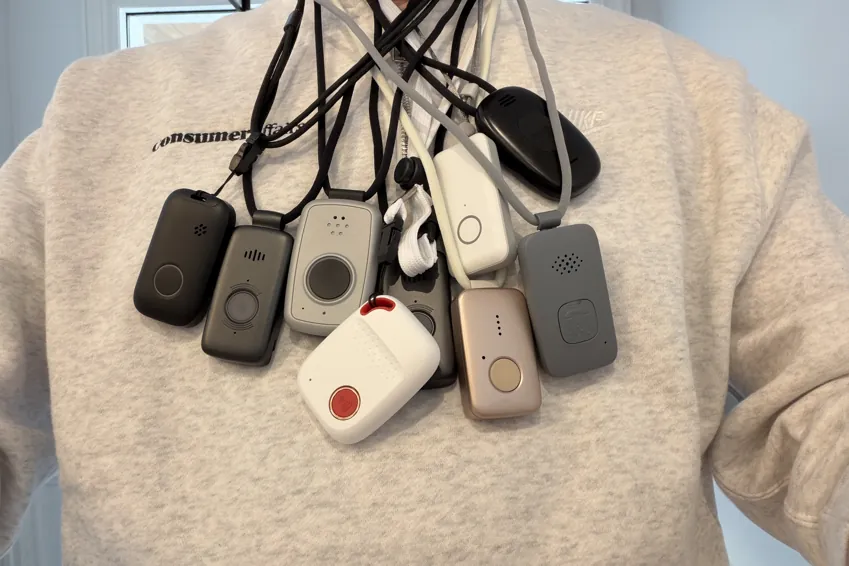
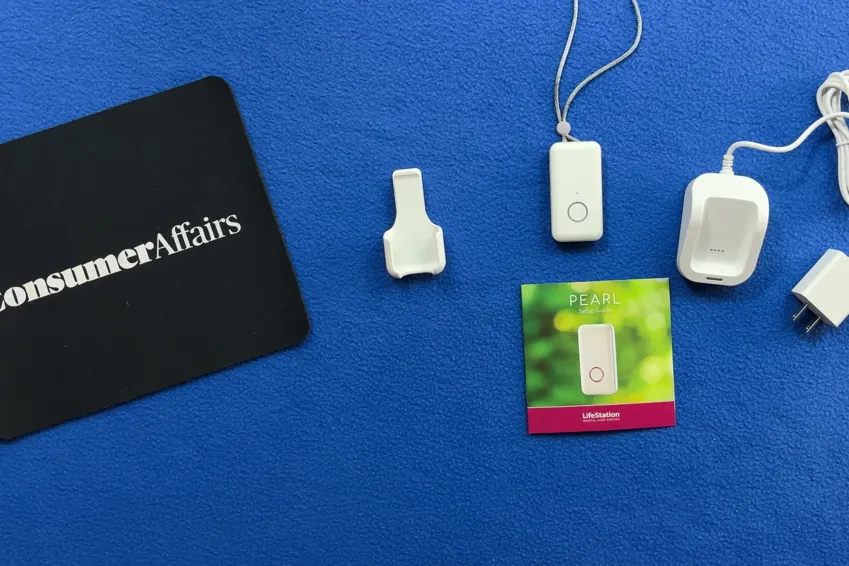
The LifeStation Pearl comes with the following pieces of equipment, which are standard among most of the medical alert devices I tested:
- Alert pendant
- Adjustable lanyard
- Belt clip
- Hard-wired charging base

In my opinion, the LifeStation Pearl is the most premium device I tested. Its sleek, simple design makes it easy to use.
The LifeStation Pearl worked right out of the box after charging it, so there really isn’t an activation process. With some other devices, you have to call the company once you receive the equipment. With LifeStation, you just charge it, and it’s ready to go.
Alert pendant
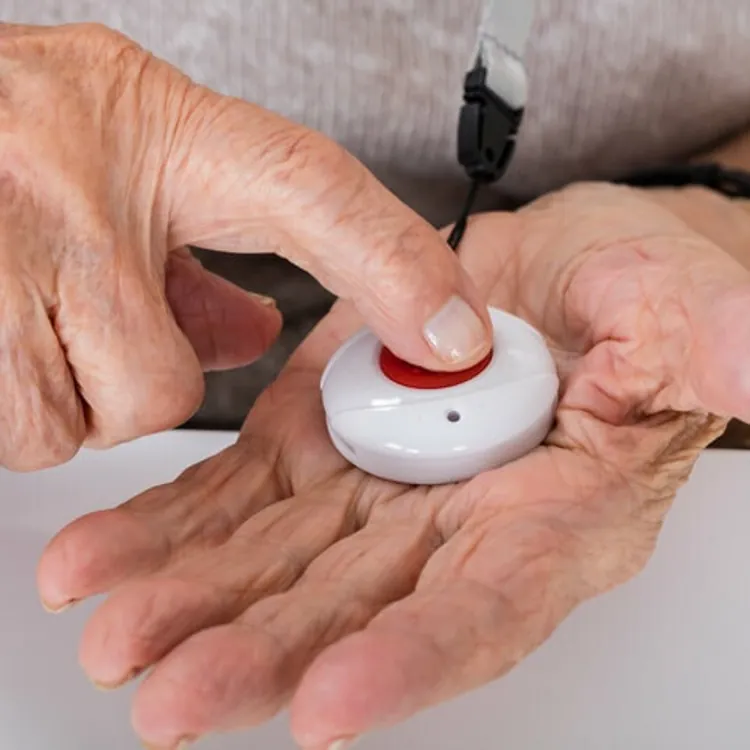
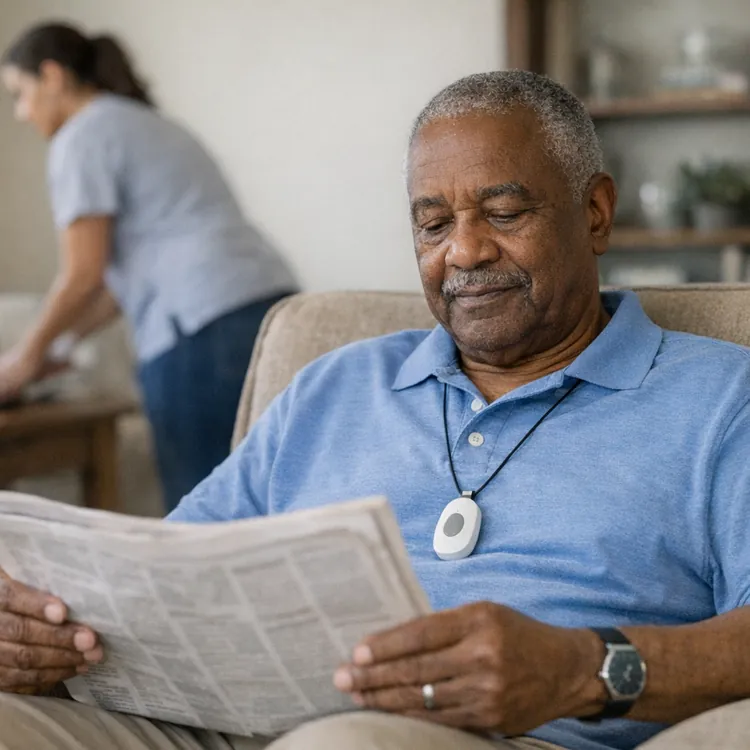
The pendant itself feels really nice and is my favorite of the bunch. It’s made of plastic like the others I tested, but it seems more durable. It weighs 1.6 ounces, which is about average among the devices I tested, and it doesn’t feel uncomfortable to wear, even for long periods.
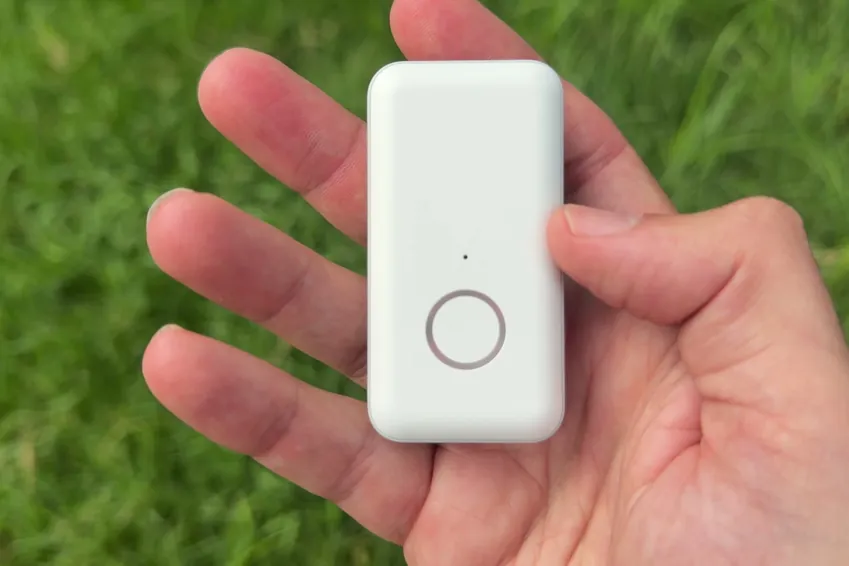
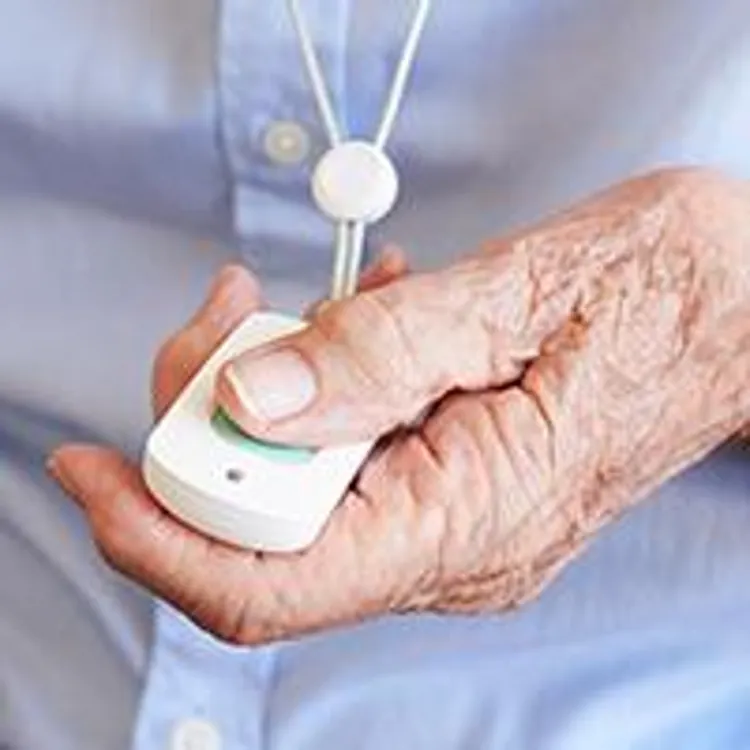
Most importantly, the design is simple, and the device is easy to use. The button is large and easy to press and hold, and I think it would even be easy to use for someone with weak hands.
The unit is water-resistant but not waterproof, so you can wear it in the shower, but avoid submerging it in a tub or pool.
Lanyard
I also like a lot of things about the lanyard. It has a sturdy magnetic clip that feels secure and won’t break from force like a plastic clip might. The lanyard also has two points of adjustment to customize how it sits on your chest. You can adjust the length, which is something most others don’t allow, and you can adjust a slide above the pendant for comfort at any length.
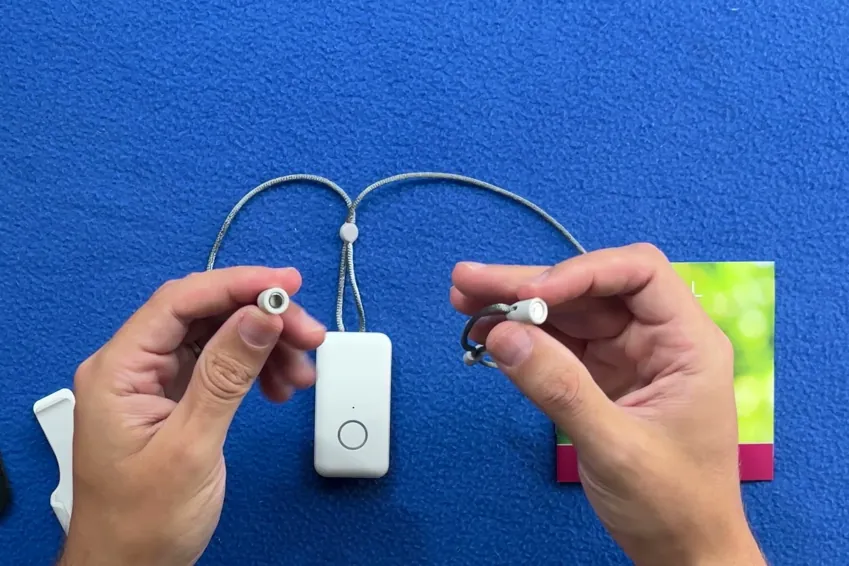
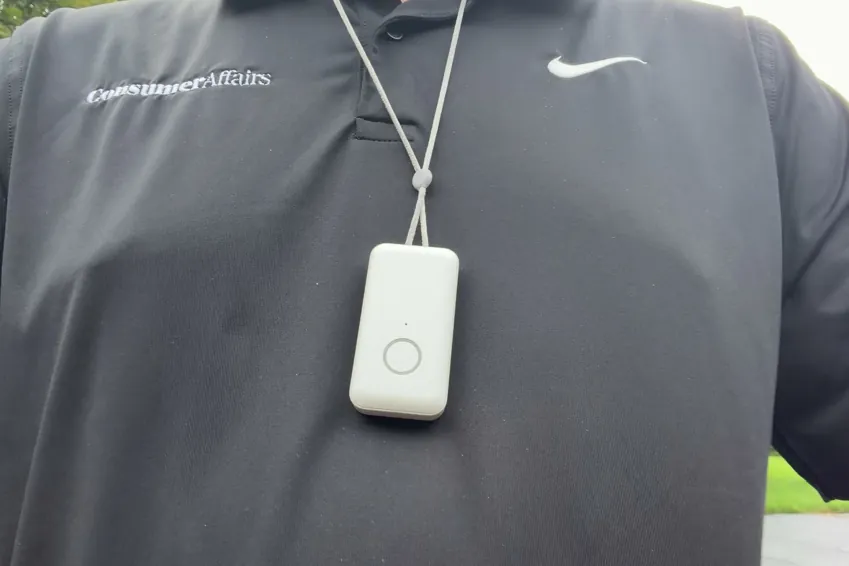
The only minor downside is that the lanyard is a little thinner than the ones on the other devices I tested, but it still feels durable enough.
Belt clip
I prefer to wear these devices around my neck, but the belt clip that comes with the Pearl offers another option for wearability and comfort. It’s easy to clip and unclip the pendant, and it also feels like it’s made from high-quality plastic.
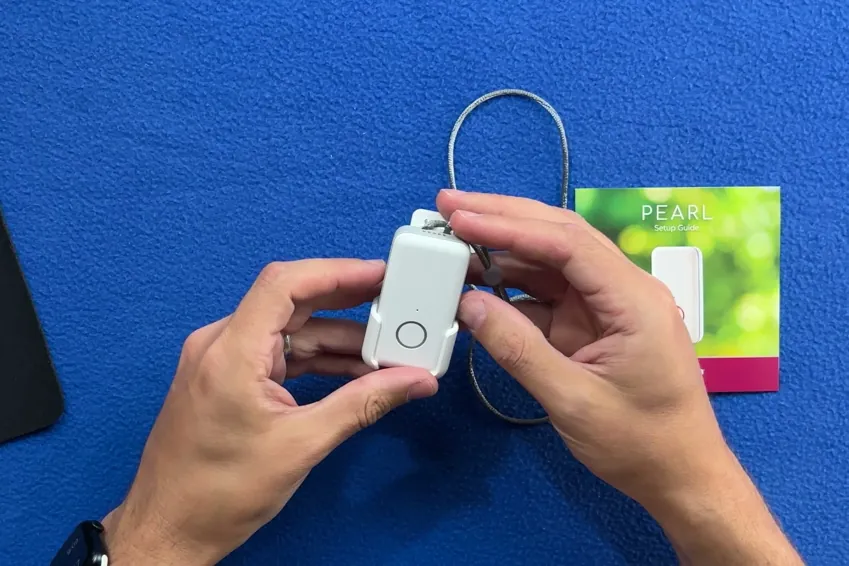
Charging base
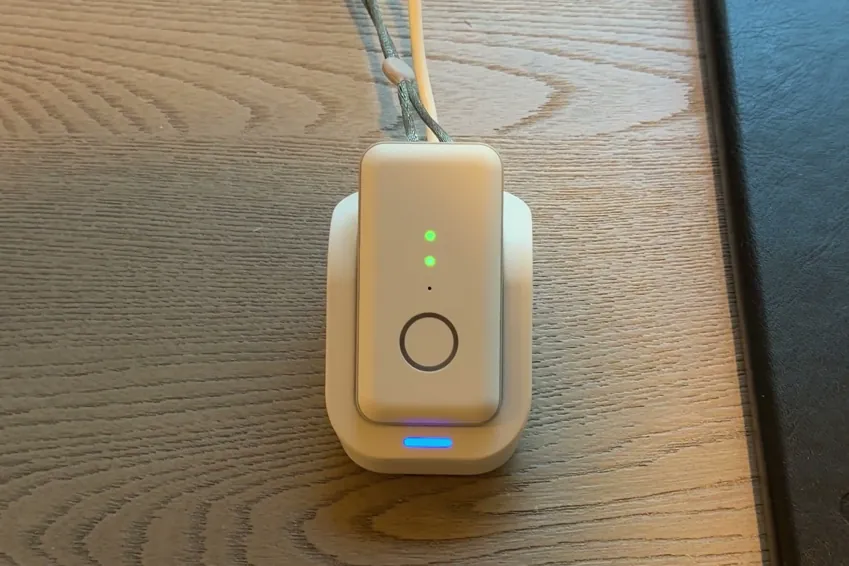
The charging base seems durable and is easy to use, and the device gives you an audio cue when it’s docked to let you know it’s charging. The only downside is that the base is hard-wired. I’d rather have a USB-C-compatible base that lets you use your own cords in case you need a longer or shorter wire.
I pressed the emergency button, here's what happened
The most important thing to consider about any medical alert device is what happens when you press the button for help. In this area, the LifeStation Pearl gets a B in my ratings, which is around the average for the devices I tested.
Here’s what happens when you press the emergency call button on the LifeStation Pearl.
- Press and hold the button. As is the case with most devices, you have to press and hold the button for about two seconds to make a call. The button is easy to press and shouldn’t be an issue even for individuals with weakness in their hands.
- Verification. Once the device initiates the call, you get haptic feedback, visual feedback and audible confirmation to let you know the call is in progress. This immediate confirmation can quickly put your mind at ease that you’ll soon have the help you need.
- Waiting period. Across the 10 test calls I made with the Pearl, it took an average of 71 seconds to get in contact with a human operator. This is a little faster than the average of 74 seconds, but it pales in comparison to the best of the bunch, the Lively Mobile2, which averaged just 26 seconds.
- Connected call with a human operator. Nine of my 10 calls went to an AI screener before I spoke with a human representative. This seems like unnecessary friction, but the device still eventually got me to a human more quickly than most devices.
- Dropped calls. Seven of the 10 test calls I made were dropped before I got in touch with a rep, which is a major drawback. LifeStation called me immediately on my phone to make sure I was okay, but it might present a problem if you or your loved one doesn’t have a phone nearby.
- Canceling the call. If you press and hold the button by accident, you have a few seconds to cancel the call by pressing the button again. This could be convenient for avoiding false alarms, and most other devices don’t have this option.
How the calling process compares to my top picks
Here’s a quick breakdown of how the experience of making an emergency call from the LifeStation Pearl compares to the process with some of my top picks for medical alert devices.
| Average response time | Feedback while you wait | AI intermediary | Emergency call rating | Overall rating | |
|---|---|---|---|---|---|
| Lively Mobile2 | 26 seconds | Audible | None | A+ | A+ |
| LifeStation Pearl | 71 seconds | Haptic, audible and visual | Automated intermediary | B | B+ |
| Bay Alarm Medical | 74 seconds | Haptic, audible and visual | None | A- | A |
| MobileHelp Elite | 90 seconds | Haptic, audible and visual | Automated intermediary | B | A |
My verdict: Is the LifeStation Pearl worth it?
The LifeStation Pearl is the nicest device I tested. It feels high quality, is discreet and works right out of the box after charging it. If hardware were all that mattered, it would easily top my list of the best medical alert systems.
Unfortunately, it has some of the most expensive plans of the bunch, and most of the time when I hit the button, I’d have to go through an AI screener just to have the call drop and have LifeStation call my phone instead.
I think the LifeStation Pearl is a solid option if you want to prioritize a premium physical product, but I’d sooner choose a personal emergency response system (PERS) that’s a bit more reliable and doesn’t screen every single request for help. You can read my reviews for other devices to help make your decision easier and find the best fit for you.
Methodology
11 medical alert systems, each bought with my own money on a month-to-month plan, unboxed on camera and graded on the same five categories in the same order every time. Four of the five category grades are read aloud on the recording; calling for help is graded on 10 timed test calls per device. The overall grade is not a judgment call — it is the weighted average of those five, computed the same way for every device, then moved up a notch.
A failing grade in either the sales process or calling for help caps the overall grade at an F, and the one-notch bump-up does not apply.
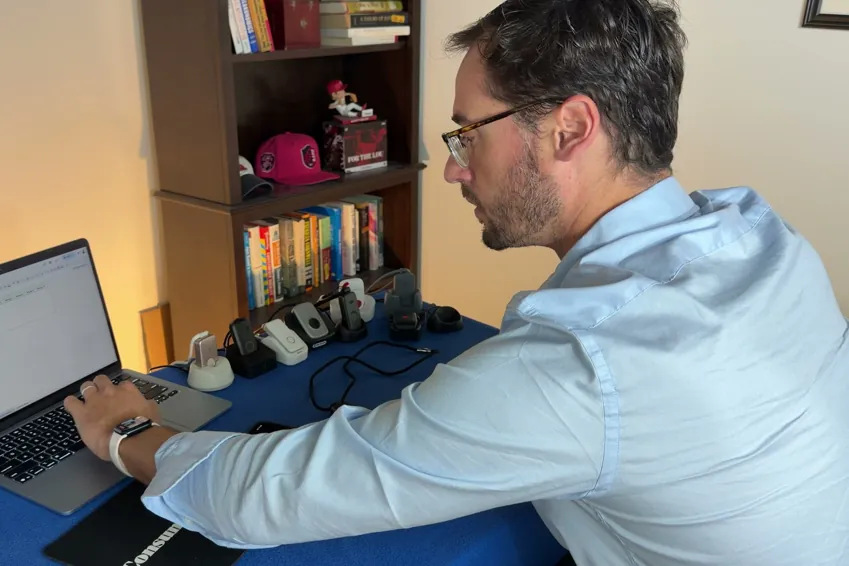
| Category | Weight | What it measures | Where the evidence comes from |
|---|---|---|---|
| Calling for help | 35% | Press the button and ask for help. Did it reach a person, how long did it take and what, if anything, blocked communication? | 10 timed test calls per device, spread across mornings and afternoons |
| Cost | 30% | First-year total on the base plan, fall detection excluded | Receipts, invoices and the signed agreement |
| The device | 25% | The hardware in your hand, scored against a fixed feature list | Unboxing footage, a scale and weeks of wear |
| Sales process | 5% | How the rep sold it to me, and whether I could buy without a phone call | The post-call report written the day of each call |
| Setup | 5% | Whether setup existed at all, and if so, how much time it took | Activation footage, timed |