

I Tested the Lifeline Medical Alert System. Can You Trust It?

Lifeline On the Go overall score
Based on 5 criteria from our hands-on test
- Cost
- Sales process
- Setup
- The product itself
- Calling for help
- A · Excellent
- B · Good
- C · Fair
- D · Poor
What I actually paid for Lifeline On the Go
I was quoted over the phone at $44.95 per month, which comes out to $539.40 for the year. The first year was higher, though, and came to $618.35, which includes the following fees:
- Base price: $44.95 per month/$539.40 per year
- One-time setup fee: $49 (quoted at $99 but discounted)
- One-time shipping fee: $29.95
- TOTAL for year one: $618.35
On day one, I paid $127.62, which included the first month of service, the reduced setup fee, the shipping fee and tax. The month-to-month terms the rep described on the phone didn’t match the three-month minimum in the contract.
If you go with an annual plan, the monthly cost drops to $39.95, and Lifeline will waive the shipping fee. With annual plans, you also get a free key lockbox for emergency response teams to gain access to your home to give you faster help.
One thing I have to note here is that there’s a $350 fee if you cancel your contract and don’t return your equipment in good condition.
How the cost compares to alternatives
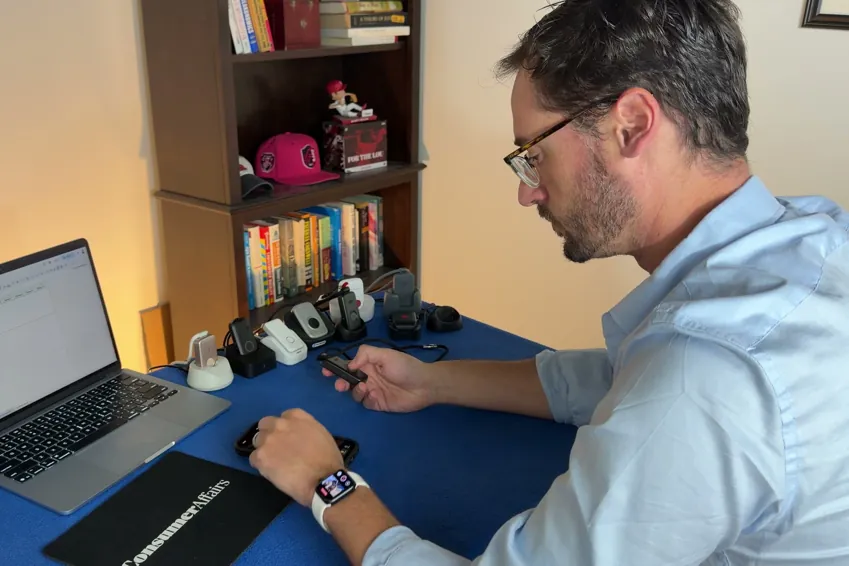
I tested 10 other medical alert systems, and Lifeline was the fourth-most expensive one in terms of first-year cost. It’s more than 9% more expensive than the average for the first year, and it’s almost 52% more expensive than the cheapest option I tested, MobileHelp Elite.
Here’s a breakdown of how the first-year and subsequent-year costs compare.
| Device | First-year cost | Year after | My rating |
|---|---|---|---|
| LifeStation Pearl | $723.25 | $610.80 | B+ |
| Life Protect 24/7 Belle X2 | $719.88 | $719.88 | F |
| ADT Medical Alert On-The-Go | $646.24 | $551.76 | A- |
| Lifeline On the Go | $618.35 | $539.40 | B |
| LifeFone VIPx2 | $544.35 | $527.40 | A- |
| Medical Guardian MGMini | $539.90 | $527.40 | B+ |
| Alert1 LifeBeacon | $539.88 | $539.88 | B |
| SecuLife SOS | $532.10 | $408.00 | F |
| Bay Alarm Medical SOS All-In-One 2 | $523.95 | $419.40 | A |
| Lively Mobile2 | $413.46 | $299.88 | A+ |
| MobileHelp Elite | $407.90 | $395.40 | A |
Lifeline On the Go: What came in the box
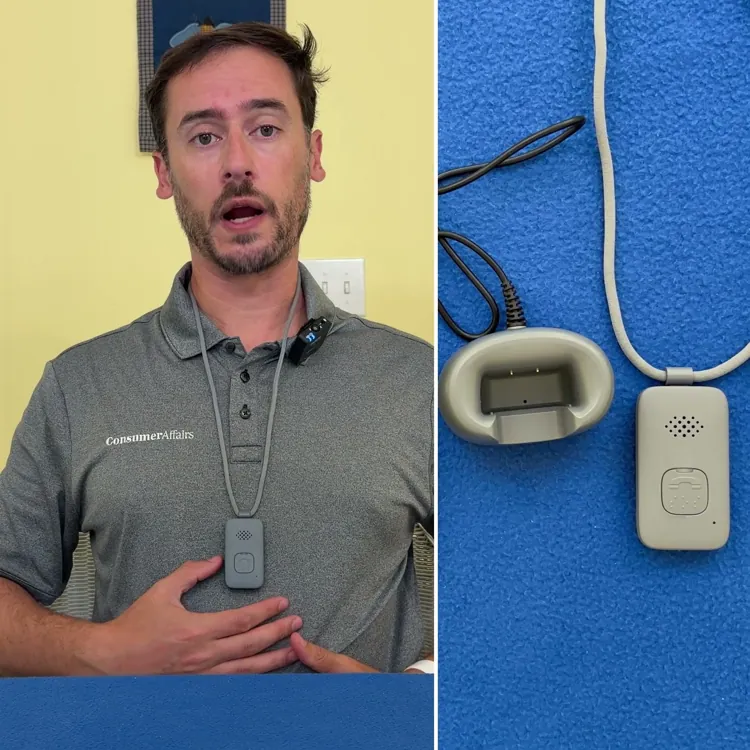
The Lifeline On the Go came with the following pieces of equipment:
- Alert pendant
- Lanyard
- Belt clip
- Charging base
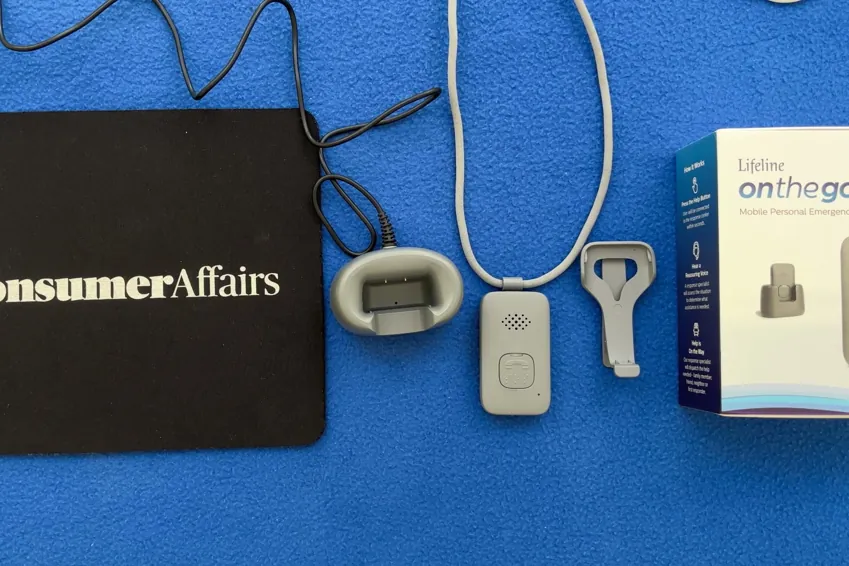
Overall, the equipment seems to be of decent quality, although all of the pieces are made of plastic and feel kind of cheap. The lanyard is a bit long, the belt clip is basically unusable and I wish the charging base wasn’t hard-wired. However, the pendant is lightweight and minimalistic with just a single button, so you or your loved one will never be confused about how to use it.
The best part is that I set it in the cradle, pressed the button and it just worked. It charged in about 10 minutes.
Alert pendant
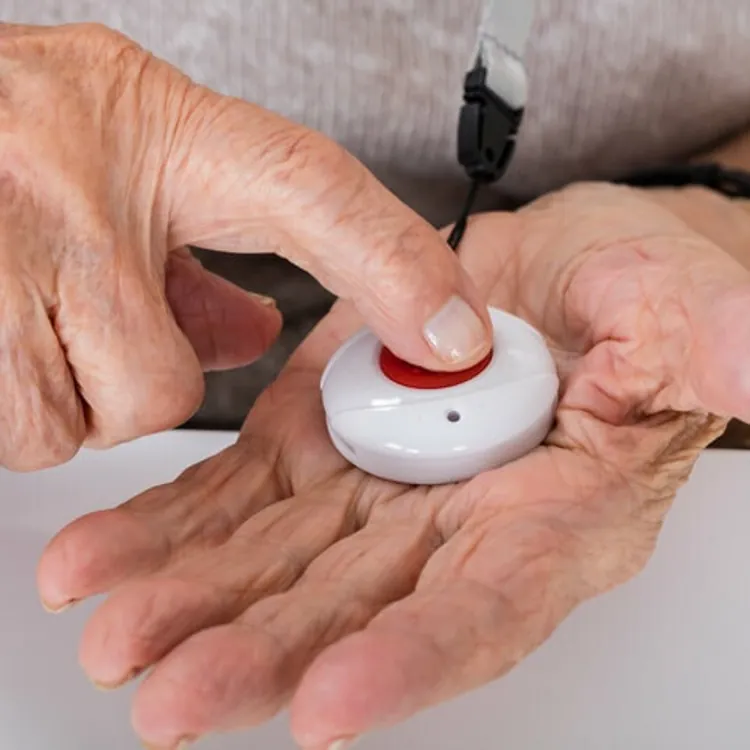

The pendant is lightweight and small enough that it wasn’t obvious I was wearing it when tucked under my shirt. The speaker was plenty loud, and the microphone seemed to work just fine during my test calls. There’s a single button to make using the pendant simple, and it’s labeled with Braille, which is helpful for vision-impaired users.
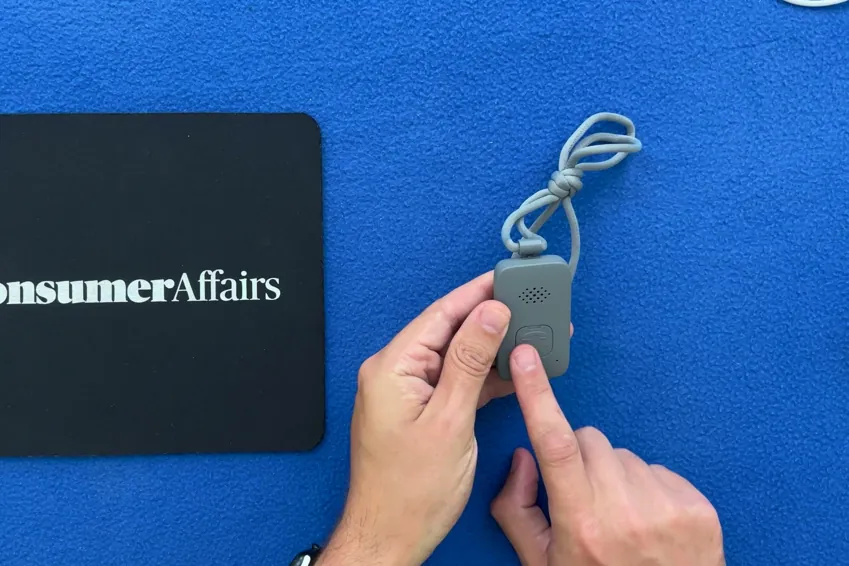
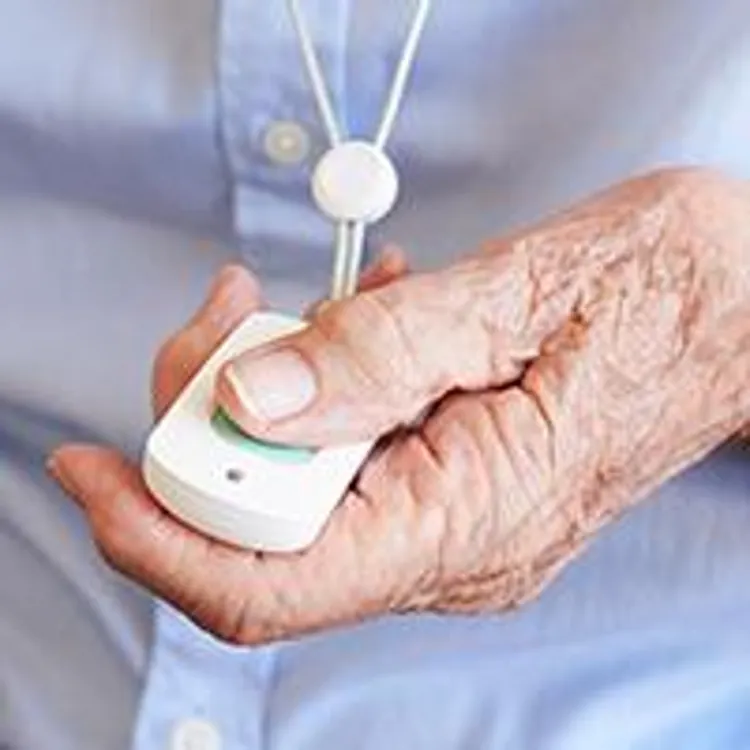
Unfortunately, the button is annoyingly hard to press. A light press does nothing, even when it feels substantial enough to make a call, and this is really concerning for a medical alert device.
The battery is rated to last for up to four days on a single charge, and the pendant is fully waterproof, whereas some of the other devices I tested were only water-resistant. This is a big upside, as you never have to worry that you or your loved one will forget to put the device back on after bathing.
Lanyard
The lanyard is prethreaded and feels high-quality; it has a magnetic clip, which I prefer over the plastic ones because they’re much less likely to break.
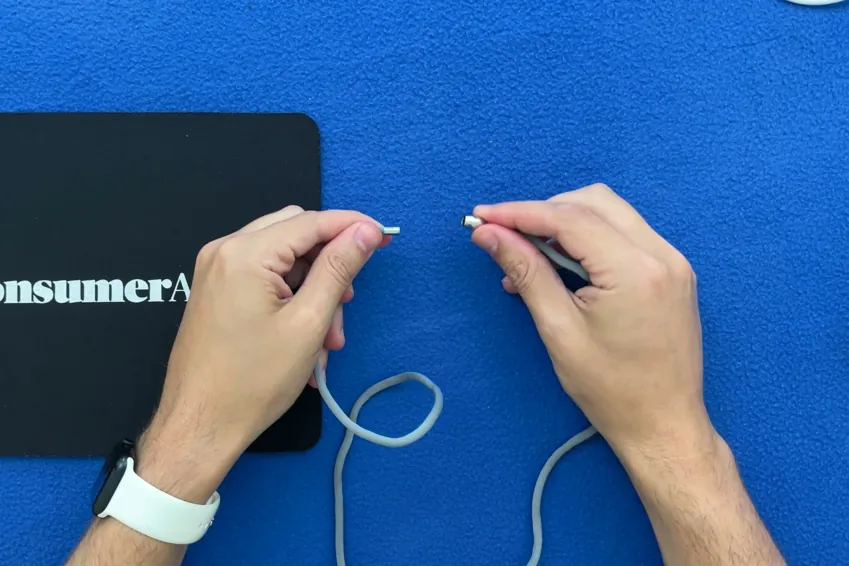
The lanyard’s not adjustable, though, and it’s a bit longer than others I tested, so I don’t love where it sits on my chest. But overall, it’s reasonably comfortable.
Belt clip
The belt clip would be a nice alternative way to wear the device, but after reading the instructions on how to remove the lanyard clip to attach the belt clip, I still couldn’t figure it out. As it is, the belt clip is more or less unusable.
Charging cradle
The charging cradle is small and charges the alert device quickly, taking only about 10 minutes. When you dock the device, you’ll hear an alert that’s loud and clear to let you know it’s charging, which is a nice feature for peace of mind.

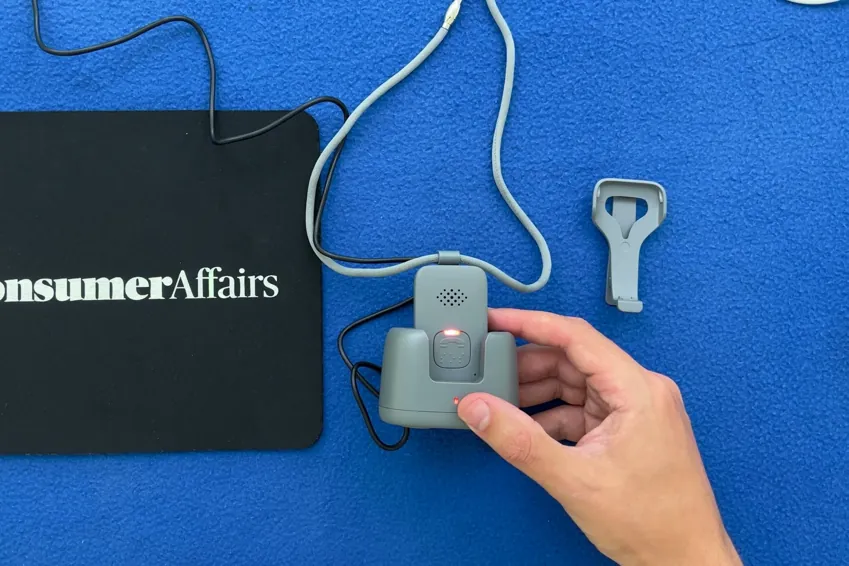
I just really wish the cradle wasn’t hardwired so you could swap out cables if one gets damaged or if you need a longer or shorter cable to keep your dock where you want it in your home.
I pressed the emergency button, here's what happened
Cost, comfort and ease of setup are important, but with a medical alert system, nothing matters more than what happens when you press the button in the case of an emergency. Unfortunately, Lifeline’s system disappoints here, and I wouldn’t trust it to work when I needed it. Here’s what happened when I pressed the button.
- Press and hold the button. This is where the Lifeline device really falls short because you really have to press the button hard and hold it, which will be an issue for anyone with weakness in their hands. It will cut down on false alarms, but I’d rather have false alarms than not have a call go through when I need help.
- Verification. It takes about five seconds to hear a buzz to let you know it’s placing a call. That’s five seconds of wondering if you’re going to get the help you need, which is just unacceptable, in my opinion. There’s haptic feedback and a static blue light once the device begins the call.
- AI intermediary. When the call did go through, three of the 10 test calls I made went to an AI intermediary. The AI asks you if you’re experiencing an emergency, but even if you say no, it connects you with a human. This seems like an unnecessary step, and I’d much sooner recommend a device that sends you straight to a human.
- Waiting period. I waited an average of 113 seconds between pushing the button and speaking with a human. This is the slowest connection of all 11 devices I tested, and it’s more than 50% slower than the average time of 74 seconds. When facing a true emergency, that wait time is a major concern.
- No call cancellation. Once you successfully initiate an emergency call, there’s no way to cancel it.
- Ending the call. Weirdly, there’s no confirmation of your call ending. This isn’t a huge deal, but it is nice to have some feedback.
The most important thing to note here is that the device and its service feel unreliable. The button is hard to press and doesn’t always place a call when it feels like it should, and that’s just not acceptable for a medical alert system. Combine that with the longest wait time of the devices I tested, and I can’t recommend this system over most others.
How the calling process compares to my top picks
I think it’s important to have a good idea of how the Lifeline On the Go compares to others where it matters most, so here’s a table that shows how it stacks up to the competition. Response times reflect the average wait time I experienced over 10 test calls per device.
| Average response time | Feedback while you wait | AI intermediary | Emergency call rating | Overall rating | |
|---|---|---|---|---|---|
| Lively Mobile2 | 26 seconds | Audible | No | A+ | A+ |
| ADT Medical Alert On-The-Go | 58 seconds | Audible | No | A | A- |
| Bay Alarm Medical SOS All-in-One 2 | 74 seconds | Haptic, audible and visual | No | A- | A |
| Lifeline On the Go | 113 seconds | Delayed haptic buzz | Yes (on 3 out of 10 calls) | C+ | B |
My verdict: Is Lifeline On the Go worth it?
I don’t recommend the Lifeline On the Go. When my test calls did go through, 30% of them went to an AI intermediary first, and I waited an average of almost two minutes before I spoke with a real human. That’s the longest wait time of any of the devices I tested.
The device is comfortable to wear, and the activation process is a breeze, but in my opinion, that doesn’t make up for the fact that the device just doesn’t work as well as it should when it needs to. I suggest reading some of my other medical alert system reviews to find a better alternative that gives you the peace of mind you expect.

Methodology
11 medical alert systems, each bought with my own money on a month-to-month plan, unboxed on camera and graded on the same five categories in the same order every time. Four of the five category grades are read aloud on the recording. Calling for help is graded on 10 timed test calls per device. The overall grade is not a judgment call — it is the weighted average of those five, computed the same way for every device, and moved up one notch.
| Category | Weight | What it measures | Where the evidence comes from |
|---|---|---|---|
| Calling for help | 35% | Press the button and ask for help. Did it reach a person, how long did it take and what, if anything, blocked communication? | 10 timed test calls per device, spread across mornings and afternoons |
| Cost | 30% | First-year total on the base plan, fall detection excluded | Receipts, invoices and the signed agreement |
| The device | 25% | The hardware in your hand, scored against a fixed feature list | Unboxing footage, a scale and weeks of wear |
| Sales process | 5% | How the rep sold it to me, and whether I could buy without a phone call | The post-call report written the day of each call |
| Setup | 5% | Whether setup existed at all, and if so, how much time it took | Activation footage, timed |