

Life Protect 24/7 Belle X2 overall score
Here’s a breakdown of Life Protect 24/7 Belle X2’s score for each of the five criteria that factored into its overall grade.
Based on 5 criteria from our hands-on test
- Cost
- Sales process
- Setup
- The product itself
- Calling for help
- A · Excellent
- B · Good
- C · Fair
- D · Poor
What I actually paid for Life Protect 24/7 Belle X2
For a full year of service, including the equipment and the connection to the call center, I paid $719.88. This is about $150 more than the average cost of a medical alert system in this testing series. Here’s a breakdown of the upfront and year-one costs.
- Base price: $59.99 per month/$719.88 per year
- One-time setup fee: $0 (waived)
- One-time shipping fee: $0 (waived)
- TOTAL for year one: $719.88
Even with the standard fees waived for me, this still ended up being one of the most expensive services to sign up for. However, it has the fourth-lowest upfront cost of the systems I tested, so it’s an affordable option if you just need peace of mind, don’t want to pay extra for shipping and setup and don’t want automatic fall detection.
If you pay by the quarter, your total is $149.97, which comes out to $599.88, and your total drops to $519.96 if you pay for the year. Just keep in mind that prepaying means paying larger sums before you ever see a contract, which is far from ideal.
How the cost compares to alternatives
A few hundred dollars for peace of mind and personal safety is a small price to pay, but when you compare the cost to other devices I tested, you can get equal or better value for less. Here’s a quick look at how the costs of the devices I tried out compare, along with my overall rating to help you find the best device for you and your budget.
| Device | First-year cost | Year after | My rating |
|---|---|---|---|
| LifeStation Pearl | $723.25 | $610.80 | B+ |
| Life Protect 24/7 Belle X2 | $719.88 | $719.88 | F |
| ADT Medical Alert On-The-Go | $646.24 | $551.76 | A- |
| Lifeline On the Go Micron | $618.35 | $539.40 | B |
| Medical Guardian MGMini | $539.90 | $527.40 | B+ |
| Alert1 LifeBeacon | $539.88 | $539.88 | B |
| SecuLife SOS | $532.10 | $408.00 | F |
| LifeFone VIPx2 | $527.40 | $527.40 | A- |
| Bay Alarm Medical SOS All-In-One 2 | $523.95 | $419.40 | A |
| Lively Mobile2 | $413.46 | $299.88 | A+ |
| MobileHelp Elite | $407.90 | $395.40 | A |
Sales process
I called a number for a different company and got routed to Life Protect for some reason. The rep on the phone told me there’s no contract and did not send me one before payment. And they pushed hard to bill my checking account instead of a credit card.
The equipment arrived with a written agreement that overrides anything said on the phone.
What came in the box
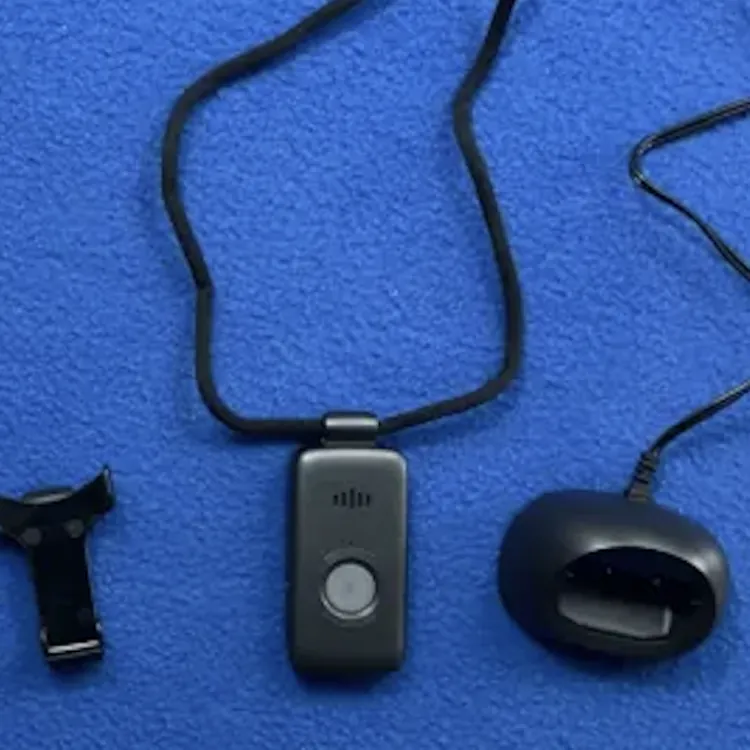
The Life Protect 24/7 Belle X2 came with the following pieces of equipment, which are standard across most models:
- Alert pendant
- Magnetic lanyard
- Belt clip
- Charging base
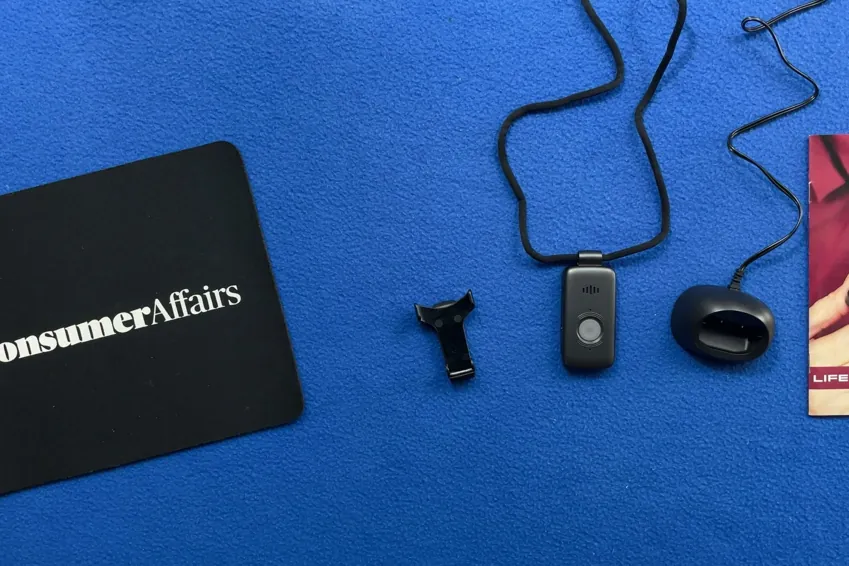
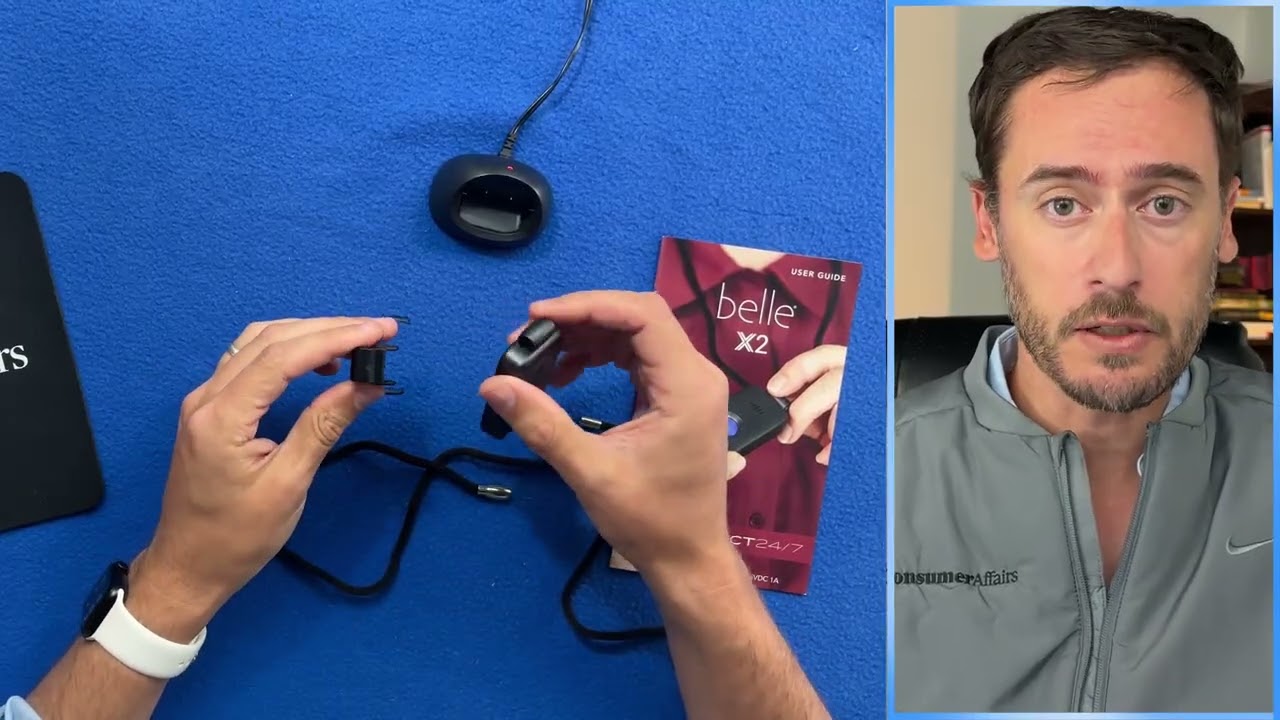
Overall, the equipment is light, discreet and reasonably comfortable. This is the exact same unit that you get when you buy from LifeFone, but the service behind it is exclusive to Life Protect. Setup was a breeze; I simply turned it on, and it worked right away.
Alert pendant
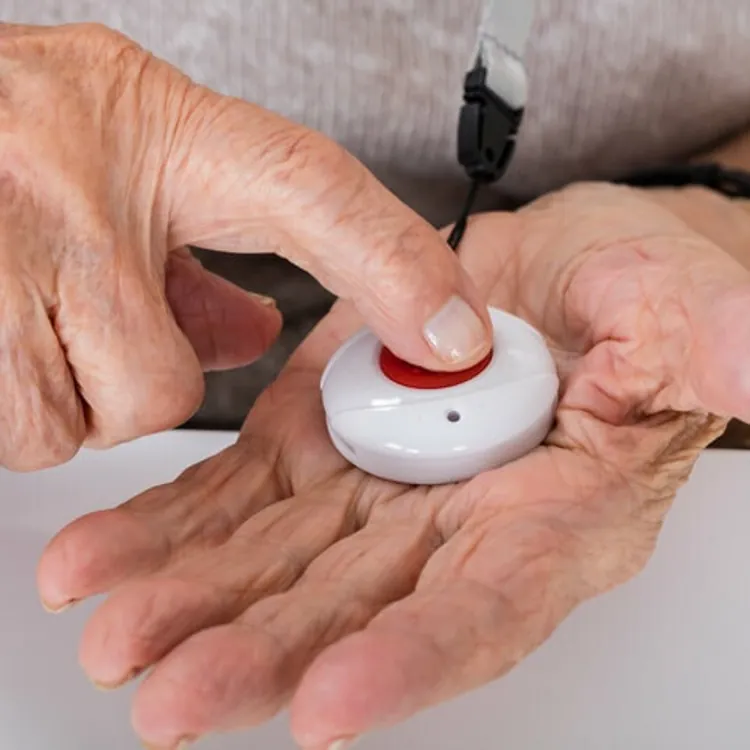
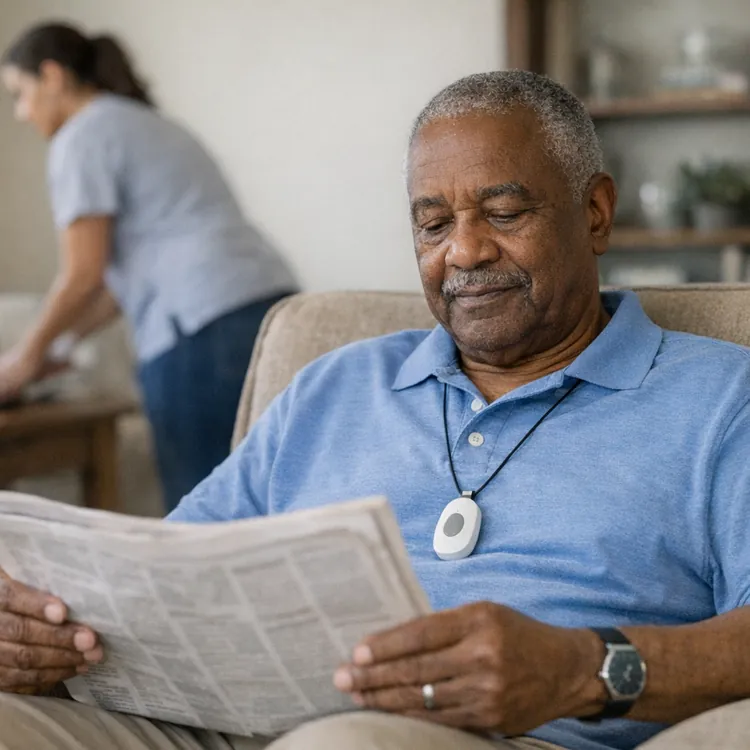
The alert pendant is lightweight at just 1.35 ounces, so I barely noticed I was wearing it over three weeks of testing. It’s thin enough that no one seemed to notice it under my shirt. It does feel a little cheap and “plasticky,” but it seems durable enough for what it needs to do.
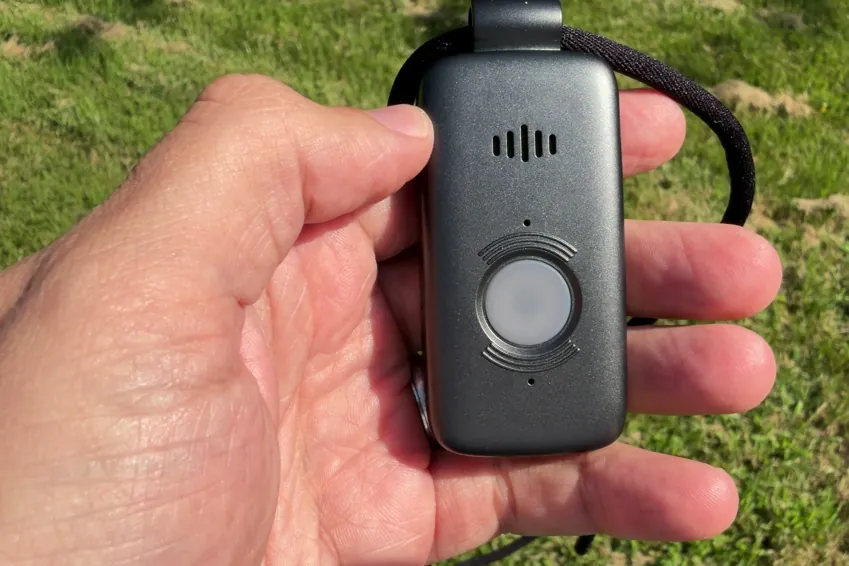
The pendant is easy to use with just a single button. The speaker and the mic work well and hold a solid connection with the operator, with no dropped calls during testing. The button also has an LED light that blinks when it’s charging and stays solid when it’s fully charged.
Most importantly, the button is easy to press and hold, so it’s a good option for people with weakness in their hands. The pendant is also water-resistant, so you can wear it in the shower, although it’s not waterproof, so baths and pools are off-limits.
Lanyard
The lanyard that comes with the Belle X2 feels high quality and durable. It has a magnetic clip, which I love because it’s easy to take on and off, and it’s less likely to break than a plastic clip. The lanyard length isn’t adjustable, though, and it’s a little long.
Belt clip
I don’t love belt clips, in general, but this is one of the better ones I tested. It’s actually easy to get your pendant clipped into it, and it’s just as easy to remove it without requiring excessive force.
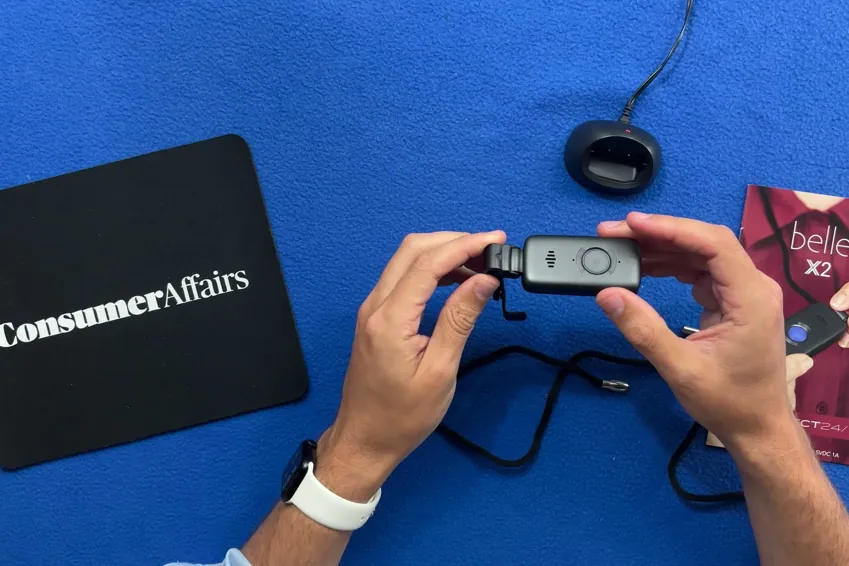
The belt clip pivots, which is a strange decision that I don’t see a use case for, especially because it seems like it would get in the way of using the pendant.
Charging base
The charging base is small, and it works as you’d expect. There’s a small red light that’s hard to see on the rear of the base to let you know when the device is charging, but you also get audio feedback and a blinking light on the pendant, so you shouldn’t have any confusion as to when your unit is docked properly.
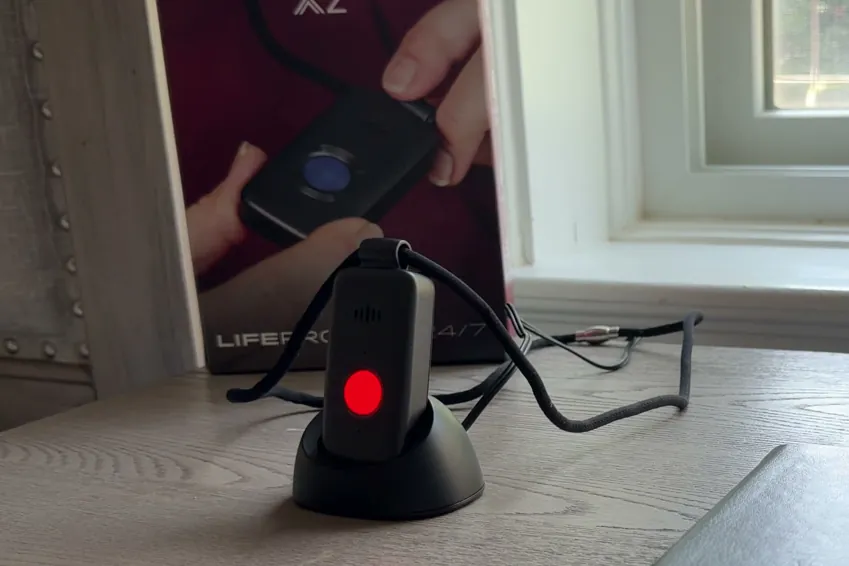
The only gripe I have with the base is that it’s hard-wired, so you’ll have to replace the entire thing if you damage the cord, and you’re forced to use an extension cord if the hard-wired one doesn’t reach your outlet. I’d much rather see a base with a USB-C port that lets me use my own cables.
I pressed the emergency button, here's what happened
If you can get past the sales process feeling like a scam, you actually get a product that works really well. In most cases, I think the experience of pushing the button when you need help is most important, but Life Protect is one of the rare cases where the great experience after pushing the button doesn’t make up for what happens before that.

Here’s what happened during my test calls with Life Protect 24/7.
- Press and hold the button. You have to press and hold the pendant button for about two seconds to initiate an emergency call.
- Verification. When the call initiates, you get audio feedback, and the button lights up blue. There’s no haptic feedback like you get with some other devices, but the audio cue is loud and clear, so I think it’s sufficient for most people.
- Automated screen. Eight of my 10 test calls went to an AI before I got to a real human. Normally, I don’t like this and would much rather just get to an operator who can actually help, but the waiting period was short enough that I think it’s less of an issue than normal.
- Waiting period. I called 10 times at different times of day, and the average wait time to speak with a human was 63 seconds (11 seconds faster than the average across the devices I tested). The call I recorded in the video review went through in just six seconds, which was an outlier and didn’t happen consistently, so I didn’t include it in the average.
- No call cancellation. Once you initiate a call from the Belle X2, you can’t cancel it.
- Connected call with a human operator. After the automated screen and the waiting period, I got to a real human who was polite and helpful. It would be better, in my opinion, if there wasn’t an AI intermediary to get to that point, but with a reasonably fast connection time, I can’t complain too much.
- Dropped calls. During my testing period, I didn’t experience any dropped calls with Life Protect. The connection was stable, the operator came through loud and clear, and they could hear me just fine.
- Ending the call. You can’t end the call on your end, which is typical with these devices. The human operator I was speaking with during my test calls confirmed twice that I was just testing, after which they thanked me and ended the call.
I have no real issues with how the Life Protect 24/7 Belle X2 device functions. It’s easy to press the button to make a call, you get to a human reasonably quickly, and the connection is solid. However, I still don’t think this makes up for the high cost and the shady sales process.
How the calling process compares to my top picks
In my review and rating process for medical alert systems, I put more weight on the emergency call experience than anything else. Here’s how the Belle X2 compares to other options, so you can get an idea of how it stacks up in the table below.
| Average response time | Feedback while you wait | AI intermediary | Emergency call rating | Overall rating | |
|---|---|---|---|---|---|
| Lively Mobile 2 | 26 seconds | Audible | None | A+ | A+ |
| Life Protect 24/7 Belle X2 | 63 seconds | Audible and visual | Automated intermediary (8 out of 10 calls) | B+ | F |
| Bay Alarm Medical | 74 seconds | Haptic, audible and visual | None | A- | A |
| MobileHelp Elite | 90 seconds | Haptic, audible and visual | Automated intermediary | B | A |
My verdict: Is the Life Protect 24/7 Belle X2 worth it?
I strongly recommend staying away from the Life Protect 24/7 Belle X2 medical alert system. It works well and is reasonably comfortable, but the sales process is a nightmare and left me feeling like I was being scammed every step of the way.
I couldn’t get a contract until I paid, the rep pushed me to pay with a checking account instead of a credit card and my initial call to another company ended up going to Life Protect unexpectedly. If I’m putting my trust in a provider to protect myself or a loved one in an emergency, starting out with a shady sales process feels so wrong.
To find a better device from a company you can actually trust, you can read my other reviews and compare by price, quality and trustworthiness.
Who should consider Life Protect 24/7 Belle X2:
- Those who want quick peace of mind
- Those who don’t want or need automatic fall detection
Who should look elsewhere:
- People who want to review a contract before committing to a service
- People who want a sales process that instills confidence in the service
- Anyone who wants the option for automatic fall detection
- Individuals on a tight budget
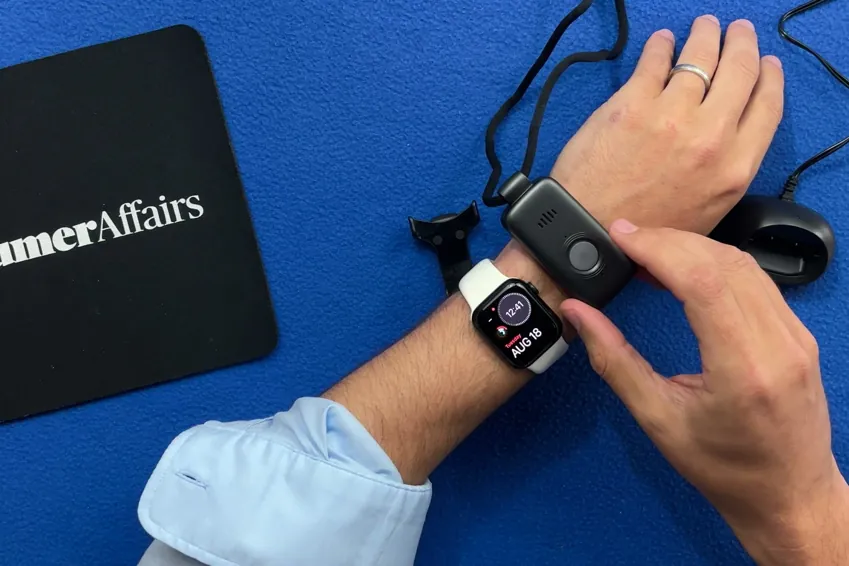
Methodology
11 medical alert systems, each bought with my own money on a month-to-month plan, unboxed on camera and graded on the same five categories in the same order every time. Four of the five category grades are read aloud on the recording; calling for help is graded on 10 timed test calls per device. The overall grade is not a judgment call — it is the weighted average of those five, computed the same way for every device, then moved up one notch. An F on calling for help or the sales process caps the overall grade at F, and the one-notch step doesn’t apply.
LifeProtect 24/7 computes to 2.795, a B−, on genuinely good hardware. It is published as an F because I could not get a contract before paying, the written agreement that arrived afterward overrides what was said on the phone, and they pushed to draft my checking account instead of a card. If a company will not show you the terms before it takes your money, the rest of the scorecard doesn't rescue it.
| Category | Weight | What it measures | Where the evidence comes from |
|---|---|---|---|
| Calling for help | 35% | Press the button and ask for help. Did it reach a person, how long did it take and what, if anything, blocked communication? | 10 timed test calls per device, spread across mornings and afternoons |
| Cost | 30% | First-year total on the base plan, fall detection excluded | Receipts, invoices and the signed agreement |
| The device | 25% | The hardware in your hand, scored against a fixed feature list | Unboxing footage, a scale and weeks of wear |
| Sales process | 5% | How the rep sold it to me, and whether I could buy without a phone call | The post-call report written the day of each call |
| Setup | 5% | Whether setup existed at all, and if so, how much time it took | Activation footage, timed |