


Alert1 LifeBeacon overall score
Below is a breakdown of Alert1 LifeBeacon’s score across five criteria.
Based on 5 criteria from our hands-on test
- Cost
- Sales process
- Setup
- The product itself
- Calling for help
- A · Excellent
- B · Good
- C · Fair
- D · Poor
What I actually paid for Alert1 LifeBeacon
My total cost for the entire first year was $539.88, which included just the monthly fee of $44.99 for the service. Alert1 waived the shipping and activation fee to keep upfront costs low. Here are all of the fees to consider with this personal emergency response system (PERS).
- Base price: $44.99 per month/$539.88 per year
- One-time setup fee: $0 (waived)
- One-time shipping fee: $0 (waived)
There are also two add-on services for an additional monthly cost, as well as some other costs and savings to consider.
- Automatic fall detection: Expect to pay an additional $5 per month or $60 per year for automatic fall detection and the peace of mind it provides.
- Equipment protection: You can opt to pay $5 per month or $60 per year to avoid the equipment replacement cost.
- Annual payments: If you pay for the entire year rather than by the month, your effective monthly cost drops to $34.99 and your annual fee dips to $419.88.
I should mention, though, that if you make annual payments, you can’t get any refund for unused service if you cancel early unless the user passes away or moves into an assisted living home where the device is not allowed.
Sales process
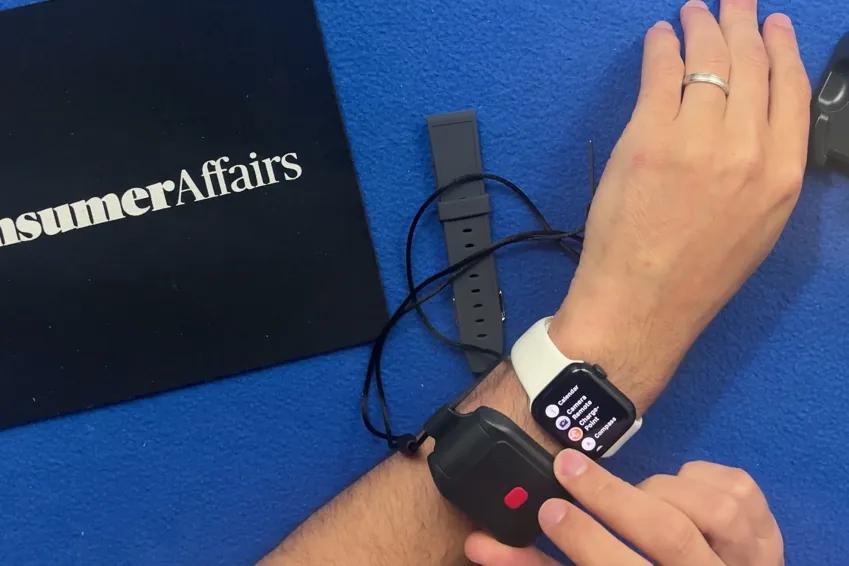
I was able to order everything online, which was a nice change from some other providers that require sales calls. Delivery was a bit delayed, but I’m not sure I can really blame that entirely on Alert1. I did call customer service about the delay, though, since I didn’t get a tracking number, and I waited on hold for 15 minutes for an answer about the updated delivery date.
How the cost compares to alternatives
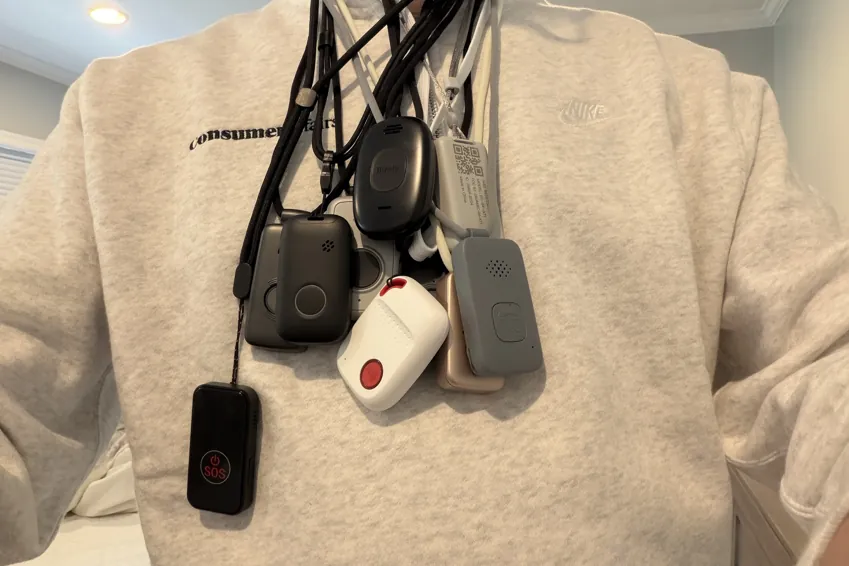
I tested 10 other medical alert systems, and the Alert1 LifeBeacon falls in the middle of the pack in terms of price.
| Device | First-year cost | Year after | My rating |
|---|---|---|---|
| LifeStation Pearl | $723.25 | $610.80 | B+ |
| Life Protect 24/7 Belle X2 | $719.88 | $719.88 | F |
| ADT Medical Alert On-The-Go | $646.24 | $551.76 | A- |
| Lifeline On the Go Micron | $618.40 | $539.40 | B |
| Medical Guardian MGMini | $539.90 | $527.40 | B+ |
| Alert1 LifeBeacon | $539.88 | $539.88 | B |
| SecuLife SOS | $532.10 | $408.00 | F |
| LifeFone VIPx2 | $527.40 | $527.40 | A- |
| Bay Alarm Medical SOS All-In-One 2 | $523.95 | $419.40 | A |
| Lively Mobile2 | $413.46 | $299.88 | A+ |
| MobileHelp Elite | $407.90 | $395.40 | A |
What came in the box
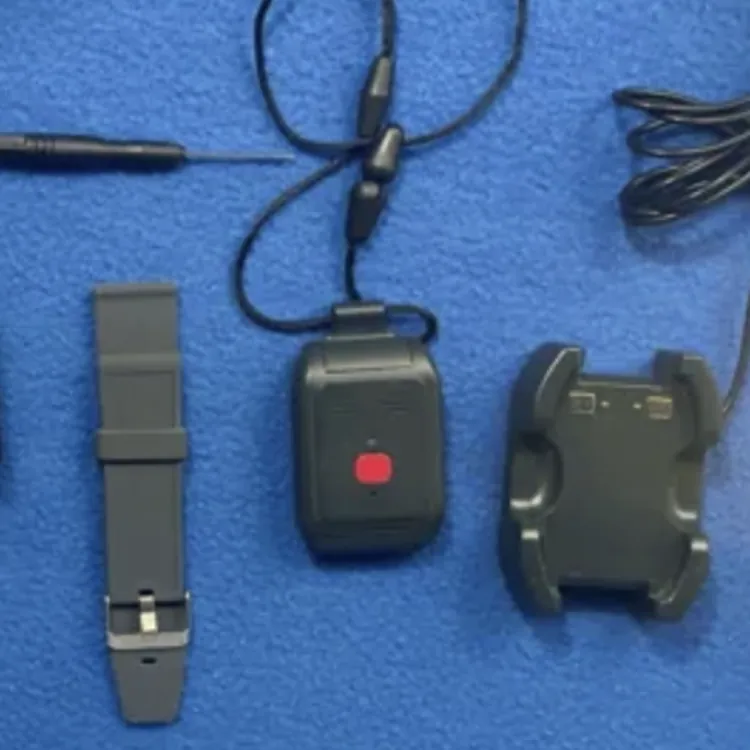
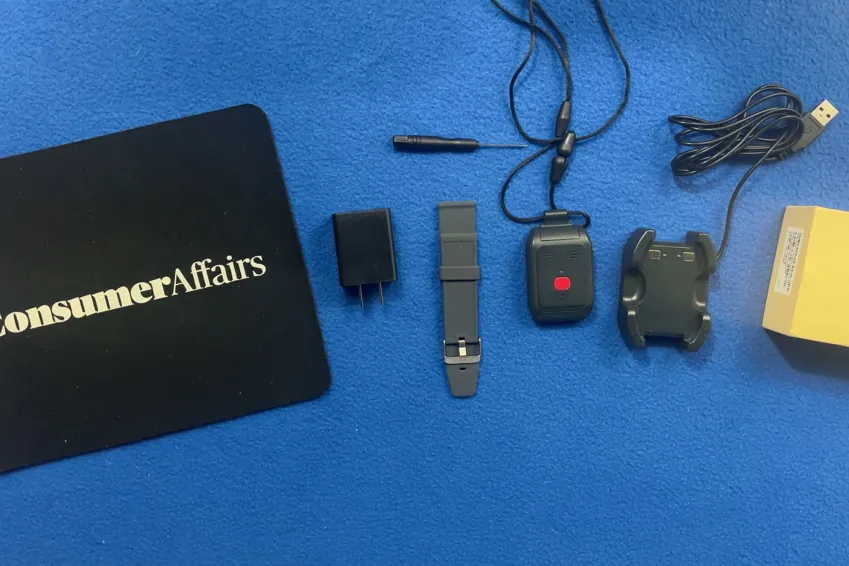
The Alert1 LifeBeacon comes with the following:
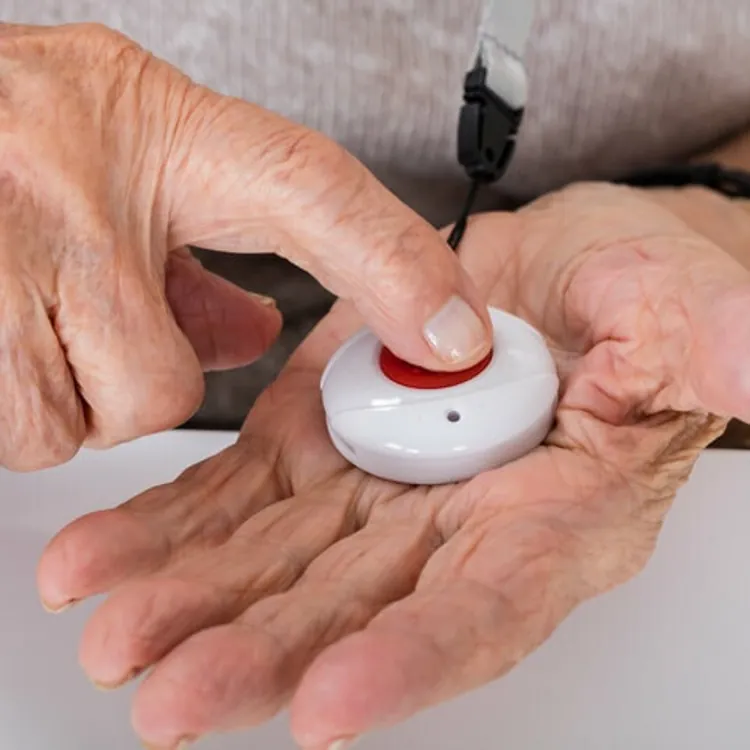
- Alert pendant
- Adjustable lanyard
- Wristband attachment
- Hard-wired charging base
Overall, the equipment works as it should, which is the most important factor, in my opinion. However, it feels like the cheapest device of the ones I tested.
Alert pendant
The pendant itself is pretty bulky and is the least discreet of the ones I tested. The size is about average except for the thickness, which is what I think would make it the most obvious under a shirt, despite no one noticing it while I tested it. It does feel pretty cheap and “plasticky,” but that contributes to a lightweight pendant at just 1.3 ounces.
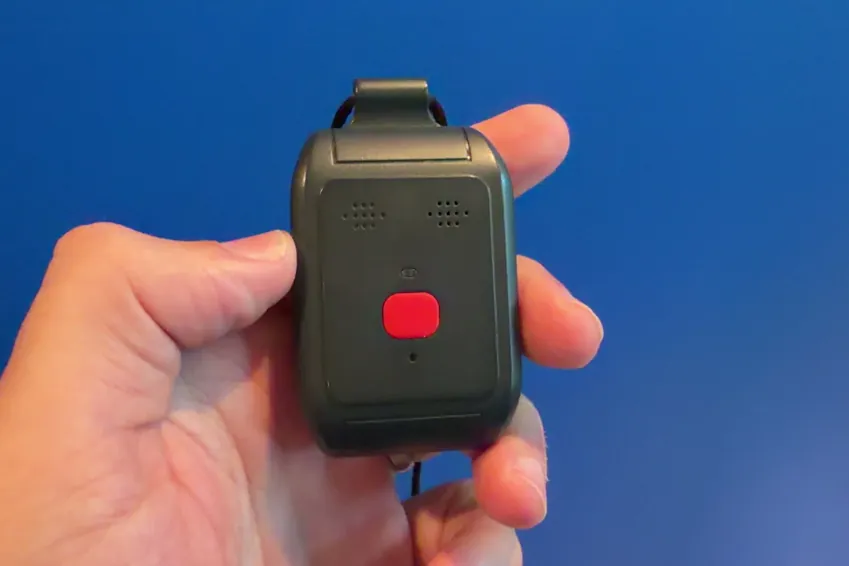
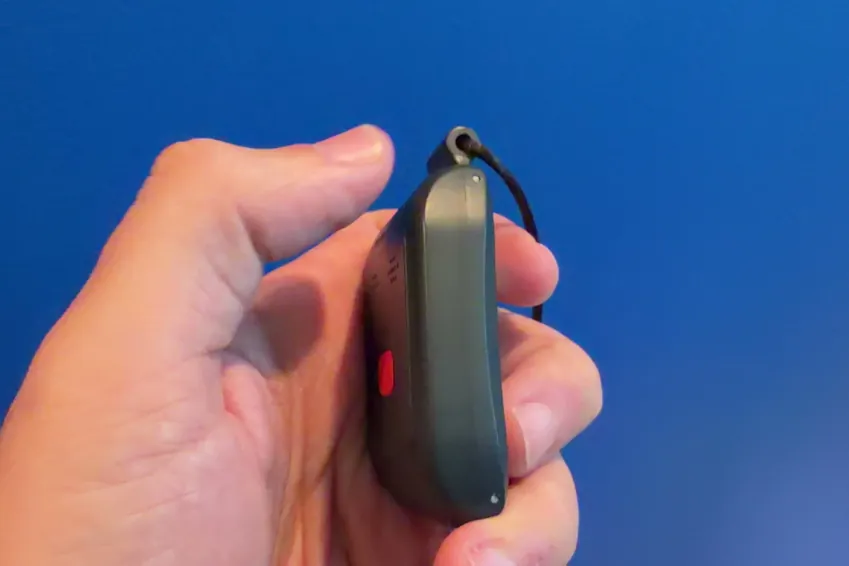
The emergency call button is pretty small, which I do think is a drawback. Most of the others I tested had a button that was about the size of a thumbprint, while this one is less than half that size, which makes it a little harder to find. It is easy to press and hold, though, so I think most people will be able to use it without too much of an issue.
There’s also no haptic buzz when the device starts making a call, and the blinking light that appears is barely visible. The speaker has a lower volume than the other devices I tried, although it was still relatively easy to hear.
Lanyard
The lanyard feels high-quality, although it comes with a plastic clip that takes a decent amount of effort to clip and unclip.

I love that the lanyard is adjustable, though, which is a feature I didn’t see on most of the competing medical alert devices.
Charging base

The charging base is hard-wired, which I’m not a fan of. I’d much rather have a base with a USB-C port that lets me swap wires if the stock one sustains damage or isn’t the right length for where I want to store the base. The wire does go to a USB-A male connection, though, so that’s a step above a wire that goes straight to an attached plug, in my opinion.
Setup
The Alert1 LifeBeacon worked right out of the box after charging the device. There was no activation call required, and the operator I spoke with during the first test call confirmed that the device was fully operational.
I pressed the emergency button, here's what happened
Sales, shipping, device comfort and cost all matter, but nothing is as important as what happens when you need to use your medical alert system in an emergency. In that regard, Alert1 is reliable, albeit a little slow. Here’s what happened when I pressed the call button on the Alert1 LifeBeacon.

- Press and hold the button. First, you have to press and hold the button for about two seconds before anything happens, which is standard to avoid false alarms. The button is easy to press, even for people with weakness in their hands, although I do wish it were bigger, as it would be easier to find.
- Verification. There’s an audible cue to let you know the call is underway, but the volume is lower than what I experienced with other devices I tested. There’s no haptic feedback, and while there is a blinking light, it’s small and hard to see. In most cases, I expect the user will have to rely on the audio cue to confirm the call is going through.
- Waiting period. I made 10 test calls with the Alert1 LifeBeacon, and the average time to reach a human across all of those was 86 seconds. This is 12 seconds slower than the average. Notably, four of the 10 calls I made took two minutes or longer, which led to me deducting points in my rating.
- No call cancellation. Like most other devices I tested, there’s no way to cancel the call once you initiate it. In my opinion, this is a pro, as it prevents the user from accidentally canceling the call in the case of a real emergency.
- Connected call with a human operator. All ten of my test calls went directly to a human after the initial waiting period, and there was no automated AI screening. I should mention again that the volume of the speaker was lower than most of the others I tested, but I could still hear the operator clearly.
- Dropped calls. Two of my ten calls dropped, which isn’t ideal, but someone called my phone immediately after the call dropped to confirm that I was okay.
The most important thing here, in my opinion, is that every single call went directly to a human. The wait time to speak to a human rep was a little on the long side, but it’s still a reasonable wait that I don’t think is cause for much concern.
How the calling process compares to my top picks
I think it’s most helpful to see how the Alert1 LifeBeacon compares to its competitors where it really counts, so here’s a breakdown of how it stacks up against some of my top picks. Be sure to compare based on the call quality and also the overall rating to find the best value.
| Average response time | Feedback while you wait | AI intermediary | Emergency call rating | Overall rating | |
|---|---|---|---|---|---|
| Lively Mobile 2 | 26 seconds | Audible | None | A+ | A+ |
| Bay Alarm Medical | 74 seconds | Haptic, audible and visual | None | A- | A |
| Alert1 LifeBeacon | 86 seconds | Audible and visual | None | B | B |
| MobileHelp Elite | 90 seconds | Haptic, audible and visual | Automated intermediary | B | A |
My verdict: Is the Alert1 LifeBeacon worth it?
I think the Alert1 LifeBeacon performs reasonably well where it’s most important, which makes it a good option overall. The test calls I made took a little longer to get to an operator, on average, but there was no AI intermediary getting in the way.
I recommend reading some of my other reviews to see if there’s a better option, especially if you’re looking for a more comfortable unit that blends into your day-to-day and delivers even faster response times from an operator.
Methodology
Eleven medical alert systems, each bought with my own money on a month-to-month plan, unboxed on camera and graded on the same five categories in the same order every time. Four of the five category grades are read aloud on the recording; calling for help is graded on 10 timed test calls per device. The overall grade is not a judgment call — it is the weighted average of those five, computed the same way for every device, then moved up one notch. An F on calling for help or the sales process caps the overall grade at F, and the one-notch step doesn’t apply.
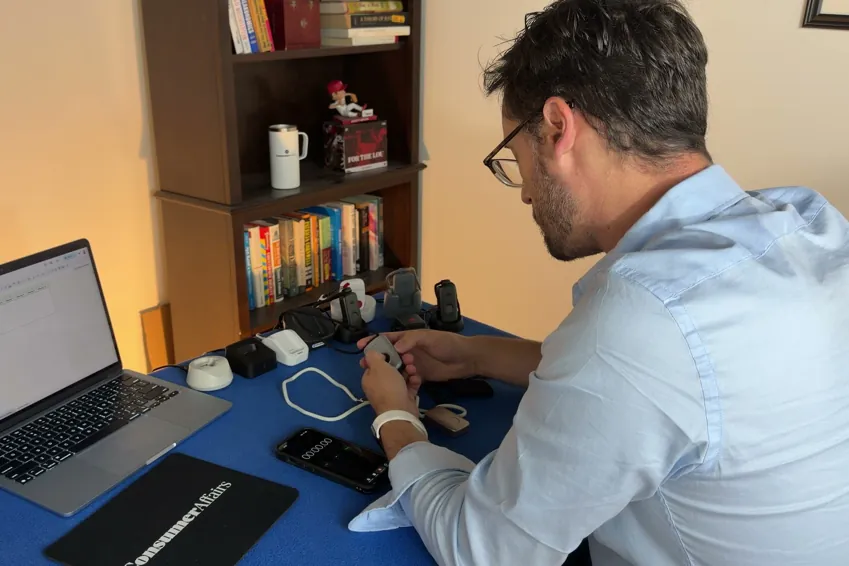
| Category | Weight | What it measures | Where the evidence comes from |
|---|---|---|---|
| Calling for help | 35% | Press the button and ask for help. Did it reach a person, how long did it take and what, if anything, blocked communication? | 10 timed test calls per device, spread across mornings and afternoons |
| Cost | 30% | First-year total on the base plan, fall detection excluded | Receipts, invoices and the signed agreement |
| The device | 25% | The hardware in your hand, scored against a fixed feature list | Unboxing footage, a scale and weeks of wear |
| Sales process | 5% | How the rep sold it to me, and whether I could buy without a phone call | The post-call report written the day of each call |
| Setup | 5% | Whether setup existed at all, and if so, how much time it took | Activation footage, timed |