

Would I Trust ADT's Medical Alert System With My Life?

What I actually paid for ADT On-the-Go
My total cost for the first year, including all of the equipment and services, was $646.24. Here’s a quick breakdown of what that included:
- Base price: $45.98 per month/$551.76 per year
- One-time setup fee: $64.49
- One-time shipping fee: $29.99
This doesn’t include automatic fall detection, which you can add for $10 per month or $120 per year. Also note that I purchased the system on a month-to-month basis rather than investing in an annual contract.
You get a discount if you go annual, and most medical alert system companies will prorate unused months back to you if you cancel early, so an annual contract is probably your best option.
ADT On-the-Go cost compared to alternatives
I tested ten other medical alert systems, and ADT’s system and service cost 60% more than the cheapest one I tested, and it costs about $70 more for the first year than the average of the units I tested. Here’s a quick look at how it compares to the competition.
| Device | First-year cost | Year after | My rating |
|---|---|---|---|
| LifeStation Pearl | $723.25 | $610.80 | B+ |
| LifeProtect 24/7 Bell X2 | $719.88 | $719.88 | F |
| ADT Medical Alert On-the-Go | $646.24 | $551.76 | A- |
| Lifeline On the Go Micron | $618.40 | $539.40 | B |
| LifeFone VIP X2 | $544.35 | $527.40 | A- |
| Medical Guardian MG Mini | $539.90 | $527.40 | B+ |
| Alert1 Life Beacon | $539.88 | $539.88 | B |
| SecuLife SOS | $532.10 | $408.00 | F |
| Bay Alarm Medical SOS All-in-One 2 | $523.80 | $419.40 | A |
| Lively Mobile2 | $413.46 | $299.88 | A+ |
| MobileHelp Elite | $407.90 | $395.40 | A |
ADT On-the-Go: What came in the box
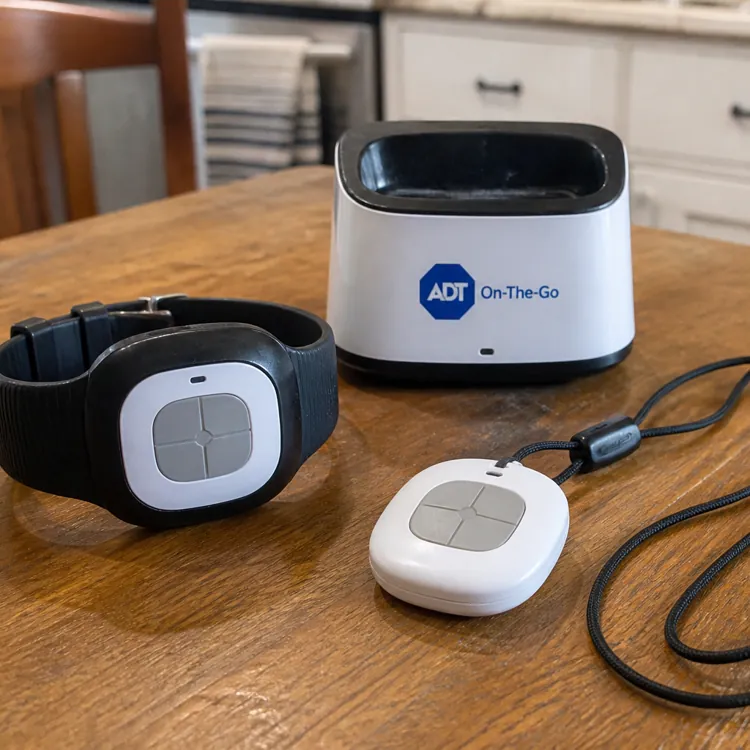
The ADT On-the-Go system came with the following pieces of equipment:
- Lanyard
- Alert pendant
- Alert wristband
- Charging base
I ordered a wall-mounted bathroom alert button that wasn’t with my initial shipment. ADT did send it later for testing, but that was a bit inconvenient to have to set things up separately.
Lanyard
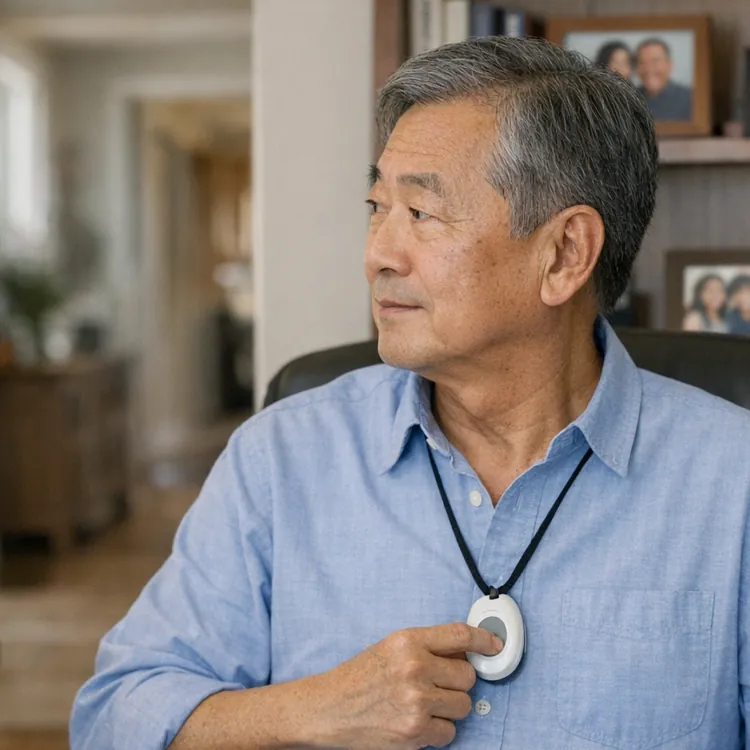
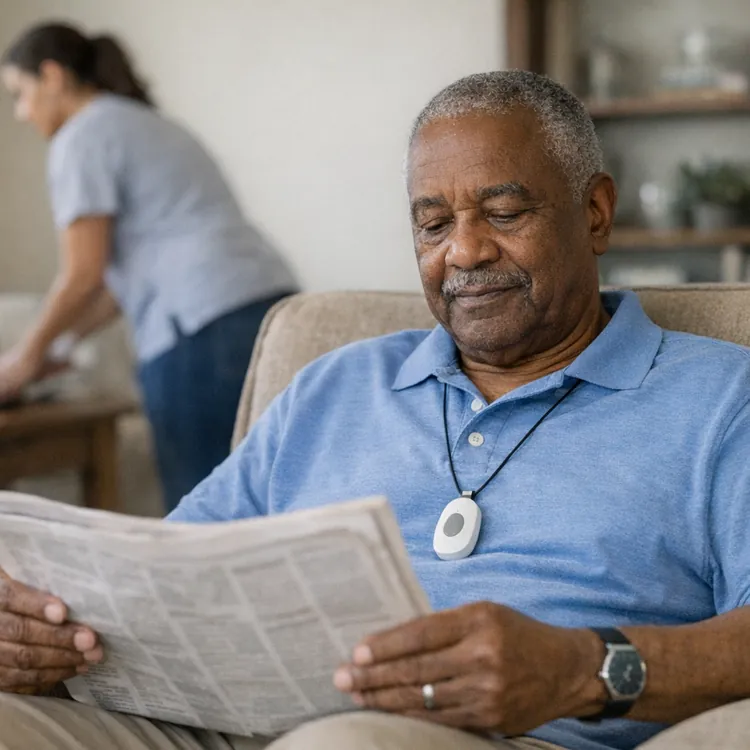
The lanyard seems high-quality overall, and the length is right in line with what you get from other medical alert devices. It sat just between my sternum and belly button, so people with upper-body mobility issues shouldn’t struggle too much to reach it when it’s hanging.
It uses a plastic clasp instead of a magnetic clasp, which is a drawback, in my opinion. Not only does it feel cheaper than other ones I’ve tested with more durable and reliable magnetic clasps, but there’s more of a risk that it’ll break if the lanyard gets caught on something, which means your device might be unwearable until you replace the lanyard.
Alert pendant
ADT’s pendant is lightweight at just 1.95 ounces and isn’t that noticeable around your neck. Its plastic shell gives it a cheap feel, but it seems durable enough. The pendant is water-resistant but not waterproof, so you can wear it in the shower, but not in a pool or bathtub.
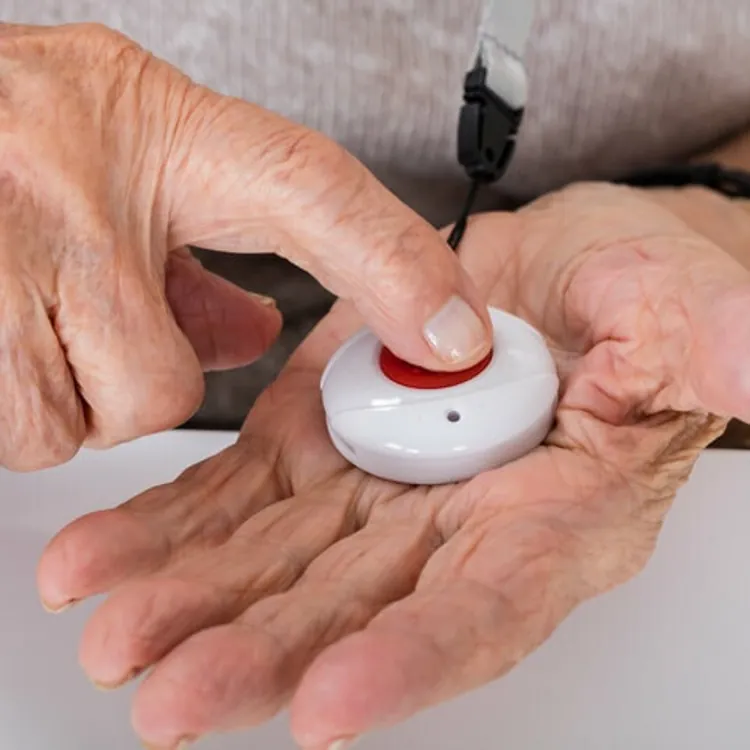
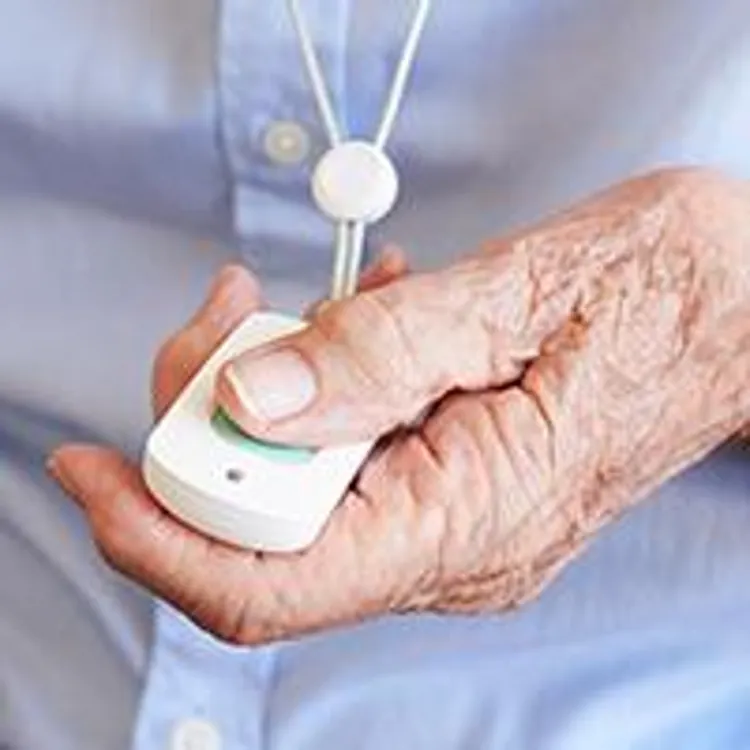
The pendant has one large call button on the front and a small test button on the side that ADT recommends using during setup.
When you turn on the pendant, the buttons light up, and you hear an audible cue letting you know that the system is ready. You can then run the test call by pressing the test button first and then the main button once you’re prompted, or by pressing and holding the main button for two seconds. The button takes a good amount of effort to press, so it might be problematic for family members with weakness in their hands.
I was connected to a real human in about a minute with no AI intermediary. There’s a speaker on the top and a microphone on the bottom, both of which worked perfectly during testing. The call was clear on both ends, and the volume from the speaker seemed plenty loud.
The call button is surrounded by LED lights that clearly indicate how far along charging is while it’s on the dock, but there’s no indication of remaining battery life while you’re wearing the pendant.
Wristband
ADT included a wristband at no additional cost with my purchase, despite the website saying it would cost an additional $15. It’s a nice free addition, and it can be useful if your loved one falls on the pendant or in a position where they can’t reach it, but it mostly seems like overkill. I’d sooner invest in the dedicated wall button for an additional $3 per month for high-risk areas, like bathrooms.
Despite being about the size of an Apple Watch, it feels a bit odd to wear, especially if you also wear a regular watch. Note that the watch just initiates a call through the pendant, so the watch is not a replacement option for the pendant.
However, the watch is easy to use with a single, large button on the face, and the button is easier to press and hold than the one on the pendant.
Charging base
The charging base is small and easy to use, so it’s unobtrusive and delivers the value it needs to. It doesn’t have any unnecessary lights that illuminate your space at night, but you still get charging feedback from the LED lights around the call button on your pendant while it’s docked.
The main downside to the base is that it’s hard-wired, so the only option you have for reaching further with your base is an extension cord, which is usually bulky and can present an added fire and trip hazard.
I pressed the emergency button, here's what happened
While things like cost and comfort matter, the most important thing when choosing a medical alert system is what actually happens when you press the emergency button. In this area, ADT scores an A in my ratings, making it the second-best in terms of the process to call for help.
Here’s what you can expect when you press the emergency button on ADT’s On-the-Go medical alert system:
- Press and hold the button. You have to press the button on the pendant and hold it for two seconds to initiate an emergency call.
- Verification. As soon as you press the wristband button or hold the pendant button for two seconds, you get an audible verification from the device: “Test call sent to emergency response center” for a test call, or “Call in progress” for an actual emergency call.
- Waiting period. In my test calls, the waiting period lasted just under a minute. This is the second fastest unit I tested, close to a 22% faster response time compared to the average. Unfortunately, there’s no haptic feedback or visual cue during the waiting period to let your loved one know that the call is still going through.
- No call cancellation. Once you initiate a test call or an emergency call, you cannot cancel it.
- Connected call with a human operator. You get connected to a human operator right away; no menus, prompts or questions from an AI.
- Dropped calls. I did have one issue with a dropped call during testing, but the operator called my phone immediately after the call dropped.
- Ending the call. There’s no way for you to hang up; only the rep can end the call.
The most important thing to note here is that your device connects you to a real human rather than to an AI, and the connection is faster than most other units I tested. For most people, this means greater peace of mind than you’d get from an alternative that uses an AI intermediary.
How the calling process compares to my top picks
What happens when you press the emergency call button on a medical alert device matters more than anything else, so I think it’s helpful to see how ADT’s system compares to those that scored higher in this arena. Here’s a quick breakdown to put things into perspective.
| Response time | Feedback while you wait | AI intermediary | Emergency call rating | Overall rating | |
|---|---|---|---|---|---|
| Lively Mobile 2 | 26 seconds | Audible | Automated intermediary | A+ | A+ |
| ADT On-the-Go | 58 seconds | Audible | None | A | A- |
| LifeProtect 24/7 | 63 seconds | Audible and visual | None | B+ | F |
| Bay Alarm Medical | 74 seconds | Haptic, audible and visual | None | A- | A |
ADT On-The-Go medical alert system overall score
Here’s a breakdown of On-The-Go’s score for each of the five criteria that factored into its overall grade.
| Overall grade | |
|---|---|
| Cost | B- |
| Sales process | A |
| Setup | B+ |
| The product itself | B- |
| Calling for help | A |
Cost
ADT On-the-Go is on the more expensive end. It costs $646.24 for the first year, compared to about $410 for MobileHelp or Lively. You're paying for the ADT brand and for going straight to a person instead of an AI.
Sales process
Tyler was a no-sales kind of salesman. The process took longer than with other providers, but only because he answered every question I had. He even told me to skip fall detection instead of trying to sell it to me.
Setup
The pendant already worked out of the box, nearly fully charged. The wristband did nothing until I called to activate it, which took eight minutes on the phone and cost $64.49.
I don't see why a fee applies to something that took no effort. Other products I tested had no activation fee, and if I hadn’t asked questions, the process would have been very fast.
The actual process was smooth, and it only took so long because the rep, Tyler, took the time to answer all the questions I had.
The product itself
On-the-Go is the standard size and weighs about two ounces, but it feels a little bit more “plasticky” than the price suggests. The lanyard is the biggest nitpick. It’s hard to open, not adjustable, and it'll fray over time because the clasp isn't a magnet. The charger is hard-wired, so none of my cables work.
Calling for help
ADT On-the-Go quickly connects you directly with a live person and was the second fastest unit I tested. There was constant audio feedback while dialing but no haptic feedback while waiting to be connected.
My verdict: Is ADT On-the-Go worth it?
ADT On-the-Go is on the expensive end of the devices I tested, but I think the service justifies the cost. It works when you need it to, and that’s ultimately what matters the most.
On-the-Go connects you to a real human with no risk of accidentally canceling the call, and you never have to interact with an AI to confirm you need help before you get to a real operator. It also takes under a minute, on average, to connect the call, which is one of the fastest I tested.
Overall, ADT’s On-the-Go medical alert system gets an A- rating from me. You can read my reviews of the other devices I tested to get a more in-depth comparison and decide which is right for you.
Methodology
I bought eleven medical alert systems on a month-to-month plan, unboxed them on camera and graded them on the same five categories in the same order every time. Four of the five category grades are read aloud on the recording; calling for help is graded based on ten timed test calls per device. The overall grade is not a judgment call — it is the weighted average of those five categories, computed the same way for every device.
| Category | Weight | What it measures | Where the evidence comes from |
|---|---|---|---|
| Calling for help | 35% | Press the button and ask for help. Did it reach a person, how long did it take and what, if anything, blocked communication? | 10 timed test calls per device, spread across mornings and afternoons |
| Cost | 30% | First-year total on the base plan, fall detection excluded | Receipts, invoices and the signed agreement |
| The device | 25% | The hardware in your hand, scored against a fixed feature list | Unboxing footage, a scale and weeks of wear |
| Sales process | 5% | How the rep sold it to me and whether I could buy without a phone call | The post-call report written the day of each call |
| Setup | 5% | Whether setup was necessary and, if so, how much time it took | Activation footage, timed |