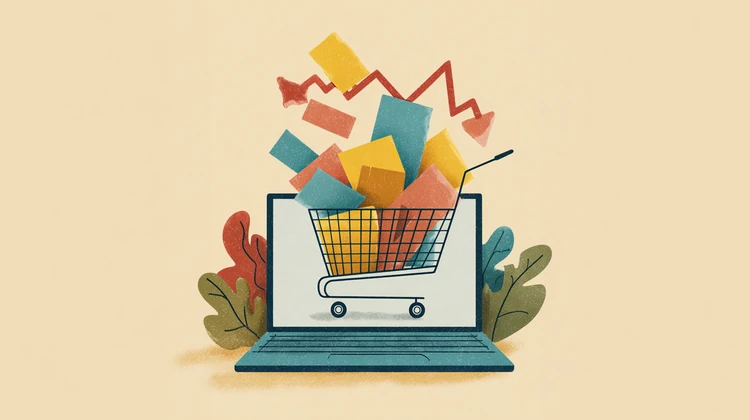

Prices feel random because data is messy: Weaker tracking means sites are guessing, leading to inconsistent prices and weird ads.
You can reset what you’re seeing: Use private browsing or another device to potentially get a different price.
Don’t buy too fast: Prices fluctuate frequently. Be sure to wait, compare, and screenshot those good deals.
Ever notice a price jump online after you search for something once… or ads chasing you for weeks after you already bought the item? It’s not always the internet knowing too much about you, sometimes it’s the exact opposite.
According to Kris Irizawa, COO of E-Boost Consulting, a company that oversees how companies use algorithms to target and price products, many platforms are now working with incomplete or messy data, which means they’re guessing what you want.
This can lead to some weird pricing swings, bad product recommendations, and offers or discounts that make zero sense. Here’s a breakdown of what’s actually happening and how to shop smarter because of it.
Why prices and ads feel so random
Online platforms rely on “signals” like the things you click, search, or browse, when deciding what ads and products to put in front of your eyeballs.
But thanks to privacy changes (like blocked cookies and limited tracking), those signals are getting weaker or inaccurate. So instead of knowing what you want, systems are left to make educated guesses.
That’s why you might see:
- Prices change between visits.
- Ads for things you already bought.
- Totally irrelevant recommendations.
So, despite what many online shoppers think, what you’re being shown is often based on bad data, rather than pure manipulation.
What you should actually do (actionable tips)
- Never trust the first price you see. Check the same item across multiple sites before buying. If a price changed once, it can change again.
- Use private browsing or clear cookies. This can reset the signals that websites are using on you. You may see different prices or offers when you come back fresh.
- Don’t rush — timing still matters. If a price jumps, wait. Many pricing systems fluctuate constantly, and prices often drop back down within hours or days.
- Screenshot prices when you see a good one. If the price changes at checkout or later, you have proof to request a match or adjustment.
- Avoid clicking the same product repeatedly. The longer you look at a product’s description, reviews, or pictures, the more sites think you’re ready to buy. This can sometimes reduce discounts or increase urgency tactics.
Pro tip: Make it a habit to check prices on a different device (phone vs. laptop) and do a quick price comparison. Also, consider logging out of your account when browsing and get yourself a fresh price check that way.
Why this matters
The online shopping experience is getting noisier, not necessarily smarter.
And when systems are guessing instead of knowing, the advantage shifts back to you. This is especially true if you slow down, compare prices, and don’t trust what you see at face value.
Always keep in mind that if something feels off online, there’s a good chance it is.