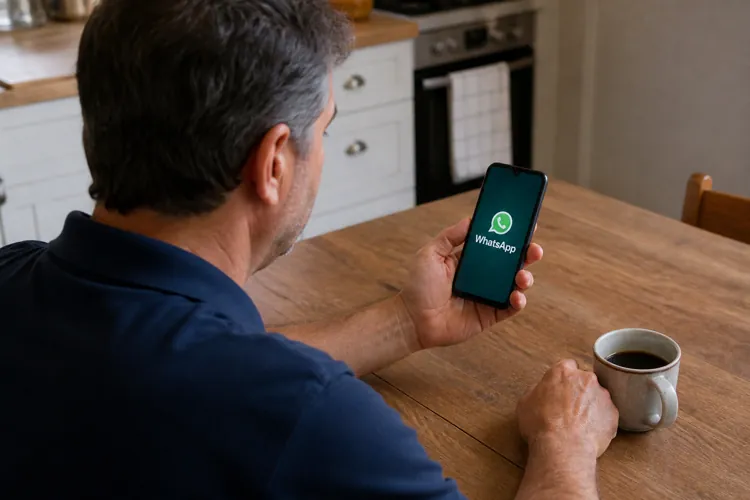

A WhatsApp scam asks users to vote for a friend or relative in a fake online contest.
The link can trick victims into connecting a criminal’s device to their WhatsApp account.
Users should review linked devices, activate two-step verification, and confirm unexpected requests through another channel.
A seemingly harmless request to vote for a friend in an online contest is being used to take over WhatsApp accounts, cybersecurity researchers warn.
The scam begins with a message asking the recipient to support someone participating in a ballet performance, pet contest, school competition, or similar event. The sender may appear to be a friend or relative whose WhatsApp account has already been compromised.
The message often suggests that voting will end soon, creating pressure to act quickly.
According to Malwarebytes, the link does not lead to a legitimate contest. Instead, it takes the user into a process designed to connect a device controlled by the scammer to the victim’s WhatsApp account.
How the scam works
After clicking the voting link, victims may see a page that appears to be associated with WhatsApp. In some versions, the page uses WhatsApp’s legitimate wa.me domain before redirecting the user.
The victim may then be instructed to verify an account, scan a QR code, or open WhatsApp’s “Linked devices” section and enter a code provided by the website.
Those actions do not cast a vote. They authorize the attacker’s computer or browser as a linked WhatsApp device.
Once connected, that device can allow the criminal to read conversations and send messages under the victim’s name. The scammer may then ask the victim’s contacts for money or personal information or send them the same fake voting request.
The attack can be difficult to spot because it does not necessarily involve stealing a password or immediately locking the victim out. The attacker’s computer may simply appear as another authorized device and remain connected until it is removed.
A separate version of the scheme may ask users to enter their phone number and a six-digit code sent by text message. That code is actually a WhatsApp registration code and should never be entered on an unfamiliar website.
Switzerland’s National Cyber Security Centre has also reported the scam, warning that criminals exploit trust by sending the request from accounts belonging to people the victim knows.
Red flags
Consumers should be suspicious of any unexpected message asking them to vote in a contest, especially when the request includes a deadline or directs them to connect or verify their WhatsApp account.
Other warning signs include instructions to:
Scan a QR code from an unfamiliar website.
Open WhatsApp’s Linked devices menu.
Enter a pairing or verification code.
Provide a six-digit code received by text.
Act immediately without confirming the request.
Even when the message comes from a known contact, users should call, text, or contact that person through another service to make sure the request is genuine.
What victims should do
Anyone who followed the instructions should open WhatsApp and go to Settings > Linked devices. Any browser, computer, or other device that is not recognized should be selected and logged out immediately.
Victims should also warn their contacts not to trust recent messages or click links sent from the compromised account.
If the scammer registered the WhatsApp account on another phone, the legitimate user can try signing back in with their phone number and a new six-digit verification code. Entering that code should log the attacker out. However, recovery may take longer if the criminal activated a two-step verification PIN.
WhatsApp users can make their accounts harder to steal by turning on two-step verification under Settings > Account > Two-step verification. Malwarebytes also recommends checking the Linked devices list regularly and never linking a device unless the user initiated the process.