
Frontpoint vs. Cove: Quick comparison
 |  | |
| Coverage |  |  |
|---|---|---|
| Plan | ||
| Starting equipment cost | $69 | Around $80 |
| Starting monitoring fee | $15/month | $22.99/month |
| Contract terms | 12 to 36 months | No contract required |
| Trial period | 30 days | 60 days |
| Installation | DIY | Professional or DIY |
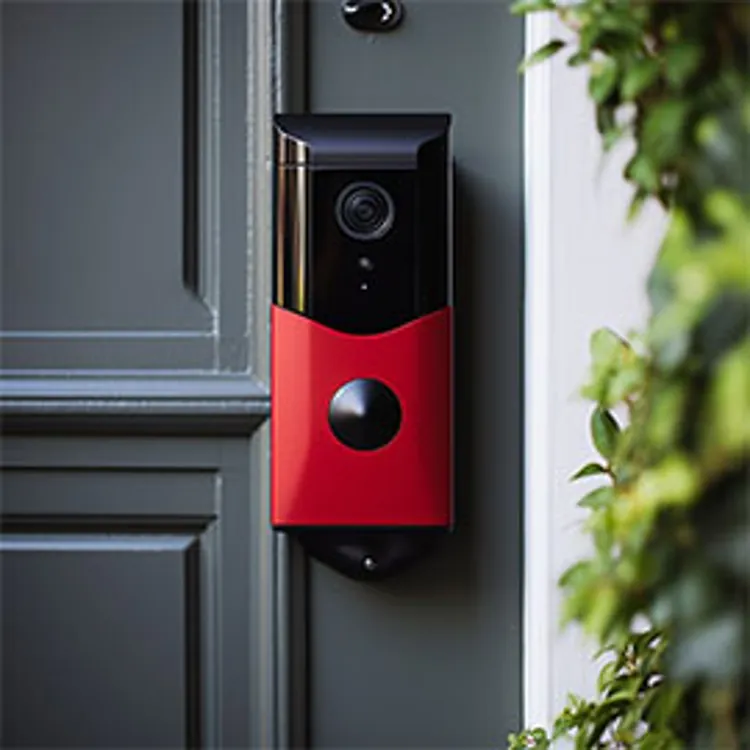
| Camera options | Indoor, outdoor and doorbell | Indoor, outdoor and doorbell |
| Home automation | | |
| Monitoring options | Professional | Professional |
| Availability | Nationwide | Nationwide |
| iOS rating | 4.3 | 4.4 |
| Android rating | 3.7 | 3.0 |
Frontpoint vs. Cove: What's the difference?
Frontpoint is a major DIY security provider with high-quality equipment and a reputation for strong customer support. It runs on the Alarm.com platform, giving users access to smart home integration and professional-grade hardware — all without requiring a technician to install it.
Cove is a newer entrant in the DIY security space, built around affordability and fast emergency response. Its alarm-verification tools — including InstaText and RapidSOS — are designed to cut dispatch times and reduce false alarm penalties.
What we like about Frontpoint
- Alarm.com technology: Frontpoint delivers the kind of features and reliability typically associated with professionally installed systems, at DIY prices.
- Preconfigured equipment: The hub and sensors arrive already programmed to your account, so setup requires no technical skill while still meeting professional standards.
- Price lock guarantee: Your monthly monitoring rate won't increase during your agreement term.
- Cellular backup included: Every professional monitoring tier includes cellular backup, keeping your system active even if the internet or power goes out.
What to consider: Monthly fees run higher than most budget DIY competitors like Ring and SimpliSafe. Frontpoint doesn't offer professional installation, so setup is entirely on you — though the preconfigured equipment makes the process relatively painless.
What we like about Cove
- Rapid alarm verification: InstaText and RapidSOS allow instant two-way communication with the monitoring center, resulting in faster dispatch and fewer false alarm fines.
- Contract flexibility: Month-to-month plans give you the freedom to cancel anytime, which is ideal for renters and cost-conscious buyers.
- Low barrier to entry: Cove ranks among the most affordable systems to buy and install, with transparent pricing throughout.
What to consider: Because it's DIY-only, you'll handle setup yourself — though the system is designed to be simple. Cove also has limited smart home integration compared to full-service providers and doesn't offer a wide selection of third-party cameras.
Frontpoint vs. Cove: System and installation
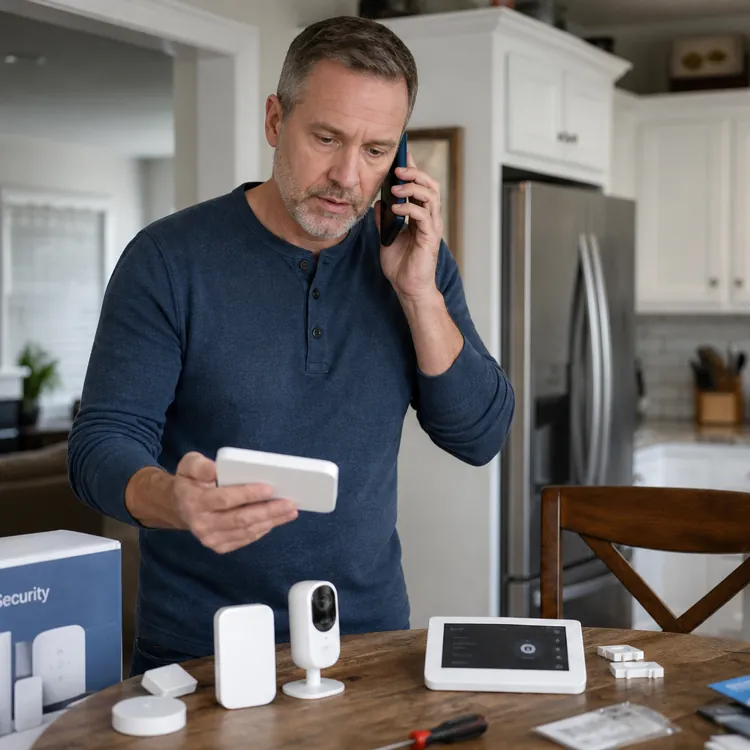
Both Frontpoint and Cove ship preconfigured equipment and guide you through a wireless setup — no professional installer required. Here's how the two experiences differ once you open the box.
Frontpoint system and installation
- System type: Frontpoint uses wireless sensors paired with a central hub and keypad, all running on the Alarm.com platform. The system includes crash-and-smash protection and geo-services for added reliability.
- Installation options: DIY only. Equipment arrives preconfigured for your account and can be set up quickly using the app-guided process. Professional installation is not offered.
Frontpoint equipment costs
Starter packages typically range from $69 to $419, depending on current promotions and whether cameras are included. All equipment is purchased outright, and individual sensors are competitively priced. Frequent sales can reduce costs significantly.
Cove system and installation
- System type: Cove uses a wireless, cellular-based system built around its touch alarm panel. A built-in camera on the panel helps the monitoring center verify alarms before dispatching emergency services.
- Installation options: DIY only. Components come preprogrammed and attach with adhesive strips — most customers finish setup in about 15 minutes.
Cove equipment costs
Starter kits range from $120 to $300, depending on the number of sensors and cameras included.
Frontpoint vs. Cove: Monitoring plan costs
Both companies provide professional monitoring, but Cove's plans start at a significantly lower monthly rate than Frontpoint's.
| | |
| Coverage | | |
|---|---|---|
| Plan | ||
| Monitoring price range | $15 to $49.99/month | $22.99 to $42.99/month |
| Monitoring options | Professional | Professional |
| Self-monitoring | | |
| Upgraded self-monitoring | Not offered | Not offered |
| 24/7 professional monitoring | $44.99/month | $22.99/month |
| Upgraded professional monitoring | $49.99/month | $42.99/month |
Frontpoint monitoring plans
- Ultimate Monitoring: Around $50 per month. Covers 24/7 professional monitoring, cellular backup, crash-and-smash protection, full mobile app access for video streaming and home automation, environmental monitoring for fire and flood, and smart home control.
- Interactive Monitoring: Approximately $44.99 per month. This plan includes everything in the Ultimate Monitoring plan except video analytics.
- Video-Only (self-monitoring): Around $15 per month. Lets you record and view video footage but does not include professional emergency dispatch.
Contract commitment: A 36-month agreement is standard when you take the lowest upfront equipment price or use financing. If you buy the hub and sensors outright, Frontpoint often makes a month-to-month option available.
Cove monitoring plans
- Cove Basic: $22.99 per month. Includes 24/7 professional monitoring, environmental monitoring for fire and flood, and daily automated system tests.
- Cove Plus: $29.99 per month. Adds smartphone app control, camera cloud storage, voice assistant integration with Alexa and Google, and a lifetime equipment warranty.
Contract commitment: Cove runs on a month-to-month basis with no long-term commitment required. You can cancel at any time. A 36-month agreement applies only if you choose to finance your equipment rather than purchase it outright.
» COMPARE: SimpliSafe vs. Cove
Frontpoint vs. Cove: Equipment and technology
Compare Frontpoint's Alarm.com-powered hardware with Cove's streamlined, budget-conscious equipment lineup.
| | |
| Coverage | | |
|---|---|---|
| Plan | ||
| Wired or wireless? | Wireless | Wireless |
| Camera options | Indoor, outdoor and doorbell | Indoor, outdoor and doorbell |
| Video doorbell | | |
| Control panel | | |
| Motion sensor | | |
| Entry sensor | | |
| Glass break sensor | | |
| Keychain remote | | |
| Siren | | |
| Panic button | | |
| Yard sign | | |
| Smart locks | | |
| Smart lights | | |
| Smart thermostat | | |
| Garage door control | | |
| Temperature sensor | | |
| Water sensor | | |
| Smoke detector | | |
| CO detector | | |
| Mobile app | | |
| Mobile app monitoring | | |
| iOS rating | 4.3 | 4.4 |
| Android rating | 3.7 | 3.0 |
| Notification/alert options | Email, text and push | Email, text and push |
| Home automation capabilities | | |
| Voice integration | | |
| Amazon Alexa | | |
| Google Home | | |
Reputation on ConsumerAffairs


What Frontpoint customers say
While most reviewers were pleased with the service and product they received from Frontpoint, there were a few negative comments. Those with criticisms of the company ran into issues with malfunctioning equipment or incorrect charges. However, most customers felt they received helpful and friendly service and that the product worked as advertised.
“Frontpoint's customer service was top notch. They were extremely patient, extremely informative and always responsive ... If I had an issue or a need to walk through something, they would stay on the line with me as I walked through it. So, the initial set up and conversations were great. Any other questions I've had since then, customer service has been top-notch.”
— Johnny of Morganton, NC
What Cove customers say
According to verified customers, Cove systems are reasonably priced and easy to install. Some reviewers complain about equipment functionality and false alarms. Some also describe connection issues — if you live in an area without good AT&T service, Cove may not be the best option for you.
“I got Cove because it offered me a really cheap subscription and after doing some research online I decided to take the risk on this new company. The customer reviews seemed good, but I've only had it a couple of months. The customer service is fine and the installation was a cinch.”
— Patrick of Bradenton, FL
Bottom line: Frontpoint or Cove
Choose Frontpoint if you want a DIY system with higher-end Alarm.com features and guaranteed pricing, and you're comfortable paying a higher monthly fee for that level of technology.
Choose Cove if keeping monthly costs low is your priority and you don't need extensive smart home integration — it's one of the most affordable ways to get professional monitoring with no long-term contract.
» MORE: Frontpoint vs. ADT