If you aren’t that happy with your wireless provider’s customer service, you have plenty of company. Wireless customer care satisfaction has decreased for the first time in two years, according to the J.D. Power 2025 U.S. Wireless Customer Care Study—Volume 1.
In previous years online satisfaction has been down but in-store experiences have won praise. In this survey, consumers are less happy with both types of customer care.
Carl Lepper, senior director of technology, media and telecom at J.D. Power, suggests wireless offerings have become more complex with bundling, adding different products, payment plans and sales. He said customer service reps are trained on each of these different aspects of customer care, however, frequent changes to offers and the combination of products require “near mastery” to give the level of service the customer expects.
Patricia, a longtime Verizon customer from Buffalo, told us she had a bad experience at a Verizon store.
“I attempted to get a question answered via the 800 number agent who admitted she couldn't help me so I went to the Verizon Company store, waited 30 minutes and was coldly received by an associate who was rude,” Patricia wrote in a ConsumerAffairs review. “I asked to speak with someone else, waited another 15 minutes and it was worse - unprofessional, condescending and arrogant.”
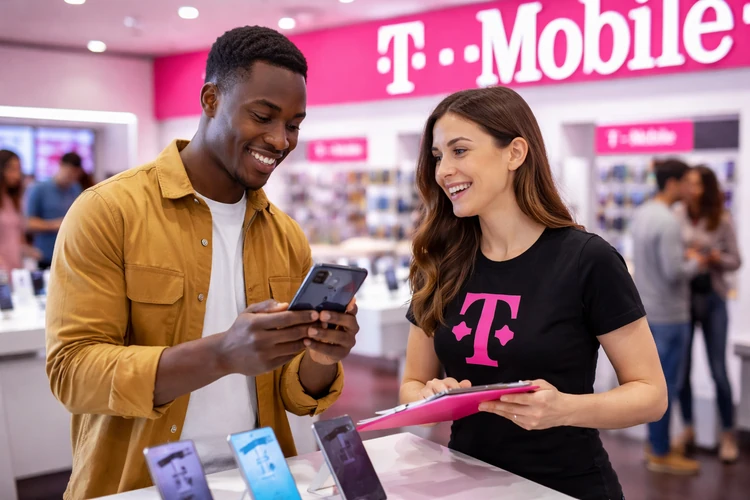
The study found that T-Mobile ranks highest in the mobile network operators segment for a 15th consecutive volume, with a score of 837. The segment average is 819.
But among ConsumerAffairs reviewers, even T-Mobile gets plenty of 1-Star reviews for its customer service.
“I wish I could give 0 stars,” Kaitlyn, of Tampa, told us. “No one up here seems to know what’s going on, not even the supervisors.”
Other top performers
According to J.D. Power, Spectrum Mobile ranks highest in the full-service mobile virtual network operators segment with a score of 845. Metro by T-Mobile (836) ranks second and Cricket (832) ranks third.
Consumer Cellular ranks highest in the value mobile virtual network operators segment for an 18th consecutive volume, with a score of 883. Mint Mobile (857) ranks second and Visible by Verizon (821) ranks third.
The study is based on responses from 19,035 customers who contacted their carrier’s customer care department within the past three months.